Get 10% back in Relic Coins on every order
Once Again cover

Nintendo SwitchAmericas· Key

Once Again

€3.53

+€0.35 cashback eligibility in Relic Coins

Check before you play

Platform
Nintendo Switch
Region
Americas
Product type
Key
Developer
RB Wolf Design
Publisher
RB Wolf Games
Supplier release date
2022-10-03
Genres
Adventure, Casual, Indie, Story rich

About this product

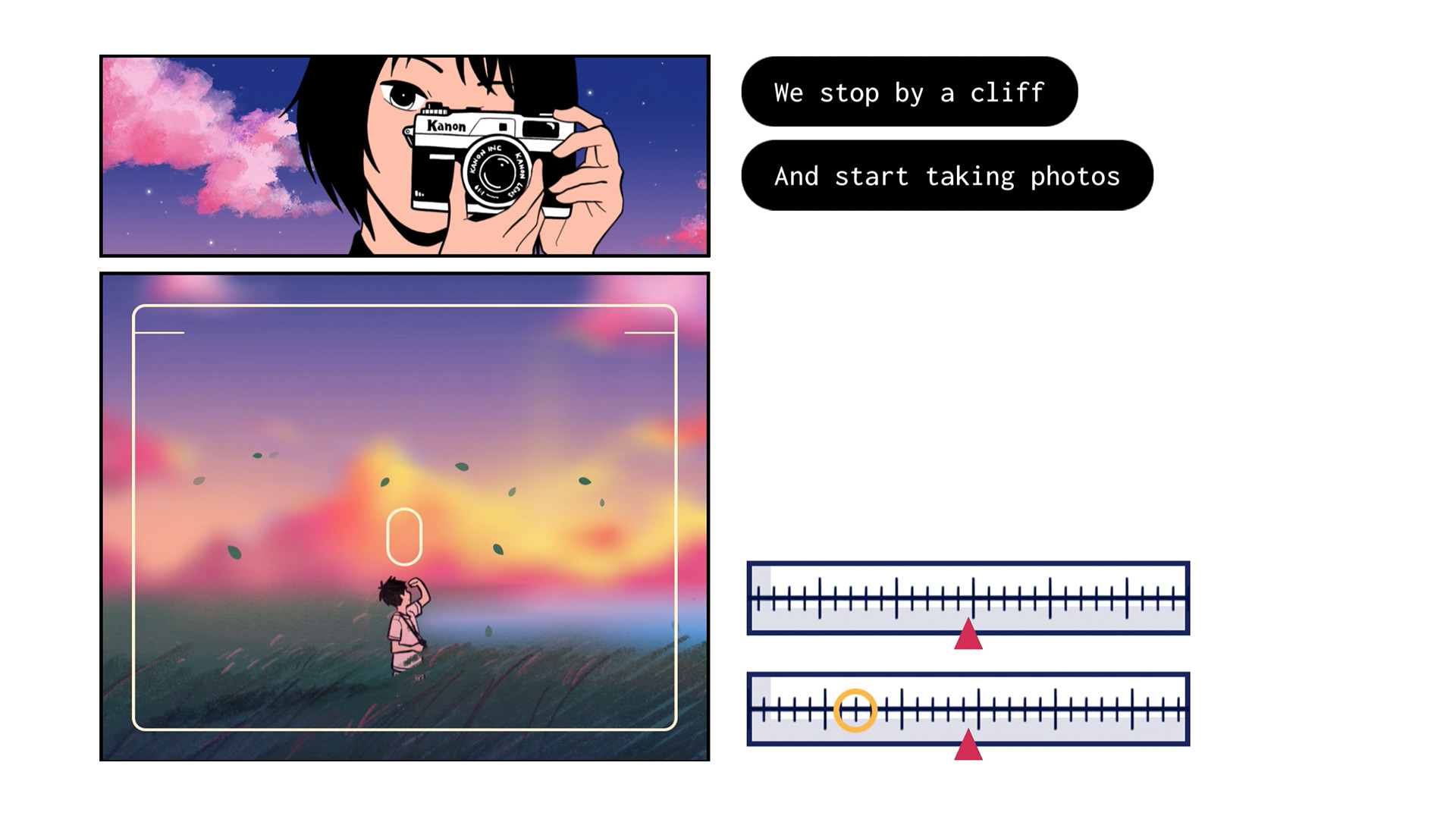
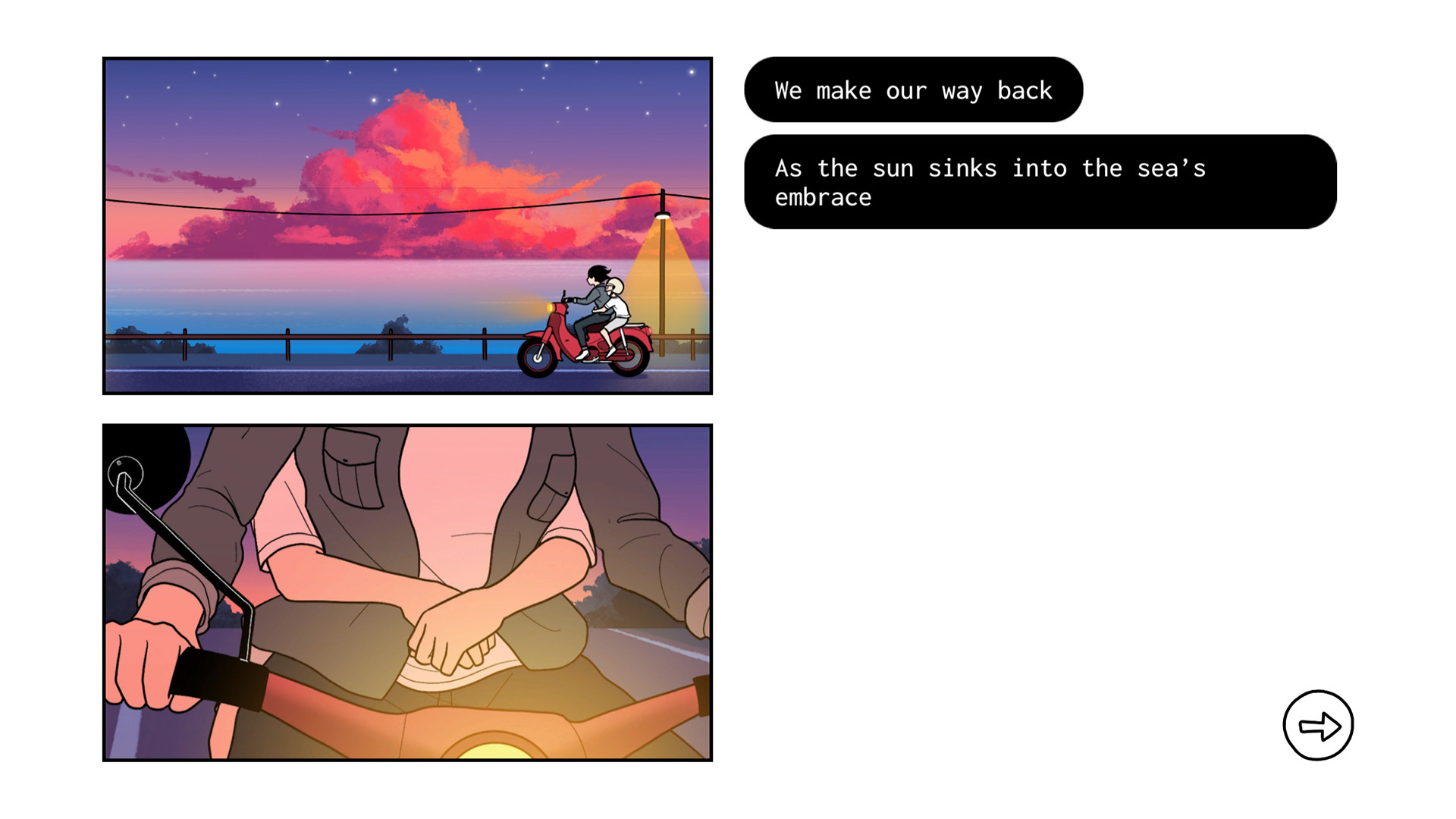
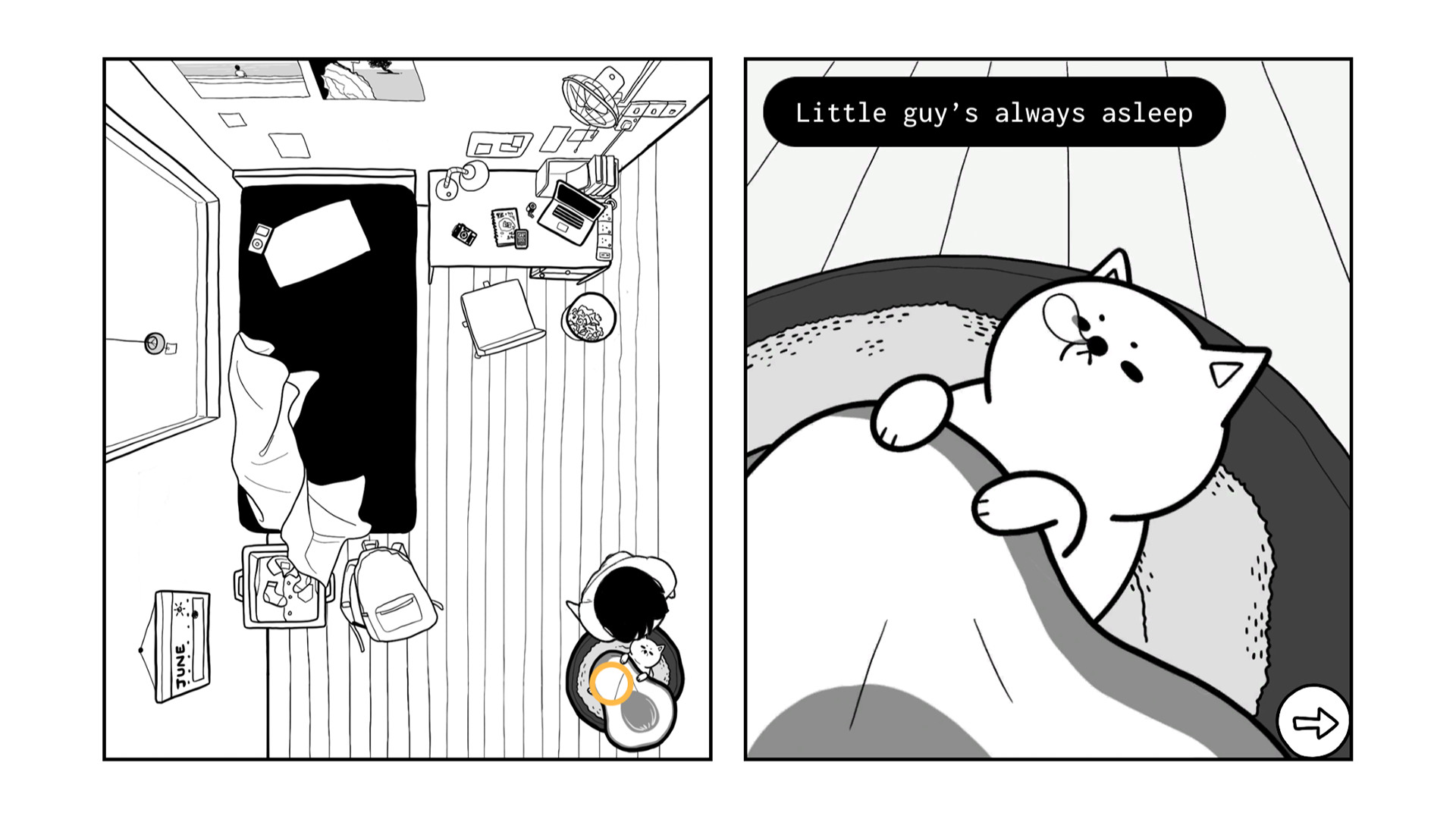
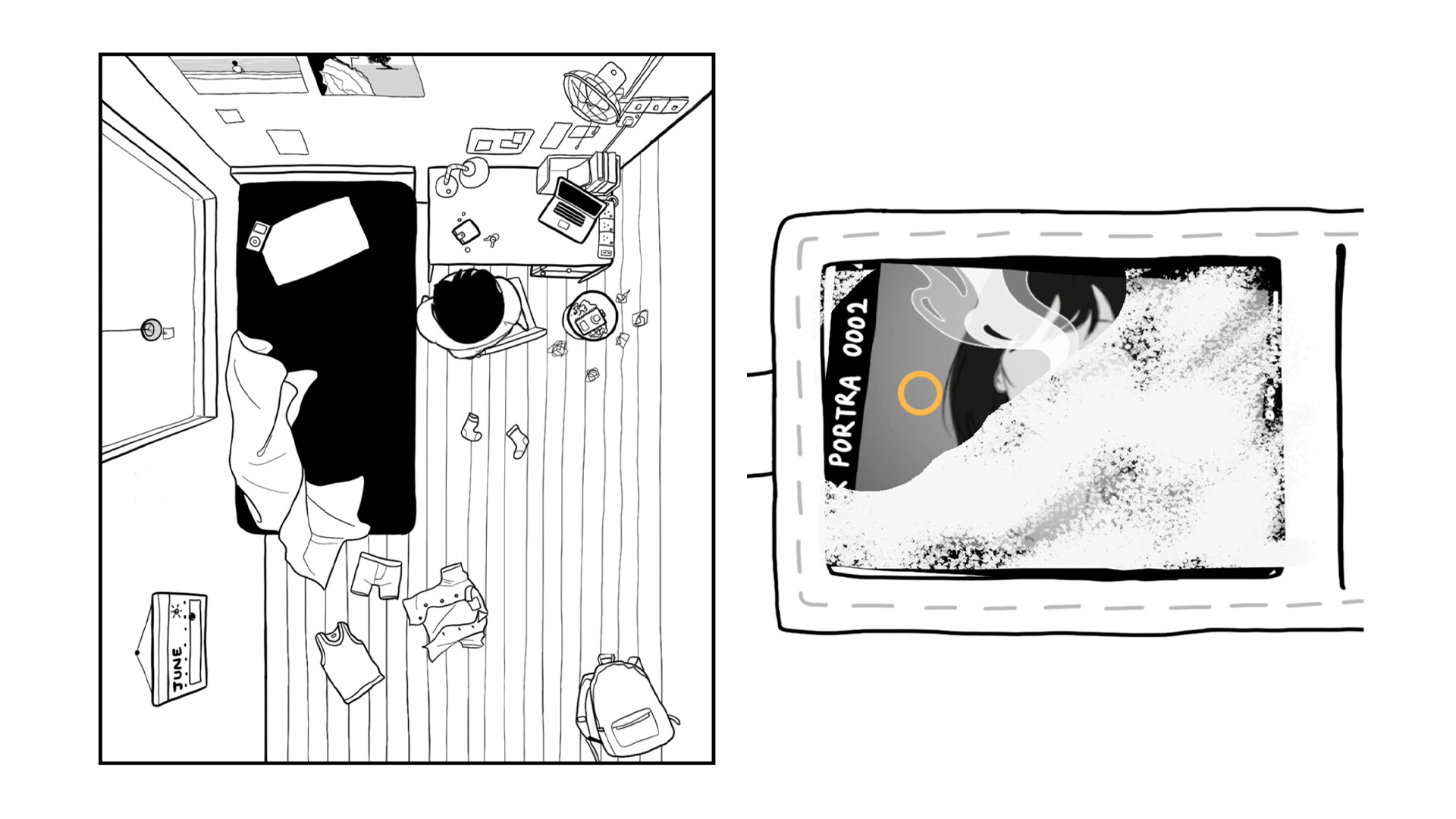
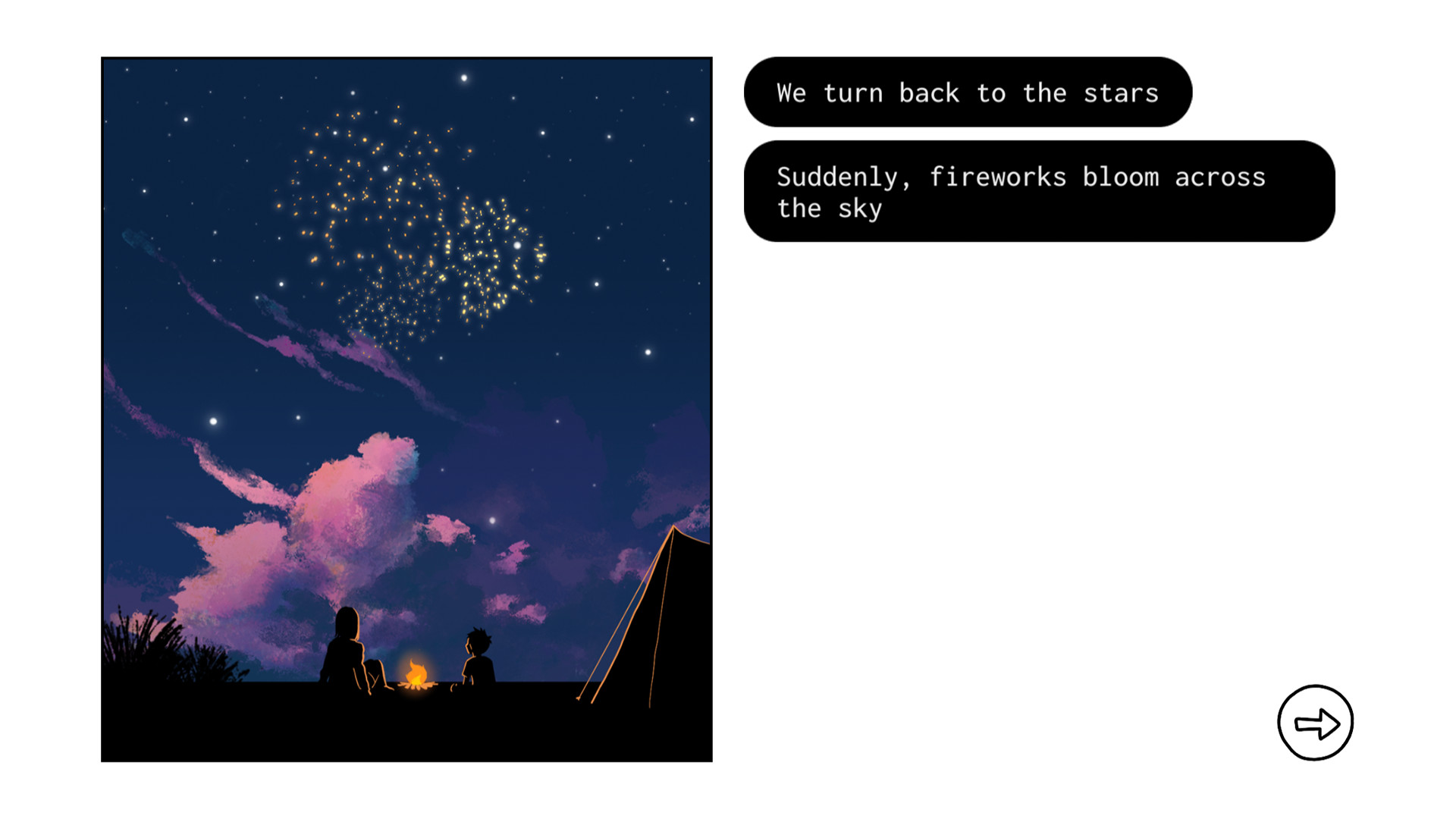
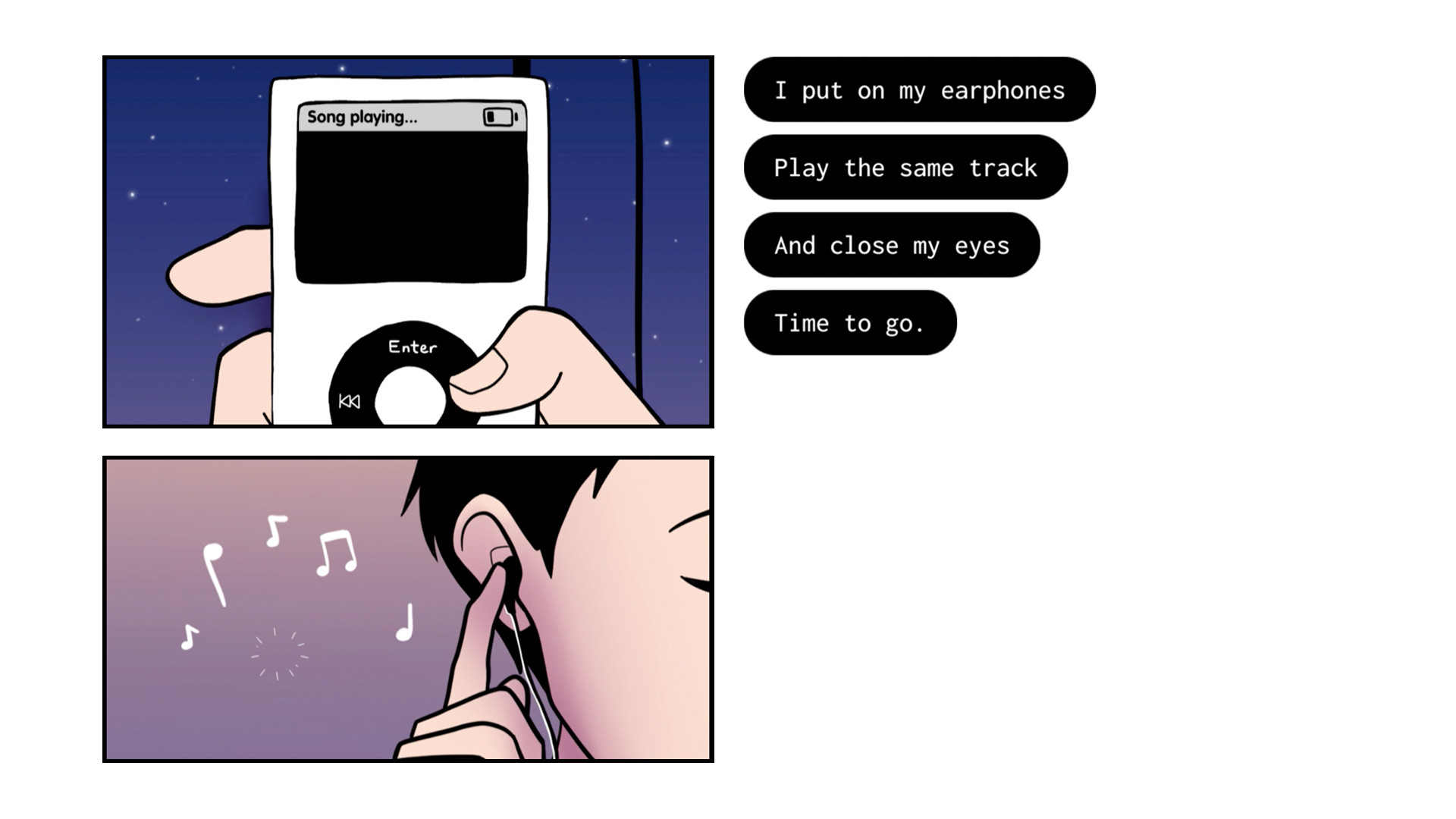
Make up for lost time with Once Again, this summer’s most heartwarming indie game.If you could travel through time, who’s the first person you’d meet?When teenage boy Sia opens his eyes after making a wish on a boring summertime birthday, he finds himself in an unfamiliar time, in front of a familiar someone who he never had the chance to meet.Together, she and Sia will form a bond through photography, while recapturing their lost time into rolls upon rolls of film. Who is she, and what journey awaits this star-crossed duo?Is a goodbye an ending, or a promise for a reunion? Let’s find the answers together, across time and space, in Once Again. Features Every birthday, Sia gets to make up for a lifetime of missed moments with her. Transcending time and space, Sia’s bond with her is poised to be summer’s most heartwarming tale. Immersive interactive gameplay lets you directly control Sia’s actions with charmingly simple, yet satisfying gameplay mechanics such as scrubbing, writing, taking photos and more. Stunning illustrated art style that weaves the narrative and gameplay into a wistful, nostalgic journey. Photography-inspired gameplay mechanics such as focus, exposure and more serve as the perfect introduction to a timeless art form.


Once Again screenshotOnce Again screenshotOnce Again screenshotOnce Again screenshotOnce Again screenshotOnce Again screenshot

How to redeem

  1. 1Check your Nintendo Switch account and the listed region before purchasing.
  2. 2Find your code and supplier activation instructions in your confirmed order.
  3. 3Open the redeem-code section on Nintendo Switch, enter the code and follow the platform’s prompts.

Supplier instructions

Select “Nintendo eShop” on the HOME Menu to launch the Nintendo eShop. Select the account you want to use. Select “Enter Code” on the left side of the screen. Enter the 16-character download code.Any letters and symbols not used with prepaid codes (i.e. O, I, Z, commas, hyphens, etc.) will be disabled from the on-screen keyboard. Select “Send” to confirm. The game will begin downloading once the code is confirmed.The game icon will appear on the HOME menu, with a download status bar. The status bar will disappear once the game download is complete.

You might also like