Get 10% back in Relic Coins on every order
Dead Island 2 - Expansion Pass DLC cover

SteamRest of the world· DLC

Dead Island 2 - Expansion Pass DLC

€1.25

+€0.13 cashback eligibility in Relic Coins

Check before you play

Platform
Steam
Region
Rest of the world
Product type
DLC

Check the required base game and edition before purchasing this add-on.

Developer
Dambuster Studios
Publisher
Deep Silver
Supplier release date
2024-04-22
Genres
Action, Adventure

About this product

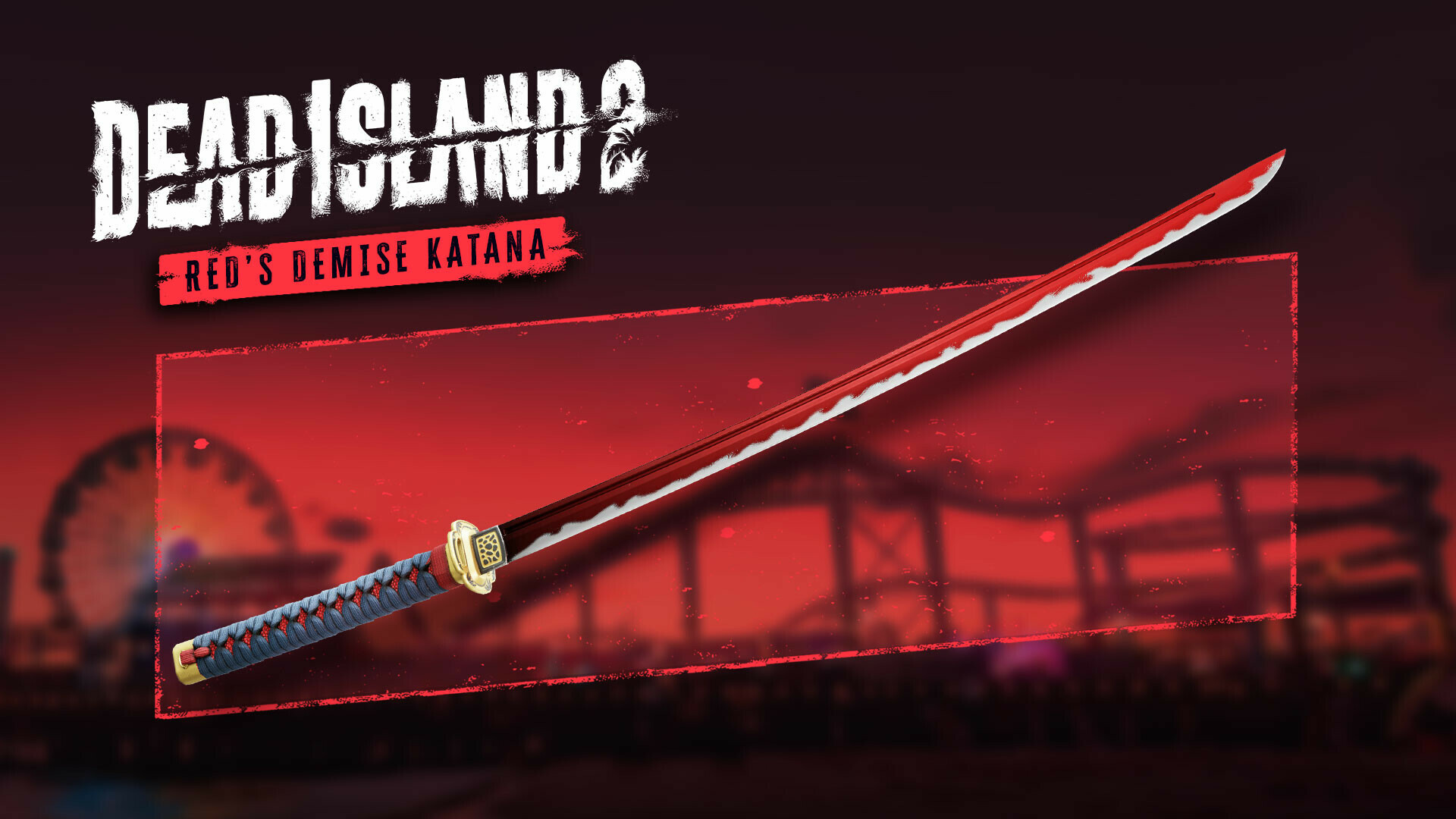
Includes Dead Island 2 - Expansion Pass DLC Experience two major story expansions along with brand new missions, weapons, skill cards, zombies and areas of HELL-A to explore. The Expansion Pass includes: - Haus: Lose yourself in a surreal, psycho-horror dreamscape as you explore a mysterious villa in Malibu. Descend through madness, debauchery and gore, where survival means confronting a new wave of unexpected horrors. - SoLA: Lured to the most iconic festival in Los Angeles, by an enigmatic warning message, players must explore SoLA’s ruins and put a stop to an otherworldly menace. - Red’s Demise Katana: Slice through the zombie horde with the Red’s Demise Katana, which earns you a temporary damage boost with every slay. - Gaelic Queen Dani Character Pack: Through hail and blood and fire, and a wall of barbs and clashing steel, customise Dani with a unique costume and weapon from the HELL-A Catwalk Collection.


Dead Island 2 - Expansion Pass DLC screenshotDead Island 2 - Expansion Pass DLC screenshotDead Island 2 - Expansion Pass DLC screenshotDead Island 2 - Expansion Pass DLC screenshotDead Island 2 - Expansion Pass DLC screenshotDead Island 2 - Expansion Pass DLC screenshot

How to redeem

  1. 1Check the required base game, platform and edition before purchasing.
  2. 2Find the code or supplier activation instructions in your confirmed order.
  3. 3Redeem on Steam using the supplied instructions, then install the add-on with the compatible base game.

Supplier instructions

Go to: http://store.steampowered.com/ and download STEAM client Click "Install Steam" (from the upper right corner) Install and start application, login with your Account name and Password (create one if you don't have). Please follow these instructions to activate a new retail purchase on Steam: Launch Steam and log into your Steam account. Click the Games Menu. Choose Activate a Product on Steam... Follow the onscreen instructions to complete the process. After successful code verification go to the "LIBRARY" tab and start downloading.

You might also like