Get 10% back in Relic Coins on every order
Call of Duty: Modern Warfare 2 (2009) Campaign Remastered cover

Battle.netRest of the world· Gift

Call of Duty: Modern Warfare 2 (2009) Campaign Remastered

€21.14

+€2.11 cashback eligibility in Relic Coins

Check before you play

Platform
Battle.net
Region
Rest of the world
Product type
Gift
Developer
Infinity Ward
Publisher
Activision
Supplier release date
2020-04-30
Genres
Action, FPS

About this product

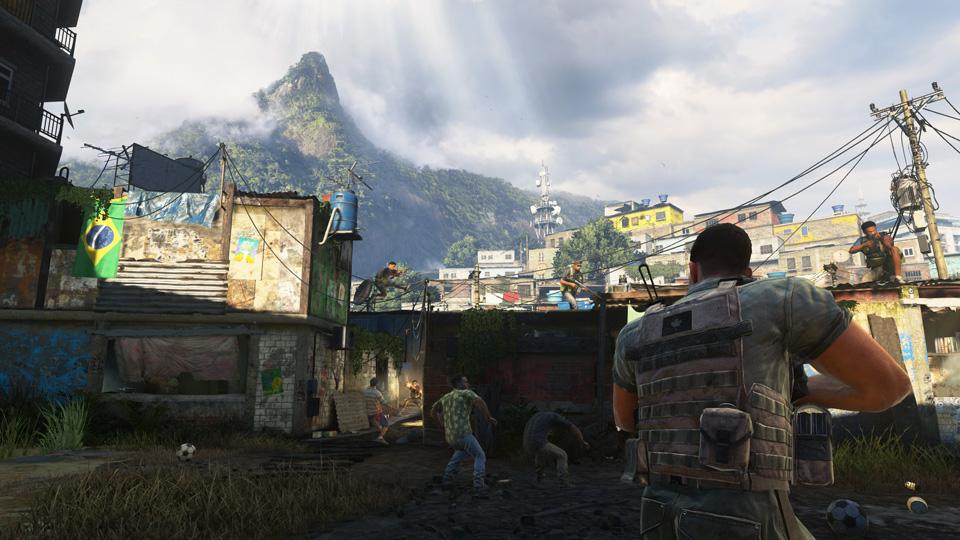
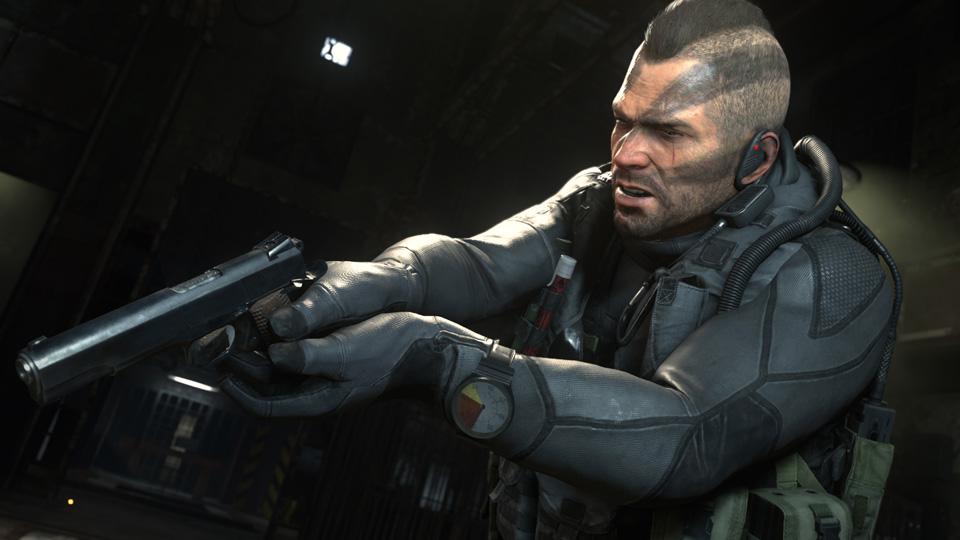
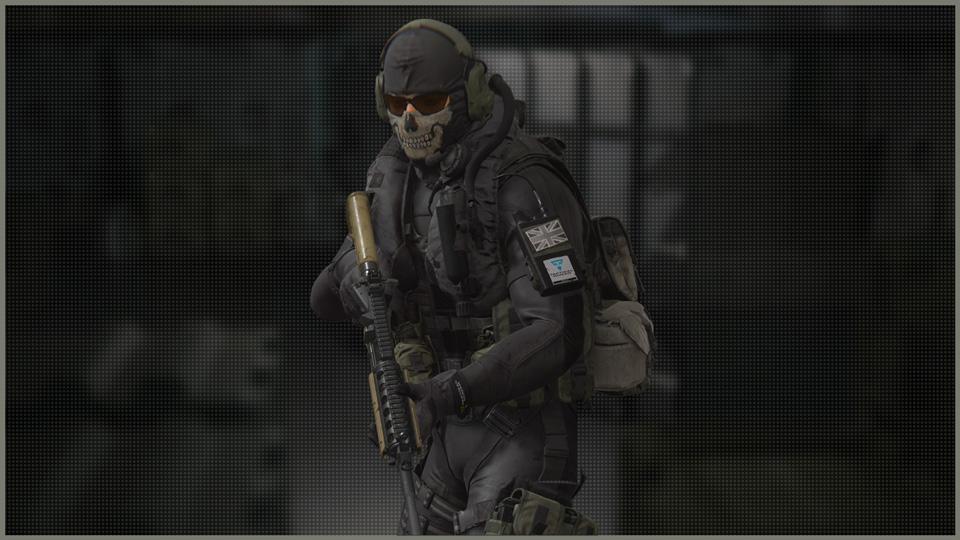
Relive the epic single-player Campaign from the 2009 blockbuster Call of Duty: Modern Warfare 2, remastered for a new generation in true high-definition. The Campaign picks up immediately following the dramatic events of Call of Duty 4: Modern Warfare, the ground-breaking title that earned worldwide critical acclaim. Modern Warfare 2 is the epitome of gripping and heart-racing action, as players face off against a new threat hellbent on bringing the world to the brink of collapse. The Call of Duty: Modern Warfare 2 Campaign has been fully remastered with improved textures, animations, physically based rendering, high-dynamic range lighting, and much more. Experience classic missions including Cliffhanger, The Gulag, and Whiskey Hotel as you join Soap, Price, 'Ghost' and the rest of Task Force 141 in the globe-spanning fight to restore order to the world. Includes the Underwater Demo Team Classic Ghost Bundle, available for use in Call of Duty: Modern Warfare, including Warzone.


Call of Duty: Modern Warfare 2 (2009) Campaign Remastered screenshotCall of Duty: Modern Warfare 2 (2009) Campaign Remastered screenshotCall of Duty: Modern Warfare 2 (2009) Campaign Remastered screenshot

How to redeem

  1. 1Check that your Battle.net account can receive gifts in the listed region.
  2. 2Open the confirmed order and follow the supplier’s gift-delivery instructions.
  3. 3Accept the gift on the required platform account and add it to your library.

Supplier instructions

Go to https://www.xbox.com Login to your account Hover over your account link (the top right of the screen) a menu will appear, click on the "Redeem Code" button. On the next page, click "Redeem" Enter your code Click "Confirm" Click "Confirm" again to assign the key to your account.

You might also like