Get 10% back in Relic Coins on every order
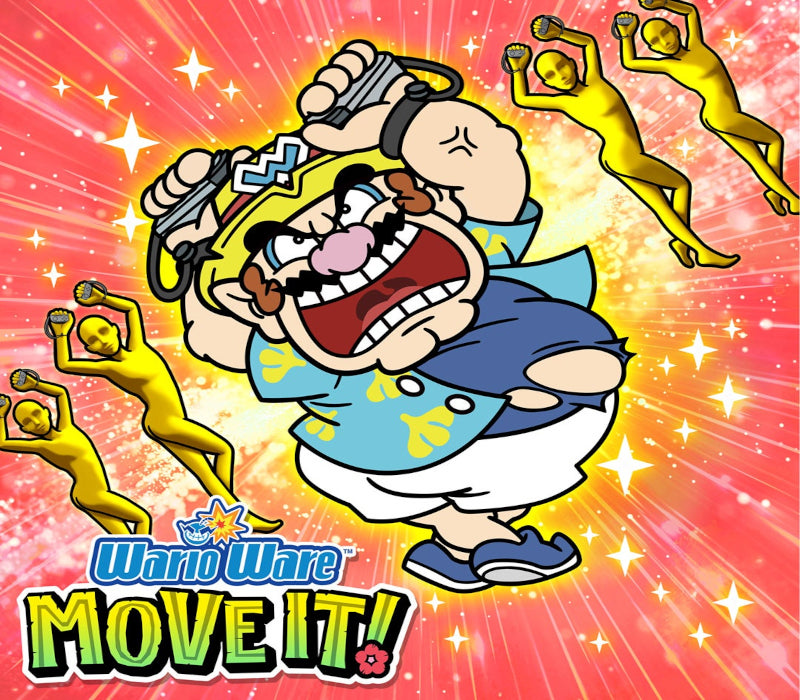
WarioWare: Move It! Nintendo cover

Nintendo SwitchAmericas· Key

WarioWare: Move It! Nintendo

€62.78

+€6.28 cashback eligibility in Relic Coins

Check before you play

Platform
Nintendo Switch
Region
Americas
Product type
Key
Developer
Intelligent Systems
Publisher
Nintendo
Supplier release date
2023-11-03
Genres
Action, Co-op, Sport

About this product

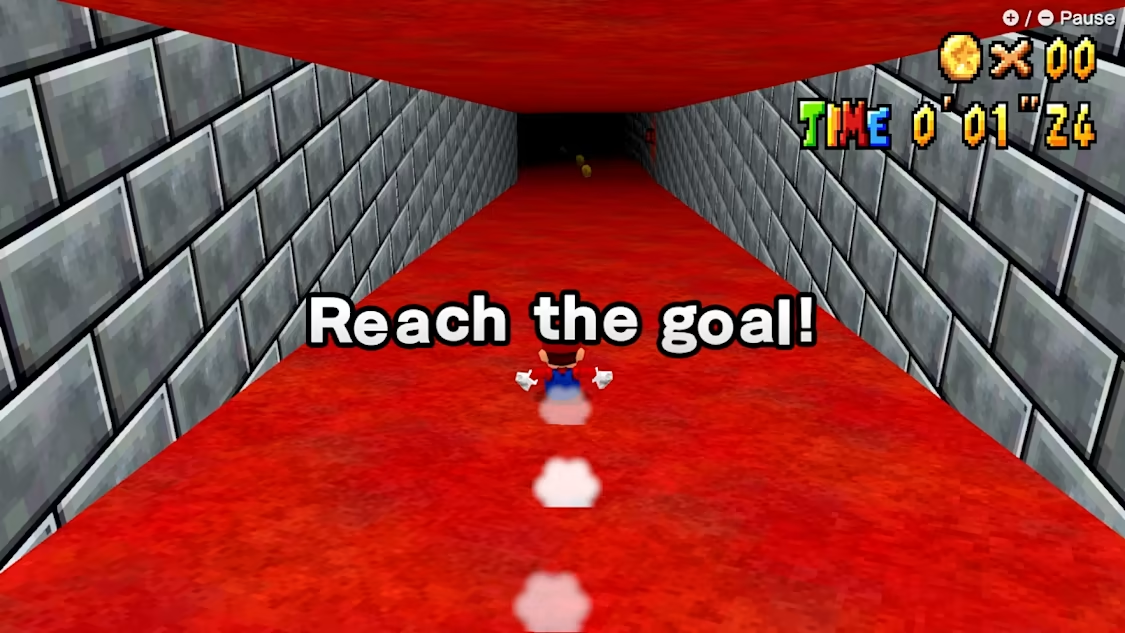
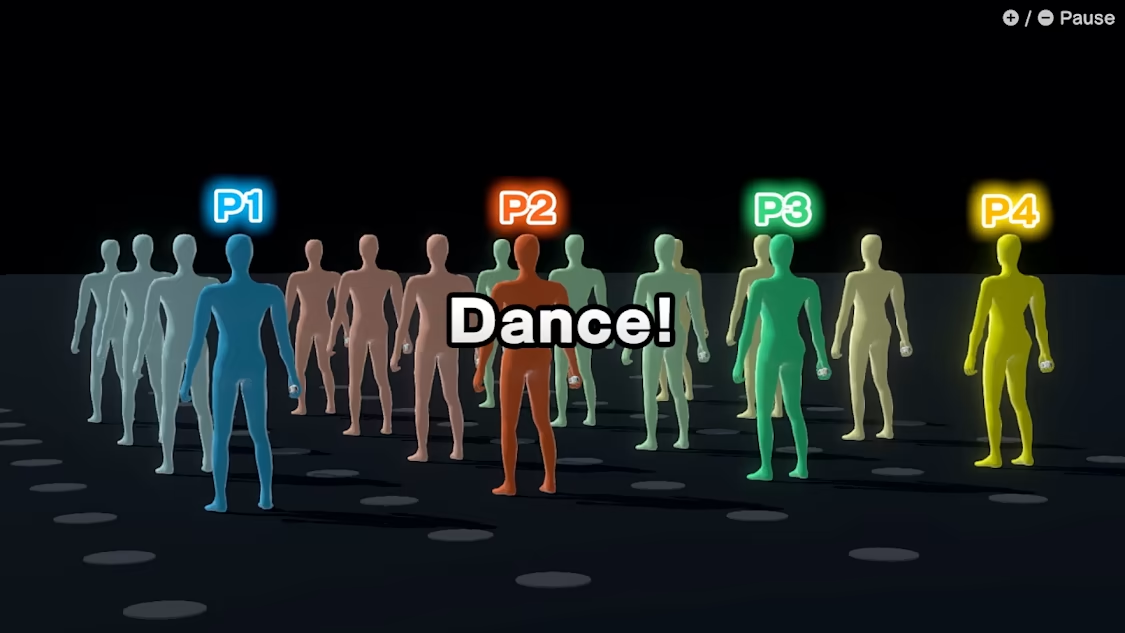
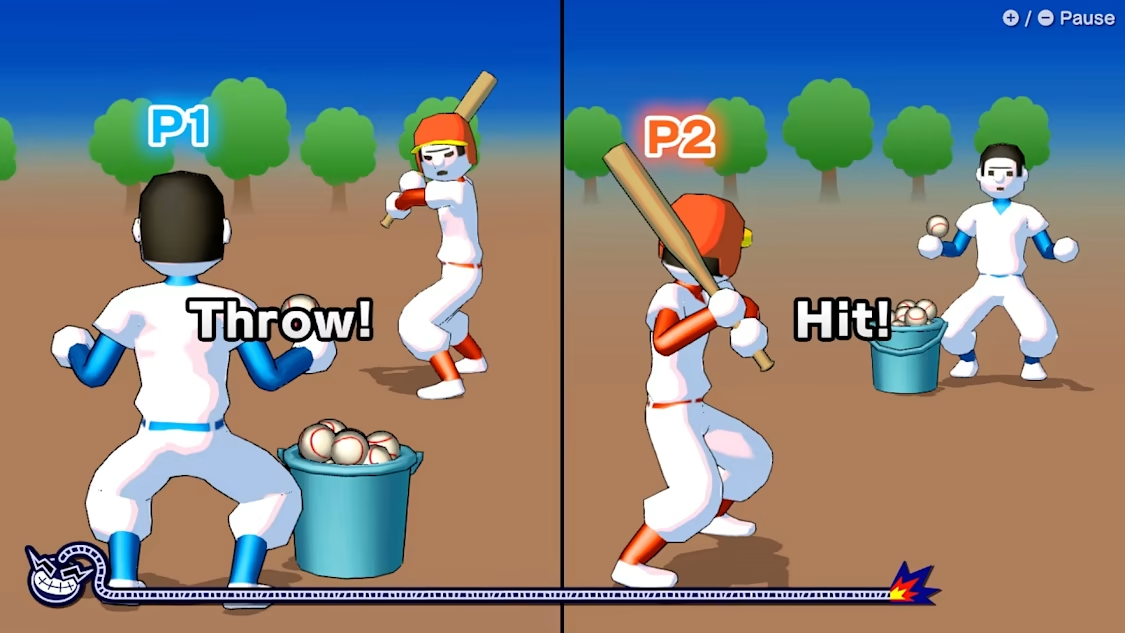
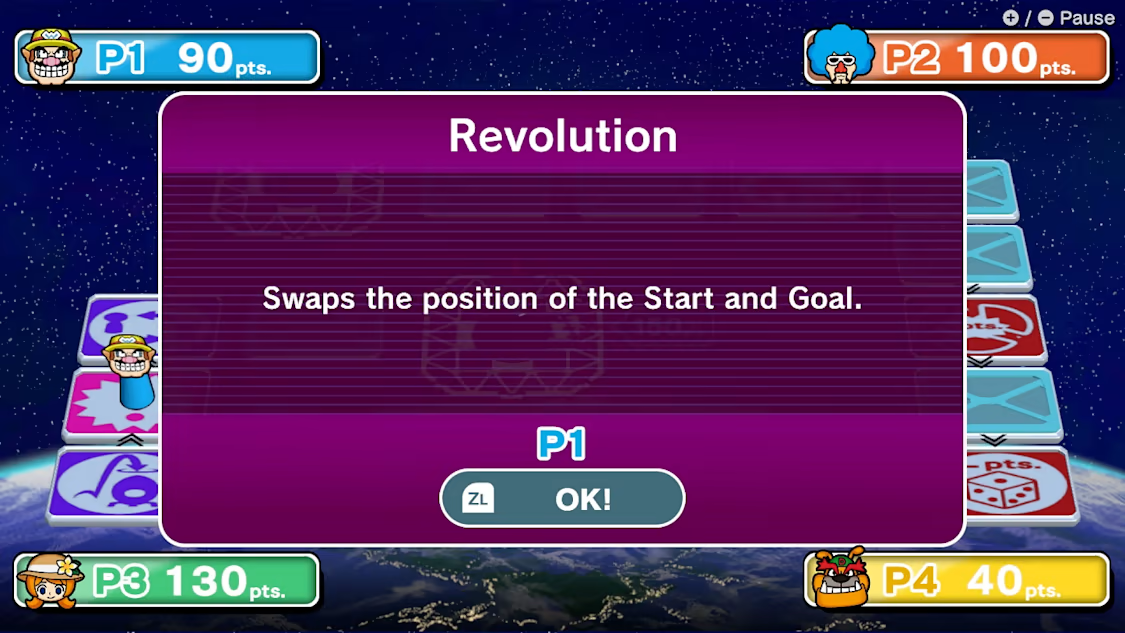
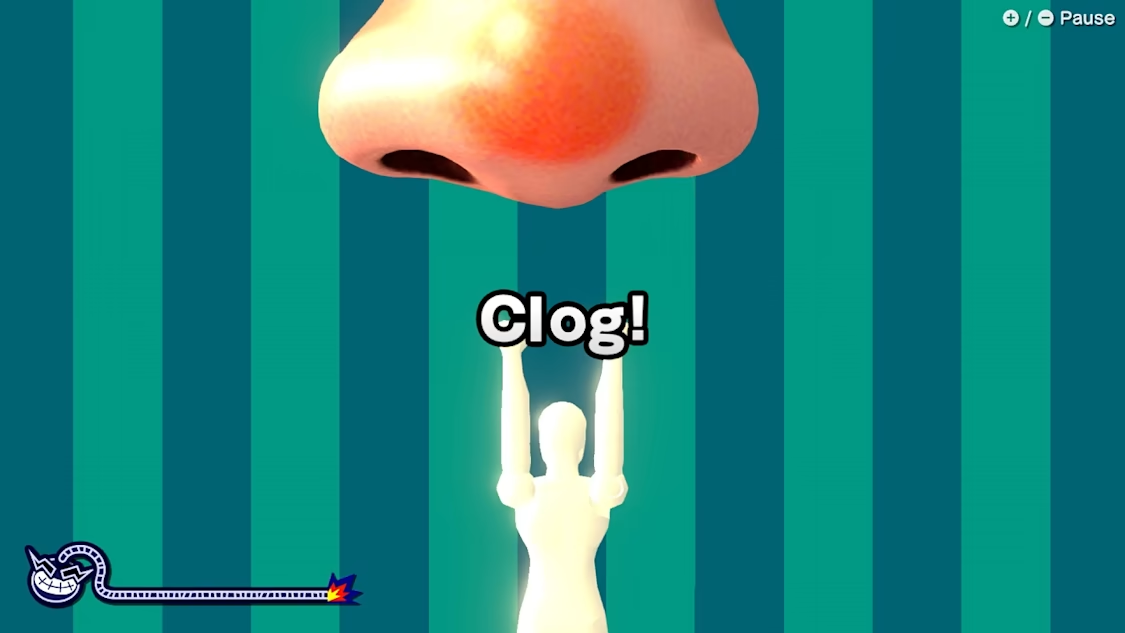
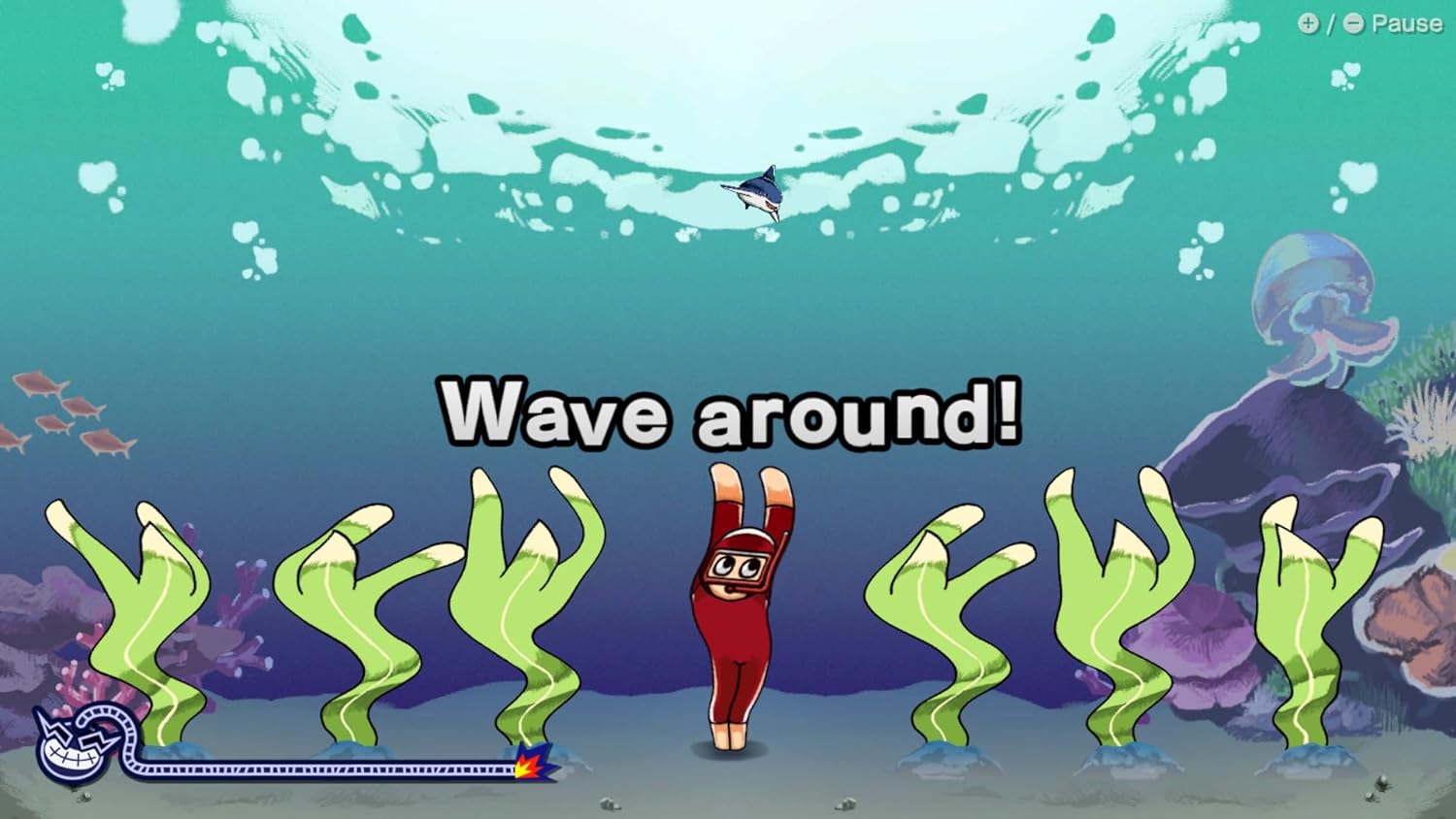
Get Moving with Wario! Find your perfect form with a multitude of motion-based microgames in a brand-new entry in the WarioWare series! Strike a pose with a multitude of motion-based microgames in a brand-new entry in the WarioWare series. Embark on an electrifying adventure like no other with WarioWare: Move It on Nintendo Switch! Grab a pair of Joy-Con controllers and get moving as you gently shake, punch, dance, wiggle, and even curtsey through over 200 lightning-fast microgames (minigames that last just a few hilarious seconds). A second player can use another set of Joy-Con controllers to join the treasure-guarding, sheep-twirling fun. Up to 4 players, each with one Joy-Con controller, can laugh out loud in the local Party Mode’s minigames like a dicey board game with Wario-style rules. Features Strike a pose in over 200 motion-based microgames that each take seconds to play. Chop bamboo, break out of jail, return a curtsey, and more as you master ridiculous moves. Share the lightning-fast laughter with a friend with 2-player* local co-op play. Up to 4 players* can move together in multiple Party Mode minigames, including a board game.

WarioWare: Move It! Nintendo screenshotWarioWare: Move It! Nintendo screenshotWarioWare: Move It! Nintendo screenshotWarioWare: Move It! Nintendo screenshotWarioWare: Move It! Nintendo screenshotWarioWare: Move It! Nintendo screenshot

How to redeem

  1. 1Check your Nintendo Switch account and the listed region before purchasing.
  2. 2Find your code and supplier activation instructions in your confirmed order.
  3. 3Open the redeem-code section on Nintendo Switch, enter the code and follow the platform’s prompts.

Supplier instructions

Select “Nintendo eShop” on the HOME Menu to launch the Nintendo eShop. Select the account you want to use. Select “Enter Code” on the left side of the screen. Enter the 16-character download code.Any letters and symbols not used with prepaid codes (i.e. O, I, Z, commas, hyphens, etc.) will be disabled from the on-screen keyboard. Select “Send” to confirm. The game will begin downloading once the code is confirmed.The game icon will appear on the HOME menu, with a download status bar. The status bar will disappear once the game download is complete.

You might also like