Get 10% back in Relic Coins on every order
Battlefield 1 + Titanfall 2 Bundle cover

EA AppGlobal· Key

Battlefield 1 + Titanfall 2 Bundle

€24.71

+€2.47 cashback eligibility in Relic Coins

Check before you play

Platform
EA App
Region
Global
Product type
Key
Developer
Ubisoft Blue Byte
Publisher
Ubisoft Entertainment
Supplier release date
2006-04-08
Genres
Action, FPS, Story rich

About this product

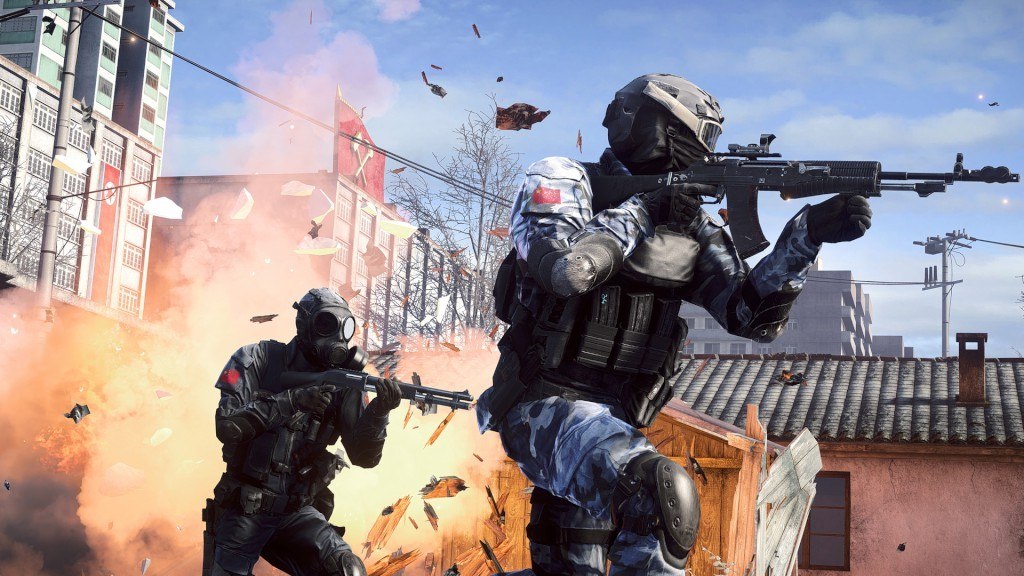
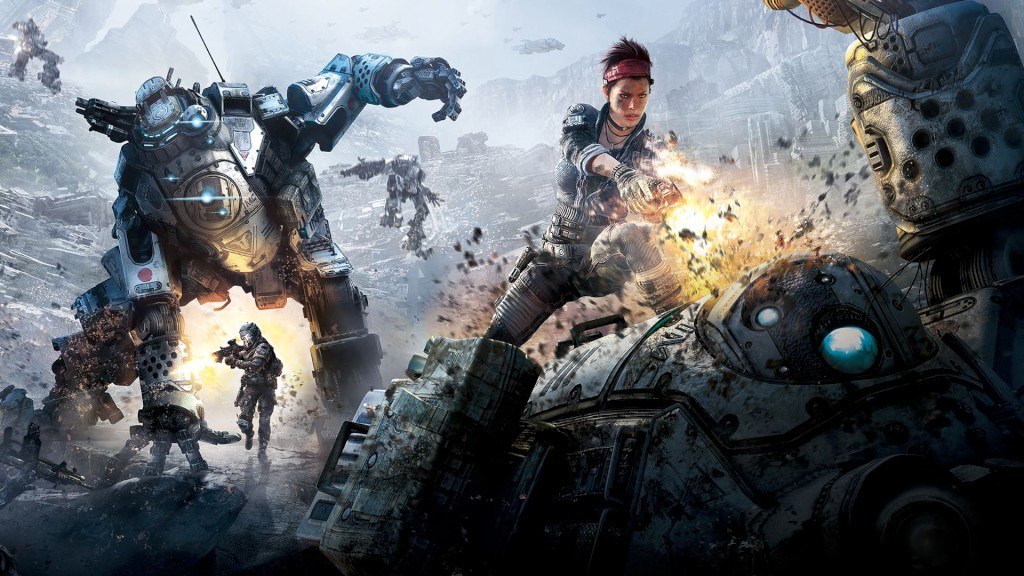
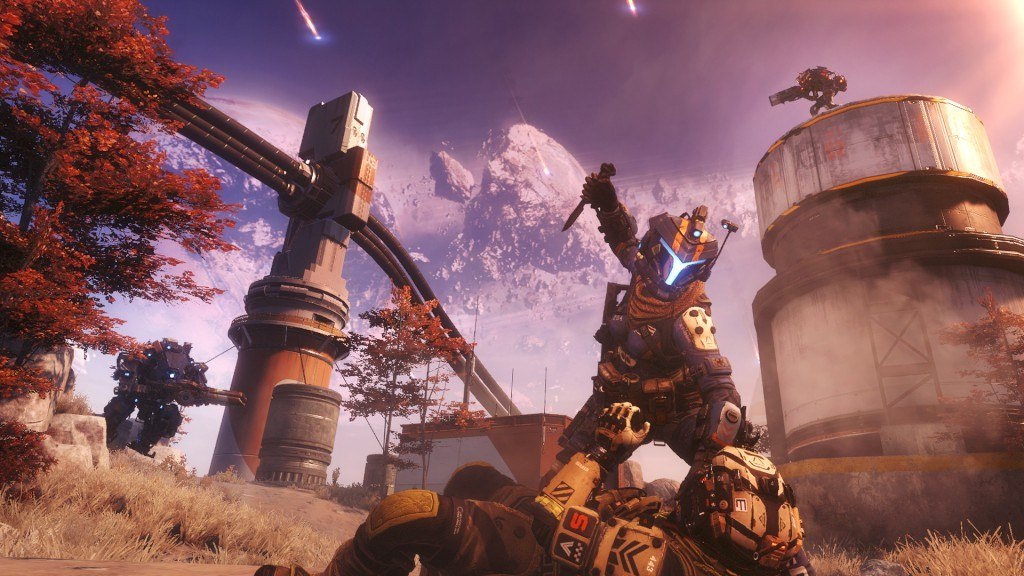
Includes 2 items: Battlefield 1 and Titanfall 2. Battlefield 1 The fourteenth installment in the Battlefield franchise will be Battlefield 1 and it will look to continue on the success of its predecessors. This time around, the popular FPS game will be set in World War I, the first such Battlefield release. Earn your stripes through top-notch teamwork as you battle your way through history. New weapons have been specially made for this release and you will need to discover which weapons work well together to ensure a flawless victory for your team! Titanfall 2 Following almost a two year hiatus, a new version of Titanfall is back as Titanfall 2, the sequel to the original game is available for purchase. Most notably, the sequel will include a single player version, something which was absent from the first release of Titanfall back in March 2014. Building on the critical acclaim of the first game which won a record-breaking six E3 Critics Awards, Titanfall 2 looks to deliver the same quality already earning critical acclaim of its own including winning the Best Online Multiplayer Award at the 2016 Game Critics Awards!

Battlefield 1 + Titanfall 2 Bundle screenshotBattlefield 1 + Titanfall 2 Bundle screenshotBattlefield 1 + Titanfall 2 Bundle screenshotBattlefield 1 + Titanfall 2 Bundle screenshotBattlefield 1 + Titanfall 2 Bundle screenshot

How to redeem

  1. 1Check your EA App account and the listed region before purchasing.
  2. 2Find your code and supplier activation instructions in your confirmed order.
  3. 3Open the redeem-code section on EA App, enter the code and follow the platform’s prompts.

Supplier instructions

Go to: http://www.origin.com/us/about Click "Download Origin" (from the upper left corner) Login into downloaded application Install and start application, login with your Account name and Password (create one here: http://store.origin.com/ if you don't have). Redeem Product Code From the "Origin" drop-down menu (upper right corner) choose "Redeem Product Code...", enter your code and click "Next". Download your Game After successful code verification go to the "MY GAMES" tab and start downloading.

You might also like