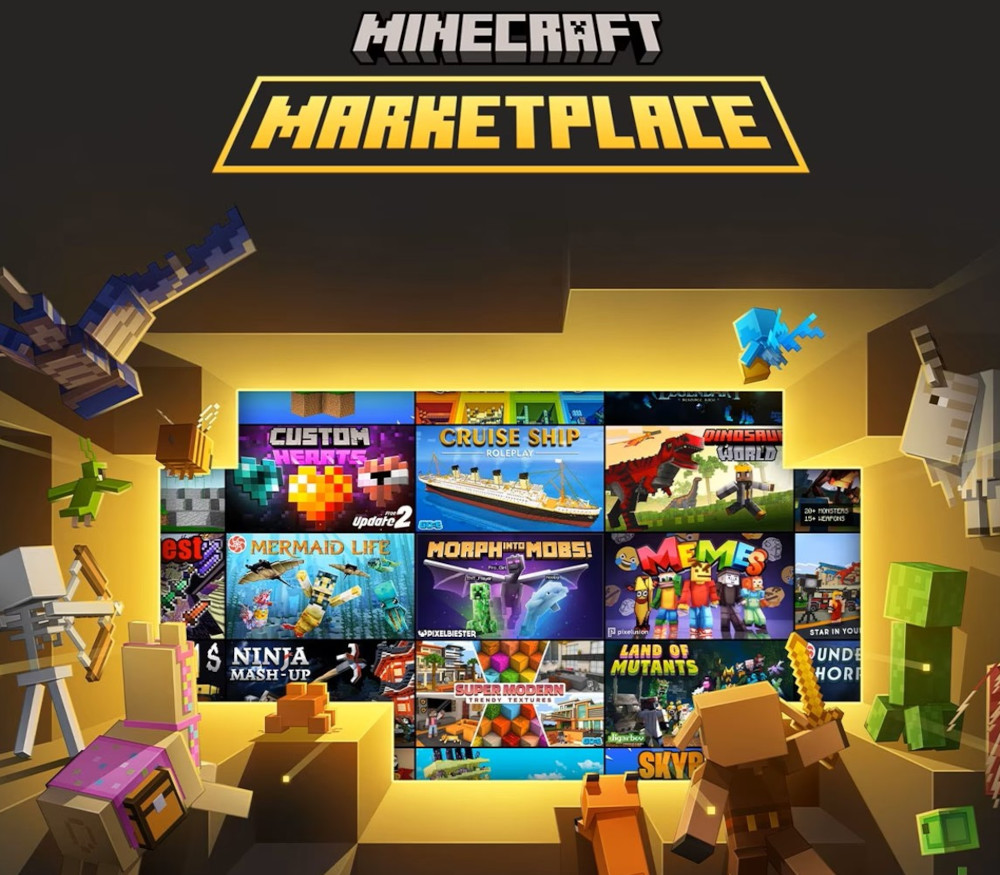
What is Marketplace Pass? Play 150+ pieces of exciting content for one low monthly price with Marketplace Pass! Dive into worlds, mash-ups, skins packs, texture packs, and more. With fresh content added every month, there's always something new to play with Marketplace Pass! One Subscription, Endless Adventures Story-Driven Adventure Download and play one of the many themed worlds and mini-games included in your subscription Make It Your Own Change the look of blocks, biomes, and even your favorite Minecraft mobs using any texture pack included in your subscription Dress To Impress Expand your in-game wardrobe by using skin packs that are included in your subscription What will you play next? Play from a catalog of regularly refreshed content to add variety to your gameplay and experiences in Minecraft: Bedrock Edition. New styles every month Claim a new set of time-limited Character Creator items each month, which are yours to keep. Enjoy your content wherever you play Access your subscription content on all supported devices through your Microsoft account and Minecraft: Bedrock Edition. Share Your content with a Realms Subscription Run your own Minecraft server and share your Marketplace Pass items with up to 10 friends! You set the rules: who can join and how to play. Members play for free, even when you’re offline. Easy to set up, manage, and access from any device.