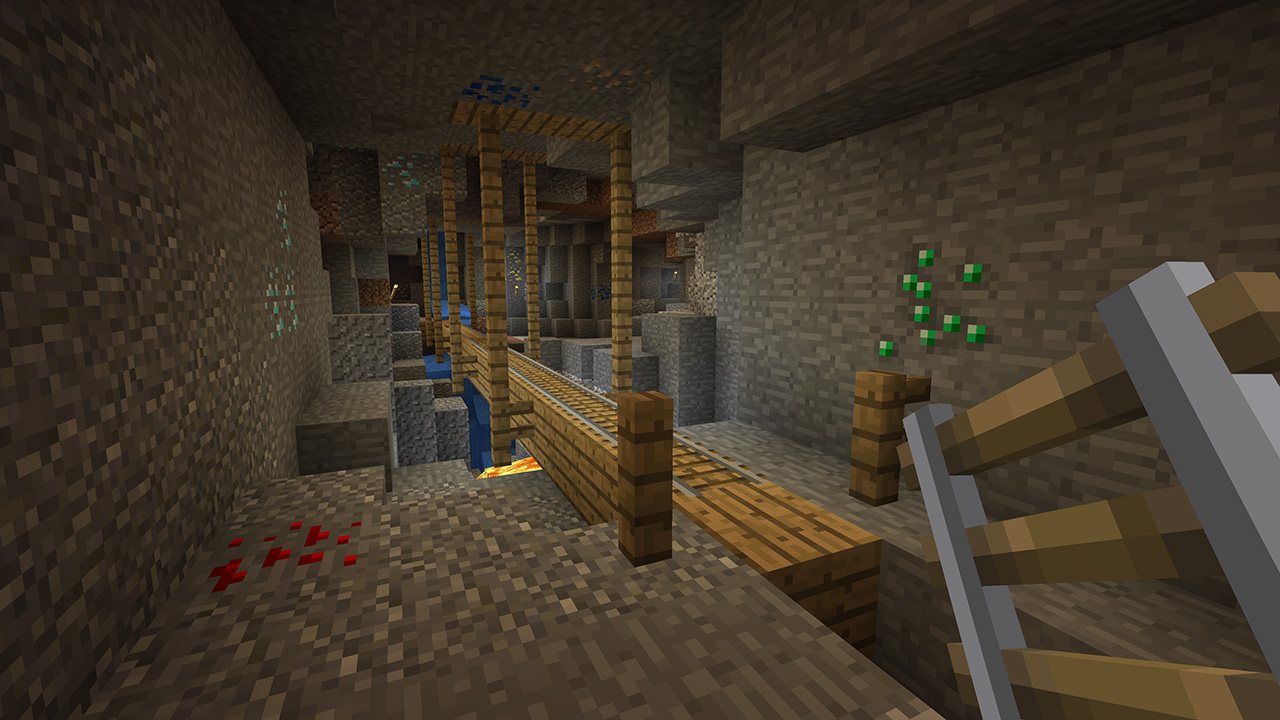
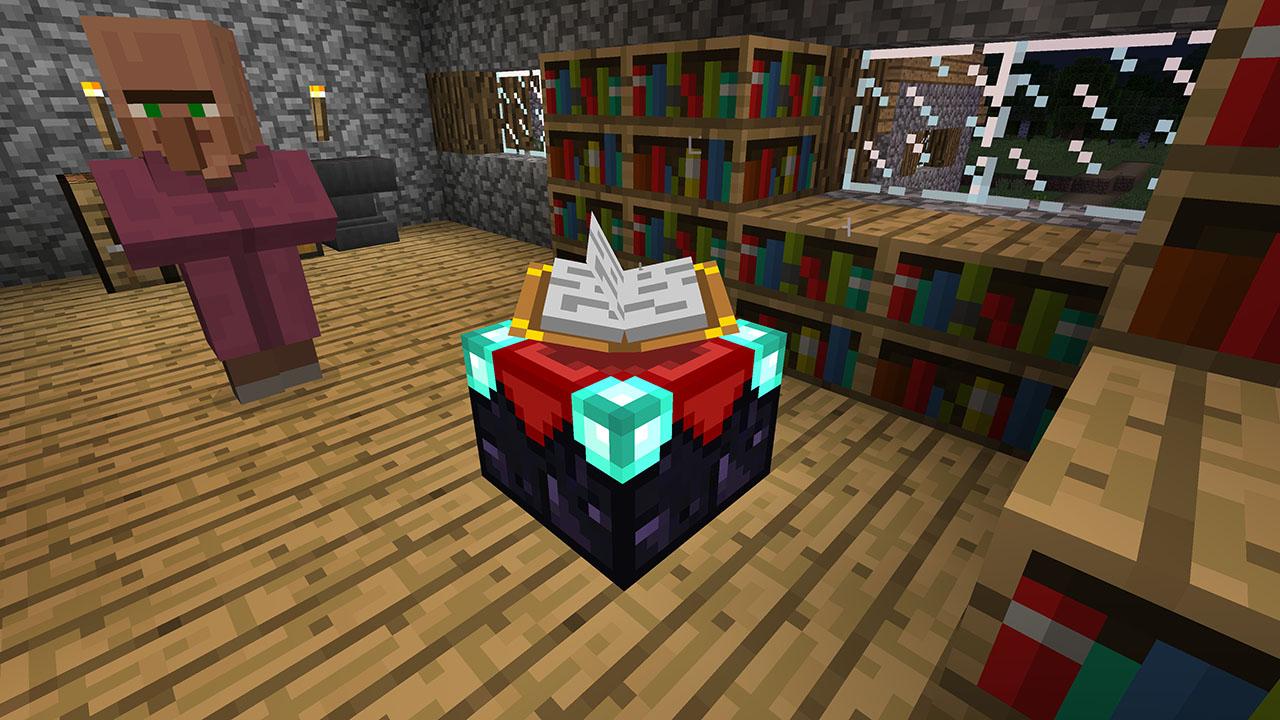
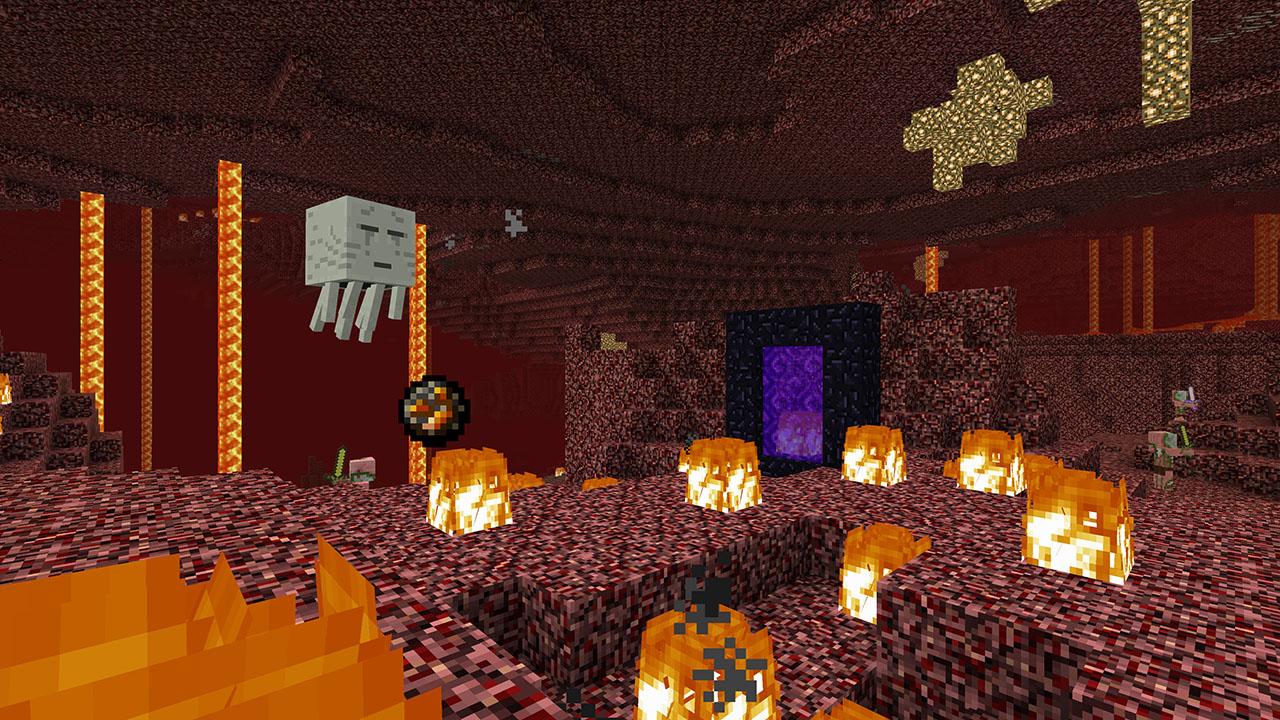
This new version will let you play together across different devices, access a multitude of content through the Minecraft Store and get all future game updates, starting with Update Aquatic. Minecraft is a game about placing blocks and going on adventures. Build anything you can imagine with unlimited resources in Creative mode, or go on grand expeditions in Survival, journeying across mysterious lands and into the depths of your own infinite worlds. Will you hide from monsters or craft tools, armor and weapons to fight back? No need to go alone! Share the adventure with friends in split-screen multiplayer and online! With constant updates and community creations, Minecraft is bigger, better and more beautiful than ever before. Explore amazing player-made maps, thrilling minigames and more! Band together with friends playing on phone, Windows 10 or console, set up your own online world with Realms, or join one of the massive player-run servers! There are so many ways to play! Features Play and share with friends on mobile, PC and console Discover community creations in the new in-game store Access new mini games and game modes through Servers Share the couch with four player split screen Play on the go in handheld or tabletop modes Includes Super Mario Mash-Up, Natural Texture Pack, Biome Settlers Skin Pack, Battle & Beasts Skin Pack, Campfire Tales Skin Pack