Get 10% back in Relic Coins on every order
Astro Bot Access cover

PlayStation 5Global· Key

Astro Bot Access

€31.50

+€3.15 cashback eligibility in Relic Coins

Check before you play

Platform
PlayStation 5
Region
Global
Product type
Key
Developer
eam ASOBI
Publisher
Sony
Supplier release date
2024-09-06
Genres
Action, Adventure, Platformer

About this product

JOIN ASTRO IN A BRAND-NEW,

Supersized space adventure

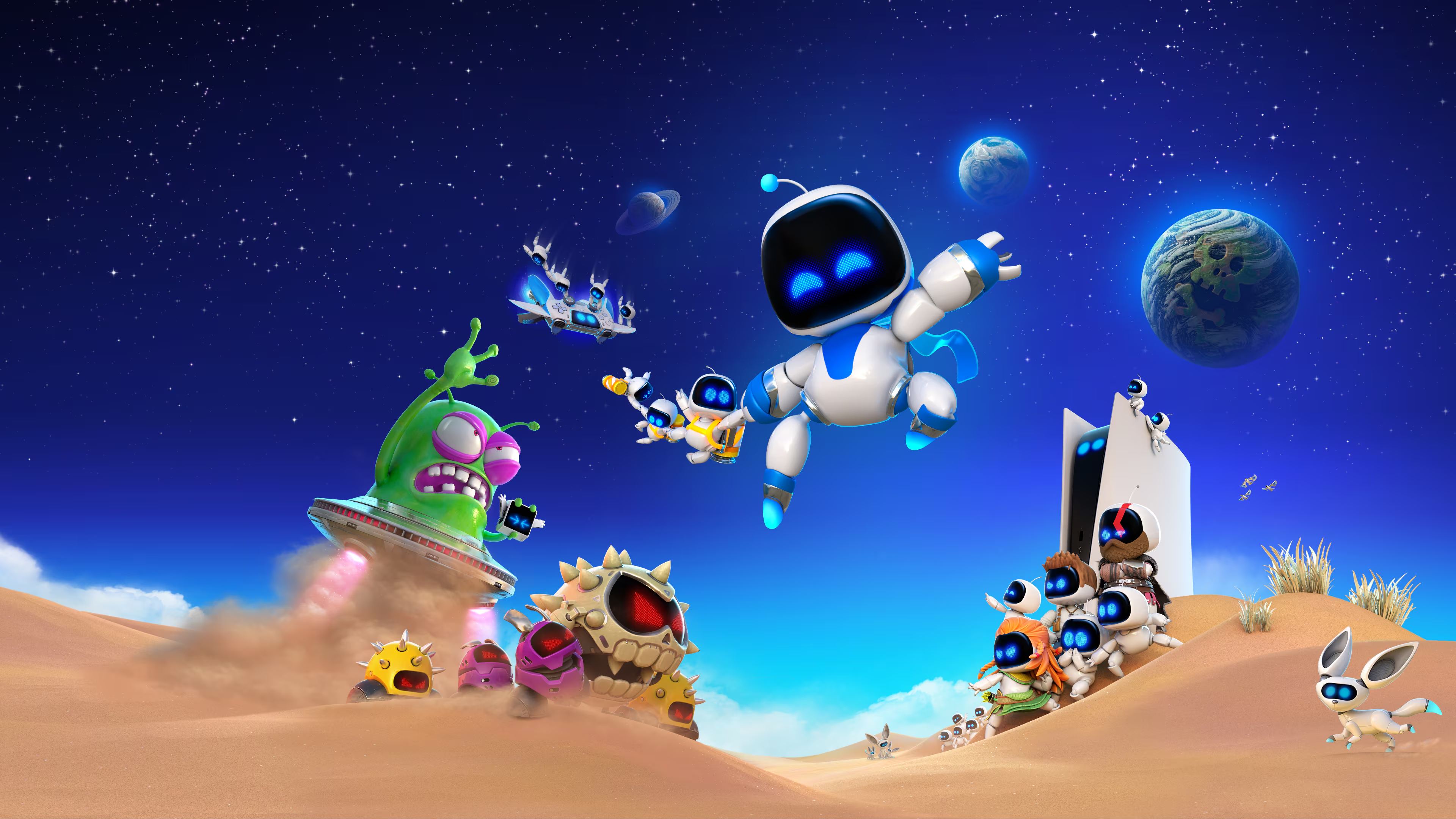
The PS5® mothership has been wrecked, leaving ASTRO and the bot crew scattered all over the galaxies. Time to ride your trusty Dual Speeder across more than 50 planets full of fun, danger and surprises. On your journey, make the most of ASTRO’s new powers and reunite with many iconic heroes from the PlayStation universe!

Why you should play astro bot

Blast off on a supersized adventure From sandy beaches to lush jungles and piping-hot volcanoes, explore a myriad of memorable planets in search of Astro's lost crew! Loin the PlayStation celebration Reunite with over 150 iconic PlayStation heroes and celebrate 30 years of PlayStation history!

New worlds to discover

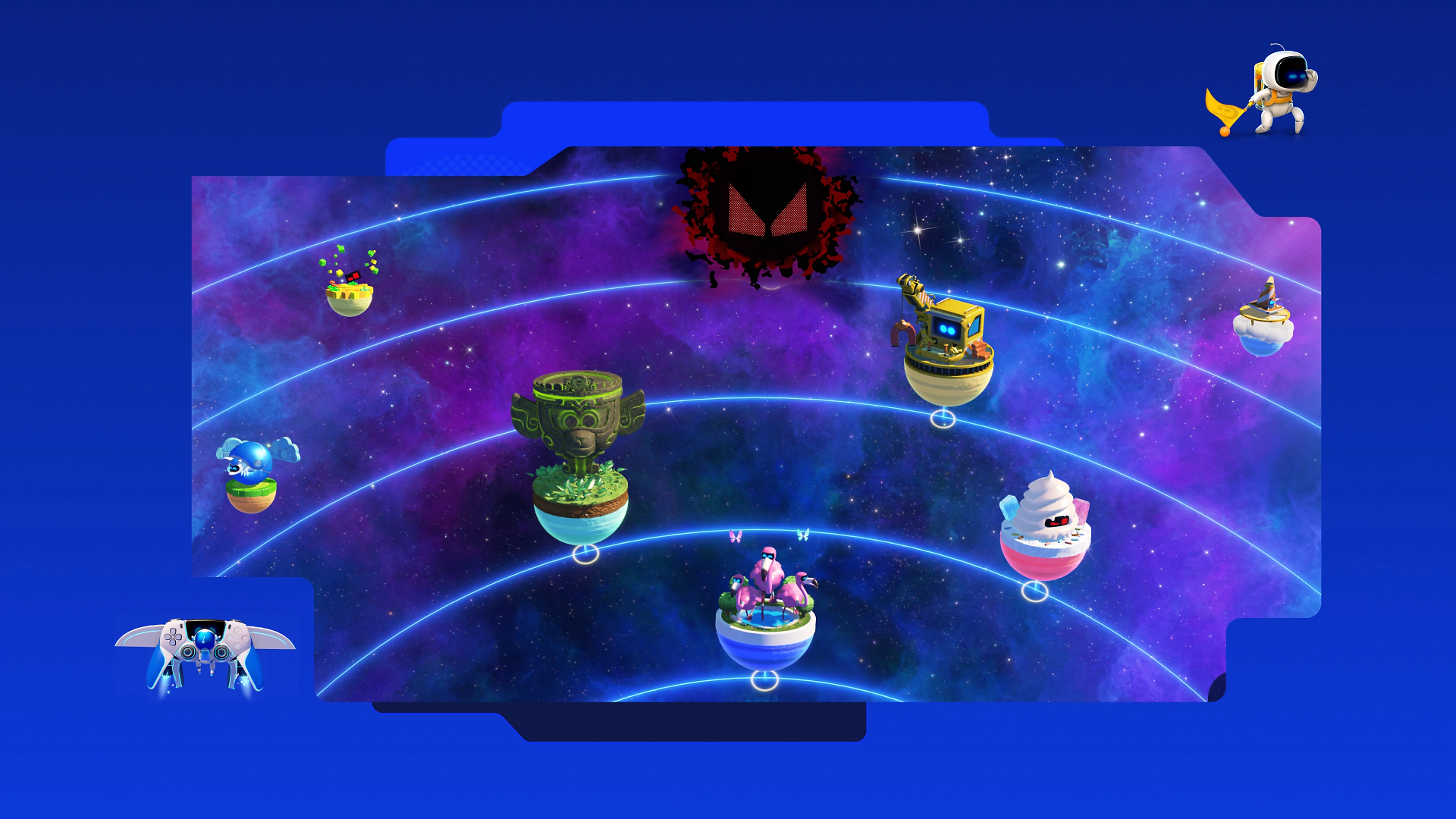
Preview some of the 50+ planets Astro will visit on his grand rescue mission.

Vips in action

Finding the special VIP bots is only half of the story—use the coins you collect on your travels in the Gatcha Lab to unlock special items for your rescued friends. When a VIP bot is reunited with their unique item, they'll perform special actions from the classic games that inspired them!

Astro Bot Access screenshotAstro Bot Access screenshotAstro Bot Access screenshotAstro Bot Access screenshotAstro Bot Access screenshotAstro Bot Access screenshot

How to redeem

  1. 1Check your PlayStation 5 account and the listed region before purchasing.
  2. 2Find your code and supplier activation instructions in your confirmed order.
  3. 3Open the redeem-code section on PlayStation 5, enter the code and follow the platform’s prompts.

Supplier instructions

Get the account credentials directly or via an external website and log into the account Log into the account - make sure that the content on it is correct. Add the purchased account to your console: PS5 instruction PS4 instructionPurchased account has to be added as a user, not as a one-time guest! Do not make any changes to the account as it will void your lifetime warranty Once the account is added to your console, download the game and switch back to the account you would like to play from. This way your progress will be saved on the account you are using. The account should be used as a way of accessing the game/content you are interested in. It is not recommended to use it as your main account, as you might have issues with making purchases on it.

You might also like