Get 10% back in Relic Coins on every order
Dreams / Access cover

PlayStation 4Global· Key

Dreams / Access

€5.99

+€0.60 cashback eligibility in Relic Coins

Check before you play

Platform
PlayStation 4
Region
Global
Product type
Key
Developer
Media Molecule
Publisher
SIEE
Supplier release date
2020-02-14
Genres
Action, Adventure

About this product

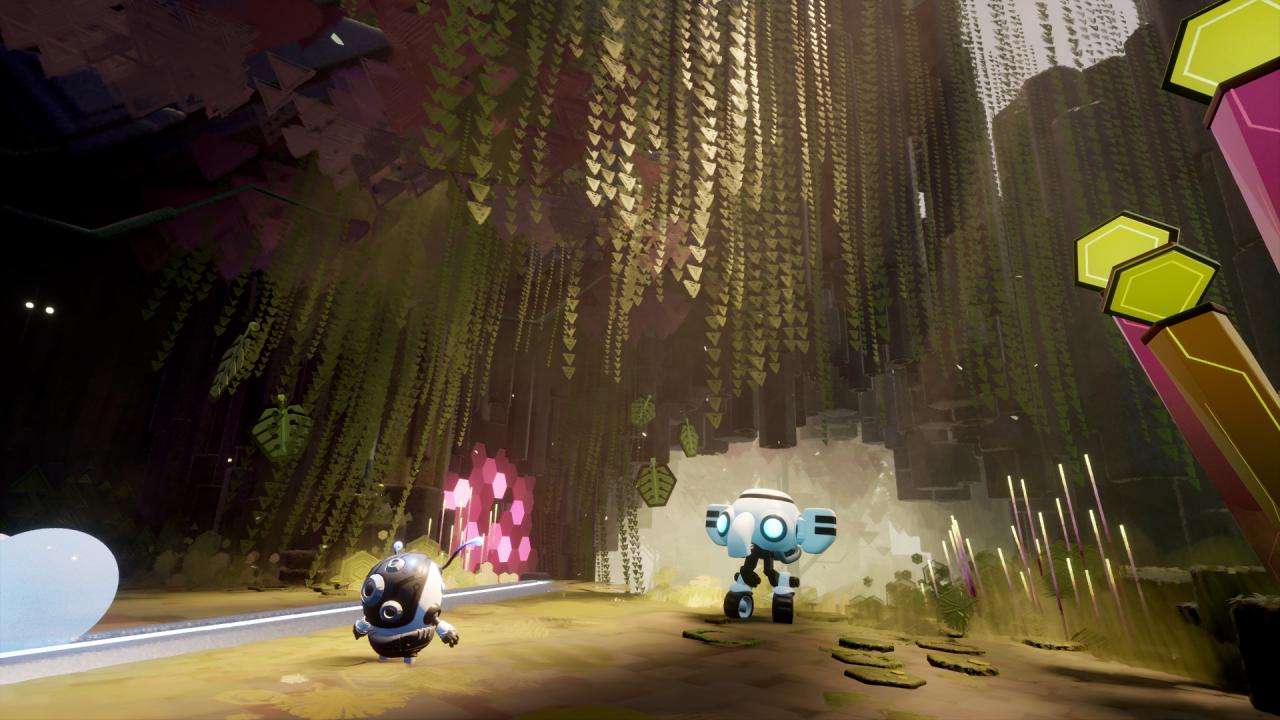
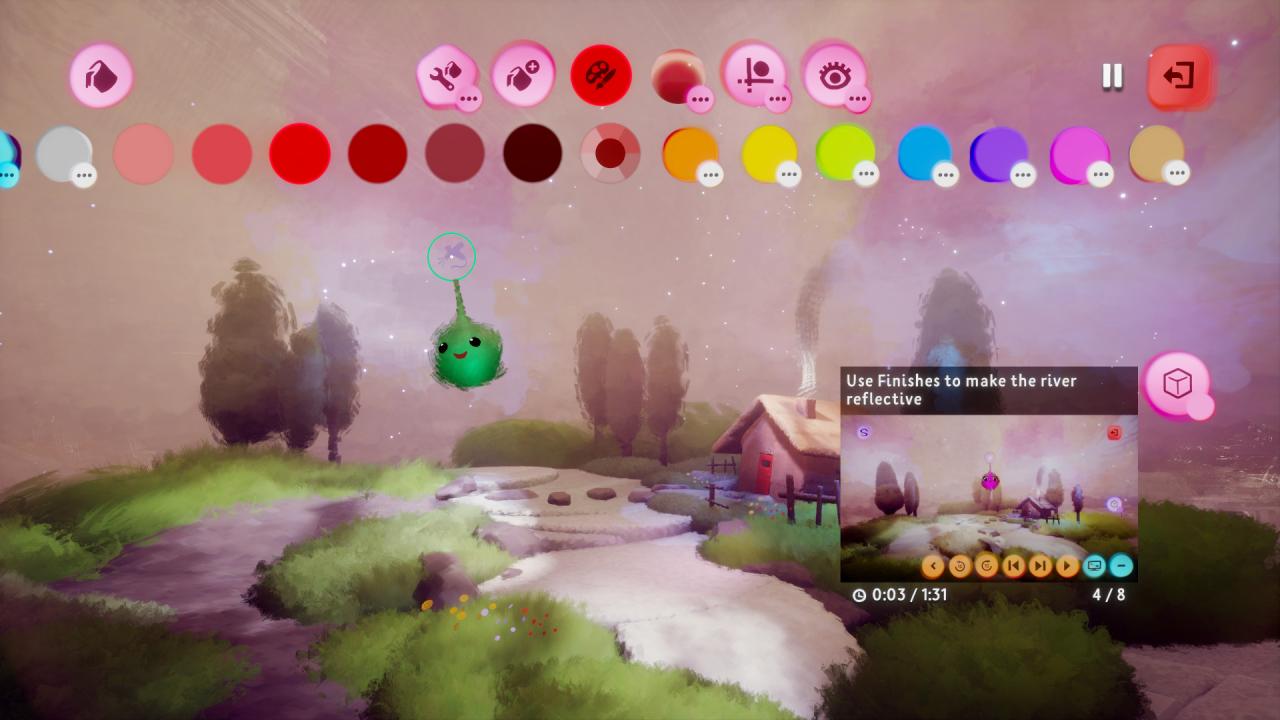
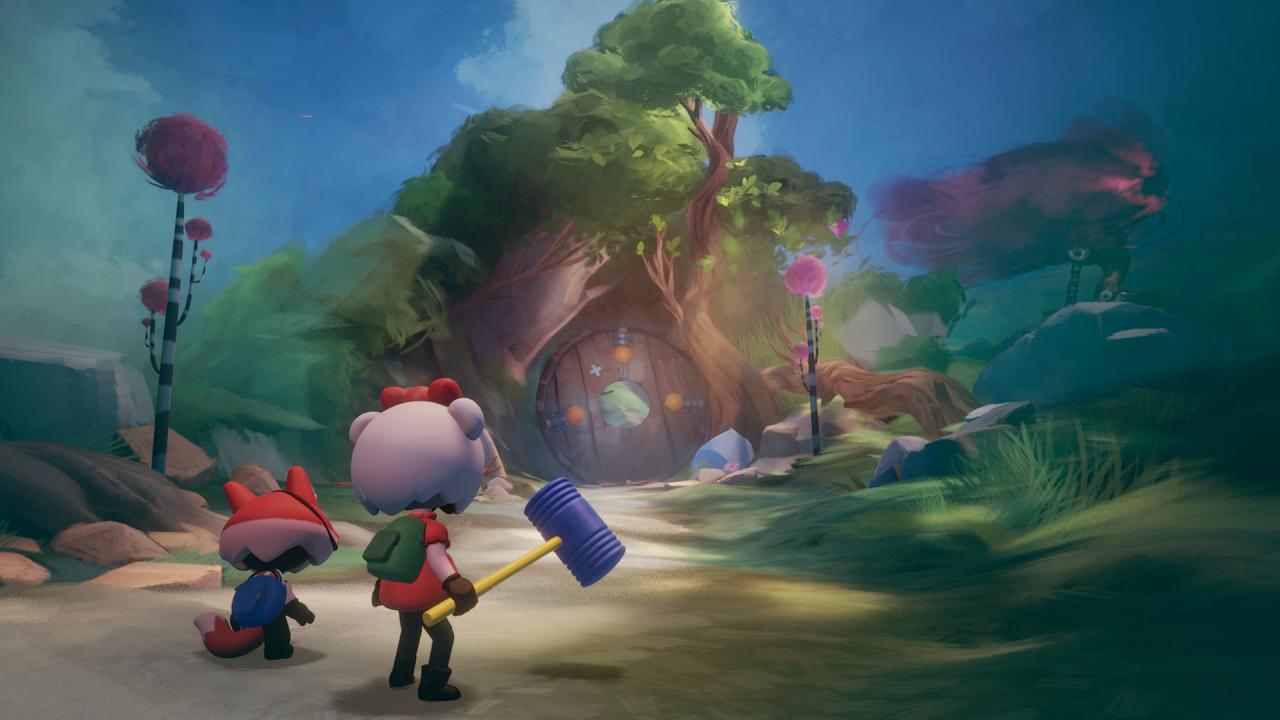
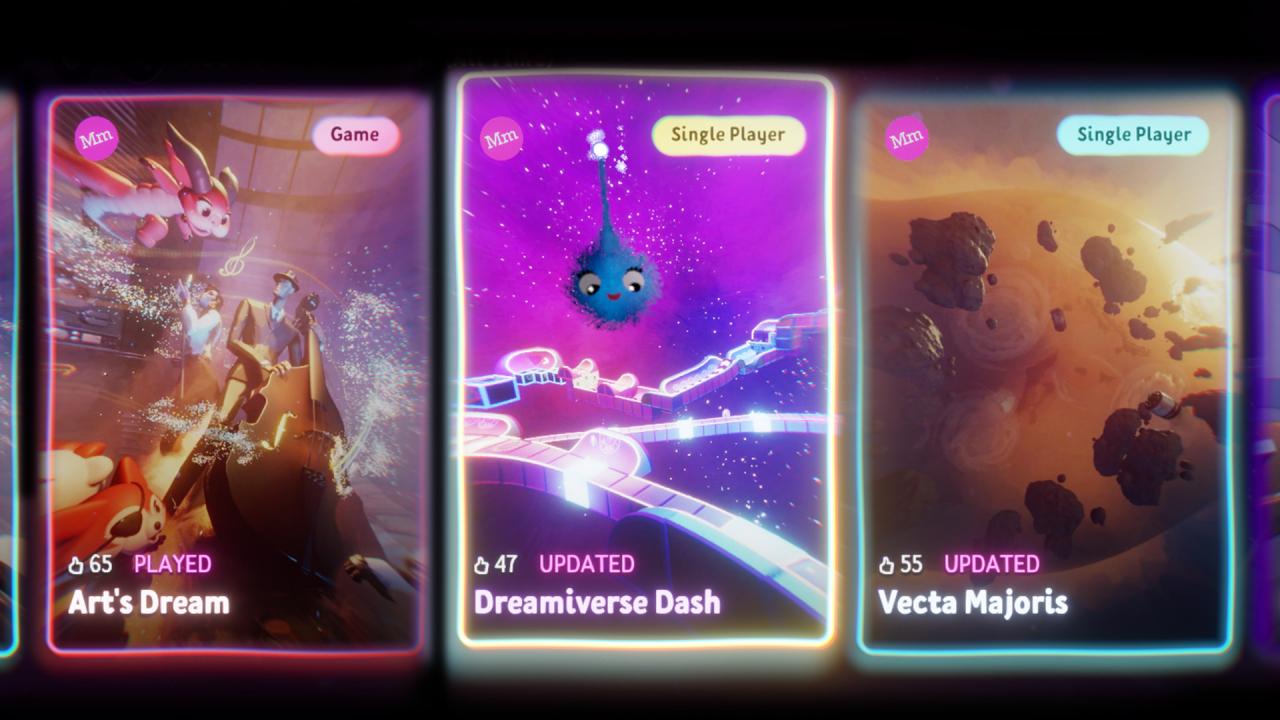
Dreams is an extraordinary, ever-expanding game universe from the award-winning Media Molecule, creators of LittleBigPlanet and Tearaway, where you can discover community-made games from around the world…and learn to make your own.The latest evolution of the studio’s Play, Create, Share maxim, Dreams gives you the opportunity to unleash your creativity. Bring your ideas to life with innovative, easy-to-use tools, then share them with a global community.Whether you want to create games, music, paintings, animation, sculpture, movies or anything in-between, Dreams is an extraordinary digital playground where anything is possible. Features Dream ShapingLearn how to design your own games, animate, make music and more with easy-to-follow tutorial videos – and then share or collaborate with others. Dream SurfingBrowse through unique creations uploaded by other players. Rate them, recommend them to friends or take inspiration for your own designs. Art's DreamEmbark on a full-length, genre-crossing story campaign created by developer Media Molecule that showcases the immense creative potential of Dreams.


Dreams / Access screenshotDreams / Access screenshotDreams / Access screenshotDreams / Access screenshotDreams / Access screenshot

How to redeem

  1. 1Check your PlayStation 4 account and the listed region before purchasing.
  2. 2Find your code and supplier activation instructions in your confirmed order.
  3. 3Open the redeem-code section on PlayStation 4, enter the code and follow the platform’s prompts.

Supplier instructions

In order to redeem Playstation Network Code please follow instruction below: Go to http://www.SonyEntertainmentNetwork.com Click "Manage Account" and sign in with your Sign-In ID(E-mail Address) and Password. Click on "Redeem Prepaid Card". Enter the code printed on the voucher or PlayStation Network Card and click "Continue". If the code is valid, you will be presented with a description of what the code will deliver to your account. Press "Redeem..." button to add the item or funds to your account.

You might also like