Get 10% back in Relic Coins on every order
Bloodborne: Game of the Year Edition cover

PlayStation 4Global· Account

Bloodborne: Game of the Year Edition

€29.30

+€2.93 cashback eligibility in Relic Coins

Check before you play

Platform
PlayStation 4
Region
Global
Product type
Account

This listing delivers an account, not a game key. Read the supplier’s conditions before purchasing.

Developer
FromSoftware
Publisher
Sony Computer Entertainment
Supplier release date
2015-03-24
Genres
Action, Adventure, RPG

About this product

Includes: ALL 4 DLC PACKS. Discover the co-op shooter-looter that started it all, crammed with content and enhancements! Equip bazillions of guns as one of 4 trigger-happy mercenaries, each with unique RPG skills. Take on the lawless desolate planet Pandora in pursuit of powerful alien technology: The Vault. With new weapons, visual upgrades, all 4 add-on packs and more, play solo or in 4-player split screen co-op! Features Bazillions of Guns: Rocket-launching shotguns, enemy-torching revolvers, SMGs that fire lightning rounds, and tons more. Radical Art Style: Traditional rendering combined with hand-drawn textures give Borderlands its iconic style. Intense Vehicular Combat: Behind the wheel, engage in frenetic vehicle-to-vehicle combat. Co-op Frenzy: Online or together on the couch, tear through enemies as a crew of up to 4. With improved character models, weapons, textures, and more, Borderlands shines on a 4K display. NEW WEAPONS, CHARACTER HEADS, GOLD CHESTS AND KEYS, AND MORE!


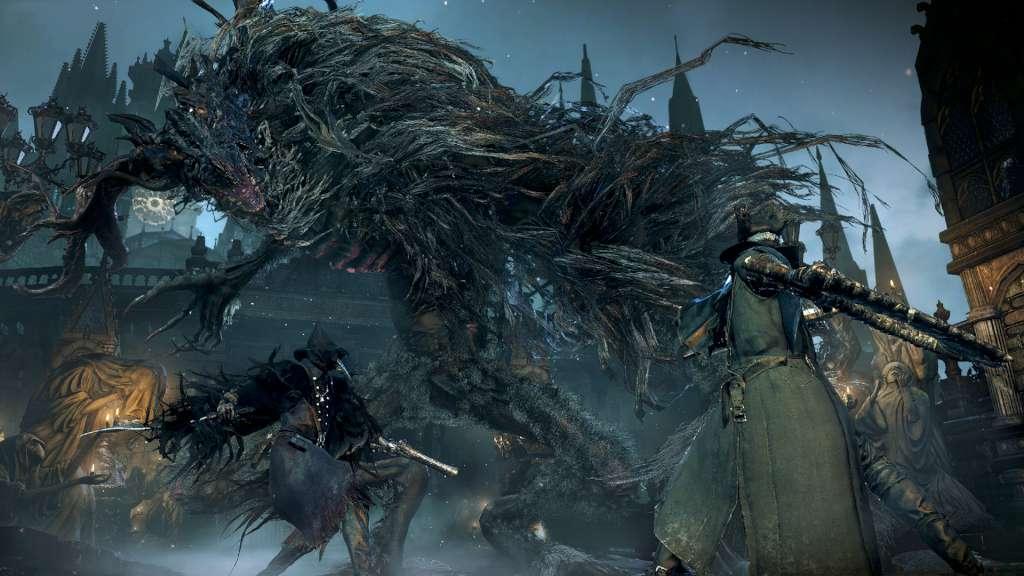
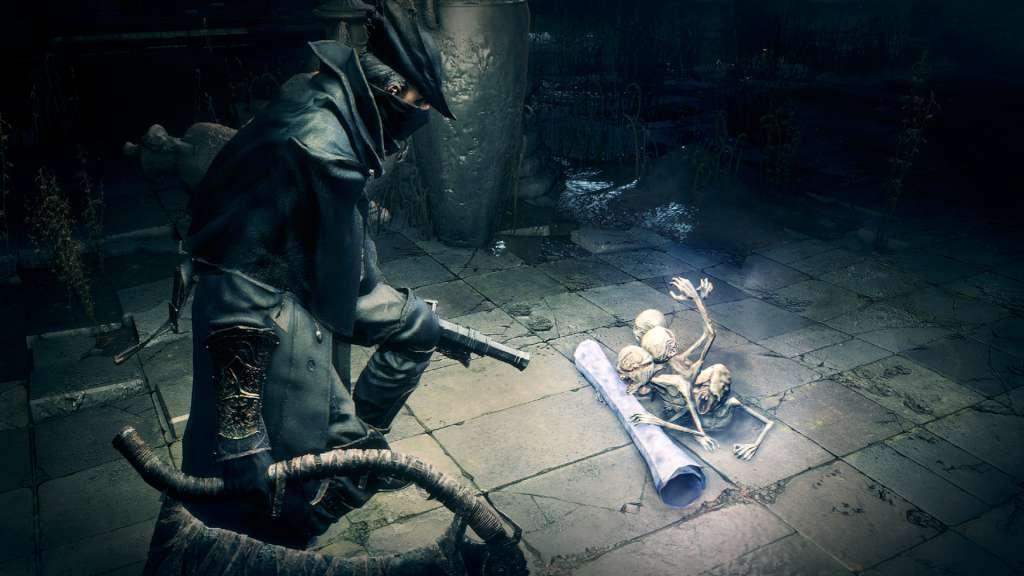
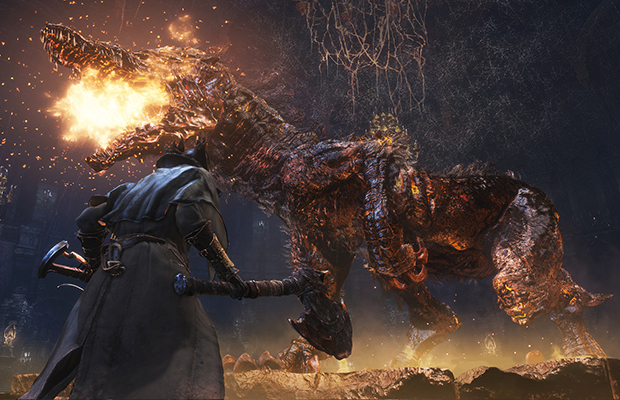
Bloodborne: Game of the Year Edition screenshotBloodborne: Game of the Year Edition screenshotBloodborne: Game of the Year Edition screenshotBloodborne: Game of the Year Edition screenshot

How to redeem

  1. 1Read the account conditions and regional restrictions before purchasing.
  2. 2Open your confirmed order in your Relic Key account to view the supplier’s account details.
  3. 3Follow the supplied sign-in and setup instructions. This is an account, not a redeemable key.

Supplier instructions

If you have a PlayStation Code, follow these step-by-step instructions to use it at PlayStation Store on your Playstation: Go to Redeem Codes. Follow the on-screen instructions to enter the voucher code details. (Once complete, select Continue.) Select Confirm. Select Download. (Once complete, the item will be added to your Download List.) Access your content. (Go to the relevant category on the XMB™ Menu to start playing your content.)

You might also like