Get 10% back in Relic Coins on every order
Dishonored 2 / Access cover

PlayStation 4Global· Key

Dishonored 2 / Access

€6.09

+€0.61 cashback eligibility in Relic Coins

Check before you play

Platform
PlayStation 4
Region
Global
Product type
Key
Developer
Arkane Studios
Publisher
Bethesda Softworks
Supplier release date
2016-11-11
Genres
Action, Adventure, RPG, FPS, Story rich

About this product

Play your way in a world where mysticism and industry collide. Will you choose to play as the Empress Emily Kaldwin or the royal protector, Corvo Attano? Will you make your way through the game unseen, make full use of its brutal combat system, or use a blend of both?How will you combine your character's unique set of powers, weapons, and gadgets to eliminate your enemies? The story responds to your choices, leading to intriguing outcomes, as you play through each of the game's hand-crafted missions. Features YOU OWN THE GAMEPLAY - Whichever character you decide to play as, you’re in complete control. Although you will become an assassin, the decision is ultimately up to you whether or not you spare someone’s life or you decide to end it in a swift judgement of justice. A COMPLETE NEW WORLD - The gameplay in Dishonored 2 takes place in the Empire of the Isles with most of the action happening in the coastal city of Karnaca. Explore districts with unique features from rat-infested streets to beautiful gardens and plant life. A WIDE ARRAY OF SPECIAL POWERS - With a new release come new special powers to use on your foes. Earn the chance to upgrade your powers as you progress throughout the game and decide whether to choose a route of violence or stealth. Dominate the minds of your opponents or overcome them physically; the choices are neverending.


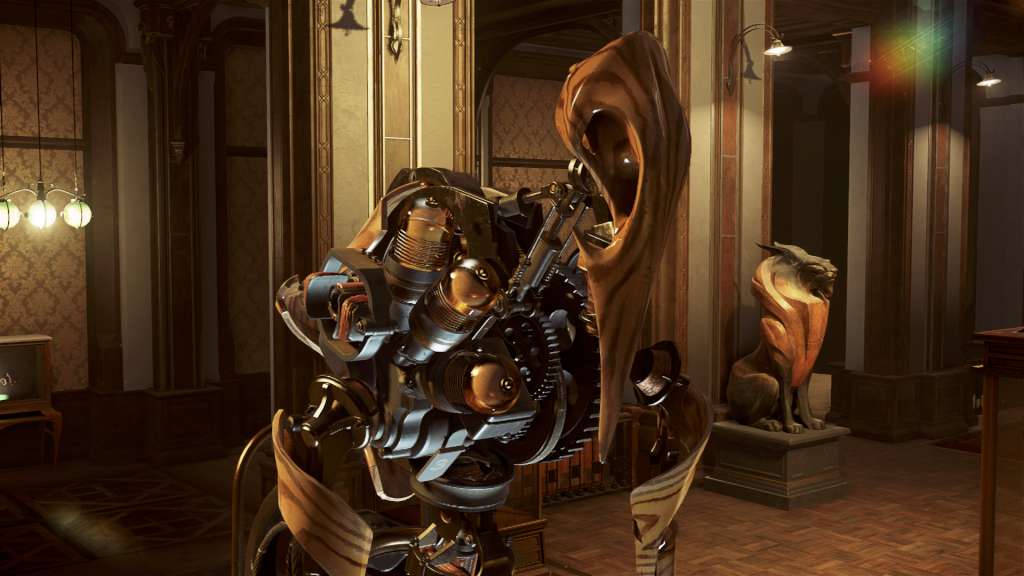
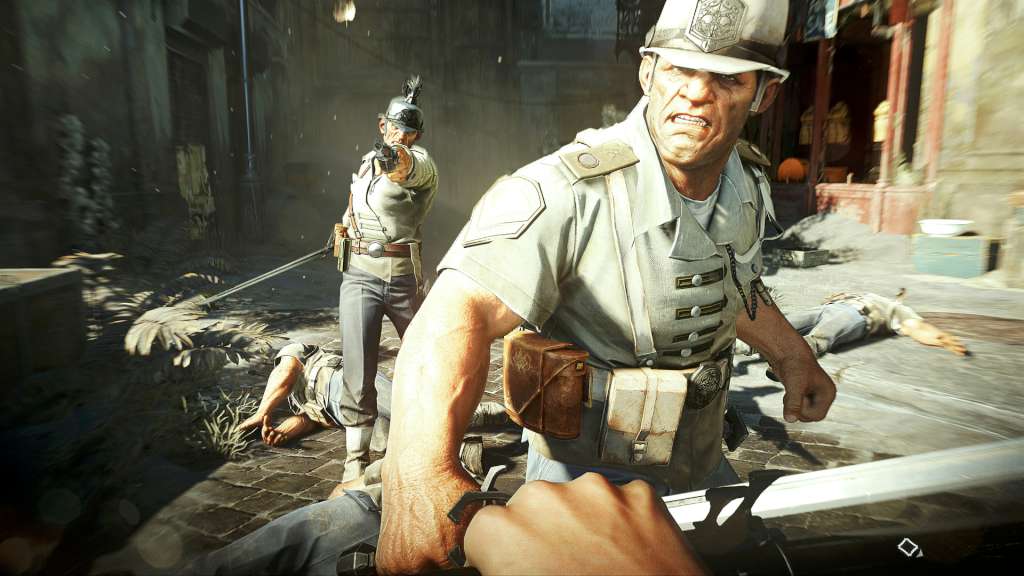
Dishonored 2 / Access screenshotDishonored 2 / Access screenshotDishonored 2 / Access screenshotDishonored 2 / Access screenshotDishonored 2 / Access screenshot

How to redeem

  1. 1Check your PlayStation 4 account and the listed region before purchasing.
  2. 2Find your code and supplier activation instructions in your confirmed order.
  3. 3Open the redeem-code section on PlayStation 4, enter the code and follow the platform’s prompts.

Supplier instructions

Go to: http://store.steampowered.com/ and download STEAM client Click "Install Steam" (from the upper right corner) Install and start application, login with your Account name and Password (create one if you don't have). Please follow these instructions to activate a new retail purchase on Steam: Launch Steam and log into your Steam account. Click the Games Menu. Choose Activate a Product on Steam... Follow the onscreen instructions to complete the process. After successful code verification go to the "MY GAMES" tab and start downloading.

You might also like