Get 10% back in Relic Coins on every order
Firewall Zero Hour VR / Access cover

PlayStation 4Global· Key

Firewall Zero Hour VR / Access

€15.88

+€1.59 cashback eligibility in Relic Coins

Check before you play

Platform
PlayStation 4
Region
Global
Product type
Key
Developer
Sony Interactive Entertainment, First Contact Entertainment
Publisher
Sony Interactive Entertainment
Supplier release date
2018-08-28
Genres
Action, FPS, VR Games

About this product

In Firewall Zero Hour, choose from one of 12 contractors hired by anonymous contract handlers and work as a team to either protect or obtain valuable data, housed on a laptop and located in dangerous locations around the globe. Each team’s anonymous contract handler acts as their ‘eye in the sky’ and guides each match by providing objectives and critical information along the way. Accomplish your objectives through highly coordinated teamwork, taking advantage of an arsenal of modern weapons and equipment to succeed. Features The power of the PlayStation®4 system and PlayStation®VR come together to deliver a realistic strategic shooter brought to life with the added immersive power of virtual reality. Choose from 12 playable contractors from around the globe – each with their own individual starting perk. Compliment your chosen contractor with a variety of upgradable weapons, equipment, and skills. PlayStation®VR is not for use by children under age 12.PlayStation®VR and PlayStation®Camera are required.VR Games may cause some players to experience motion sickness.

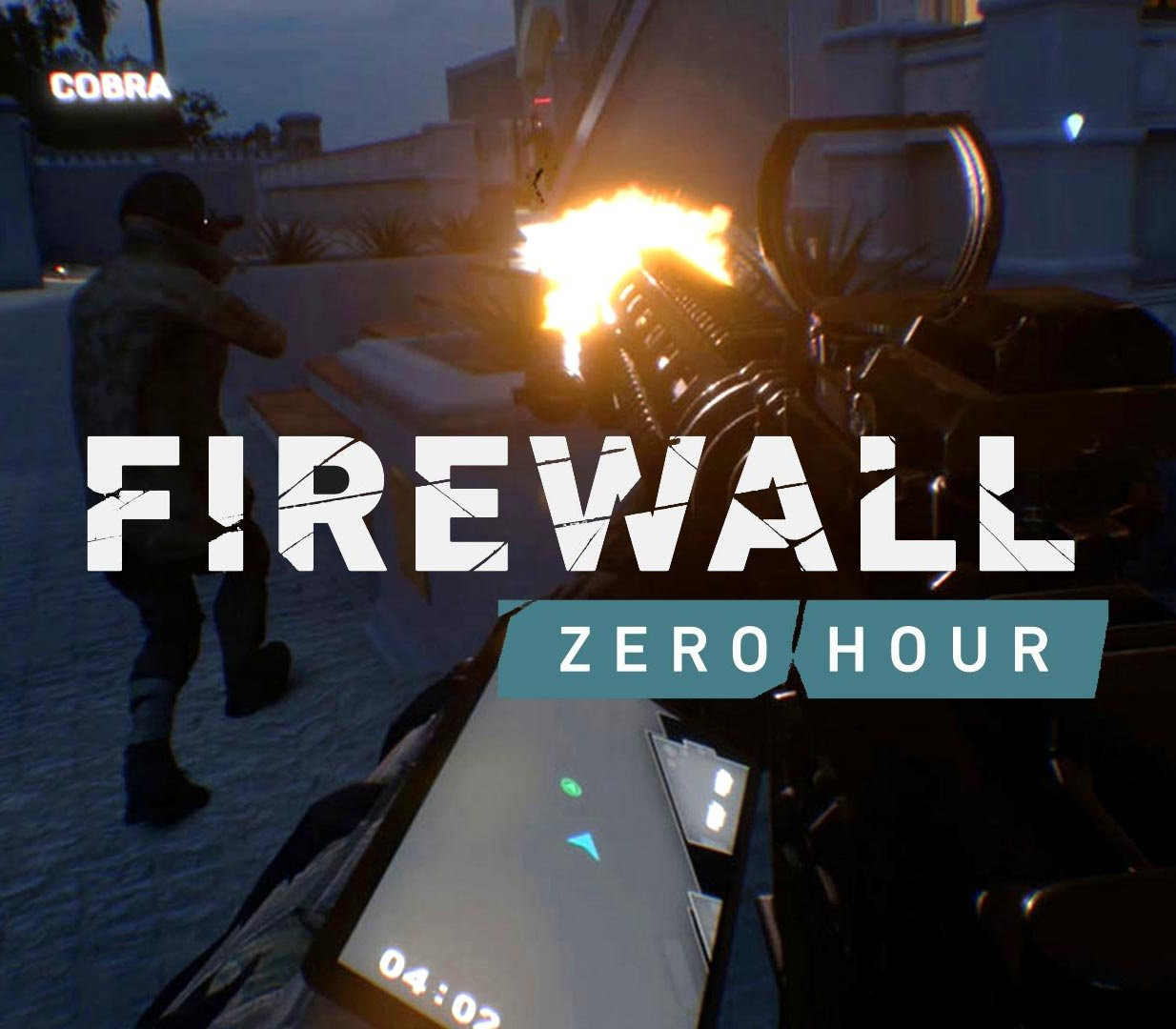
Firewall Zero Hour VR / Access screenshotFirewall Zero Hour VR / Access screenshot

How to redeem

  1. 1Check your PlayStation 4 account and the listed region before purchasing.
  2. 2Find your code and supplier activation instructions in your confirmed order.
  3. 3Open the redeem-code section on PlayStation 4, enter the code and follow the platform’s prompts.

Supplier instructions

In order to redeem Playstation Network Code please follow instruction below: Go to http://www.SonyEntertainmentNetwork.com Click "Manage Account" and sign in with your Sign-In ID(E-mail Address) and Password. Click on "Redeem Prepaid Card". Enter the code printed on the voucher or PlayStation Network Card and click "Continue". If the code is valid, you will be presented with a description of what the code will deliver to your account. Press "Redeem..." button to add the item or funds to your account.

You might also like