Get 10% back in Relic Coins on every order
NHL 21 / Access cover

PlayStation 4Global· Key

NHL 21 / Access

€16.98

+€1.70 cashback eligibility in Relic Coins

Check before you play

Platform
PlayStation 4
Region
Global
Product type
Key
Developer
Electronic Arts
Publisher
Electronic Arts
Supplier release date
2020-10-13
Genres
Action, Sport

About this product

Recognize Greatness in EA SPORTS NHL 21.In EA SPORTS NHL 21, it’s the most creative, inventive, and fearless players that are worth celebrating. This year, you’ll be able to pull off moves inspired by the league’s most groundbreaking innovators. An expanded and redesigned Be A Pro mode makes the journey to becoming one of the league’s best players more immersive than ever, with a dynamic conversation system that shapes everything from your relationship with the coaching staff to your endorsement deals and salary — even your off-ice interactions with teammates will affect your on-ice chemistry. NHL 21 also introduces the new HUT RUSH — a mode that lets you jump into HUT games quickly, rack up achievements, and unlock rewards by scoring with style. Not all goals are created equal, and NHL 21 recognizes the plays that make the highlight reel and turn good players into great ones. Recognize Creativity, Recognize Revolutionary, Recognize the Future. NHL 21. Recognize Greatness.

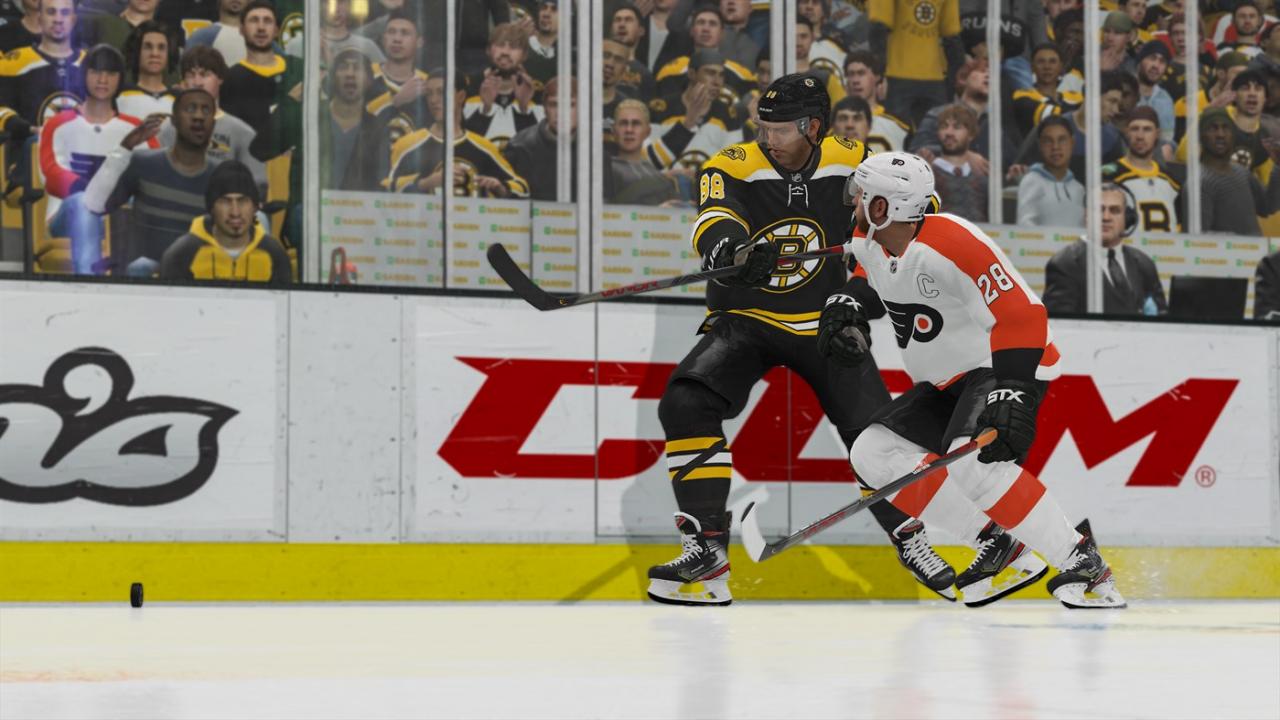
NHL 21 / Access screenshotNHL 21 / Access screenshotNHL 21 / Access screenshotNHL 21 / Access screenshotNHL 21 / Access screenshotNHL 21 / Access screenshot

How to redeem

  1. 1Check your PlayStation 4 account and the listed region before purchasing.
  2. 2Find your code and supplier activation instructions in your confirmed order.
  3. 3Open the redeem-code section on PlayStation 4, enter the code and follow the platform’s prompts.

Supplier instructions

Go to https://www.xbox.com Login to your account Hover over your account link (the top right of the screen) a menu will appear, click on the "Redeem Code" button. On the next page, click "Redeem" Enter your code Click "Confirm" Click "Confirm" again to assign the key to your account.

You might also like