Get 10% back in Relic Coins on every order
Five Nights at Freddy's VR: Help Wanted / Access cover

PlayStation 4Global· Key

Five Nights at Freddy's VR: Help Wanted / Access

€19.01

+€1.90 cashback eligibility in Relic Coins

Check before you play

Platform
PlayStation 4
Region
Global
Product type
Key
Developer
Steel Wool Studios
Publisher
ScottGames
Supplier release date
2019-05-28
Genres
Action, Casual, VR Games, Horror

About this product

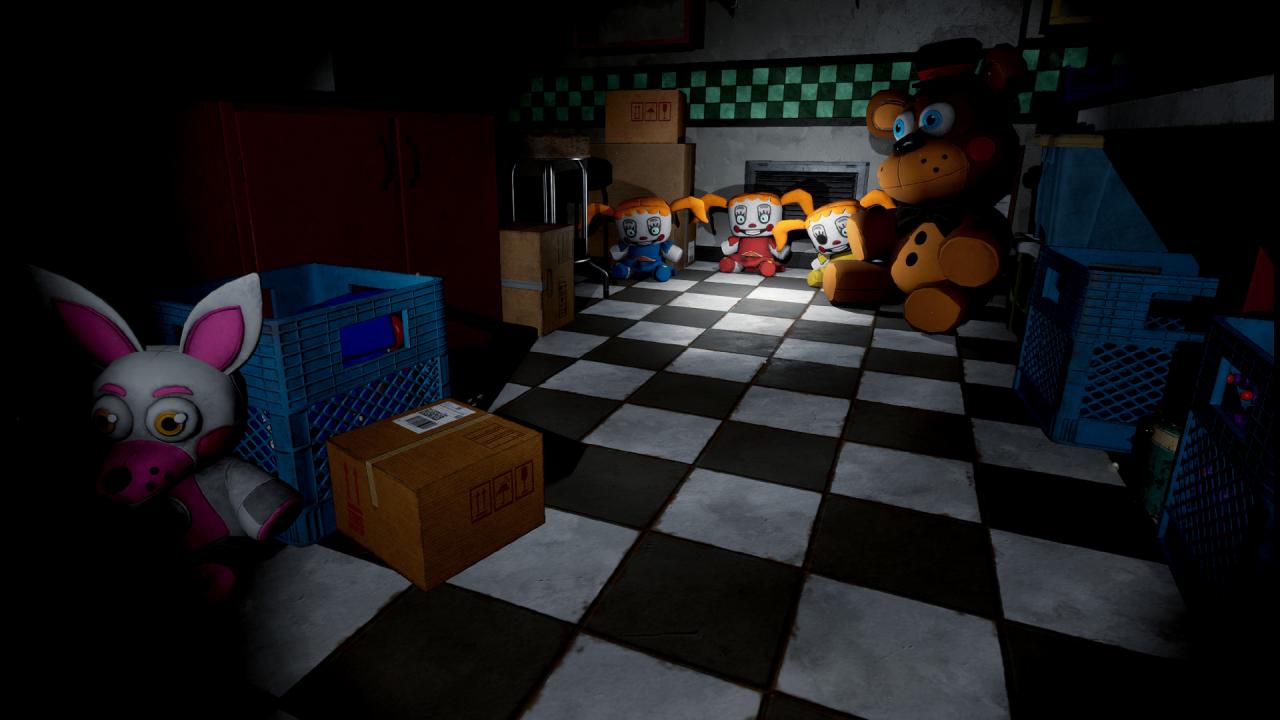
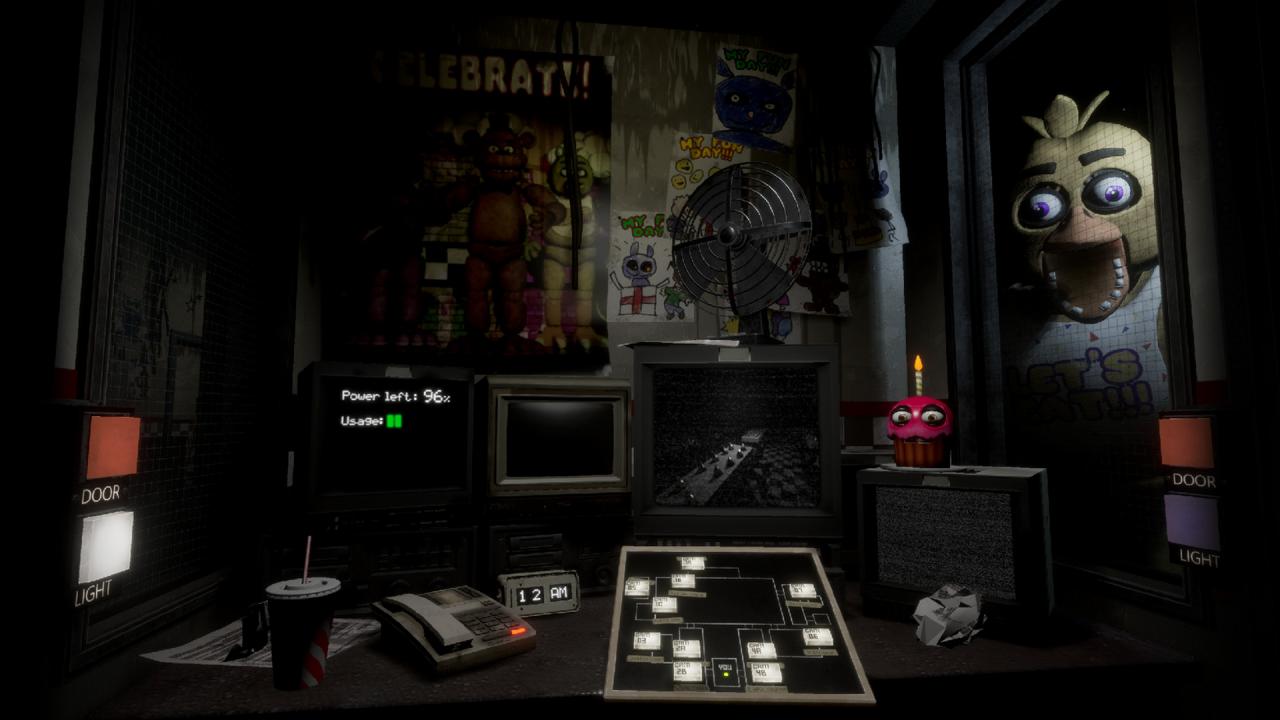
Five Nights at Freddy’s VR: Help Wanted is a virtual reality experience for the HTC Vive and Oculus Rift. FNaF VR: HW is a collection of classic and original mini-games set in the Five Nights universe. Survive terrifying encounters with your favorite killer animatronics in a collection of new and classic FIVE NIGHTS AT FREDDY’S™ experiences. “Where fantasy and fun come to life!” Features YOU’RE HIRED - Time to get your hands dirty. Repair claustrophobic ventilation systems, troubleshoot broken animatronics that could activate at any moment, or spend your evenings cowering in the nighttime security guard office. CELEBRATE - Confront your favorite killer animatronics including; Freddy, Bonnie, Chica, Foxy, Springtrap, The Mangle, Funtime Foxy, and Circus Baby. FUN FUN PRIZES - Toys, Plushies, Bobbleheads, and candy candy candy! Earn super fun prizes you can play with at the interactive Prize Counter! Collect well hidden Faz-Tokens to unlock even more rare collectibles for more SUPER FUN FUN FUN. PIZZA PARTY - Scenes from classic titles have been updated and remade for a fully immersive VR experience including; Five Nights at Freddy’s, Five Nights at Freddy’s 2, Five Nights at Freddy’s 3, Five Nights at Freddy’s 4, and Five Nights at Freddy’s: Sister Location.


Five Nights at Freddy's VR: Help Wanted / Access screenshotFive Nights at Freddy's VR: Help Wanted / Access screenshotFive Nights at Freddy's VR: Help Wanted / Access screenshotFive Nights at Freddy's VR: Help Wanted / Access screenshotFive Nights at Freddy's VR: Help Wanted / Access screenshot

How to redeem

  1. 1Check your PlayStation 4 account and the listed region before purchasing.
  2. 2Find your code and supplier activation instructions in your confirmed order.
  3. 3Open the redeem-code section on PlayStation 4, enter the code and follow the platform’s prompts.

Supplier instructions

Go to: http://store.steampowered.com/ and download STEAM client Click "Install Steam" (from the upper right corner) Install and start application, login with your Account name and Password (create one if you don't have). Please follow these instructions to activate a new retail purchase on Steam: Launch Steam and log into your Steam account. Click the Games Menu. Choose Activate a Product on Steam... Follow the onscreen instructions to complete the process. After successful code verification go to the "MY GAMES" tab and start downloading.

You might also like