Get 10% back in Relic Coins on every order
Kakureza Library cover

Nintendo Switch Europe - All Countries· Key

Kakureza Library

€0.69

+€0.07 cashback eligibility in Relic Coins

Check before you play

Platform
Nintendo Switch
Region
Europe - All Countries
Product type
Key
Developer
Norabako
Publisher
Norabako
Supplier release date
2025-04-30
Genres
Adventure, Casual, Indie, Visual Novel

About this product

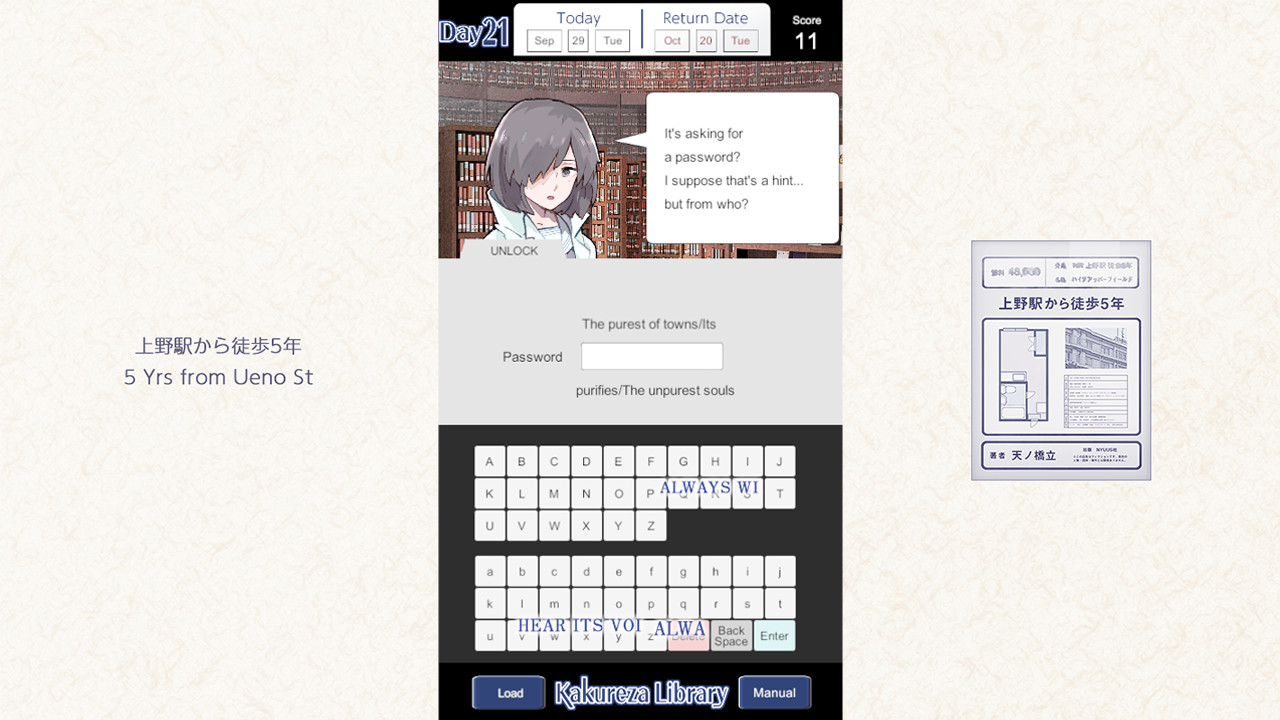
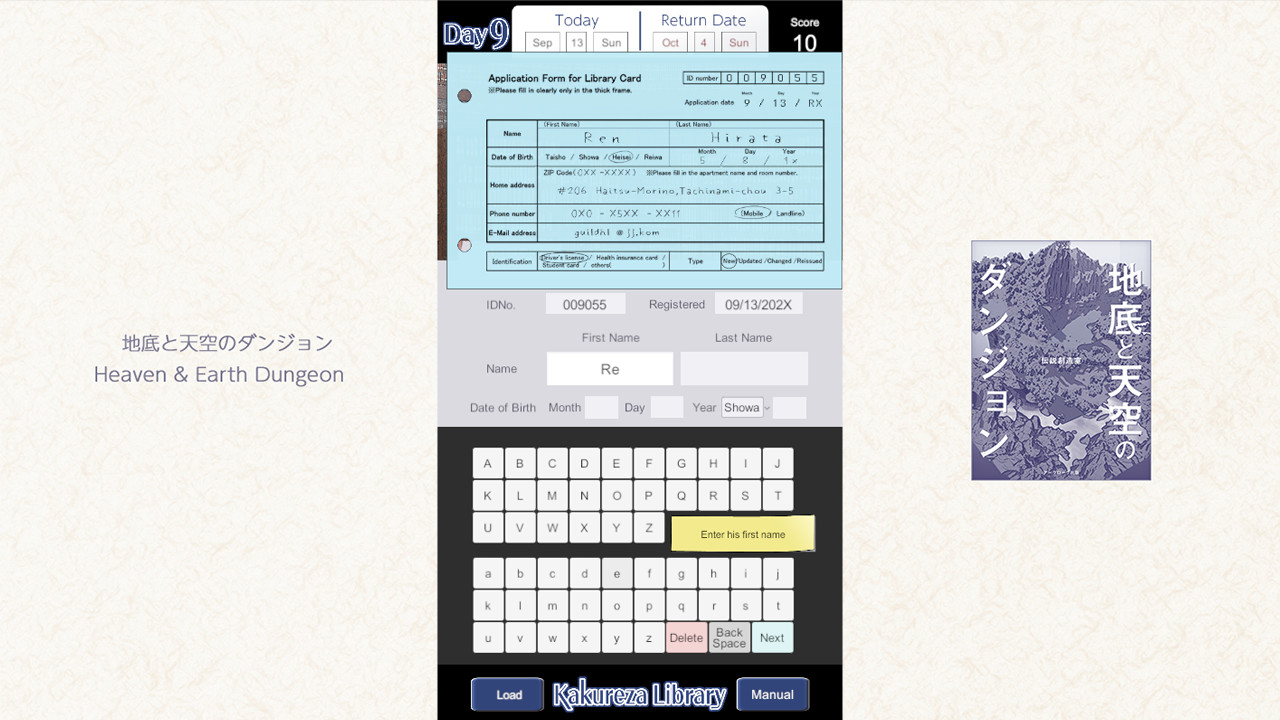
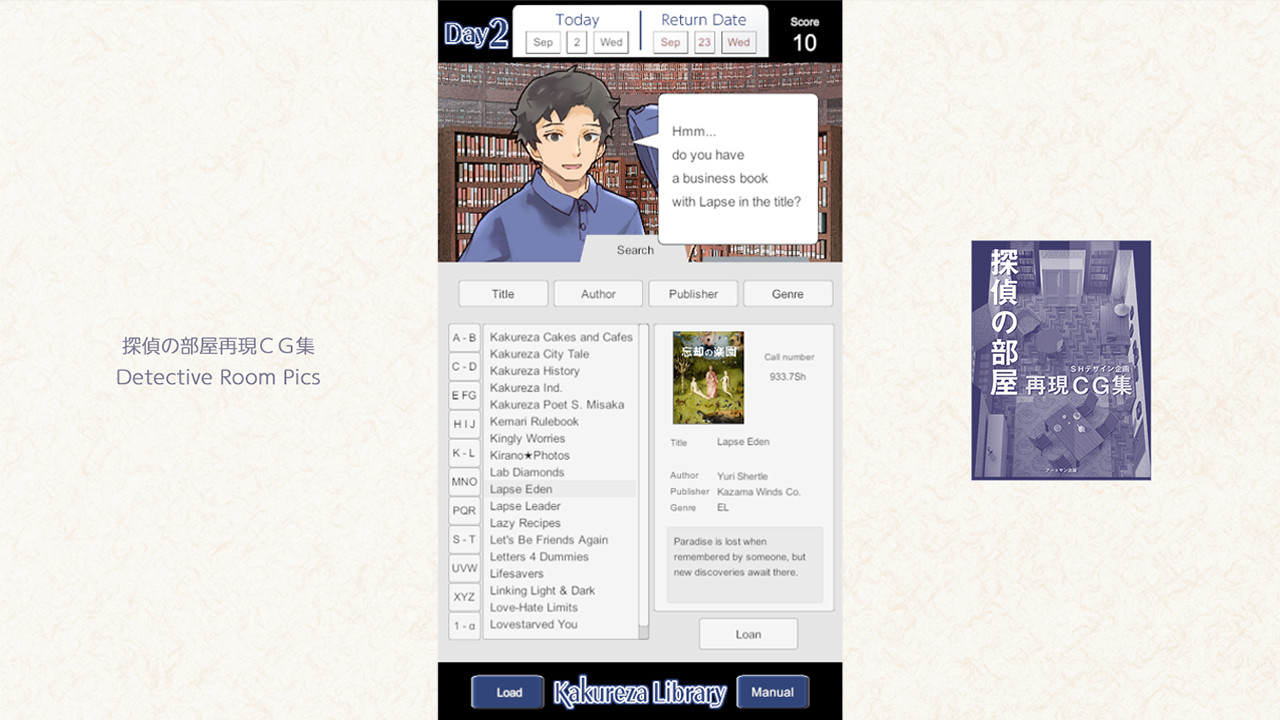
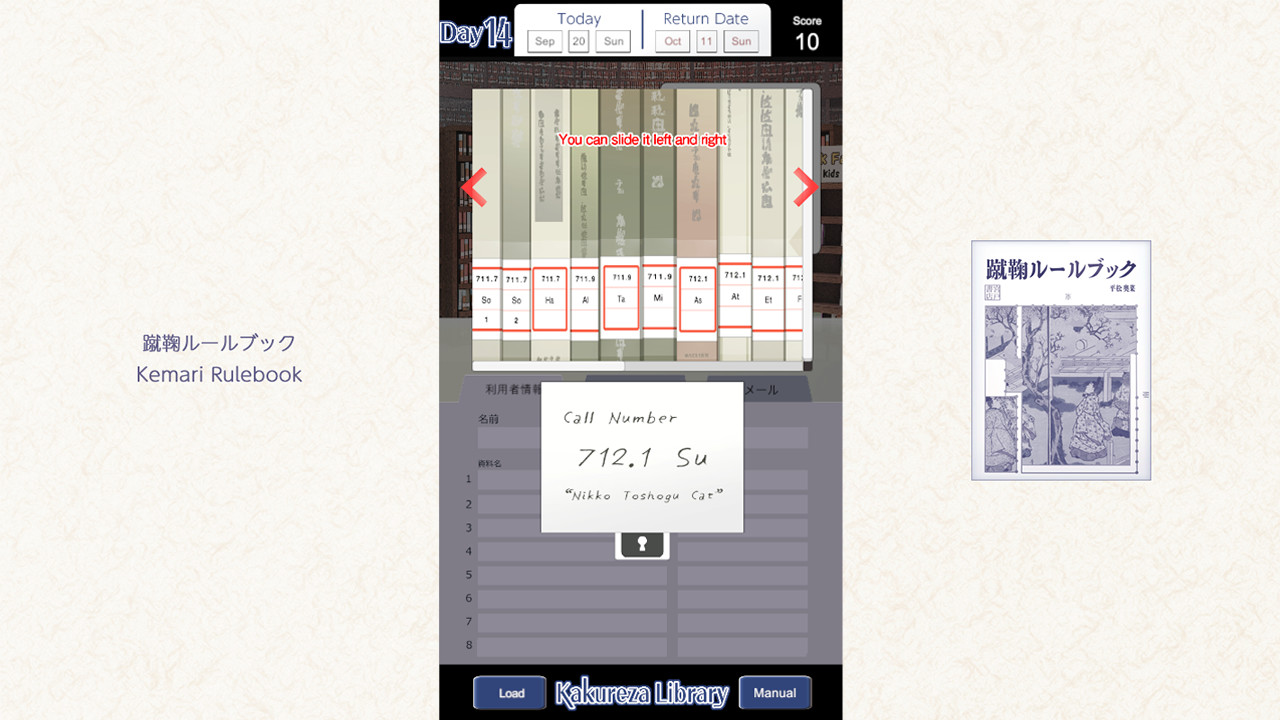
Become a Librarian in a Visual Novel Set in a Single Scene. This is a librarian adventure game. As a new employee of the library, you will lend at the counter. The story branches by selecting the book that the user wants from all 260 books. Multi-ending with multiple bad ends. You Are an Apprentice Librarian:Step into the shoes of a new library staff member and work entirely at the front desk. Lend out materials, assist patrons with their inquiries, and more. Complete your one-month probation period to finish the game. 260 Fictional Books:Each book includes a cover, title, author, publisher, and summary. Enjoy the collection as a fictional book gallery.Your Daily Tasks Matter:Each book you lend becomes a turning point in someone’s story. Who returns, what they borrow next, and how their lives unfold — it all depends on your choices behind the desk.Multiple Endings:The game features several bad endings, plus one normal ending and one true ending.Endless Mode:A bonus mode where patrons arrive one by one with reference requests.*Search quickly and accurately to find what they need. Try to beat your personal best.

Kakureza Library screenshotKakureza Library screenshotKakureza Library screenshotKakureza Library screenshotKakureza Library screenshot

How to redeem

  1. 1Check your Nintendo Switch account and the listed region before purchasing.
  2. 2Find your code and supplier activation instructions in your confirmed order.
  3. 3Open the redeem-code section on Nintendo Switch, enter the code and follow the platform’s prompts.

Supplier instructions

Select “Nintendo eShop” on the HOME Menu to launch the Nintendo eShop. Select the account you want to use. Select “Enter Code” on the left side of the screen. Enter the 16-character download code.Any letters and symbols not used with prepaid codes (i.e. O, I, Z, commas, hyphens, etc.) will be disabled from the on-screen keyboard. Select “Send” to confirm. The game will begin downloading once the code is confirmed.The game icon will appear on the HOME menu, with a download status bar. The status bar will disappear once the game download is complete.

You might also like