Get 10% back in Relic Coins on every order
Clubhouse Games: 51 Worldwide Classics JP cover

Nintendo SwitchAsia· Key

Clubhouse Games: 51 Worldwide Classics JP

€25.15

+€2.52 cashback eligibility in Relic Coins

Check before you play

Platform
Nintendo Switch
Region
Asia
Product type
Key
Developer
NDCube
Publisher
Nintendo
Supplier release date
2020-06-05
Genres
Casual, Puzzle

About this product

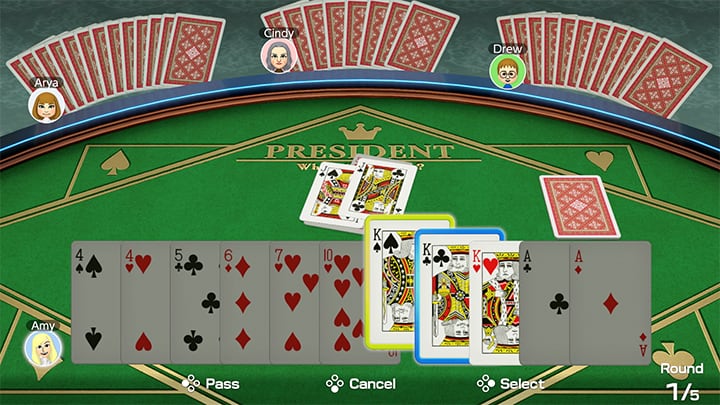
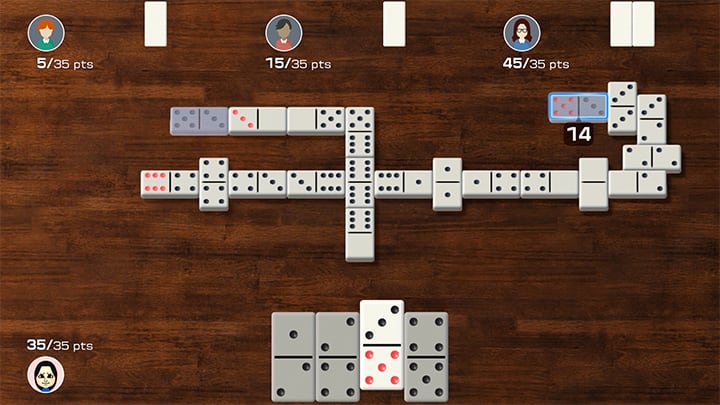
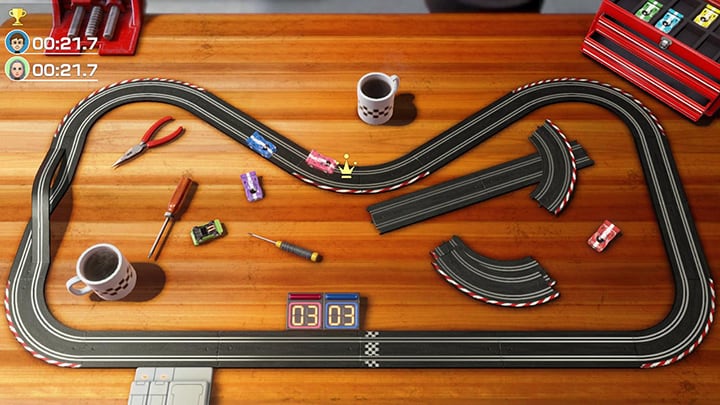
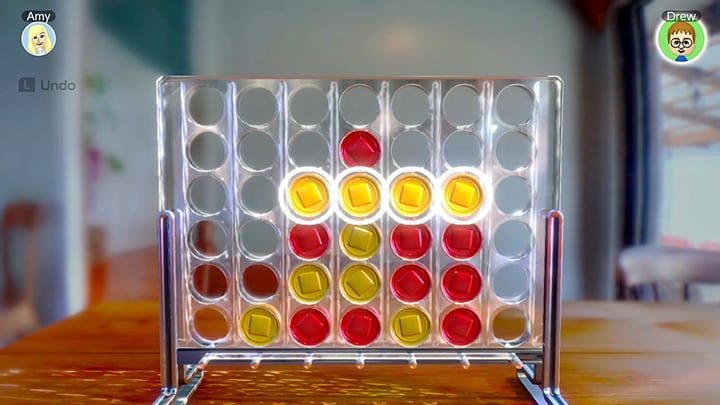
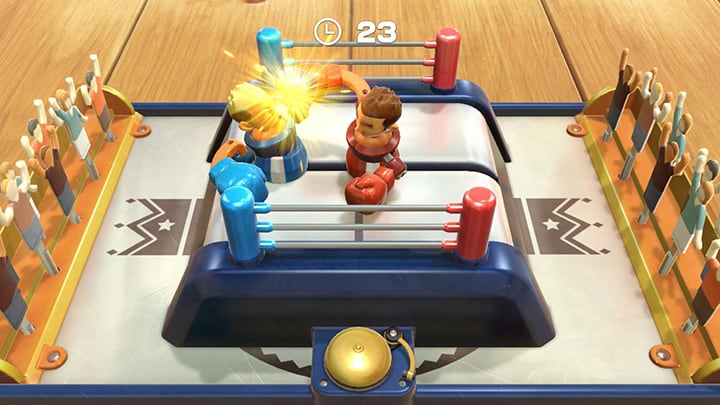
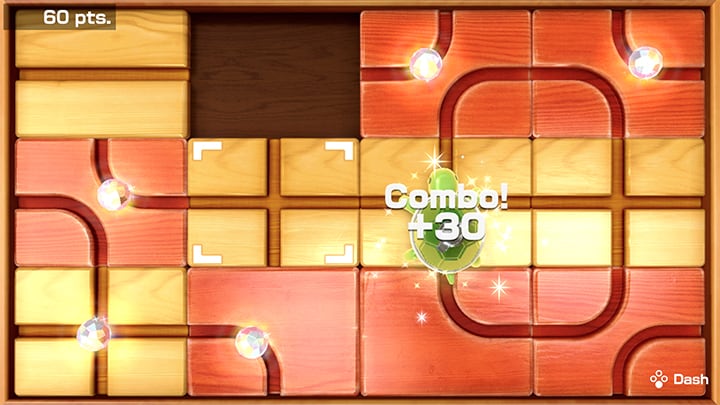
Discover and play 51 tabletop games from around the world! With board games, card games, sports games, solitaires, and even a piano keyboard, Clubhouse Games: 51 Worldwide Classics is an eclectic collection of games to play and discover on your Nintendo Switch system. Each game includes how-to-play instructions and trivia tidbits. Defeat all difficulty levels of CPU opponents to become a master of each game! Play on the go, on the TV, or with others locally or online. Features Mancala Dots and Boxes Yacht Dice Four-in-a-Row Hit and Blow Nine Men's Morris Hex Checkers Hare and Hounds Gomoku Dominoes Chinese Checkers Ludo Backgammon Renegade Chess Shogi Mini Shogi Hanafuda Riichi Mahjong Last Card Blackjack Texas Hold'em President Sevens Speed Matching War Takoyaki Pig's Tail Golf Billiards Bowling Darts Carrom Toy Tennis Toy Soccer Toy Curling Toy Boxing Toy Baseball Air Hockey Slot Cars Fishing Battle Tanks Team Tanks Shooting Gallery 6-Ball Puzzle Sliding Puzzle Mahjong Solitaire Klondike Solitaire Spider Solitaire Piano

Clubhouse Games: 51 Worldwide Classics JP screenshotClubhouse Games: 51 Worldwide Classics JP screenshotClubhouse Games: 51 Worldwide Classics JP screenshotClubhouse Games: 51 Worldwide Classics JP screenshotClubhouse Games: 51 Worldwide Classics JP screenshotClubhouse Games: 51 Worldwide Classics JP screenshot

How to redeem

  1. 1Check your Nintendo Switch account and the listed region before purchasing.
  2. 2Find your code and supplier activation instructions in your confirmed order.
  3. 3Open the redeem-code section on Nintendo Switch, enter the code and follow the platform’s prompts.

Supplier instructions

Select “Nintendo eShop” on the HOME Menu to launch the Nintendo eShop. Select the account you want to use. Select “Enter Code” on the left side of the screen. Enter the 16-character download code.Any letters and symbols not used with prepaid codes (i.e. O, I, Z, commas, hyphens, etc.) will be disabled from the on-screen keyboard. Select “Send” to confirm. The game will begin downloading once the code is confirmed.The game icon will appear on the HOME menu, with a download status bar. The status bar will disappear once the game download is complete.

You might also like