Get 10% back in Relic Coins on every order
CONSCRIPT AU cover

Xbox OneAustralia And Oceania· Key

CONSCRIPT AU

€9.45

+€0.95 cashback eligibility in Relic Coins

Check before you play

Platform
Xbox One
Region
Australia And Oceania
Product type
Key
Developer
Jordan Mochi
Publisher
Team17
Supplier release date
2024-07-23
Genres
Action, Adventure, Indie

About this product

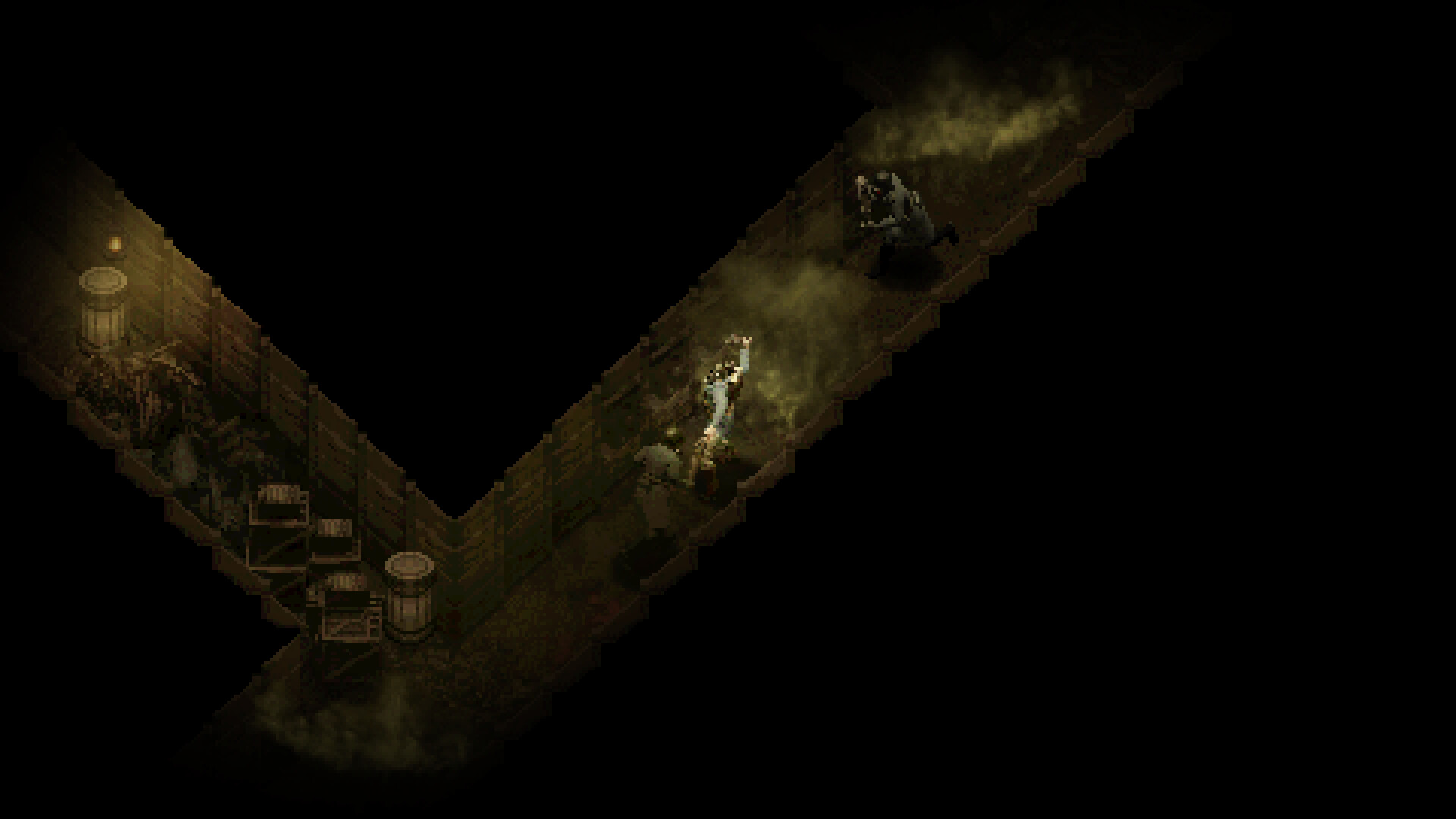
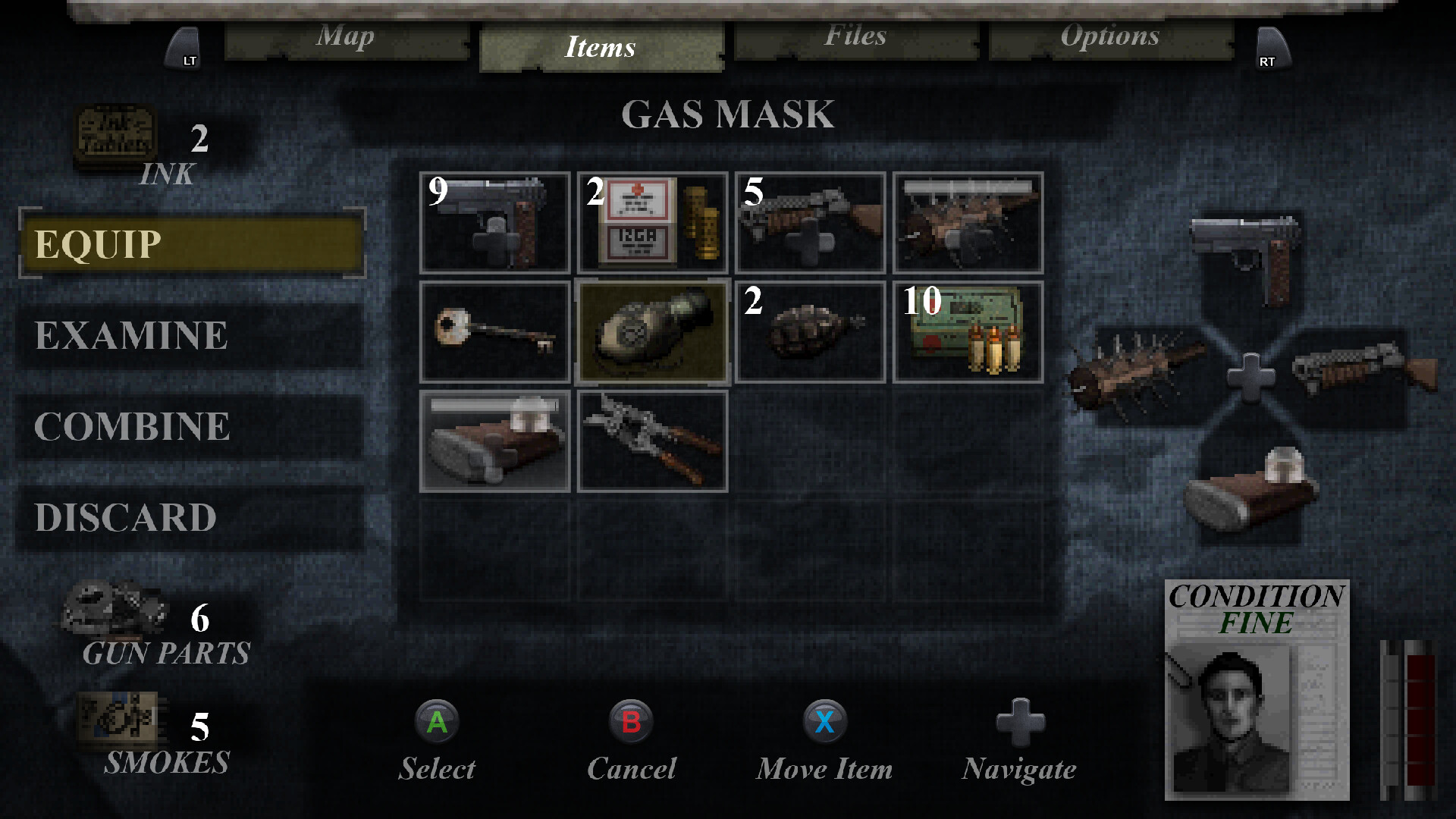
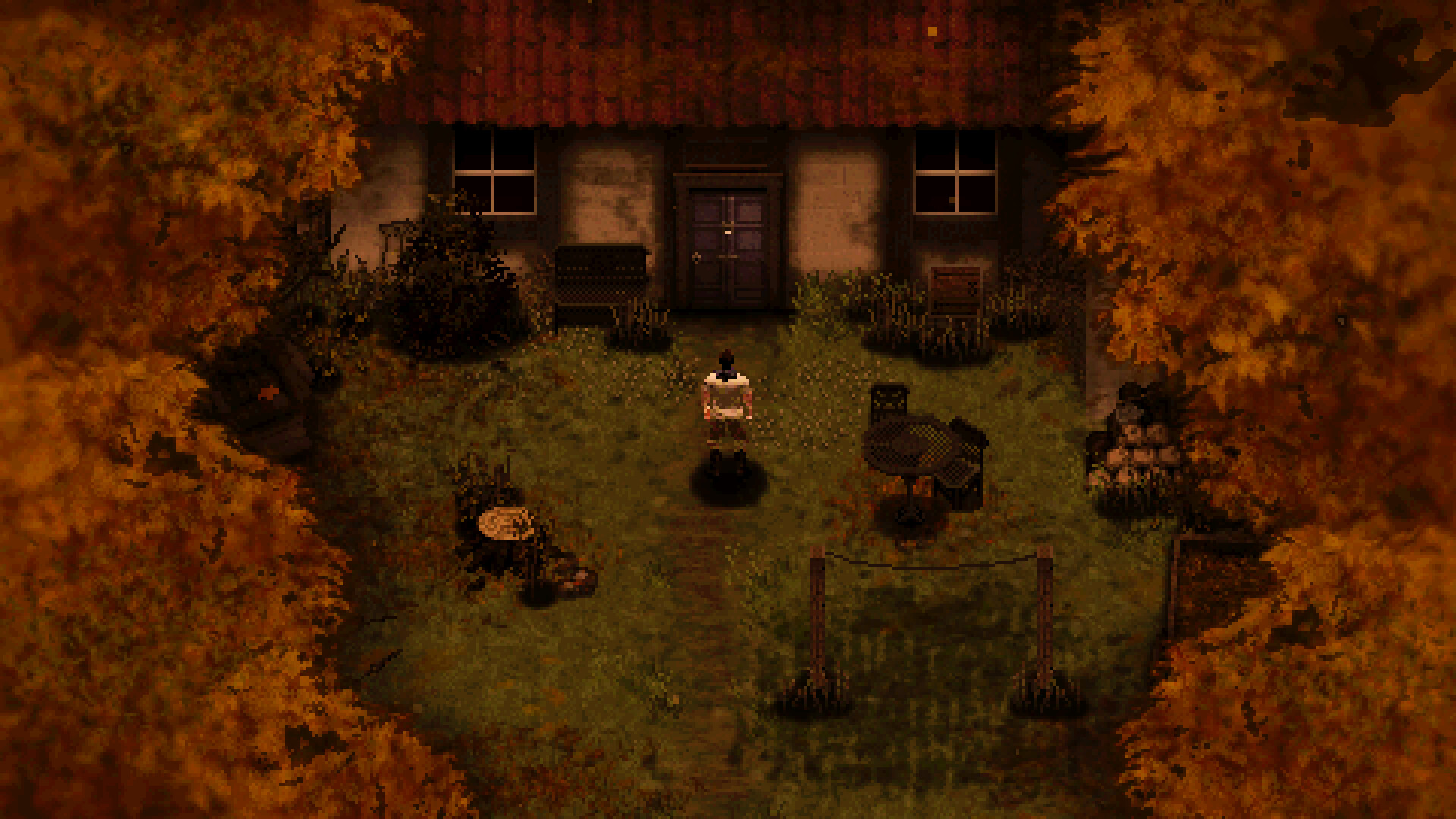
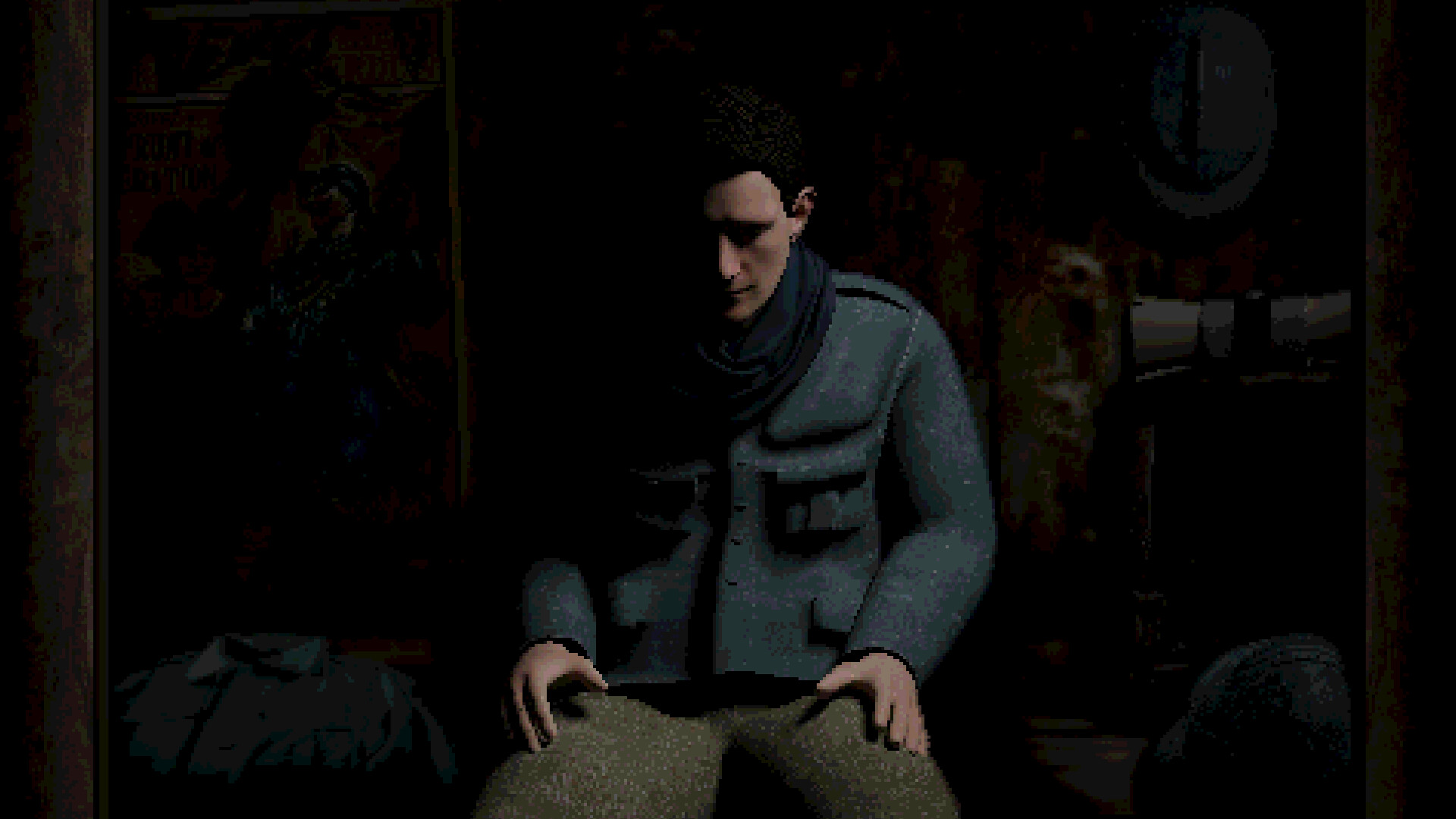
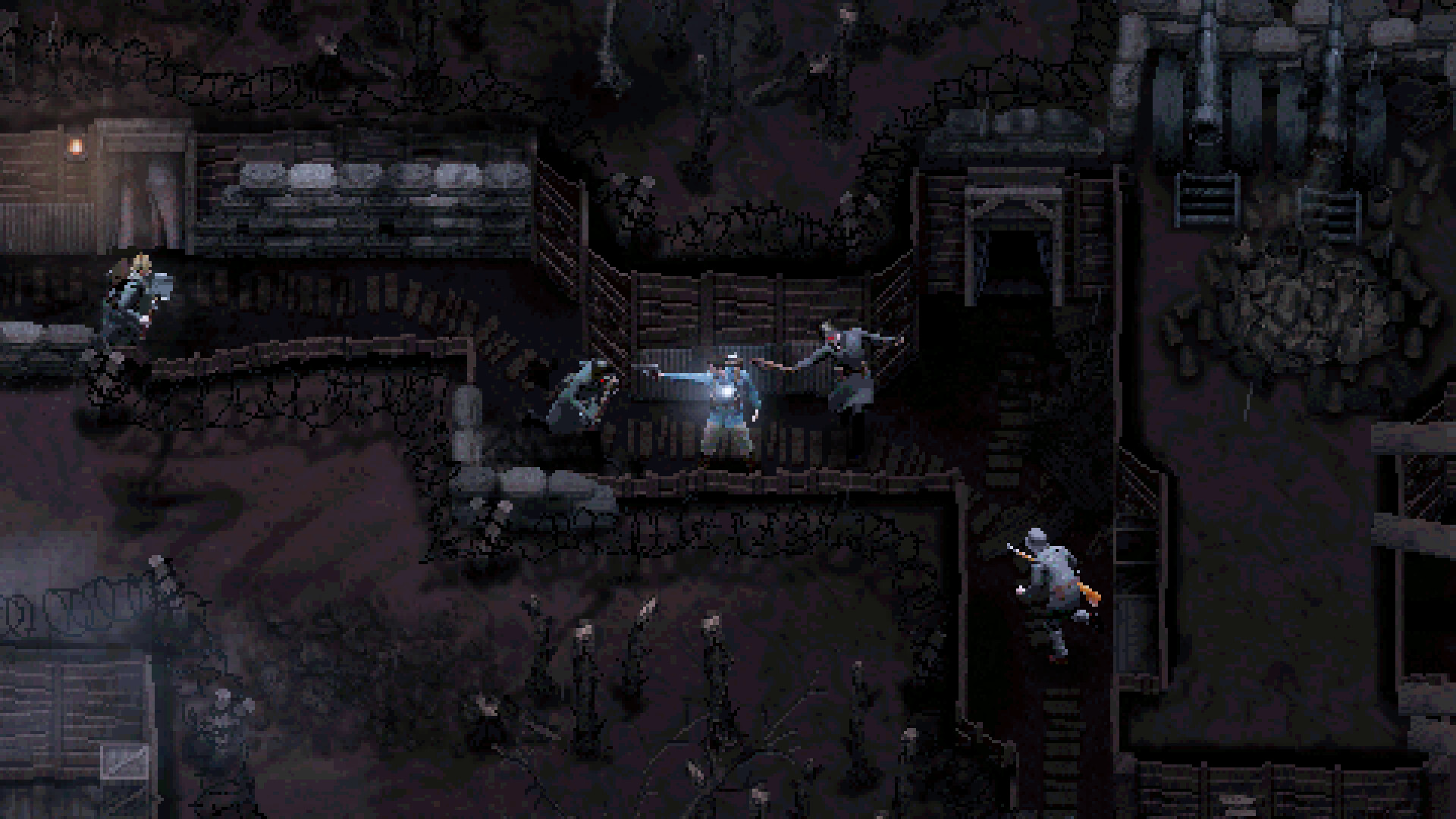
CONSCRIPT is a survival horror game inspired by classics of the genre - set in 1916 during the Great War. CONSCRIPT will blend all the punishing mechanics of older horror games into a cohesive, tense, and unique experience. In CONSCRIPT, you play as a French soldier searching for his missing-in-action brother during the Battle of Verdun. Will you be able to search twisted trenches, navigate overrun forts, and cross no-mans-land to find him, and ensure a home goes unbroken? Features: Experience classic and methodical survival horror gameplay in a unique historical setting: the Battle of Verdun. Highly re-playable with various difficulty settings, multiple endings, unlockable costumes and bonus weapons. Fend off a variety of enemy soldiers and combatants with a variety of WW1 melee weapons and firearms. Survive in an intense, harrowing atmosphere boosted by a unique pixel art aesthetic and oppressive sound design. Navigate intricate level design that promotes item management and route planning, whilst solving complex environmental puzzles. Distinct WW1 themed areas that intertwine and overlap.

CONSCRIPT AU screenshotCONSCRIPT AU screenshotCONSCRIPT AU screenshotCONSCRIPT AU screenshotCONSCRIPT AU screenshotCONSCRIPT AU screenshot

How to redeem

  1. 1Check your Xbox One account and the listed region before purchasing.
  2. 2Find your code and supplier activation instructions in your confirmed order.
  3. 3Open the redeem-code section on Xbox One, enter the code and follow the platform’s prompts.

Supplier instructions

FROM A WEB BROWSER: Go to this website. Log into your Microsoft Account. Enter the key and click Next. Follow the prompts. IN THE MICROSOFT STORE ON WINDOWS: Press the Start button , and then enter store into the search bar. Choose Microsoft Store from the results to open the app. Select your account in the top-right corner of the screen, and then select Redeem code or gift cards. Enter the 25-character code, select Next, and then follow the prompts. ON XBOX ONE AND XBOX SERIES X|S: Press the Xbox button to open the guide, and then select Store. Press the View button to open the side menu, and then select Redeem. Enter the 25-character code, select Next, and then follow the prompts. ON XBOX 360: Press the Guide button on your controller. Select Games & Apps, and then select Redeem Code. Enter the 25-character code, and then follow the prompts to complete your redemption. Please note that Xbox 360 codes can ONLY be activated on the Xbox 360 console directly!

You might also like