Get 10% back in Relic Coins on every order
MONOPOLY cover

Nintendo SwitchEurope· Key

MONOPOLY

€20.10

+€2.01 cashback eligibility in Relic Coins

Check before you play

Platform
Nintendo Switch
Region
Europe
Product type
Key
Developer
TikGames
Publisher
Encore Software Inc.
Supplier release date
2024-09-26
Genres
Casual, Strategy

About this product

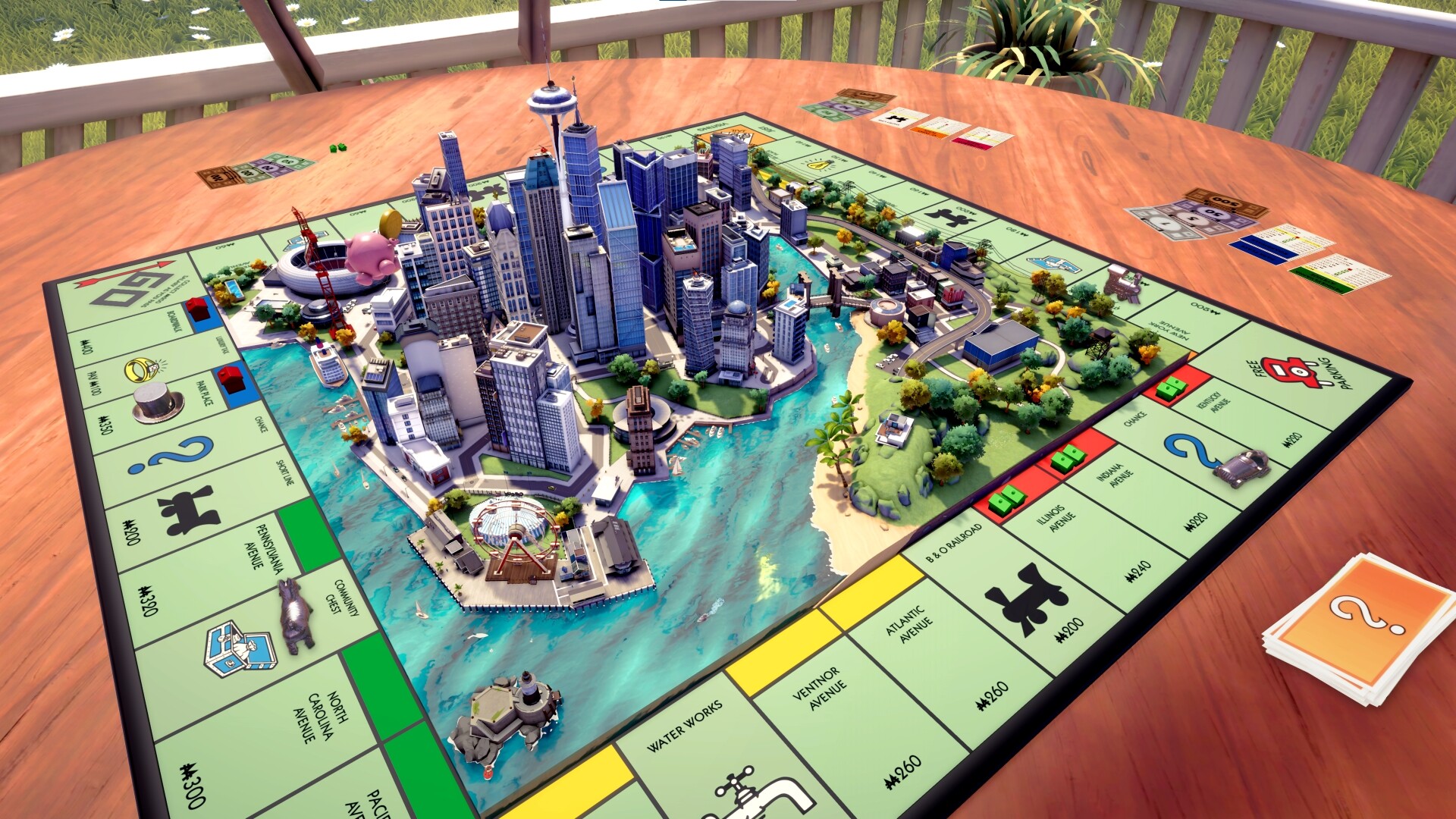
MONOPOLY® is back with a fresh look and an improved game experience. Buy, sell, trade properties, and grow your empire in this faithful adaptation of the game we all grew up with! Roll the dice, start the game, and dive in to explore an exciting, fully animated 3D city.

A board that comes to life

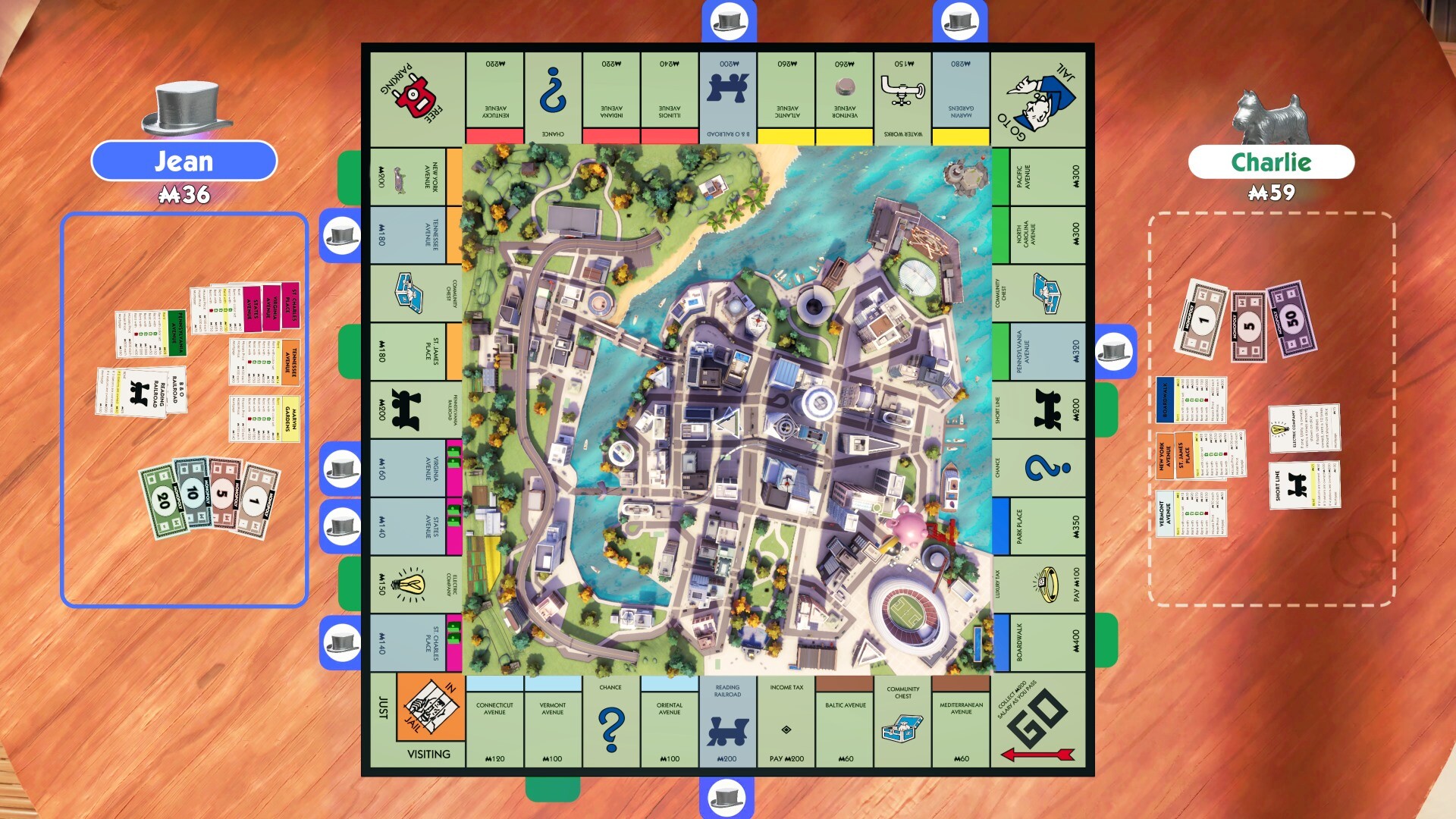
With next-gen quality and a detailed 3D city, MONOPOLY brings the classic franchise to a new level. Move around the board to explore the city and its different neighborhoods, or spy on your opponents before your next move. With its day/night and weather cycles, admire the city as sunny mornings transform into stormy nights.

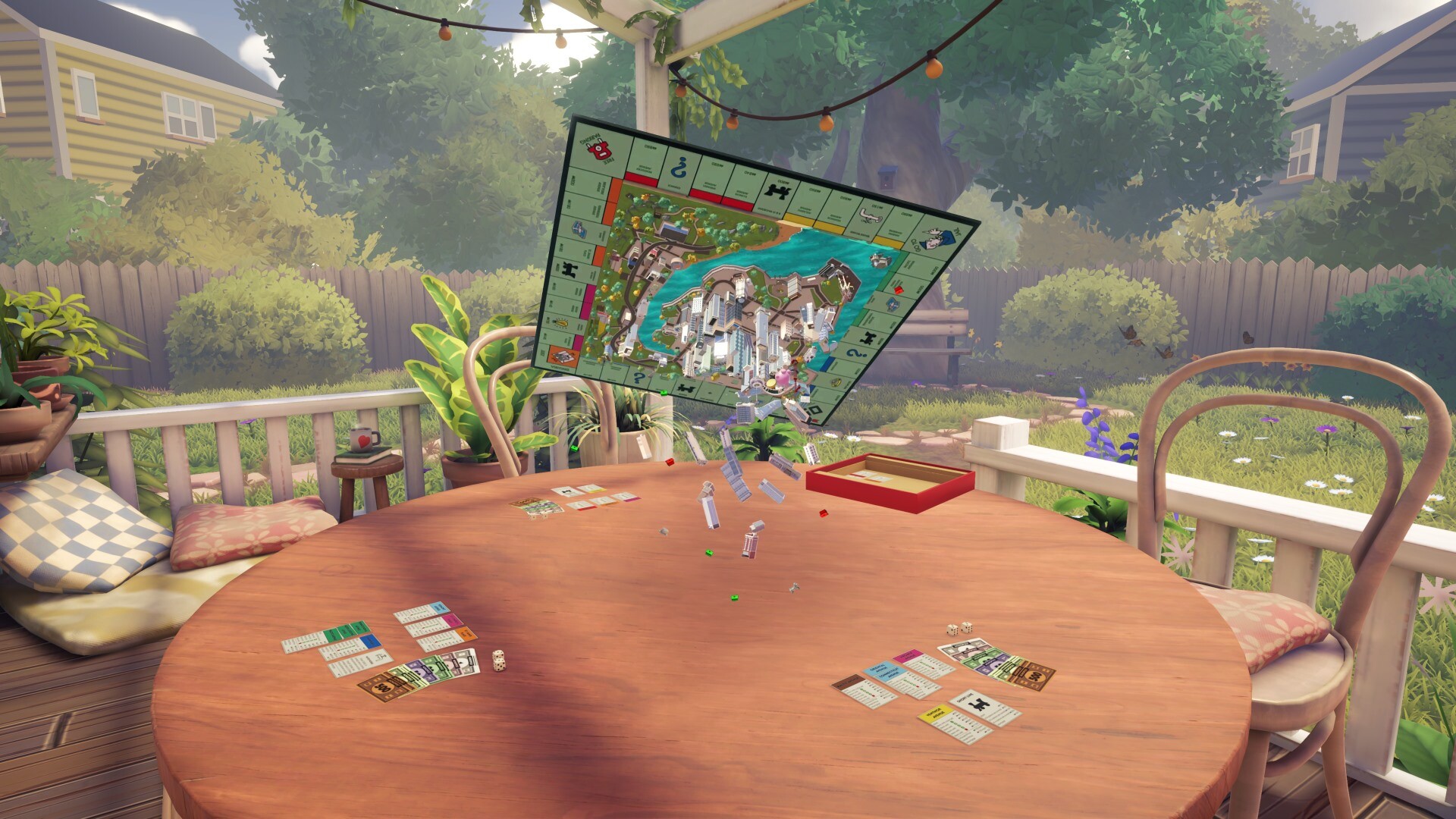
A tabletop feel

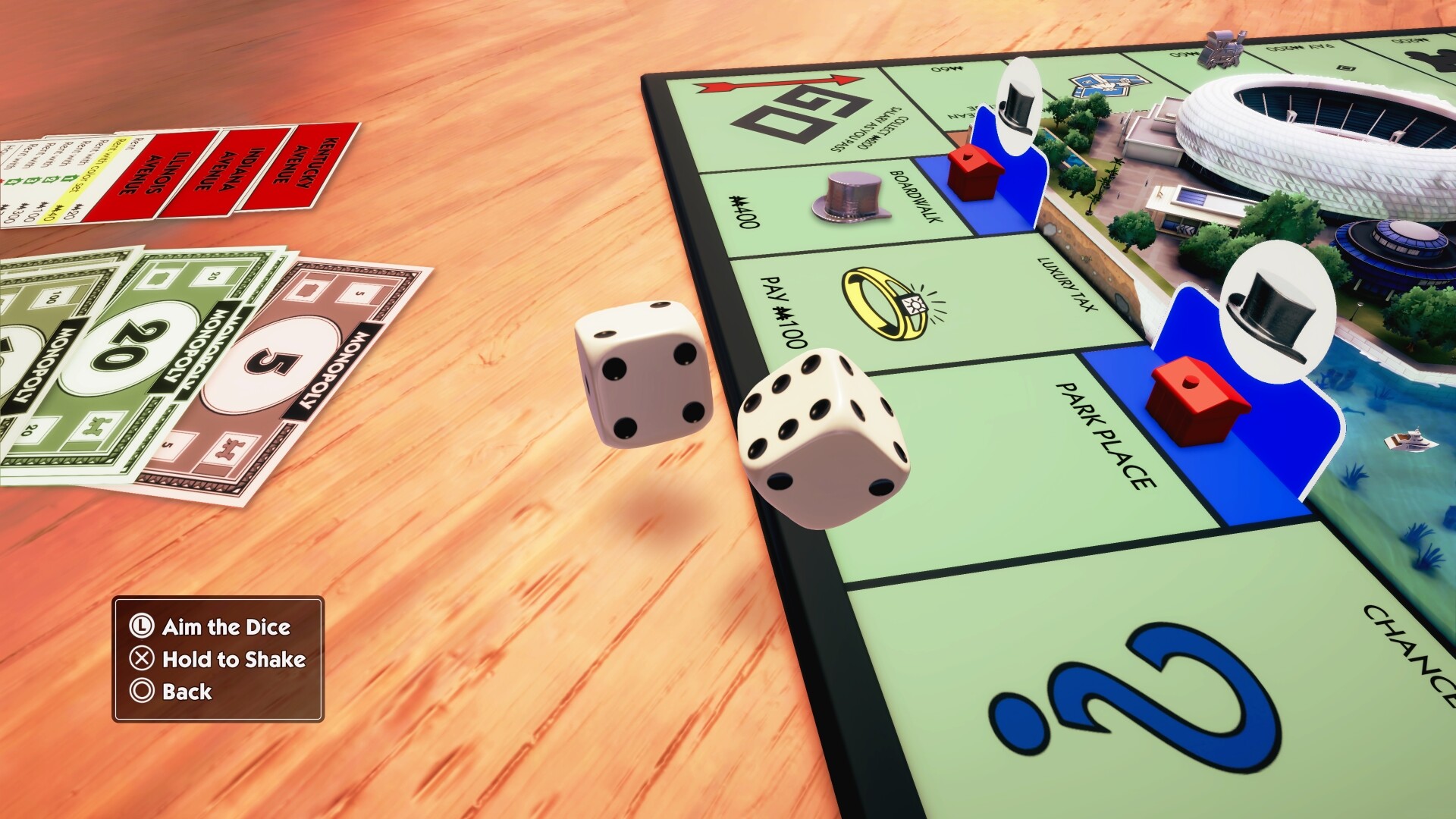
Feel the essence of tabletop gaming in every move as you buy, sell, trade, and scheme your way to riches. You can now manipulate your token, moving it around and making jumps. Want revenge for your bankruptcy? Knock out the guilty one’s tokens!

A family game night staple

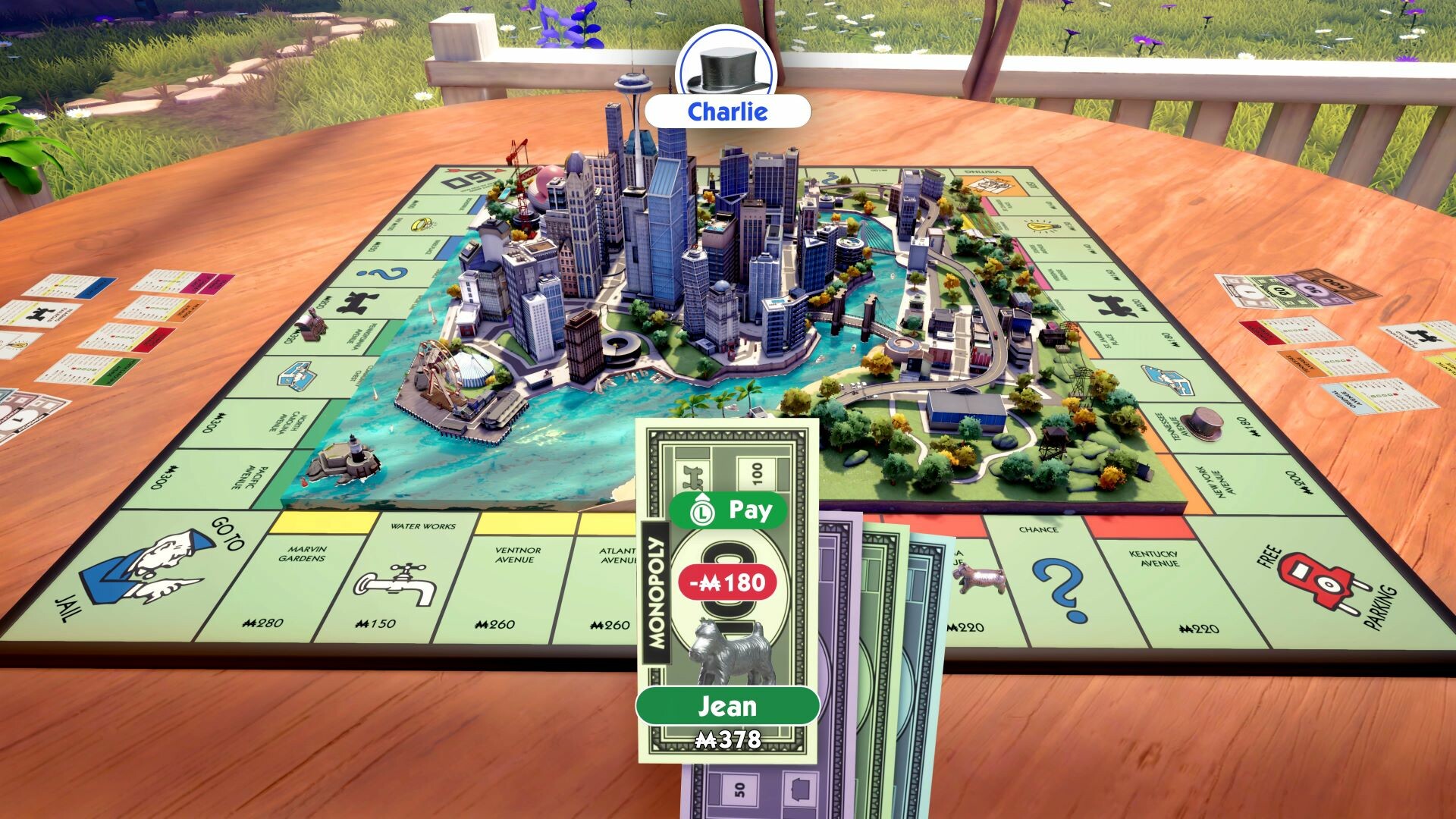
Play with up to six players in your living room or take the matches online* to compete against other property moguls from around the world. MONOPOLY also supports cross-play! Choose to play with one controller for all or just one per player! Customize your dice set and discover your favorite tokens in a new light. *Internet connection and Ubisoft Account required to access online multiplayer/features.

MONOPOLY screenshotMONOPOLY screenshotMONOPOLY screenshotMONOPOLY screenshotMONOPOLY screenshotMONOPOLY screenshot

How to redeem

  1. 1Check your Nintendo Switch account and the listed region before purchasing.
  2. 2Find your code and supplier activation instructions in your confirmed order.
  3. 3Open the redeem-code section on Nintendo Switch, enter the code and follow the platform’s prompts.

Supplier instructions

Select “Nintendo eShop” on the HOME Menu to launch the Nintendo eShop. Select the account you want to use. Select “Enter Code” on the left side of the screen. Enter the 16-character download code.Any letters and symbols not used with prepaid codes (i.e. O, I, Z, commas, hyphens, etc.) will be disabled from the on-screen keyboard. Select “Send” to confirm. The game will begin downloading once the code is confirmed.The game icon will appear on the HOME menu, with a download status bar. The status bar will disappear once the game download is complete.

You might also like