Get 10% back in Relic Coins on every order
Fruitbus NA cover

PlayStation 5Americas· Key

Fruitbus NA

€10.40

+€1.04 cashback eligibility in Relic Coins

Check before you play

Platform
PlayStation 5
Region
Americas
Product type
Key
Developer
Krillbite Studio
Publisher
Krillbite Studio
Supplier release date
2025-06-19
Genres
Adventure, Casual, Indie, Simulation

About this product

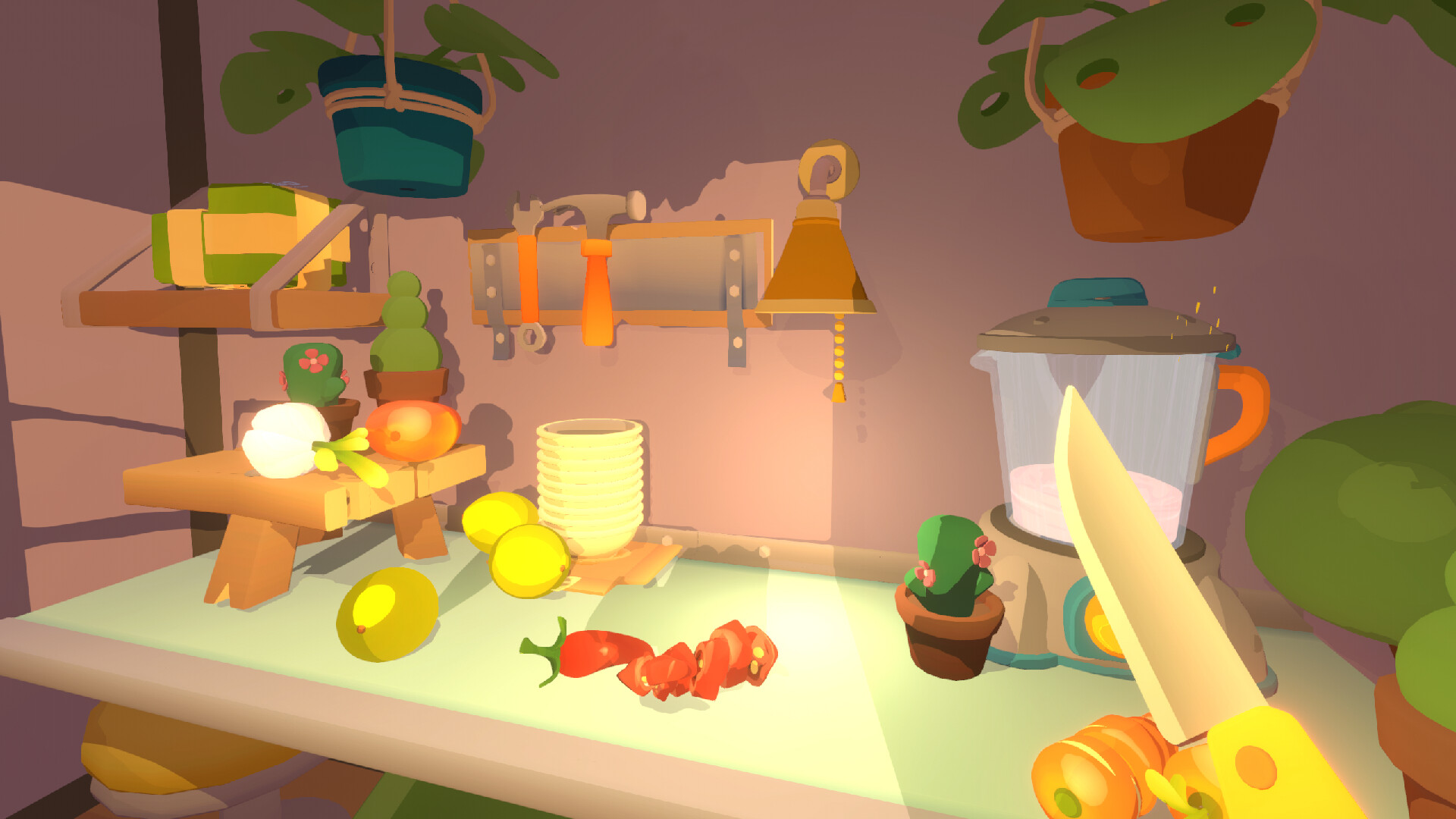
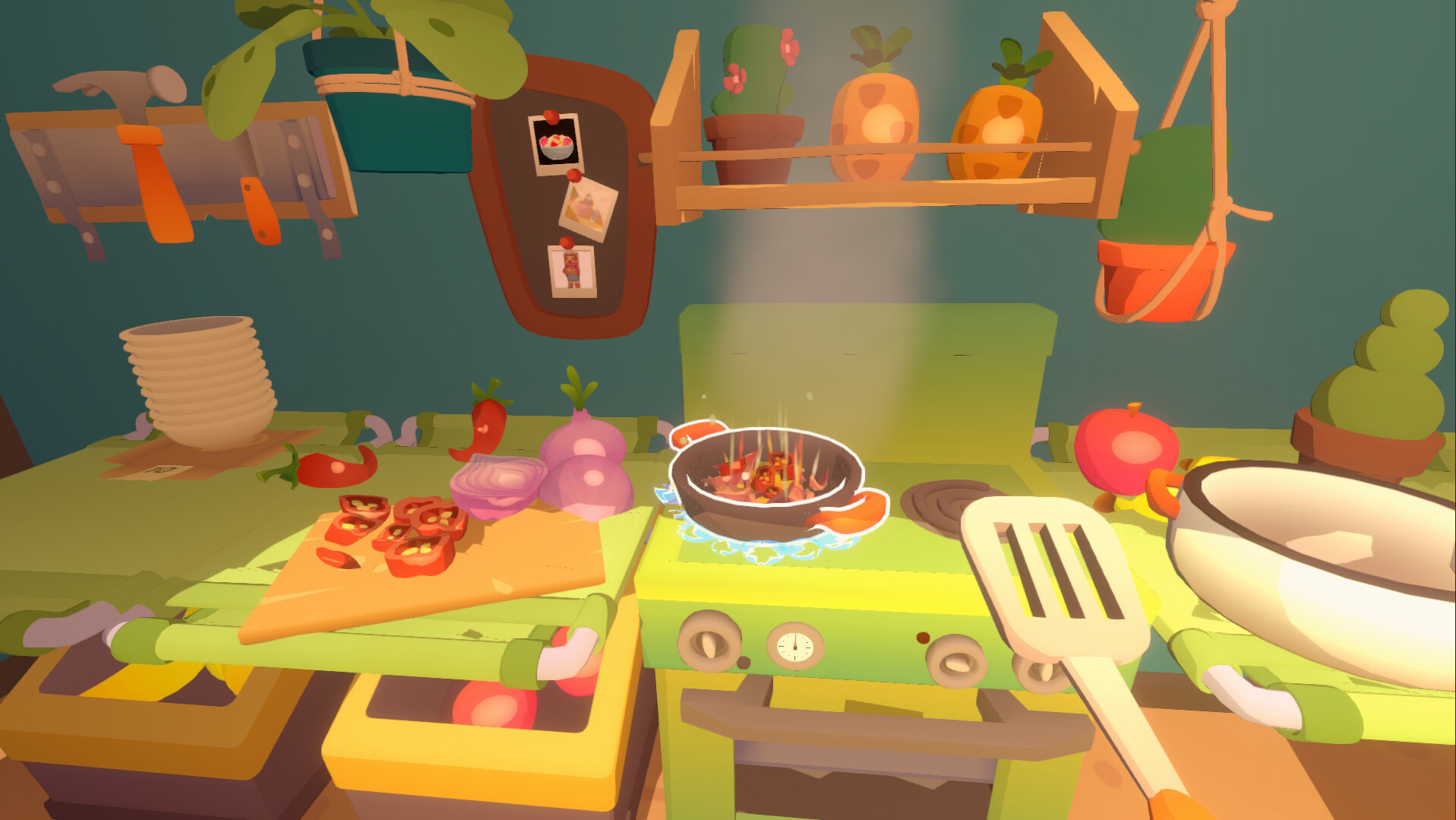
Fruitbus is a cute culinary adventure, set in an open world where taste is everything. Upgrade your trusty truck and visit a whole world of new destinations together. Discover fresh fruits and vegetables on each island of the Gustum archipelago, learn their customs and cook meals that will make someone’s day. Features of Fruitbus UPGRADE YOUR FRUITBUSFrom a giant springy banana to racing wings, customize your Fruitbus to reflect your personality. Find new ways to attract customers with music and bright colors. FORAGE IN THE WILDSTreat Mother Earth well as you adventure into the wilds and gather ingredients. Find inspiration for your next top-selling dish in ancient glades, secret groves, and forgotten grottos. REFINE YOUR RECIPESUpgrade your kitchen to fit your play style. Make fun and original dishes for customers to try or take on the challenge of making the local delicacy. FOOD FOR THE SOULGrow a following of loyal customers and discover their unique stories by creating dishes that evoke feelings and memories. Use the power of food to help and unlock new possibilities for you and your Fruitbus.


Fruitbus NA screenshotFruitbus NA screenshotFruitbus NA screenshotFruitbus NA screenshotFruitbus NA screenshot

How to redeem

  1. 1Check your PlayStation 5 account and the listed region before purchasing.
  2. 2Find your code and supplier activation instructions in your confirmed order.
  3. 3Open the redeem-code section on PlayStation 5, enter the code and follow the platform’s prompts.

Supplier instructions

In order to redeem Playstation Network Code please follow instruction below: Go to http://www.SonyEntertainmentNetwork.com Click "Manage Account" and sign in with your Sign-In ID(E-mail Address) and Password. Click on "Redeem Prepaid Card". Enter the code printed on the voucher or PlayStation Network Card and click "Continue". If the code is valid, you will be presented with a description of what the code will deliver to your account. Press "Redeem..." button to add the item or funds to your account.

You might also like