

SteamGlobal· Key
Score a goal (Physical football)
€1.05
+€0.11 cashback eligibility in Relic Coins
Check before you play
- Platform
- Steam
- Region
- Global
- Product type
- Key
- Supplier release date
- 2016-12-28
- Genres
- Sport, Simulation, Indie, Casual
SteamGlobal· Key
€1.05
+€0.11 cashback eligibility in Relic Coins
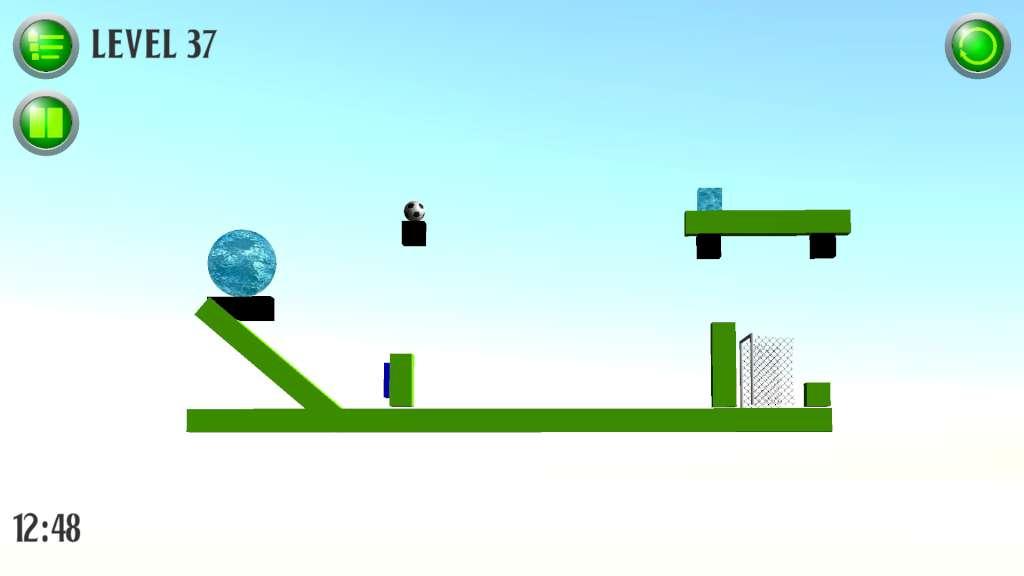
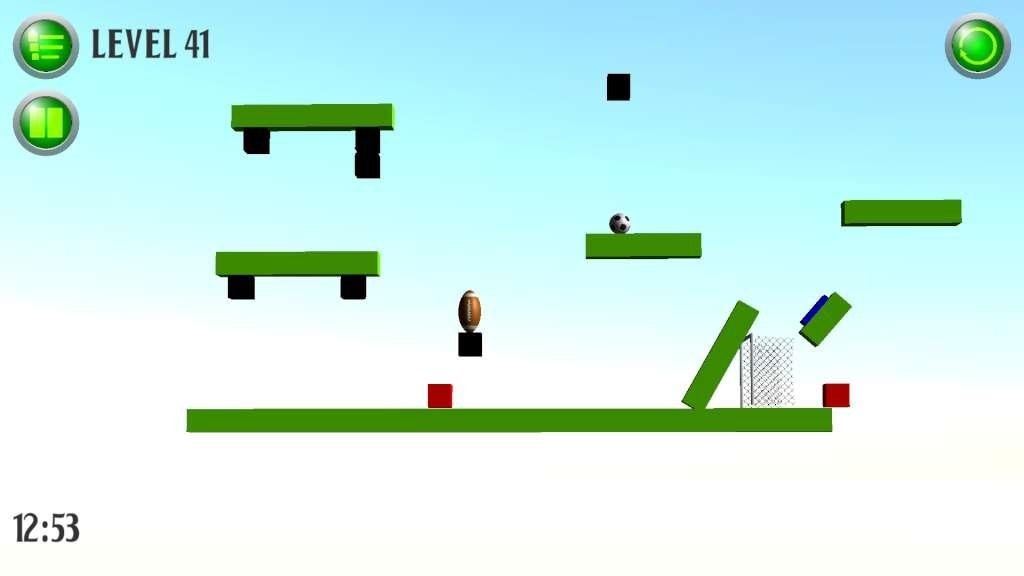
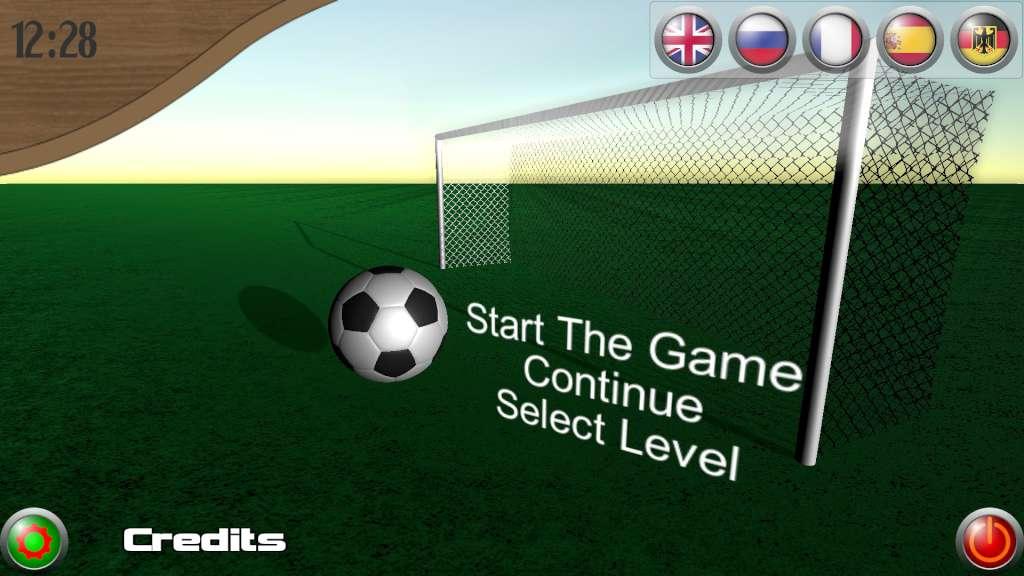
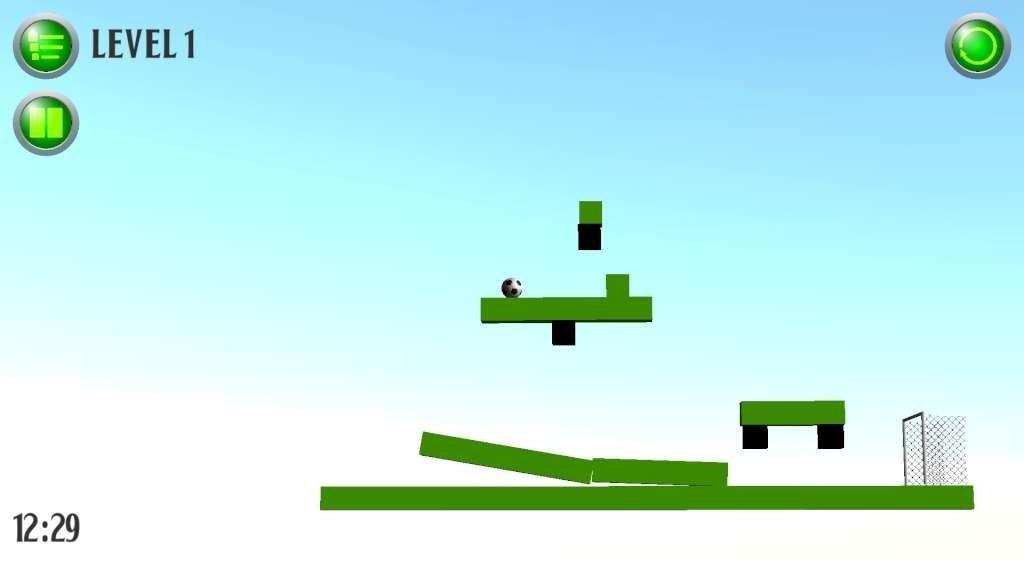
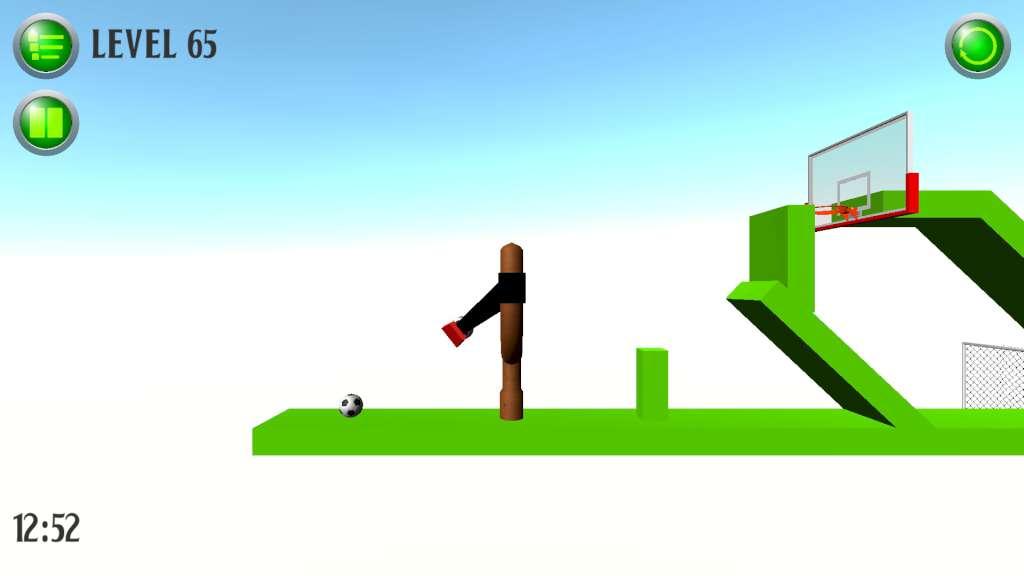
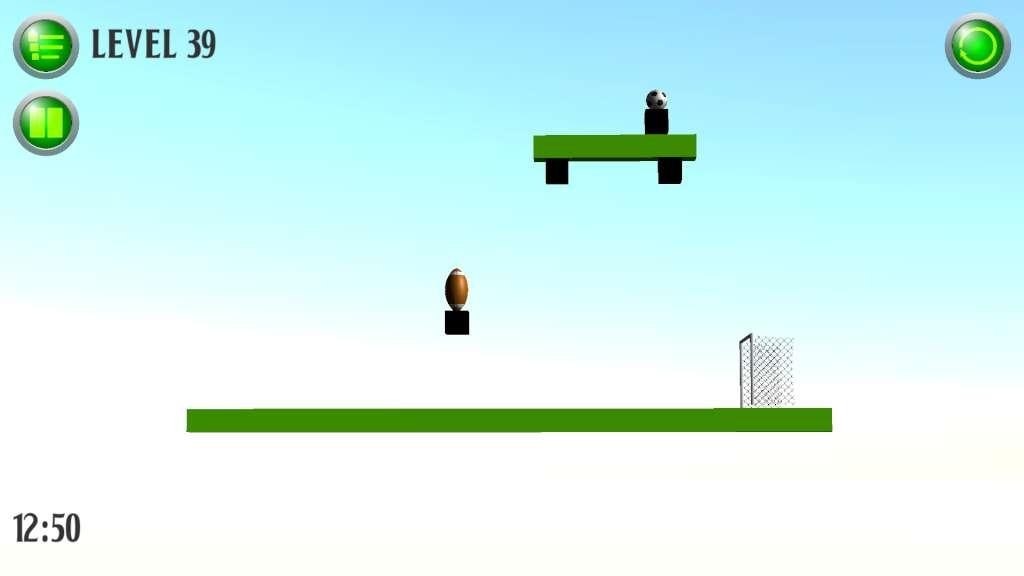
It's a physical game, whose main task is to score the ball into the goal. On your side and against you, only the laws of physics. All the controls in the game by using the computer mouse. Depending on the level will be various conditions of interaction of the player with the surrounding world. There are disappearing blocks, falling blocks, disappearing blocks, mines, ice, balls and so on. Level design is arranged in such a way that in some levels there are only one or several options for solving the problem (score a goal), while on some levels can be a lot of solutions. Success in the solution of a level depends not only on Your mind, but just from your reaction. Playing this game should remember one thing: using the same initial data we get the same result, so hesitated for a second at one time or another, probably will depend on whether you will score the ball into the goal. In this game, as expected Steam trading cards and new levels.
Go to: http://store.steampowered.com/ and download STEAM client Click "Install Steam" (from the upper right corner) Install and start application, login with your Account name and Password (create one if you don't have). Please follow these instructions to activate a new retail purchase on Steam: Launch Steam and log into your Steam account. Click the Games Menu. Choose Activate a Product on Steam... Follow the onscreen instructions to complete the process. After successful code verification go to the "MY GAMES" tab and start downloading.