Get 10% back in Relic Coins on every order
Offroad VR cover

SteamGlobal· Key

Offroad VR

€1.18

+€0.12 cashback eligibility in Relic Coins

Check before you play

Platform
Steam
Region
Global
Product type
Key
Developer
İNİTİUM STUDİO
Publisher
İNİTİUM STUDİO
Supplier release date
2023-12-16
Genres
Racing, Simulation

About this product

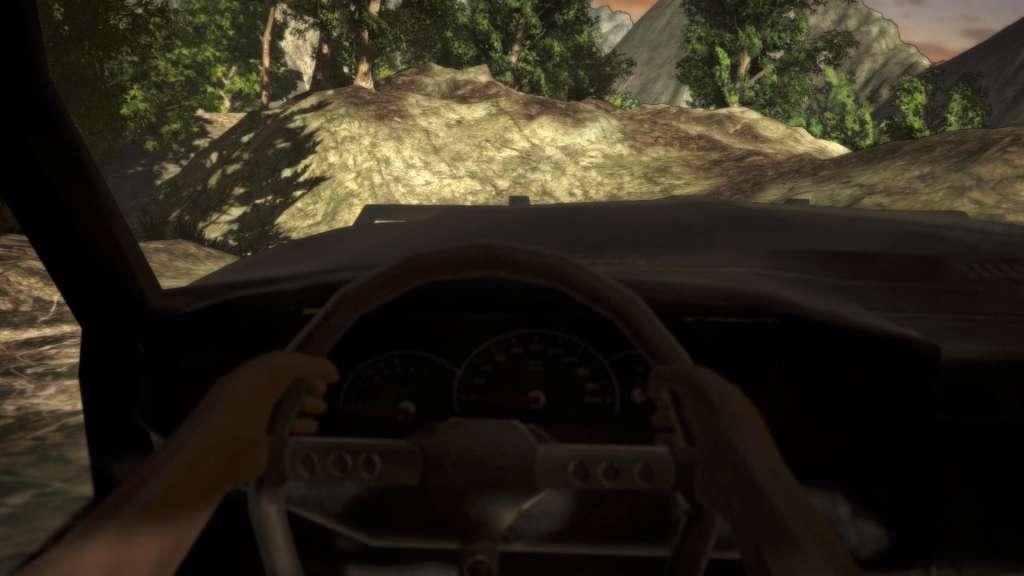
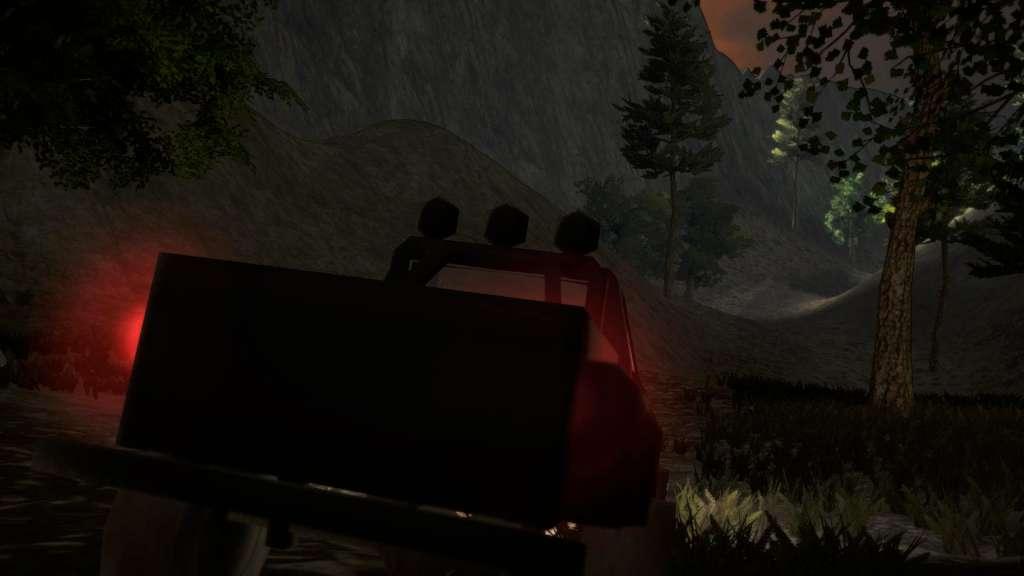
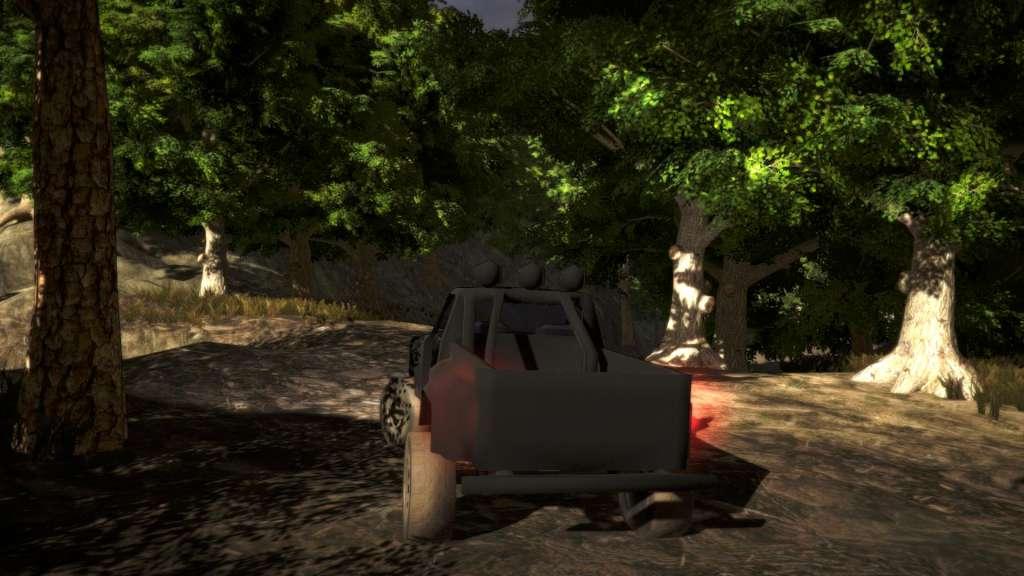
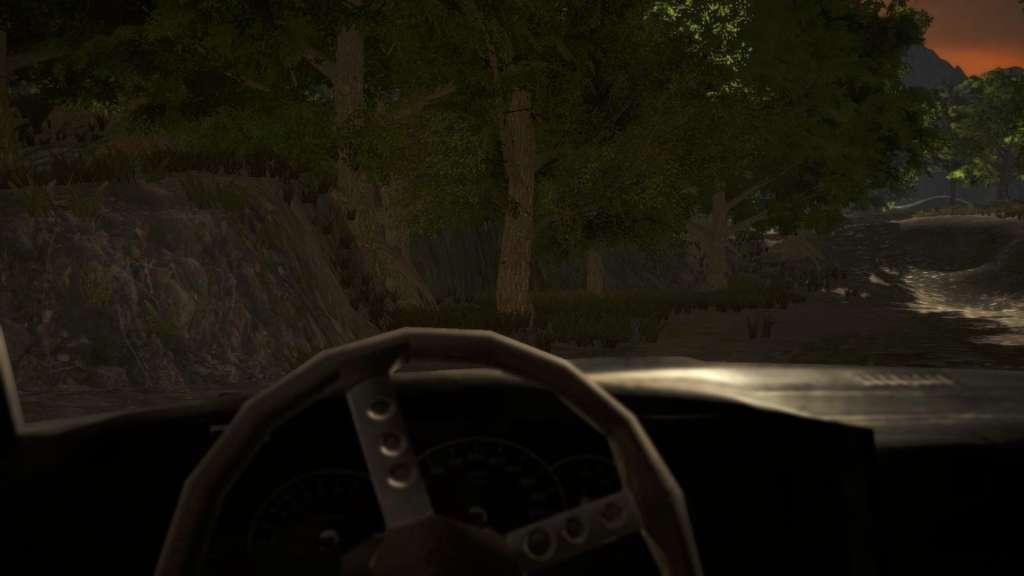
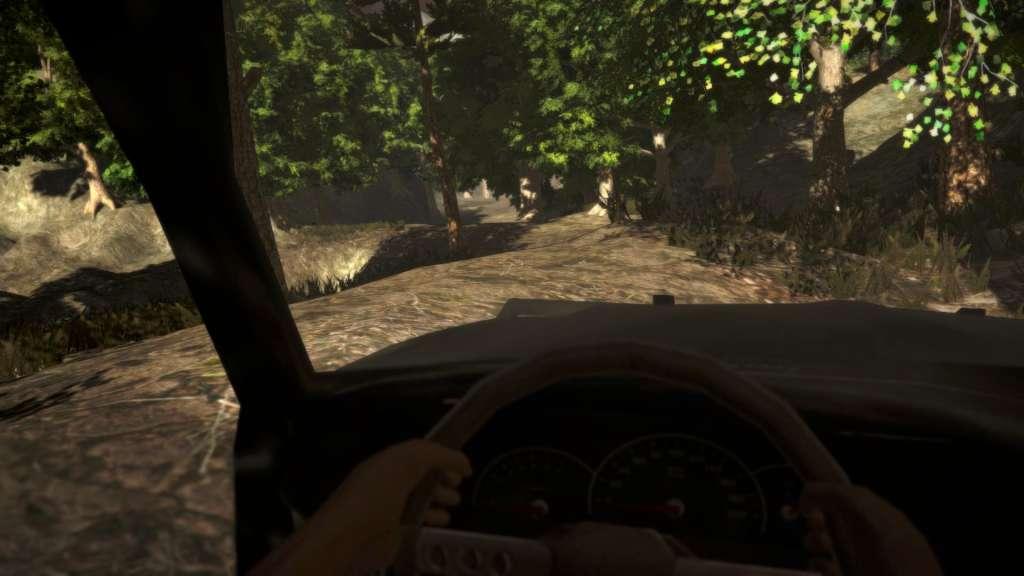
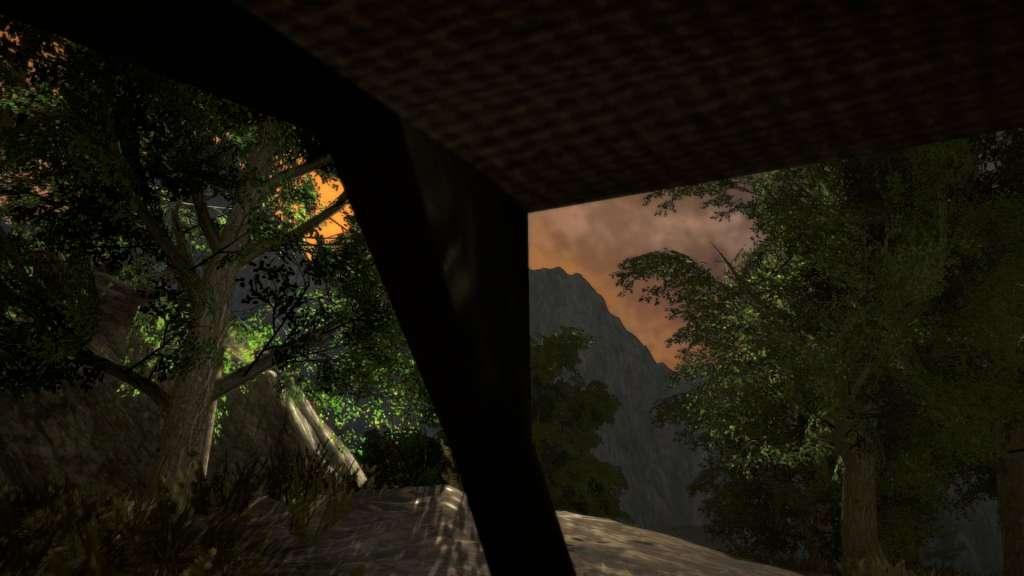
Offroad VR is an exhilarating virtual reality experience, offering a challenging physics-based offroad driving game. In this game, players must navigate difficult terrains, using gears effectively to overcome obstacles and demonstrating timely reflexes to progress. With different tracks, changing weather conditions, and various vehicle options, this game brings the realistic offroad experience into the virtual world. Features: Physics-Based Challenges: In a game where players encounter real offroad challenges, mastering vehicle control is essential to navigate through challenging terrains. Diverse Vehicles: Offroad VR provides a variety of vehicle options, allowing players to explore different experiences—from ATVs to offroad vehicles, delve into various classes of vehicles to conquer the tracks. Different Tracks and Weather Conditions: The game offers an exciting offroad experience with varying track difficulties and different weather conditions. Conquer challenges in snow, rain, mud, and more. Explore Offroad VR: Offroad VR combines adrenaline-pumping offroad adventures with virtual reality, providing gamers with a realistic driving experience. Explore different tracks with various vehicles and push the limits of your offroad passion.


Offroad VR screenshotOffroad VR screenshotOffroad VR screenshotOffroad VR screenshotOffroad VR screenshotOffroad VR screenshot

How to redeem

  1. 1Check your Steam account and the listed region before purchasing.
  2. 2Find your code and supplier activation instructions in your confirmed order.
  3. 3Open the redeem-code section on Steam, enter the code and follow the platform’s prompts.

Supplier instructions

Go to: http://store.steampowered.com/ and download STEAM client Click "Install Steam" (from the upper right corner) Install and start application, login with your Account name and Password (create one if you don't have). Please follow these instructions to activate a new retail purchase on Steam: Launch Steam and log into your Steam account. Click the Games Menu. Choose Activate a Product on Steam... Follow the onscreen instructions to complete the process. After successful code verification go to the "MY GAMES" tab and start downloading.

You might also like