Get 10% back in Relic Coins on every order
Cosy Company Puzzle cover

SteamGlobal· Key

Cosy Company Puzzle

€3.89

+€0.39 cashback eligibility in Relic Coins

Check before you play

Platform
Steam
Region
Global
Product type
Key
Developer
DouckDouck Studio
Publisher
DouckDouck Studio
Supplier release date
2025-07-24
Genres
Casual, Indie

About this product

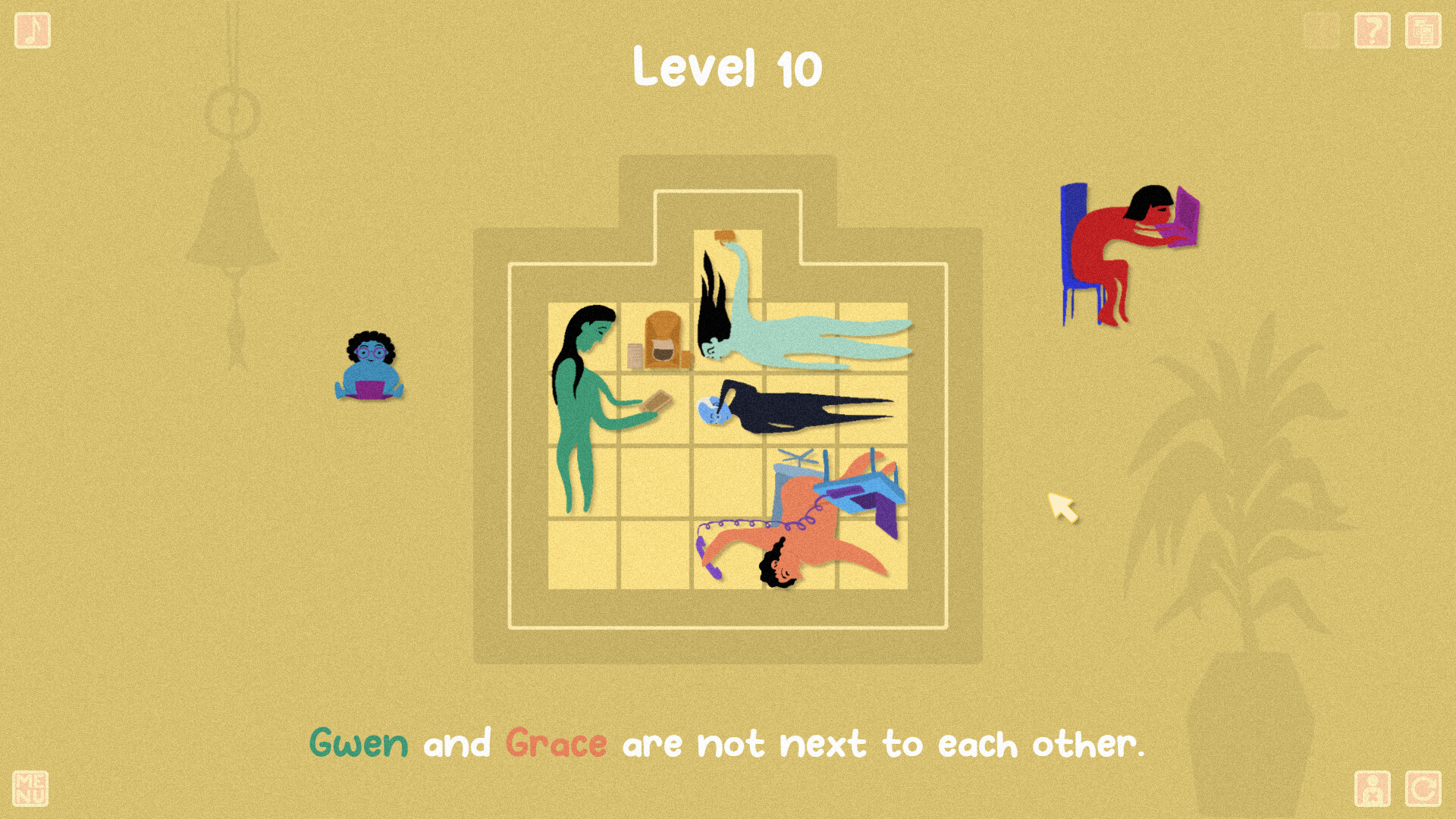
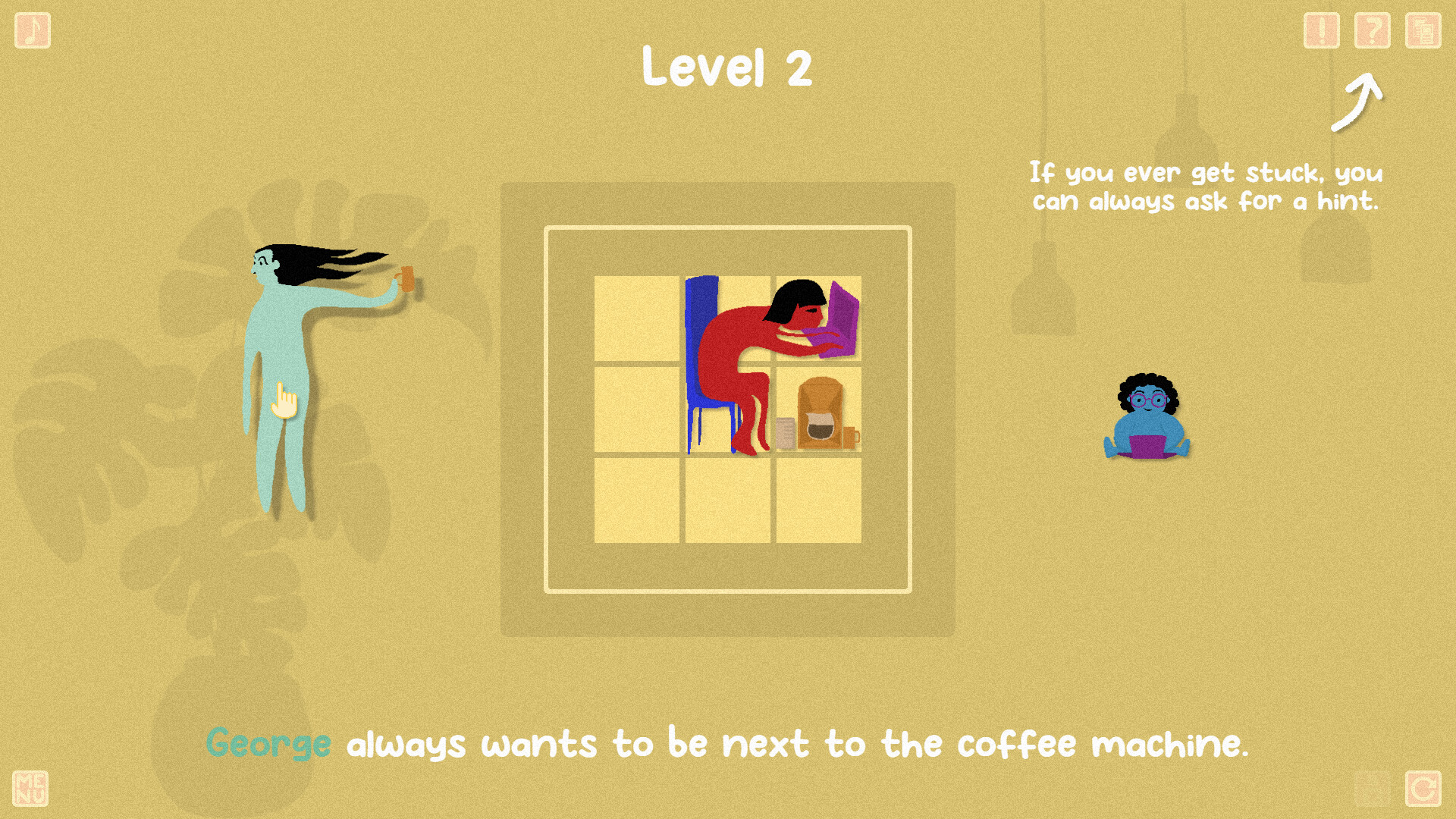
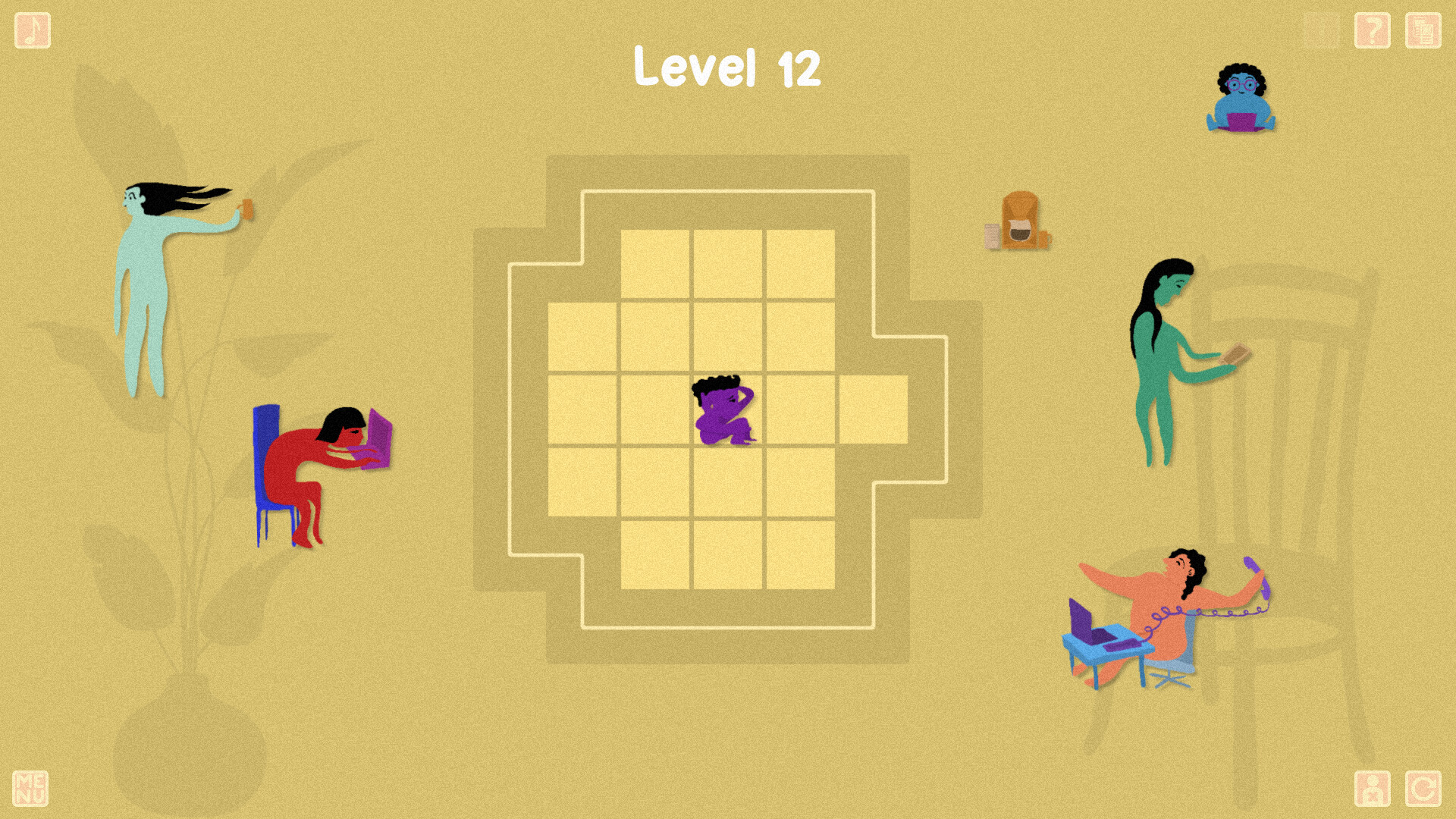
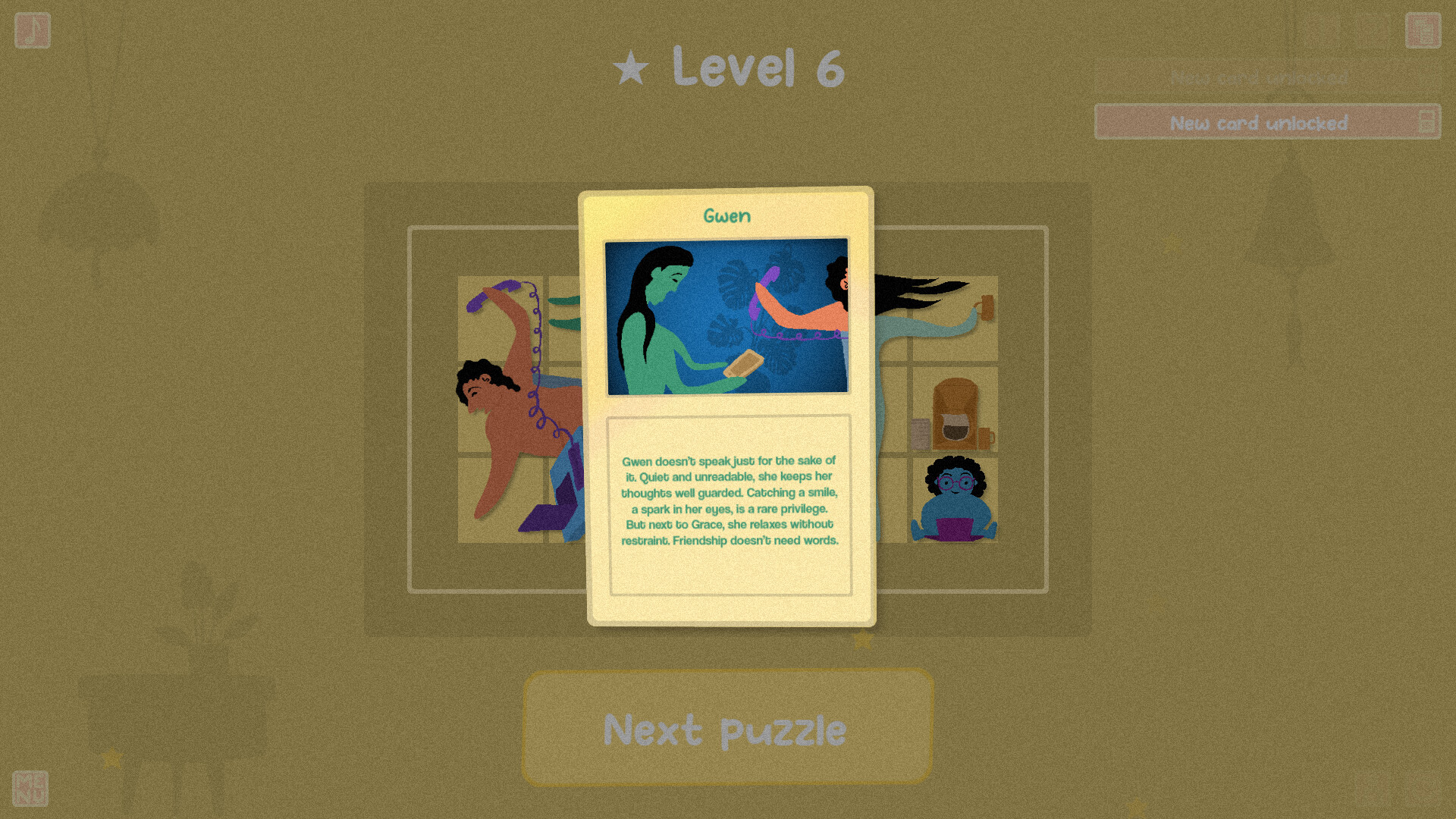
You're hiring more and more people in your small company! But that's not all — you have to find a way to make them all fit in their workspace. And on top of having very different shapes and sizes, they also have specific requests! Take George, for example: he always wants to be next to the coffee machine. Or Gwen and Grace — they're inseparable. Don’t even think about putting one on one side of the room and the other on the opposite side. You get the idea — Cosy Company Puzzle is a challenging logic game! But in the end, everyone feels much better. Features Handcrafted levels90 handcrafted levels, some of which might really get your brain working. Simple controlsEverything is played with the mouse. Left click to move, right click to rotate. Nothing that should get in the way of your puzzle-solving! Relaxing lo-fi musicPlenty of music to soothe your ears and immerse you in a calm and thoughtful atmosphere. A wholesome vibeWorkplaces are often all about stress and productivity. But here, we take our time, listen to everyone, and embrace each person’s uniqueness. Collectible cardsThe story unfolds through puzzles — but also through more than 70 collectible cards to unlock and enjoy!


Cosy Company Puzzle screenshotCosy Company Puzzle screenshotCosy Company Puzzle screenshotCosy Company Puzzle screenshotCosy Company Puzzle screenshotCosy Company Puzzle screenshot

How to redeem

  1. 1Check your Steam account and the listed region before purchasing.
  2. 2Find your code and supplier activation instructions in your confirmed order.
  3. 3Open the redeem-code section on Steam, enter the code and follow the platform’s prompts.

Supplier instructions

Go to: http://store.steampowered.com/ and download STEAM client Click "Install Steam" (from the upper right corner) Install and start application, login with your Account name and Password (create one if you don't have). Please follow these instructions to activate a new retail purchase on Steam: Launch Steam and log into your Steam account. Click the Games Menu. Choose Activate a Product on Steam... Follow the onscreen instructions to complete the process. After successful code verification go to the "LIBRARY" tab and start downloading.

You might also like