

SteamGlobal· Key
Postmortem: one must die (Extended Cut)
€0.25
+€0.03 cashback eligibility in Relic Coins
Check before you play
- Platform
- Steam
- Region
- Global
- Product type
- Key
- Genres
- Adventure, RPG, Indie
SteamGlobal· Key
€0.25
+€0.03 cashback eligibility in Relic Coins
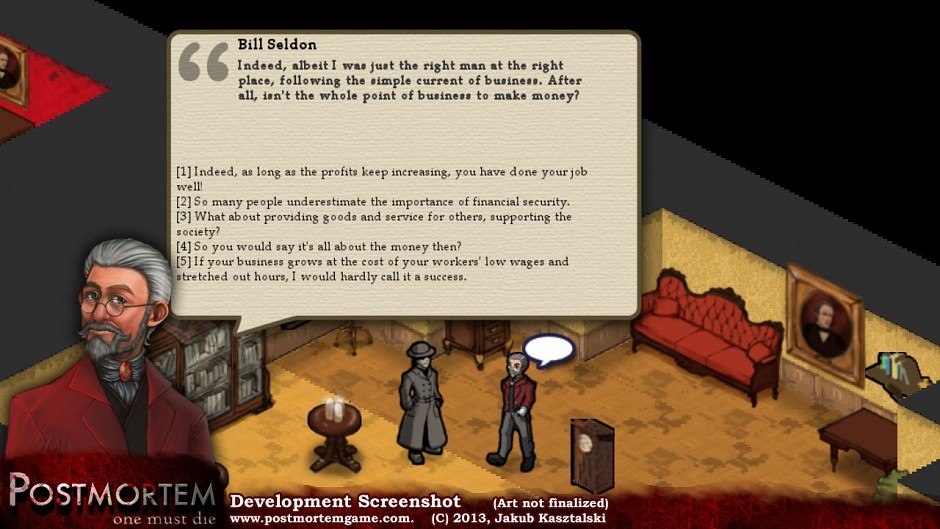
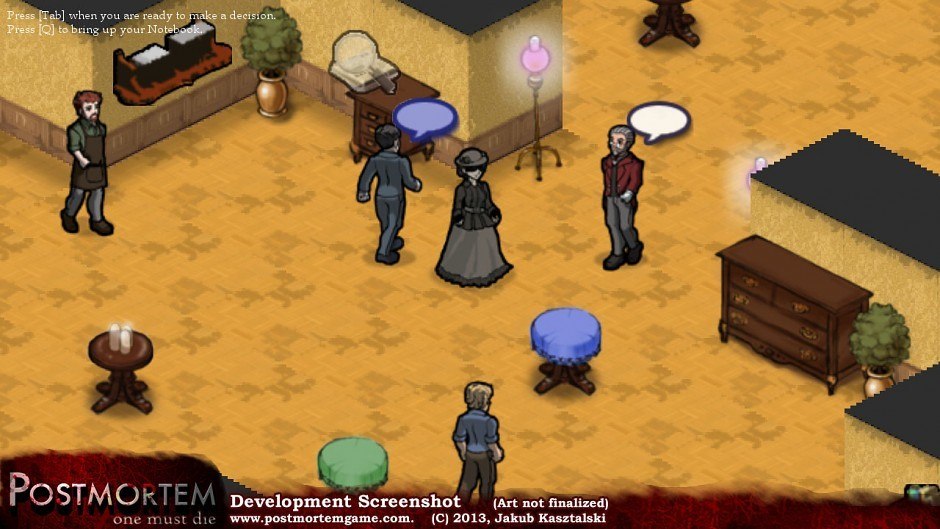
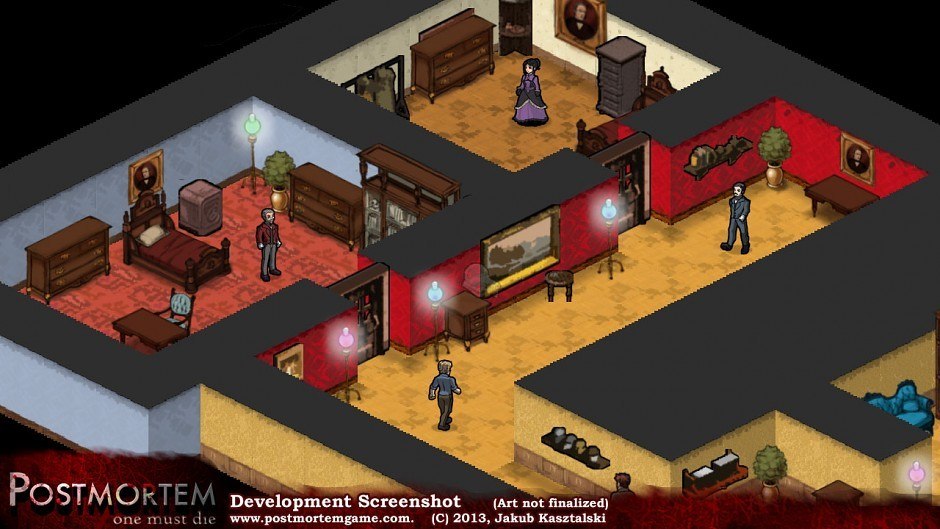
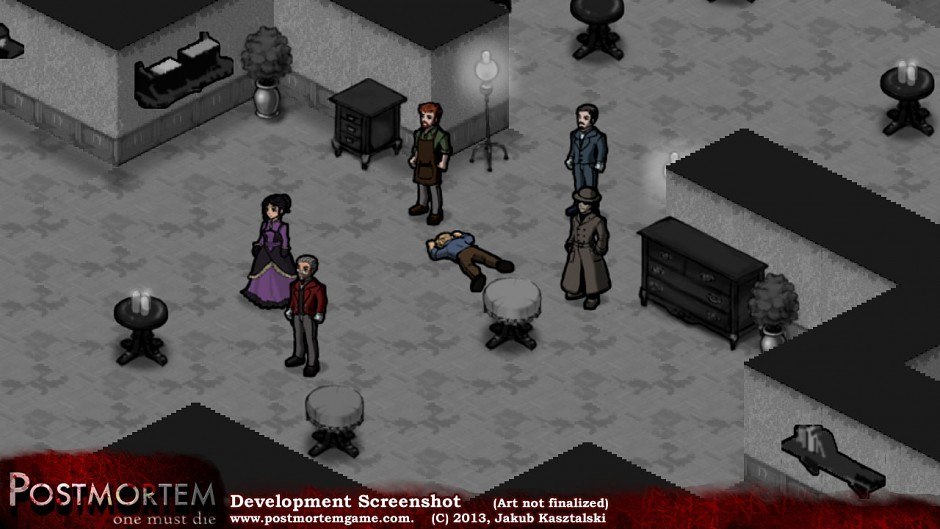
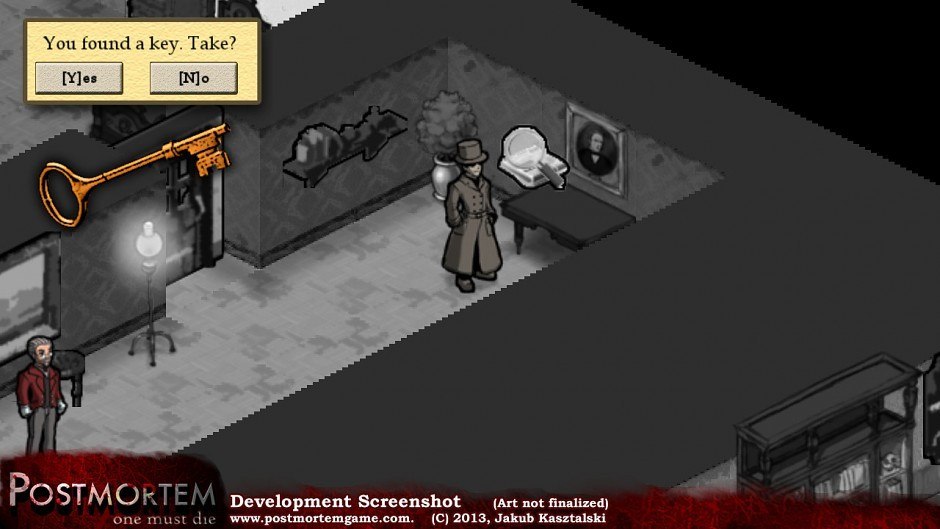
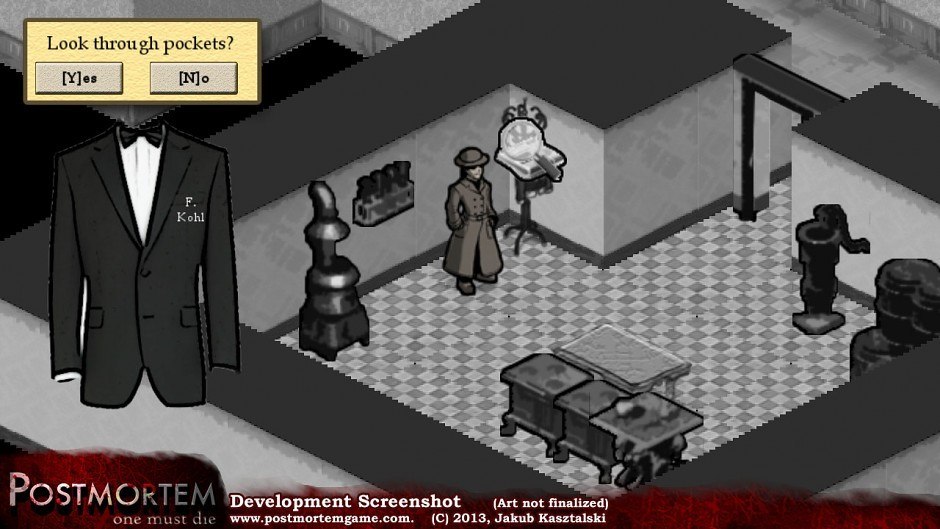
Postmortem: one must die (Extended Cut) Steam Key Platform: Steam Languages: EN Release Date: 15 Aug 2013 Product Description Narrative-adventure playing an Agent of Death who must take ONE life that could change the fate of a conflict-torn Nation! Think The Walking Dead meets Home and The Last Express, with a dash of To The Moon! Freeform exploration with Rich dialogue What might you learn searching the fundraising Gala and talking to patrons? Perhaps the less you know the better? Meaningful choices and Unintended Consequences Can your choice change the fate of a Nation? What other result could your meddling have? Cast of ambitious and influential characters What if they die? More importantly... what if they live? Complex setting of violent domestic conflict and industrial revolution A devastated country - but is it your place to fix it? What if your educated guess is wrong? Dynamic and surprising Ending The choice is *entirely* up to you - but what other factors may be affecting the outcome? Online Stats to compare Your Choices with Anonymous aggregate stats of everyone's playthroughs will let you see how your own choices compare! Are you one of the good guys? System Requirements OS: Windows XP Processor: 1GHz CPU Memory: 512 MB RAM Graphics: 3D graphics card supporting OpenGL Hard Drive: 40 MB available space Additional Notes: if you're having problems make sure you install the Visual Studio 2008 Redistributables
Go to: http://store.steampowered.com/ and download STEAM client Click "Install Steam" (from the upper right corner) Install and start application, login with your Account name and Password (create one if you don't have). Please follow these instructions to activate a new retail purchase on Steam: Launch Steam and log into your Steam account. Click the Games Menu. Choose Activate a Product on Steam... Follow the onscreen instructions to complete the process. After successful code verification go to the "MY GAMES" tab and start downloading.