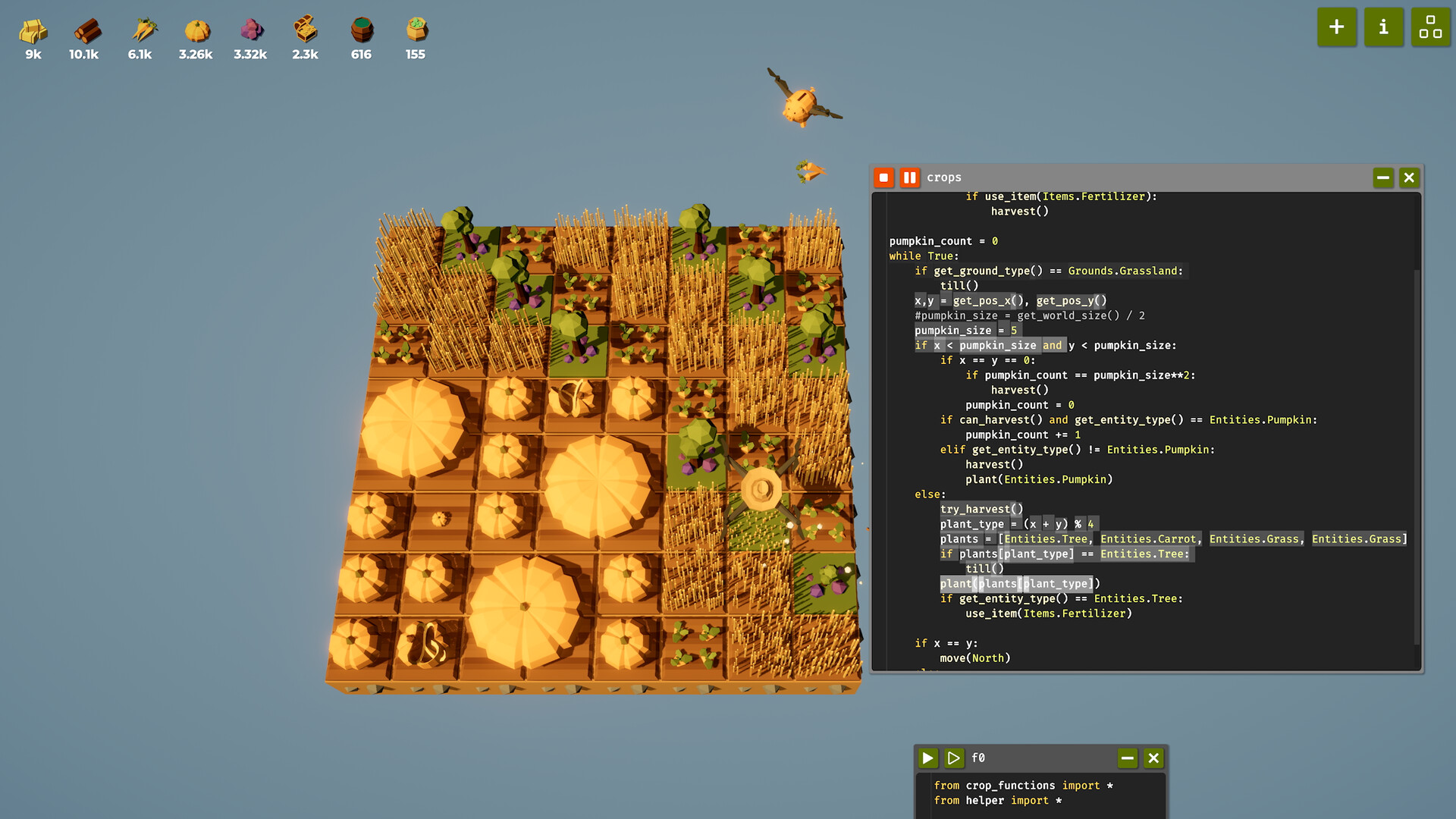
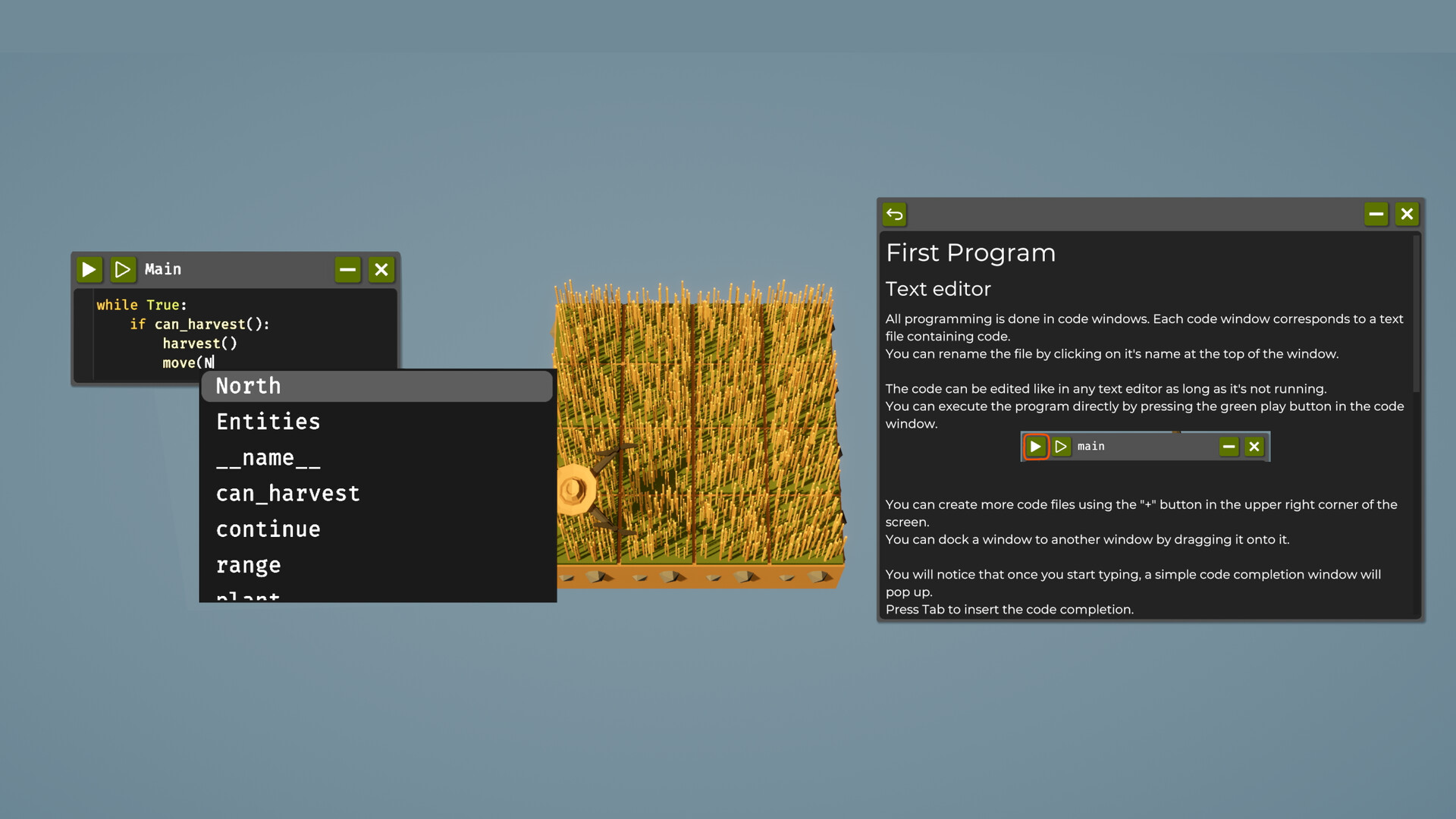
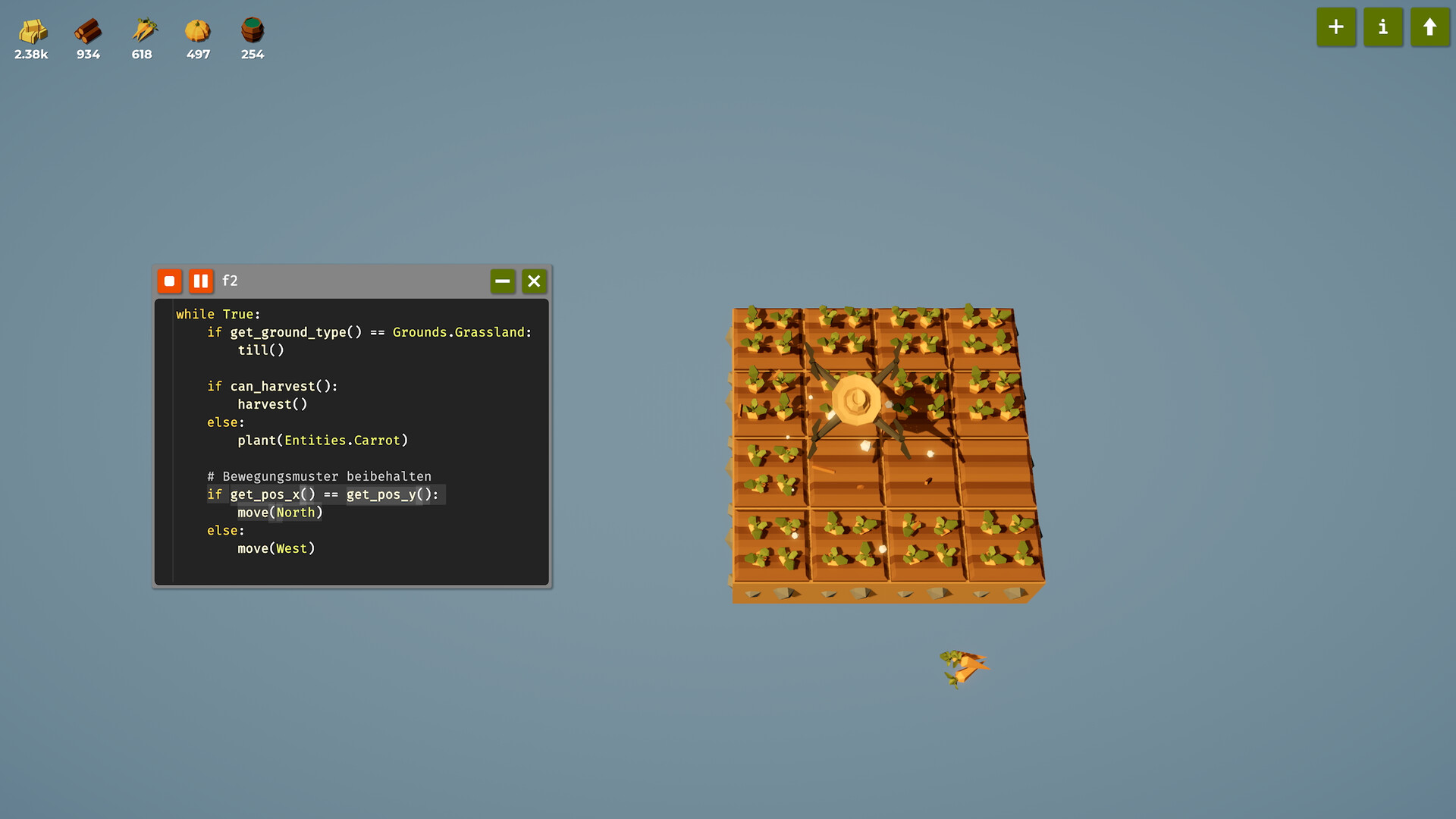
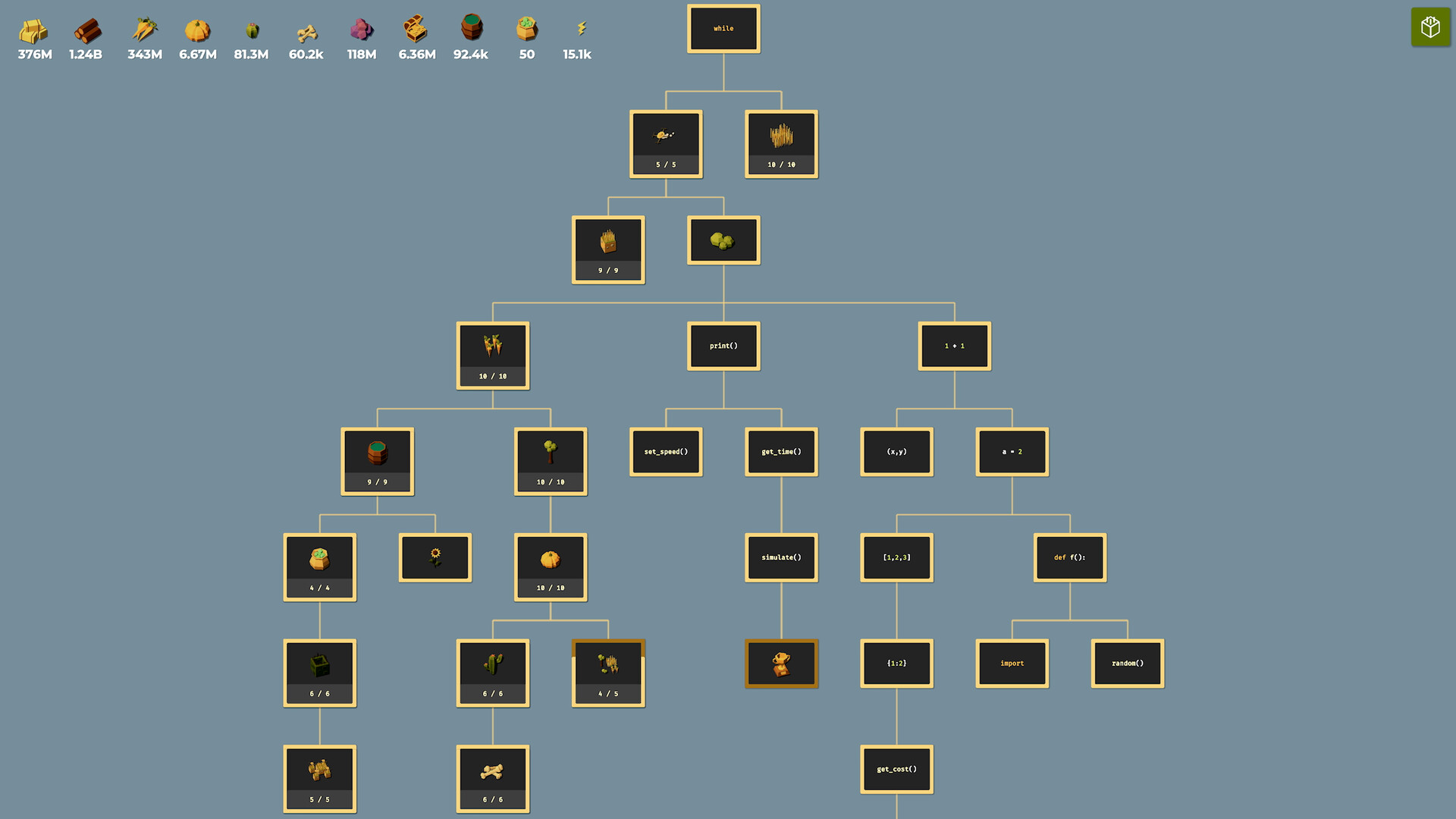
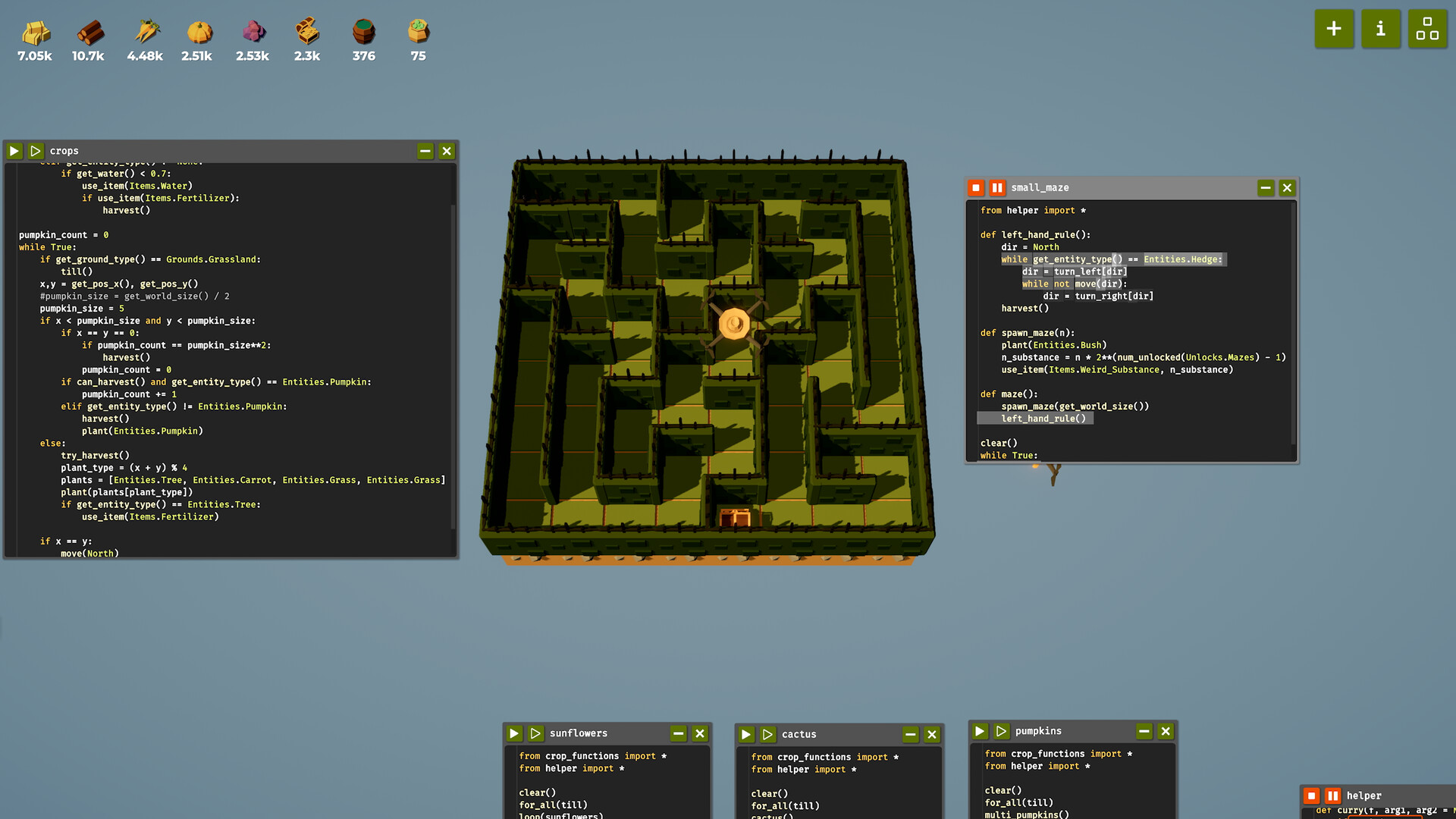
Program a drone using a simple python-like language to fully automate various farming tasks that would otherwise be very grindy. Feel the satisfaction of simply pressing "execute" and watching your drone do all the hard work. Unlike most programming games the game isn't divided into distinct levels that you have to complete but features a continuous progression. Farming earns you resources which can be spent to unlock new technology. Programming is done in a simple language similar to Python. The beginning of the game is designed to teach you all the basic programming concepts you will need by introducing them one at a time. While it introduces everything that is relevant, it won't hold your hand when it comes to solving the various tasks in the game. You will have to figure those out for yourself, and that can be very challenging if you have never programmed before. If you are an experienced programmer, you should be able to get through the early game very quickly and move on to the more complex tasks of the later game, which should still provide interesting challenges. Although the programming language isn't exactly Python, it's similar enough that Python IntelliSense works well with it. All code is stored in .py files and can optionally be edited using external code editors like VS Code. When the "File Watcher" setting is enabled, the game automatically detects external changes.