Get 10% back in Relic Coins on every order
Tales of Symphonia Required cover

SteamRu Vpn· Key

Tales of Symphonia Required

€1.54

+€0.15 cashback eligibility in Relic Coins

Check before you play

Platform
Steam
Region
Ru Vpn
Product type
Key
Developer
Namco Tales Studio
Publisher
Bandai Namco Holdings
Supplier release date
2016-02-02
Genres
Action, Adventure, RPG

About this product

The epic battle for survival

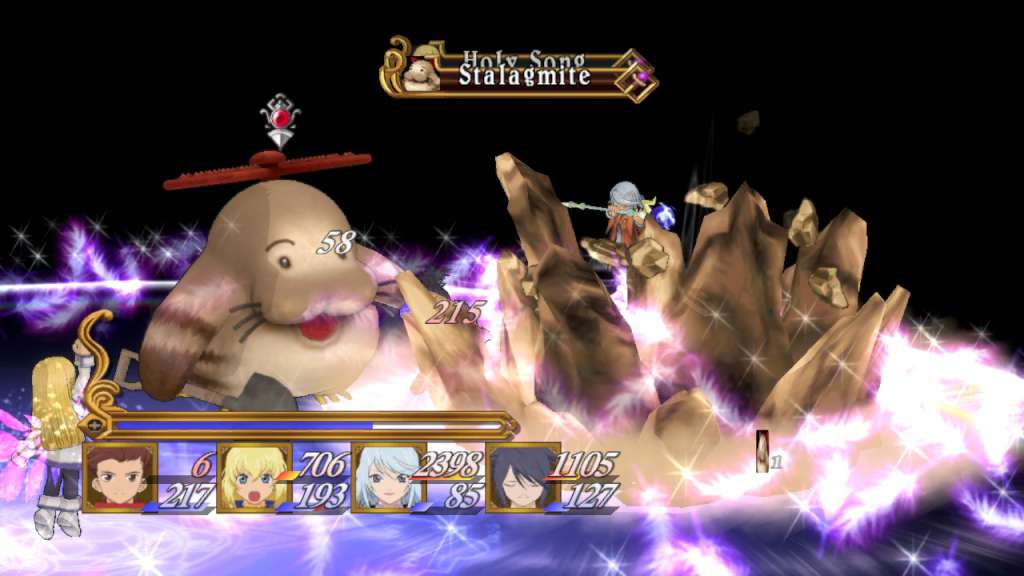
In a dying world, legend has it that a Chosen One will one day rise from amongst the people and the land will be reborn. The line between good and evil blurs in this epic adventure where the fate of two interlocked worlds hangs in the balance. Features AN EPIC ADVENTURE – Over 80 hours of gameplay in this epic, emotionally charged storyline. REAL-TIME 3D BATTLE SYSTEM – One of the fiercest, most action-packed battle systems ever created where up to 4 players can fight simultaneously. Combine hundreds of special attacks and magic spells. A 3D MASTERPIECE – Enter a world of high quality anime cut scenes and become absorbed in endearing cel-shaded characters designed by renowned artist Kosuke Fujishima

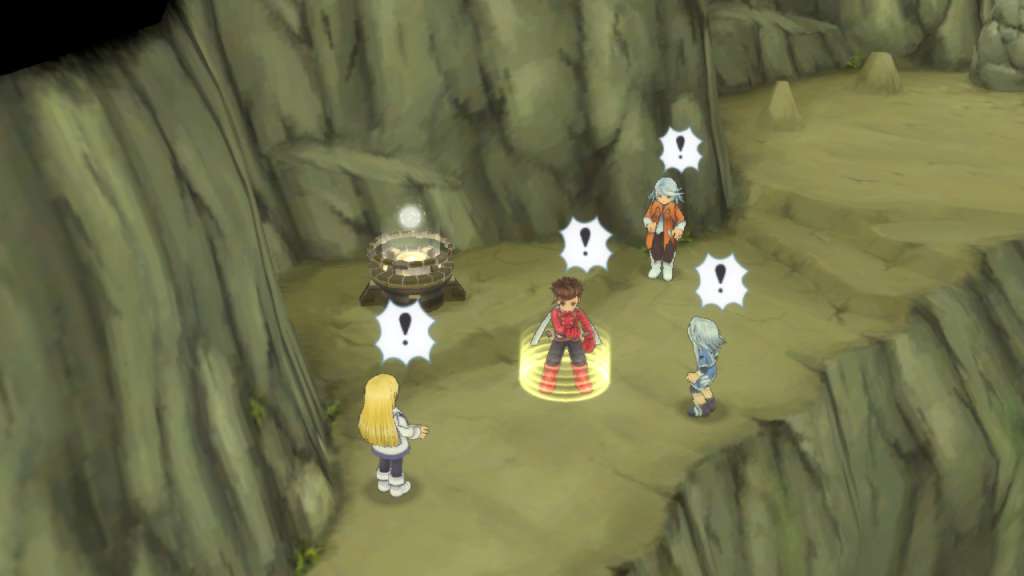
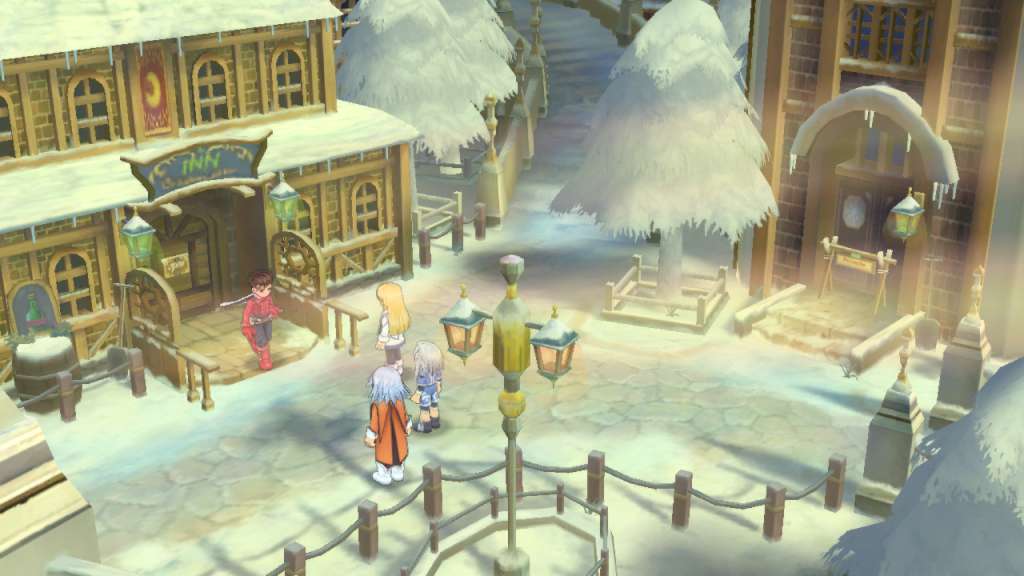
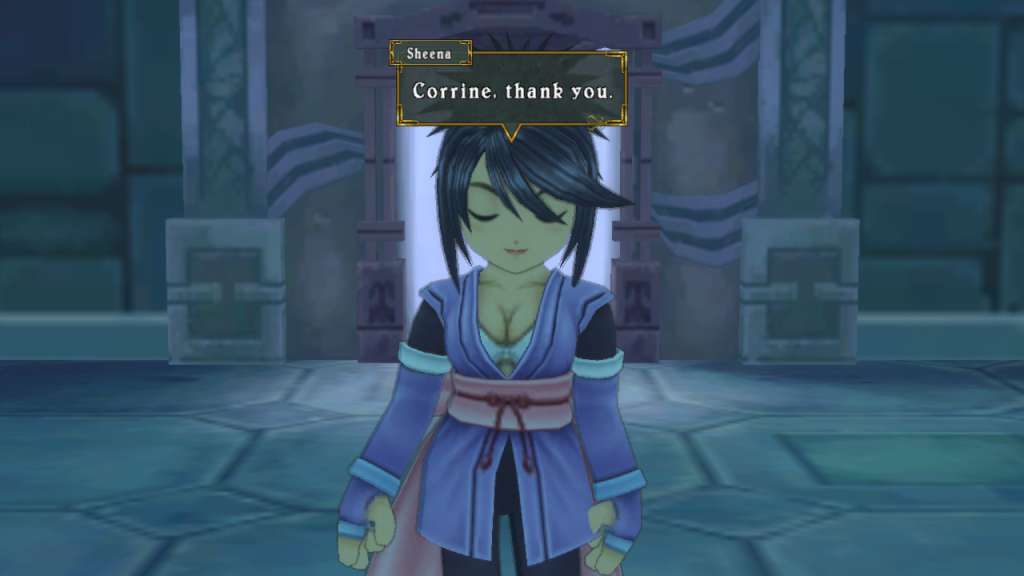
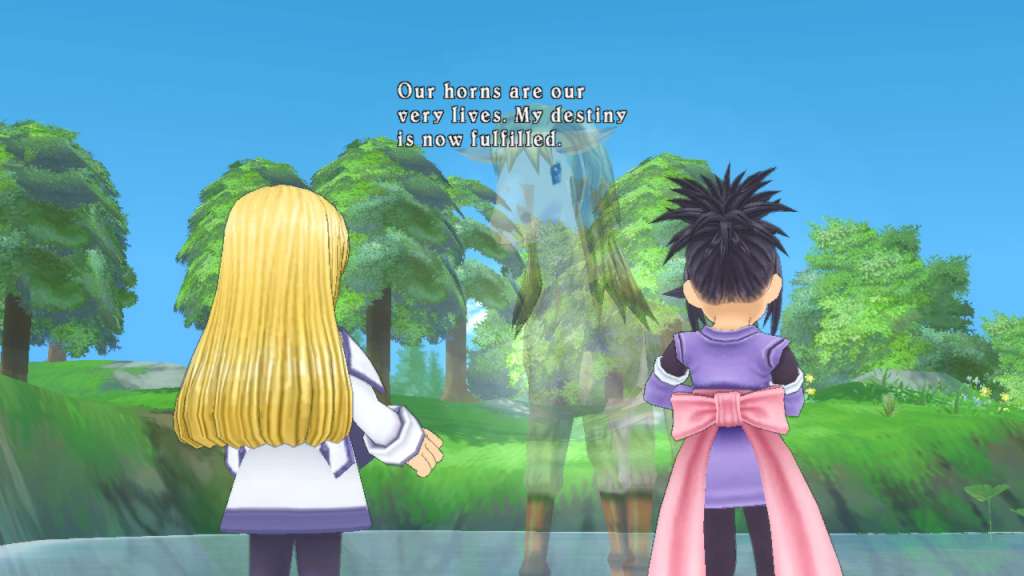
Tales of Symphonia Required screenshotTales of Symphonia Required screenshotTales of Symphonia Required screenshotTales of Symphonia Required screenshotTales of Symphonia Required screenshotTales of Symphonia Required screenshot

How to redeem

  1. 1Check your Steam account and the listed region before purchasing.
  2. 2Find your code and supplier activation instructions in your confirmed order.
  3. 3Open the redeem-code section on Steam, enter the code and follow the platform’s prompts.

Supplier instructions

This is the Russian version of the game.Buy this product only if you understand the risk and at your own responsibility! Russian IP address is required to activate the key on Steam!Use a Russian VPN to do so. (Quick & Easy Instructions here) If you experience any issues redeeming the key, follow these instructions: Open your Steam client, and log in to your account, in the Steam settings, choose Account tab, then Manage Steam Guard Account Security and deauthorize all other devices, close Steam client, and then start your VPN app, open Steam client and login to your account. In your account details, update your store country to match your VPN location, redeem the key in Steam.

You might also like