Get 10% back in Relic Coins on every order
Minecraft - Copper Cape DLC cover

Xbox OneGlobal· DLC

Minecraft - Copper Cape DLC

€0.06

+€0.01 cashback eligibility in Relic Coins

Check before you play

Platform
Xbox One
Region
Global
Product type
DLC

Check the required base game and edition before purchasing this add-on.

Developer
4J Studios
Publisher
Mojang
Genres
Action, Adventure, Open World, Survival

About this product

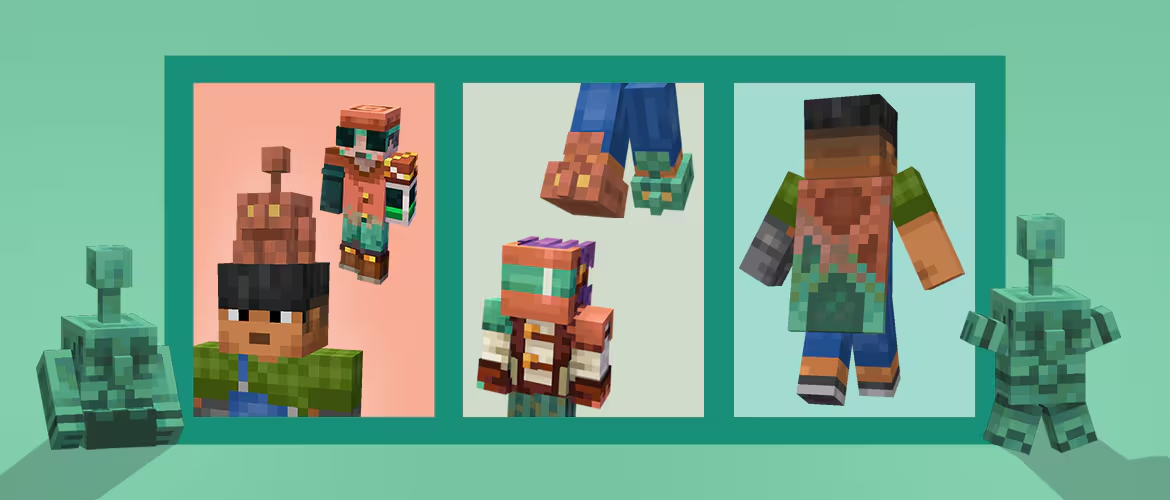
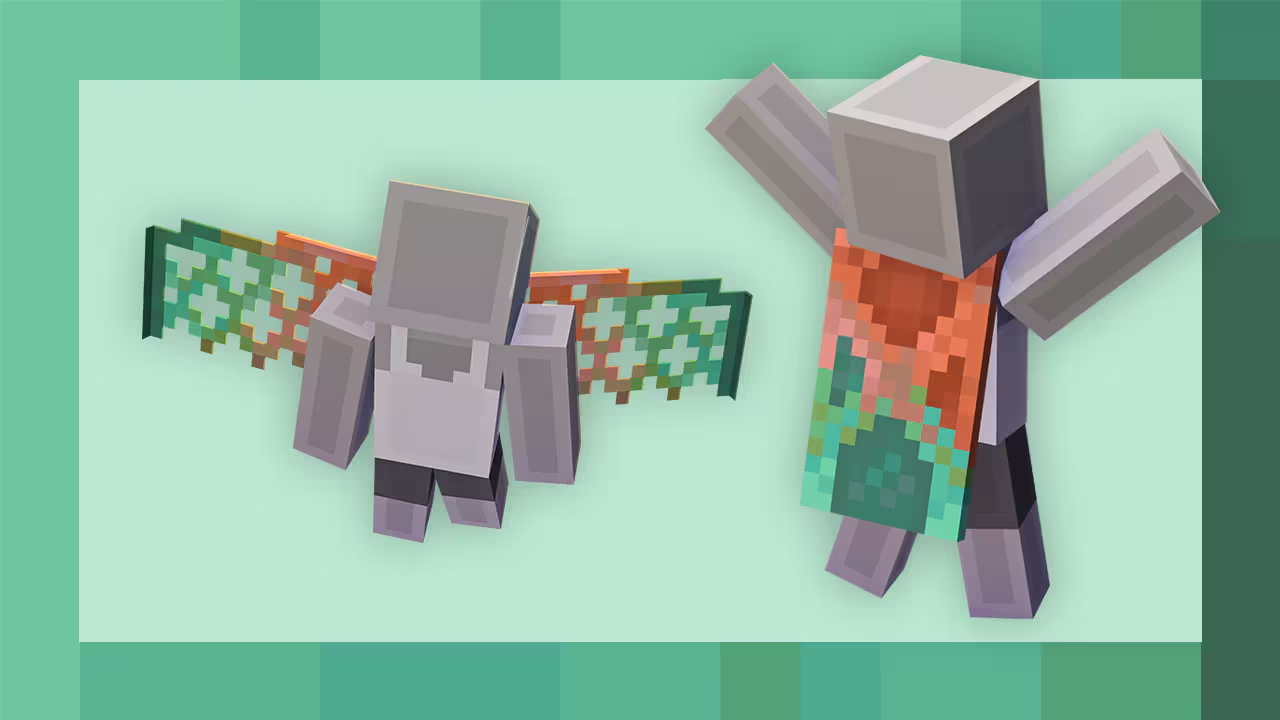
Inlcudes: Copper Cape The copper cape is within reach! That big brass ring is right at our collective fingertips! Except in this case, it’s not brass but copper, not a ring but a cape, and the fingertips are replaced by the superior blocky hand. I have to say, I am so impressed by all of you! In the last two weeks, we’ve come together to build over 75 million copper golems and organized 500 million items! That is incredible teamwork, and it could only have been powered by the beautiful and noble metal that is copper.

Minecraft - Copper Cape DLC screenshotMinecraft - Copper Cape DLC screenshot

How to redeem

  1. 1Check the required base game, platform and edition before purchasing.
  2. 2Find the code or supplier activation instructions in your confirmed order.
  3. 3Redeem on Xbox One using the supplied instructions, then install the add-on with the compatible base game.

Supplier instructions

FROM A WEB BROWSER: Go to this website. Log into your Microsoft Account. Enter the key and click Next. Follow the prompts. IN THE MICROSOFT STORE ON WINDOWS: Press the Start button , and then enter store into the search bar. Choose Microsoft Store from the results to open the app. Select your account in the top-right corner of the screen, and then select Redeem code or gift cards. Enter the 25-character code, select Next, and then follow the prompts. ON XBOX ONE AND XBOX SERIES X|S: Press the Xbox button to open the guide, and then select Store. Press the View button to open the side menu, and then select Redeem. Enter the 25-character code, select Next, and then follow the prompts. ON XBOX 360: Press the Guide button on your controller. Select Games & Apps, and then select Redeem Code. Enter the 25-character code, and then follow the prompts to complete your redemption. Please note that Xbox 360 codes can ONLY be activated on the Xbox 360 console directly!

You might also like