Get 10% back in Relic Coins on every order
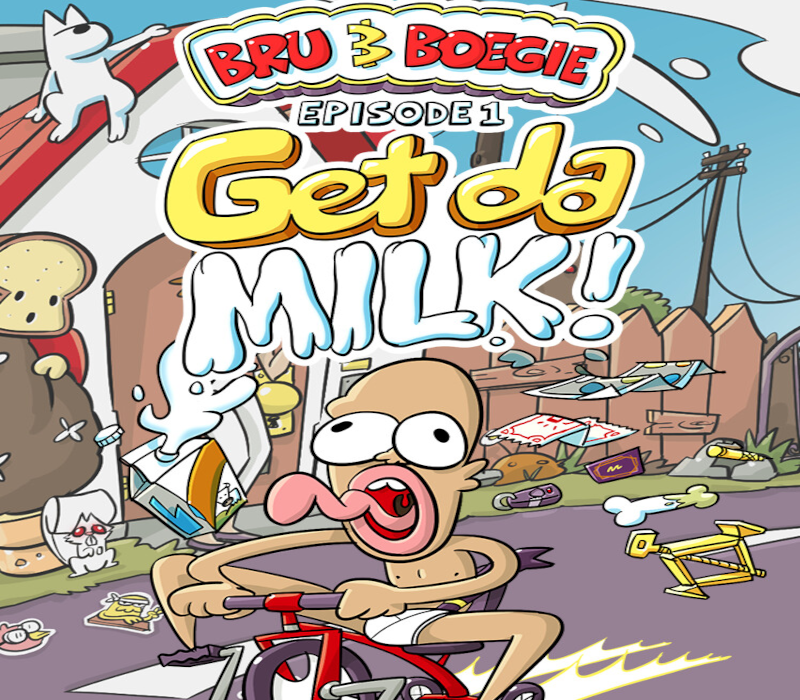
Bru & Boegie: Episode 1 - Get da MILK! cover

SteamGlobal· Key

Bru & Boegie: Episode 1 - Get da MILK!

€1.97

+€0.20 cashback eligibility in Relic Coins

Check before you play

Platform
Steam
Region
Global
Product type
Key
Developer
MIKDOG
Publisher
MIKDOG
Supplier release date
2025-10-29
Genres
Adventure, Casual, Indie

About this product

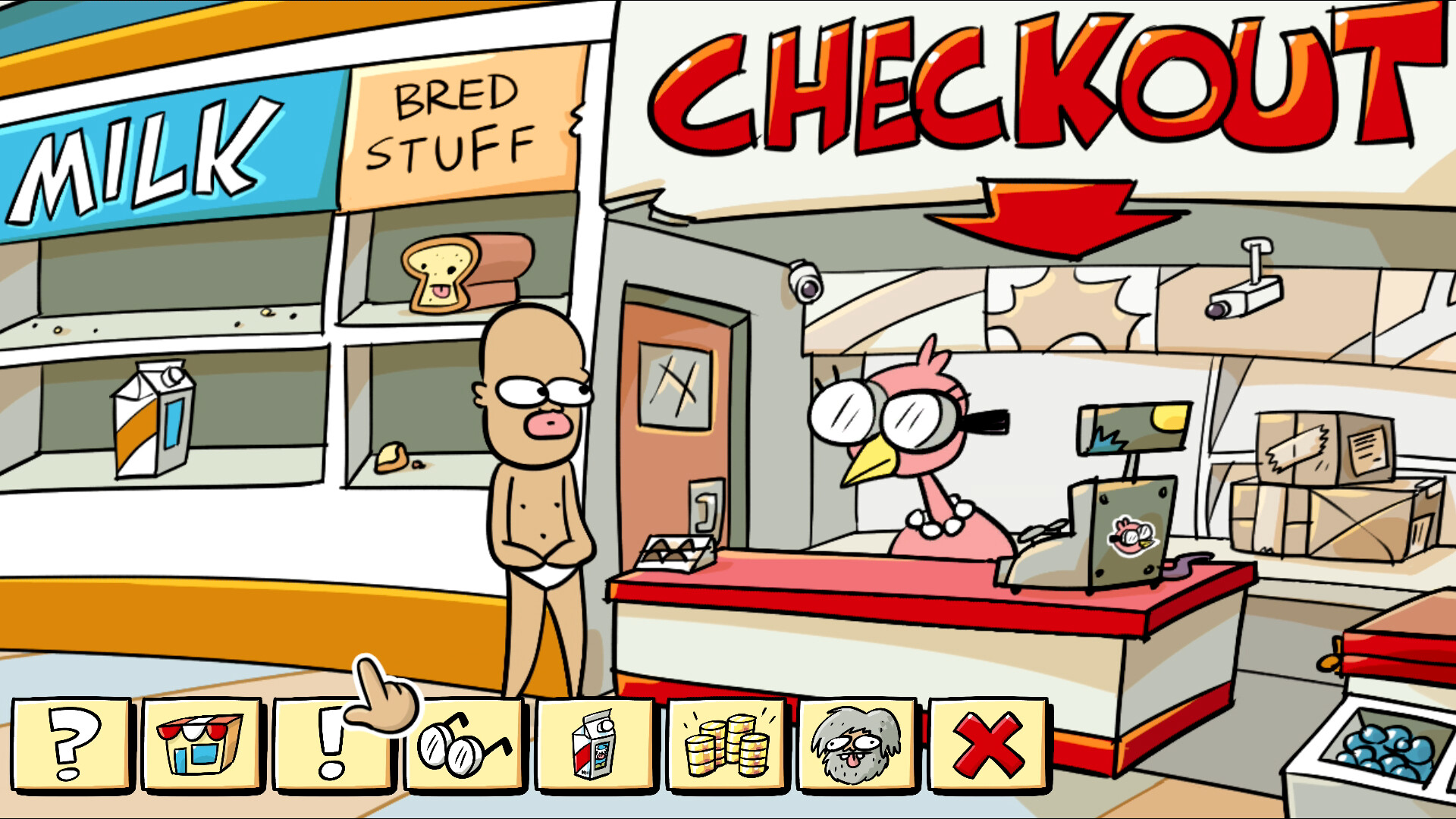
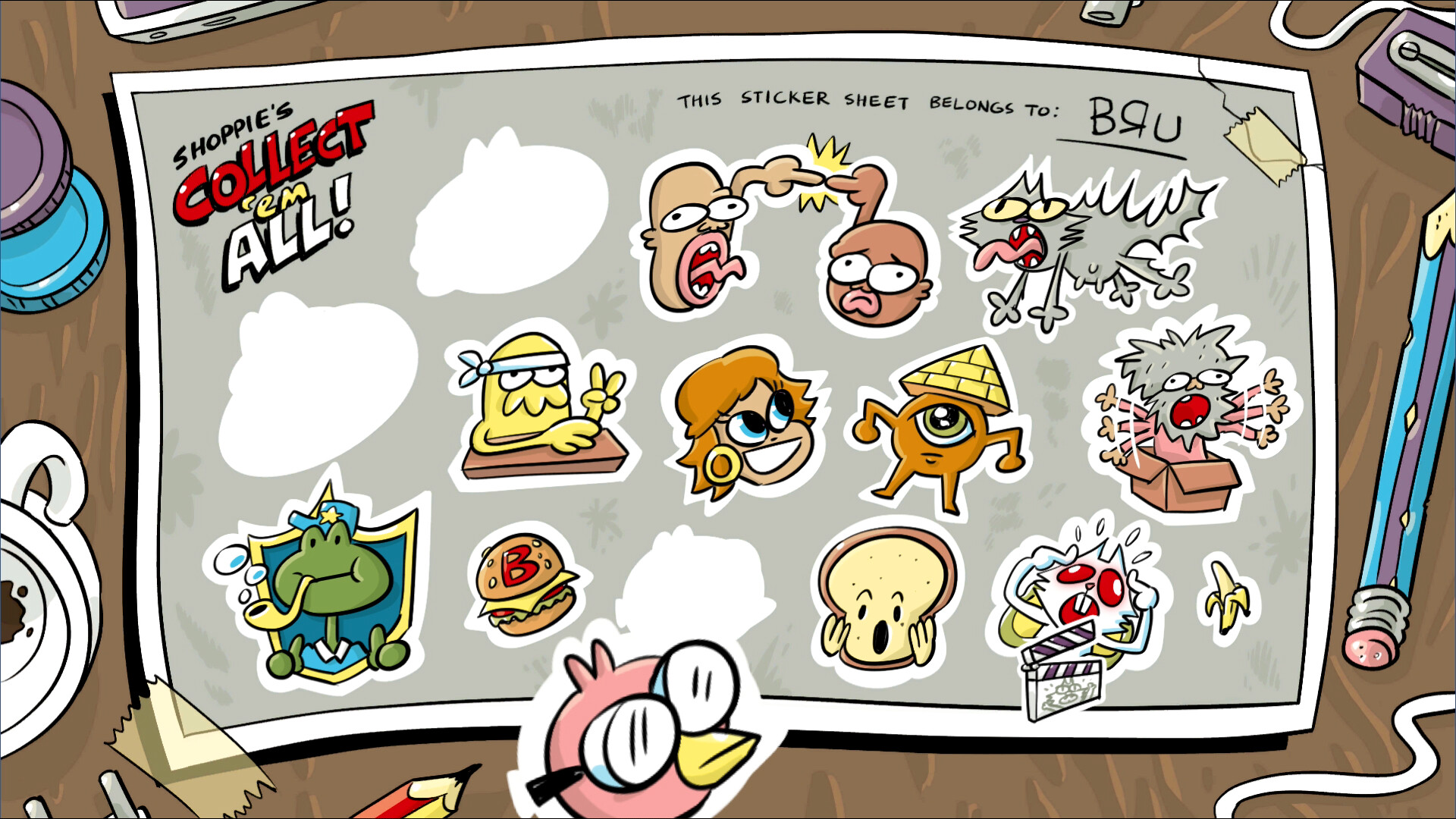
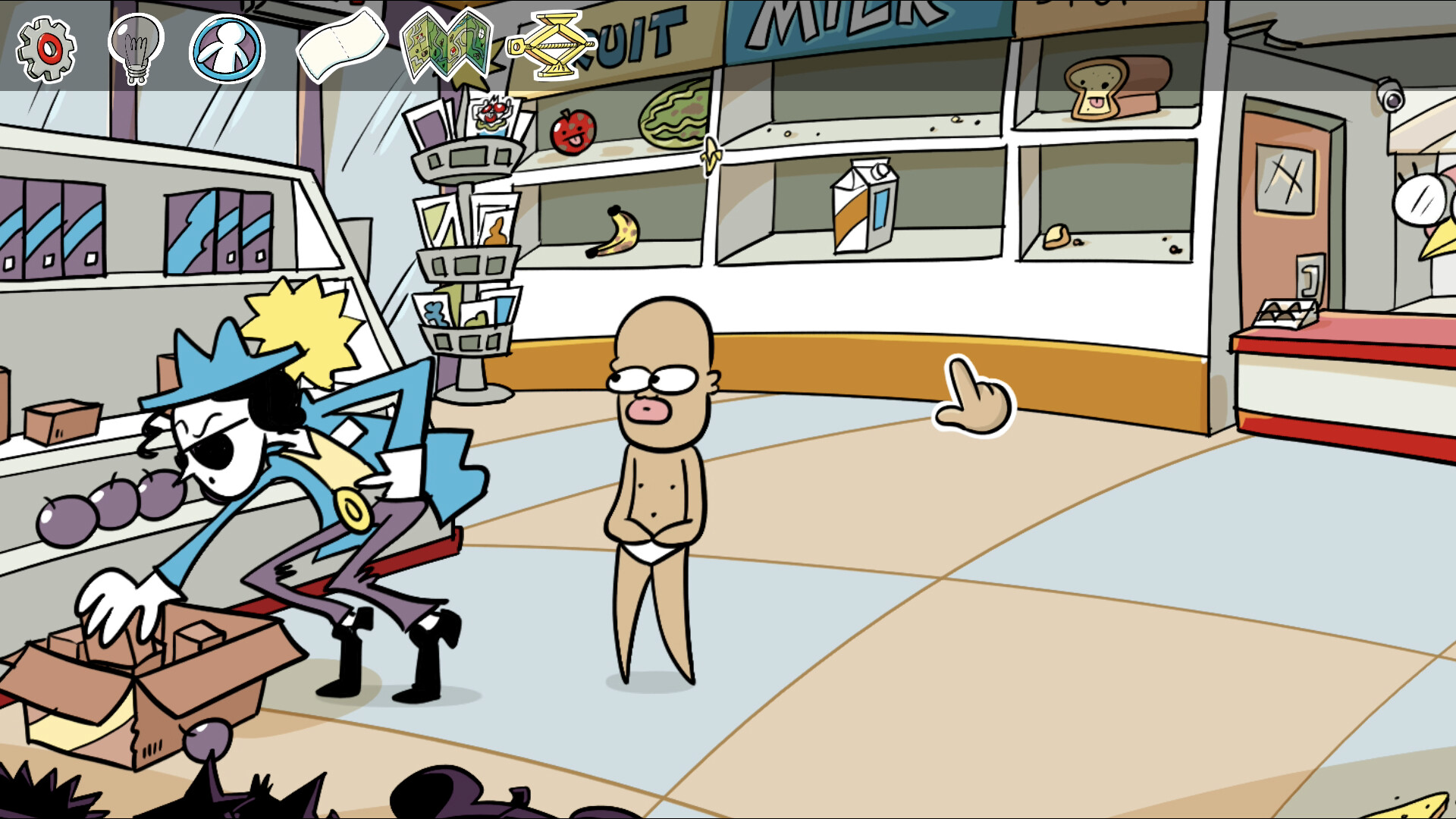
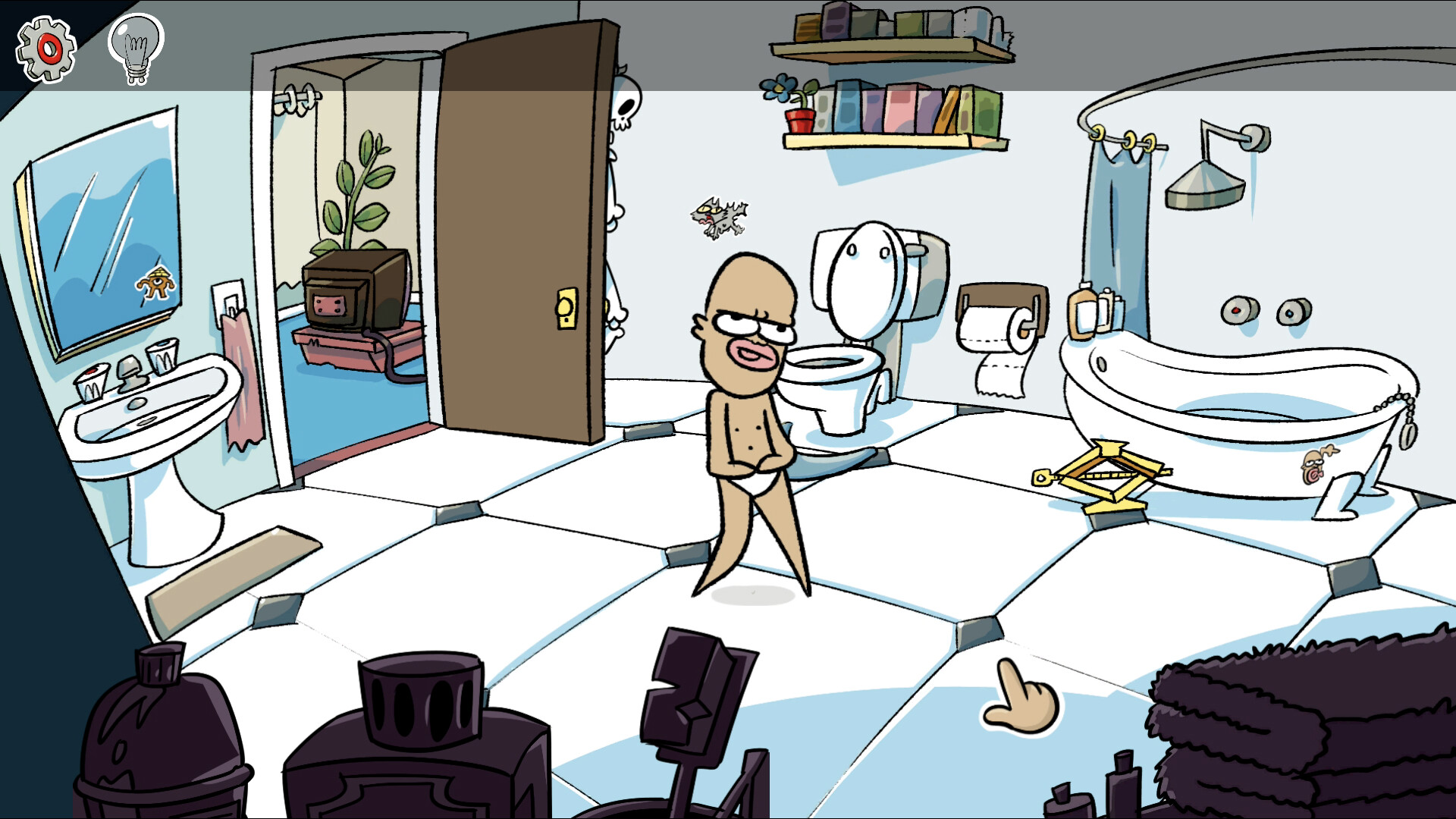
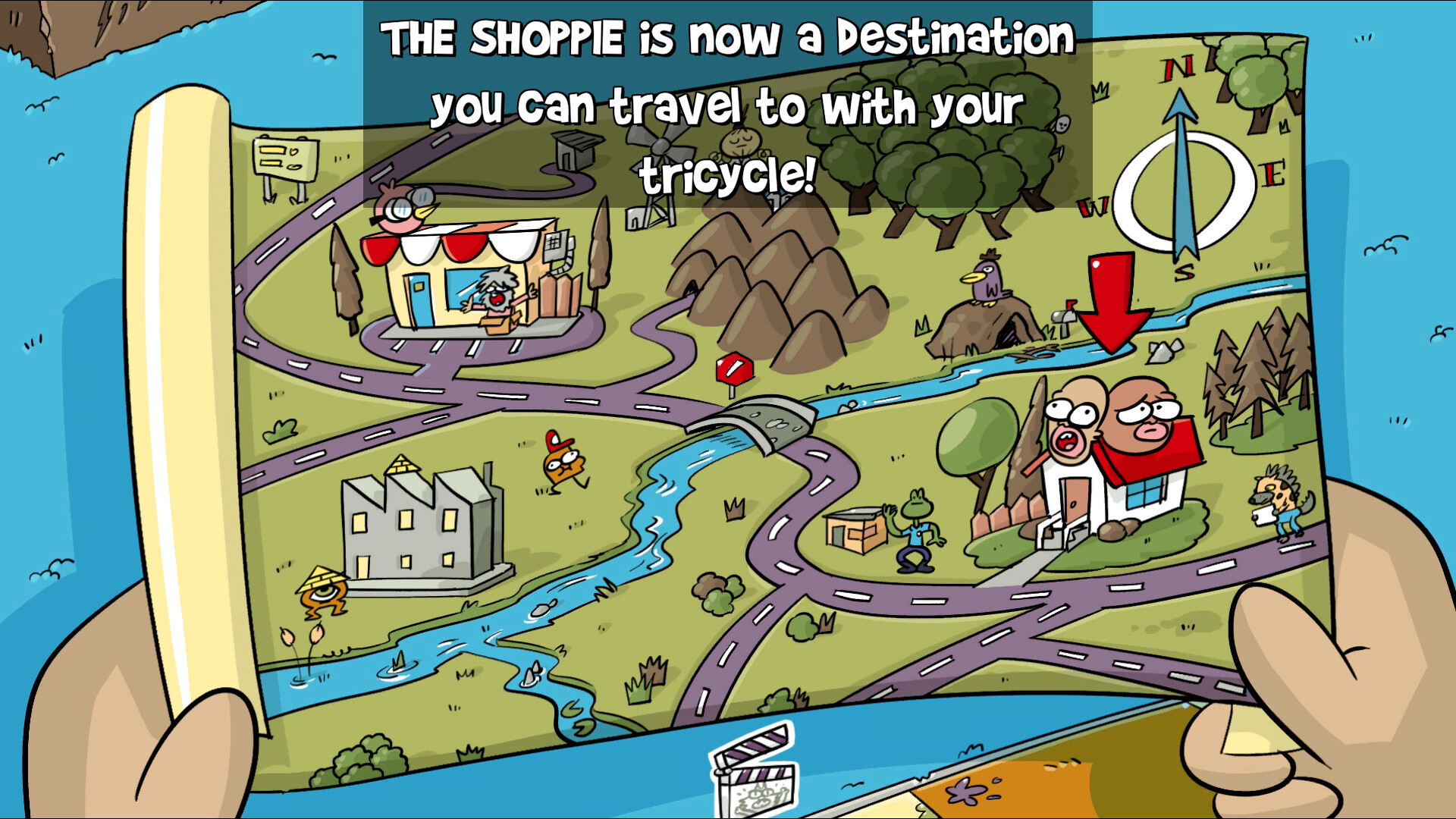
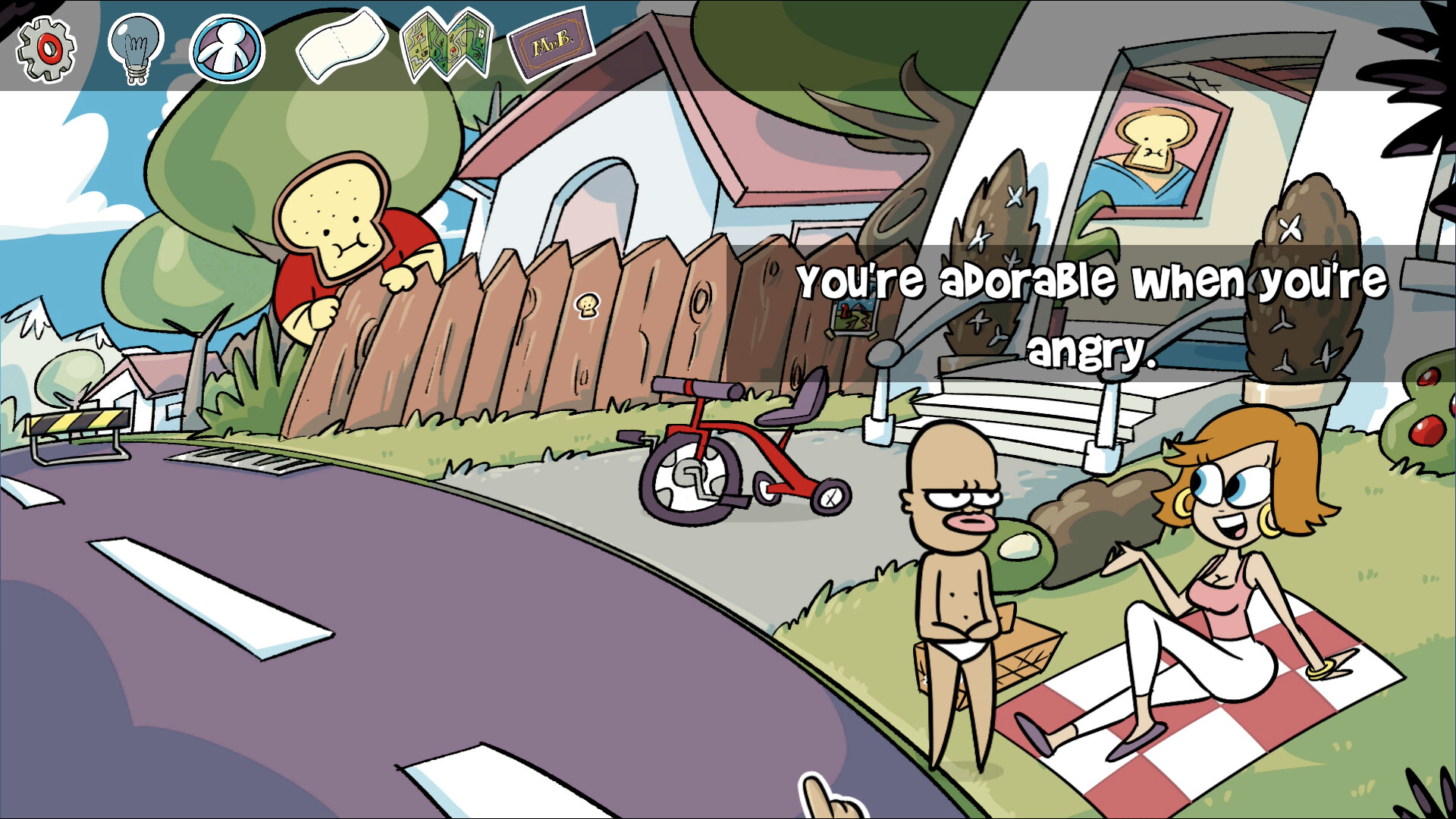
Slip into the underpants of Bru, a caffeine craving man-child on a mission: get da milk for your morning coffee! Point & click your way through a charming hand-drawn 2D world, featuring a fully human-voiced cast of weird animated townsfolk and a boppin' original soundtrack. A throwback to comedy puzzle point-and-click adventure games of yore, Bru and Boegie: EPISODE 1 - Get Da MILK! serves up a STEAMING HOT cup of distilled ridiculousness! This game respects your time! It takes about ±1 hour to complete, your mileage may vary. Use revolutionary Mouse technology to exert your almighty will on Bru, directing him where to go and what to do! See that shiny interactable object? You can grab it! Bru has tighty whitie undies that are not only stylish, but also functional! Store all the items you find in your PANTSVENTORY™ and use them in bonkers ways to reach your goal of MILK. The local townsfolk of KIFFTOWN are ready and waiting to exchange ridiculous banter with Bru, or give him a restraining order for VERBAL HARASSMENT. Blurt out non sequiturs if you're feeling saucy. Appease the hoarder inside us all! Collect the stickers littered around the world to unlock a SUPER SECRET SURPRISE.

Bru & Boegie: Episode 1 - Get da MILK! screenshotBru & Boegie: Episode 1 - Get da MILK! screenshotBru & Boegie: Episode 1 - Get da MILK! screenshotBru & Boegie: Episode 1 - Get da MILK! screenshotBru & Boegie: Episode 1 - Get da MILK! screenshotBru & Boegie: Episode 1 - Get da MILK! screenshot

How to redeem

  1. 1Check your Steam account and the listed region before purchasing.
  2. 2Find your code and supplier activation instructions in your confirmed order.
  3. 3Open the redeem-code section on Steam, enter the code and follow the platform’s prompts.

Supplier instructions

Go to: http://store.steampowered.com/ and download STEAM client Click "Install Steam" (from the upper right corner) Install and start application, login with your Account name and Password (create one if you don't have). Please follow these instructions to activate a new retail purchase on Steam: Launch Steam and log into your Steam account. Click the Games Menu. Choose Activate a Product on Steam... Follow the onscreen instructions to complete the process. After successful code verification go to the "LIBRARY" tab and start downloading.

You might also like