Get 10% back in Relic Coins on every order
Offensive Combat: Redux! cover

SteamGlobal· Key

Offensive Combat: Redux!

€0.72

+€0.07 cashback eligibility in Relic Coins

Check before you play

Platform
Steam
Region
Global
Product type
Key
Developer
Three Gates AB
Publisher
Three Gates AB, SlapShot Games, LLC
Supplier release date
2017-08-18
Genres
Action

About this product

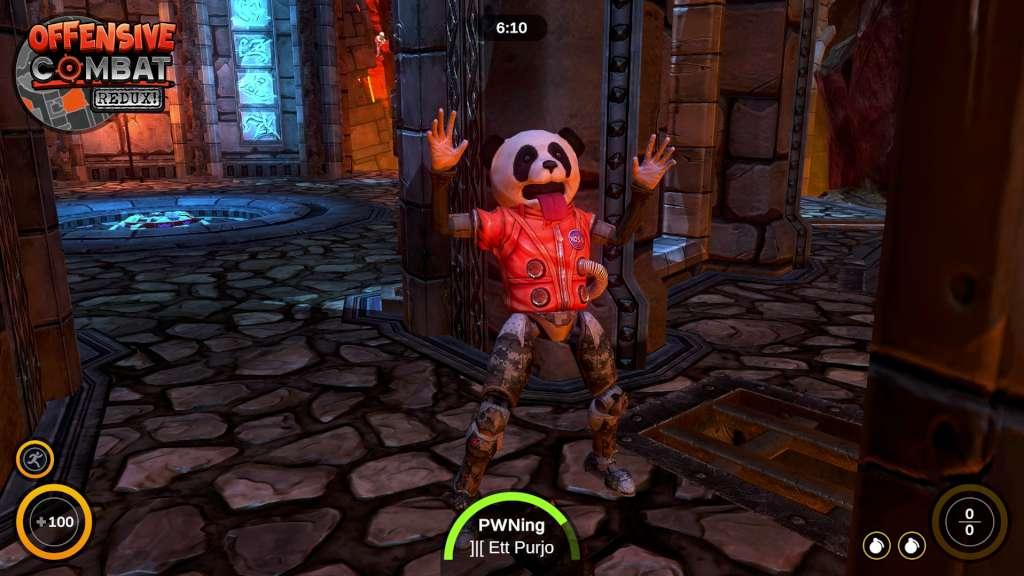
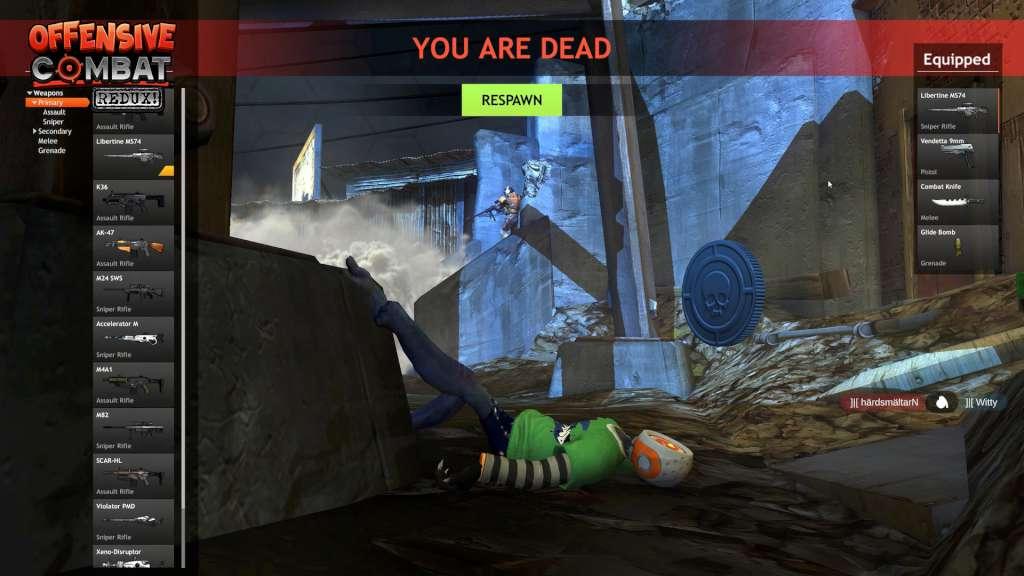
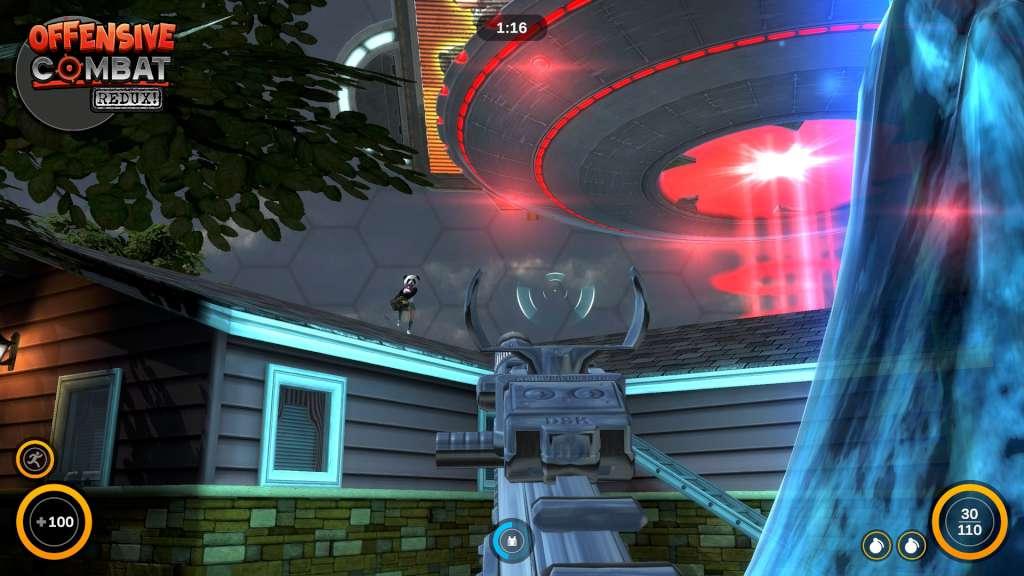
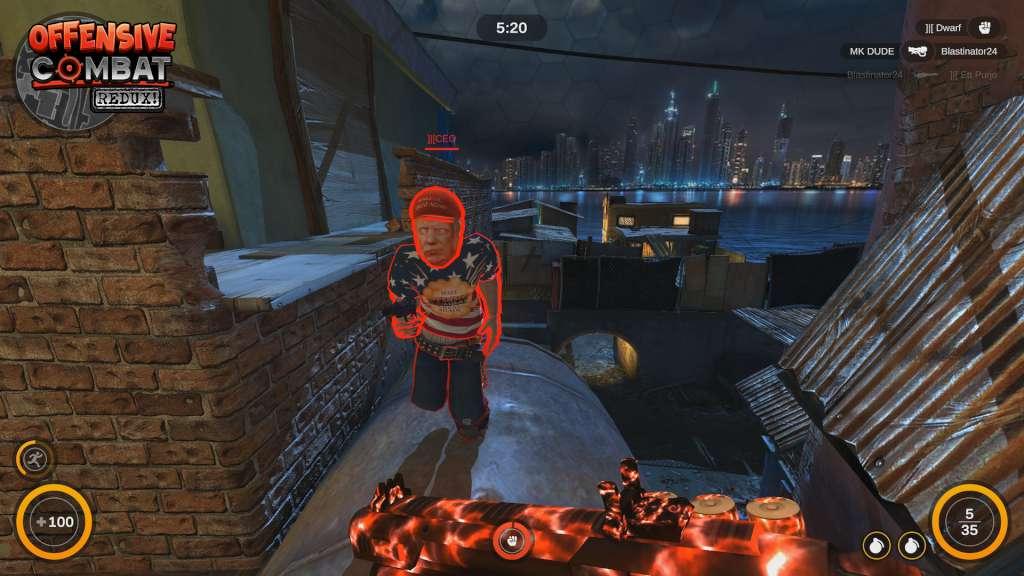
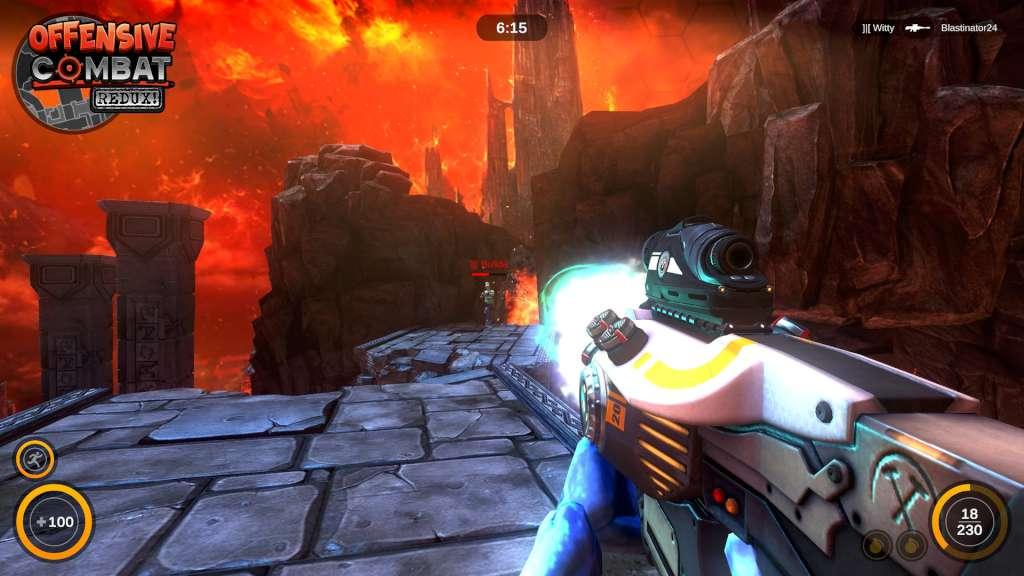
Offensive Combat: Redux! is a fast-paced, frenetic online FPS game that lets you show your skill and play as a number of different unique characters including Commandos, Aliens, Geckos, Chickens, Orcs, Pirates, Disco Stars, and more! Gear up with dozens of insane weapons and take on Killer Robots in single player mode. Test out new weapons in the Weapon Range, then explore the maps to get yourself ready for multiplayer. Team up in Team Deathmatch and Capture the Flag, or jump into the chaos of a free-for-all round of Deathmatch. With 6 very different maps at launch and multiple modes, Offensive Combat: Redux! is a unique, funny, FPS game that you won't want to miss! Features 6 Maps (with more in the works) Weapons, Weapons, Weapons - Assault Rifles, Sniper Rifles, SMGs, Shotguns, Handguns, Melee Weapons Hundreds of Avatar Parts - Show your unique character as you chose from more than 40 character heads, chests, legs, arms and feet and more than 1, 000 combinations at launch Power-ups – find time-limited power-ups in game including Chainguns, Armor, Double Damage, Rocket Launchers, and more Multiple Pwns- Teabag your enemies after you kill them for extra rewards and random drops


Offensive Combat: Redux! screenshotOffensive Combat: Redux! screenshotOffensive Combat: Redux! screenshotOffensive Combat: Redux! screenshotOffensive Combat: Redux! screenshot

How to redeem

  1. 1Check your Steam account and the listed region before purchasing.
  2. 2Find your code and supplier activation instructions in your confirmed order.
  3. 3Open the redeem-code section on Steam, enter the code and follow the platform’s prompts.

Supplier instructions

Go to: http://store.steampowered.com/ and download STEAM client Click "Install Steam" (from the upper right corner) Install and start application, login with your Account name and Password (create one if you don't have). Please follow these instructions to activate a new retail purchase on Steam: Launch Steam and log into your Steam account. Click the Games Menu. Choose Activate a Product on Steam... Follow the onscreen instructions to complete the process. After successful code verification go to the "MY GAMES" tab and start downloading.

You might also like