

SteamGlobal· Gift
Battle: Los Angeles
€468.20
+€46.82 cashback eligibility in Relic Coins
Check before you play
- Platform
- Steam
- Region
- Global
- Product type
- Gift
- Supplier release date
- 2011-03-11
- Genres
- Action
SteamGlobal· Gift
€468.20
+€46.82 cashback eligibility in Relic Coins
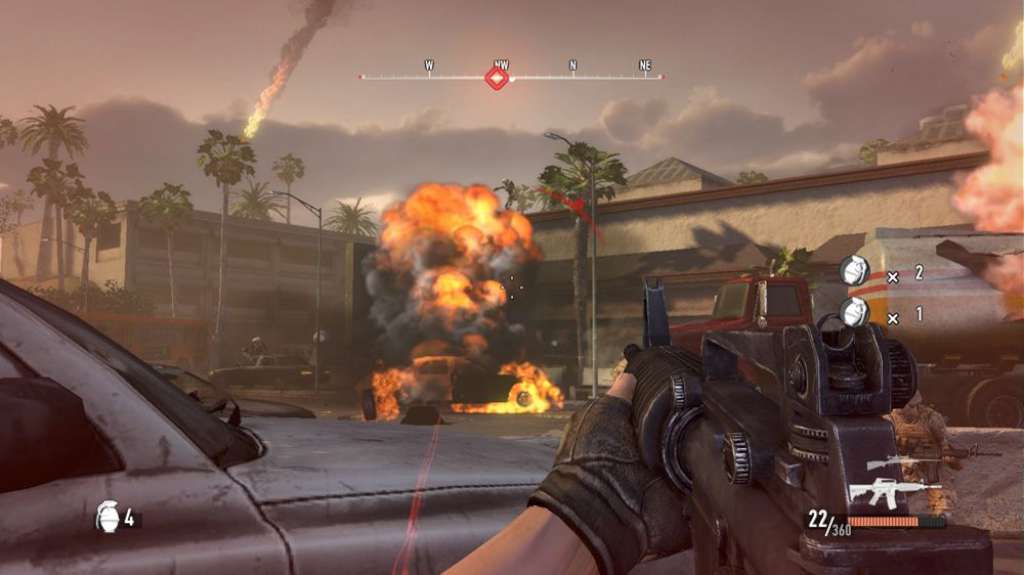
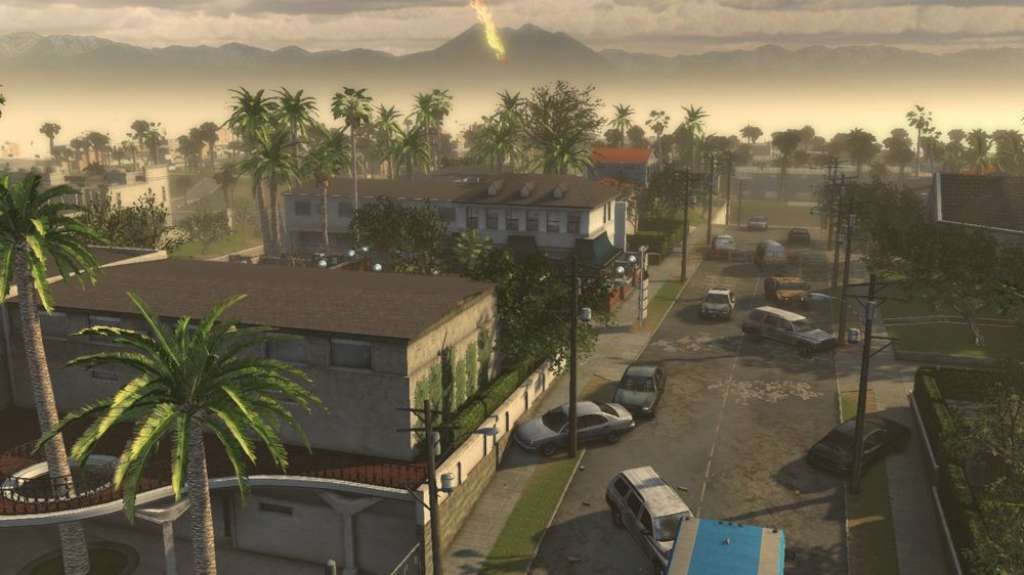
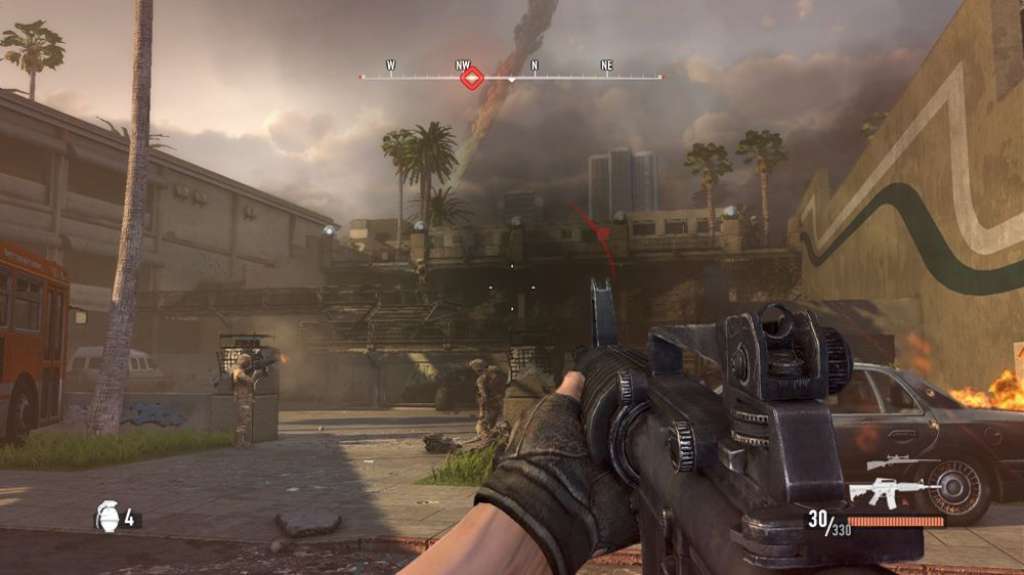
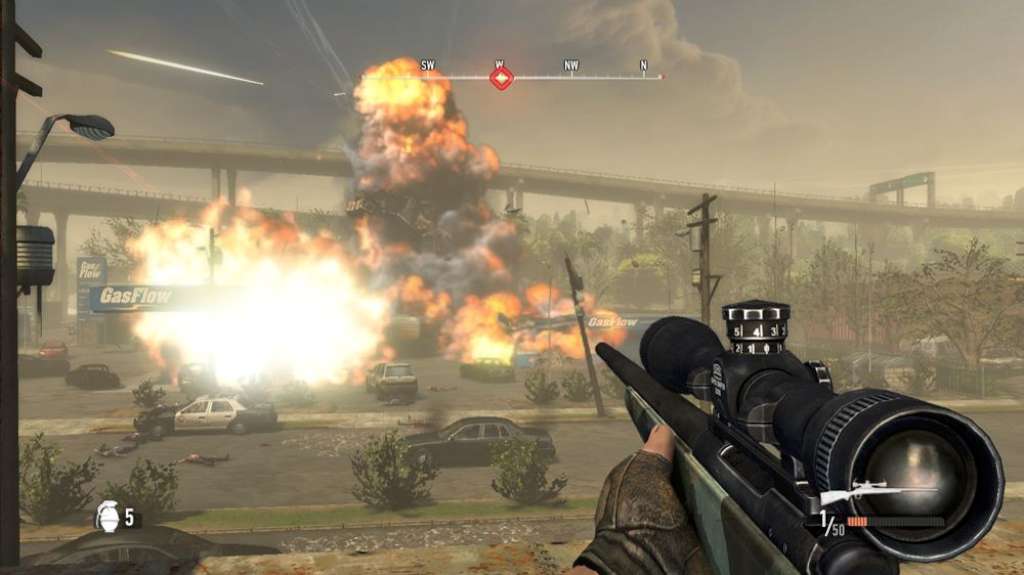
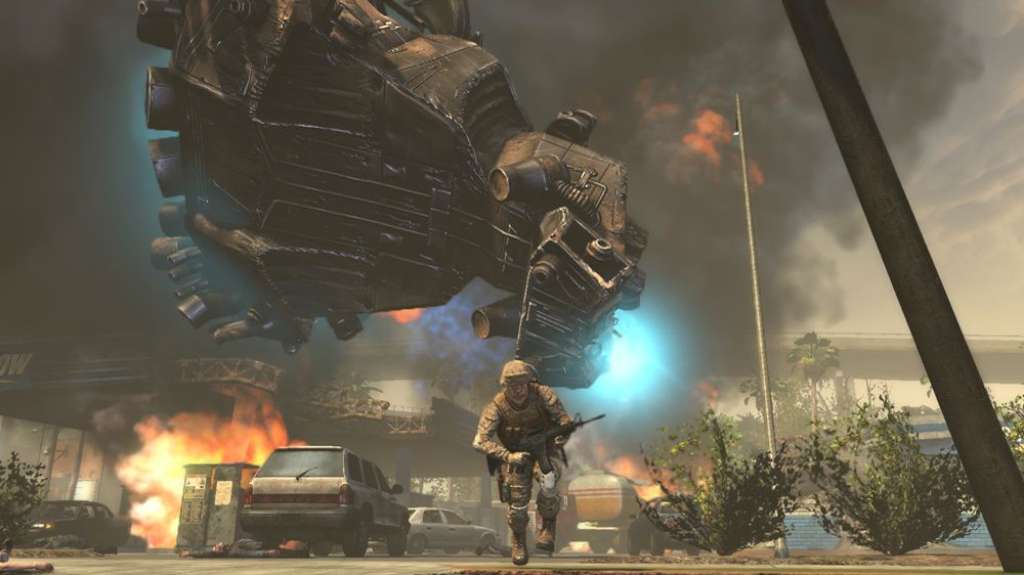
For years, there have been documented cases of UFO sightings around the world – Buenos Aires, Seoul, France, Germany, China. But in 2011, what were once just sightings becomes a terrifying reality when earth is attacked by unknown forces. As people everywhere watch the world’s great cities fall, there remains one place that becomes the last stand for mankind in a battle no one expected. It’s up and your team to draw a line in the sand and take on an enemy unlike any we’ve ever encountered before. Features Immersive first person shooter experience. AAA boxed product visuals and heart-thumping 5.1 surround sound pull you into devastatingly deep into the heart of the battle. Defend Los Angeles. Face off against the enemy in familiar locations from a besieged City of Angels. Relive the thrill of the movie. As Corporal Lee Imlay, you will fight alongside characters from the film, including Staff Sergeant Michael Nantz, Tech Sergeant Elena Santos, Corporal Kevin Harris and others on your mission to save humanity.

"Please remember that we are NOT responsible for any problems that may arise from purchasing and using Steam Gifts. You are doing it at your own risk. "Please note, that due to recent Valve https://support.steampowered.com/kb_article.php?ref=1327-WUJX-5722 Steam Gifts for games that are covered by VAC ban program can no longer be added to Inventory. Make sure that you are logged in to the proper account before entering the link as Steam Gifts can be only added to your library or rejected. How do I use a Steam gift given to me? If you do not already have Steam, download and install Steam http://store.steampowered.com/about/. Once you have Steam installed, you will be prompted to create an account or login to an existing Steam account. If you do not have an account, please create one. You will receive an e-mail containing a link that will open Steam allowing you to redeem your gift. After clicking the link, you will receive a notification at the top right corner in the Steam client informing that you have a new gift.