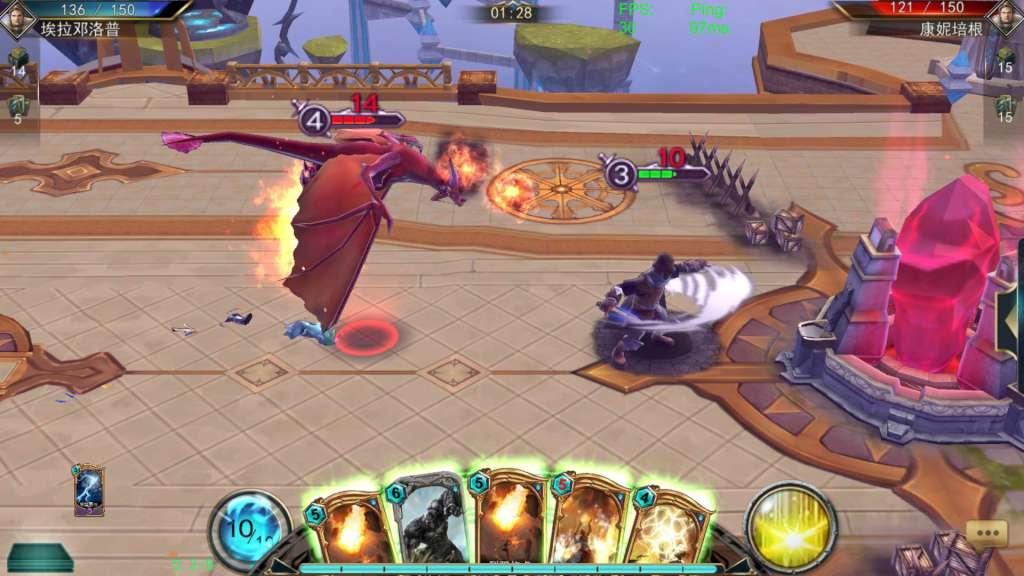
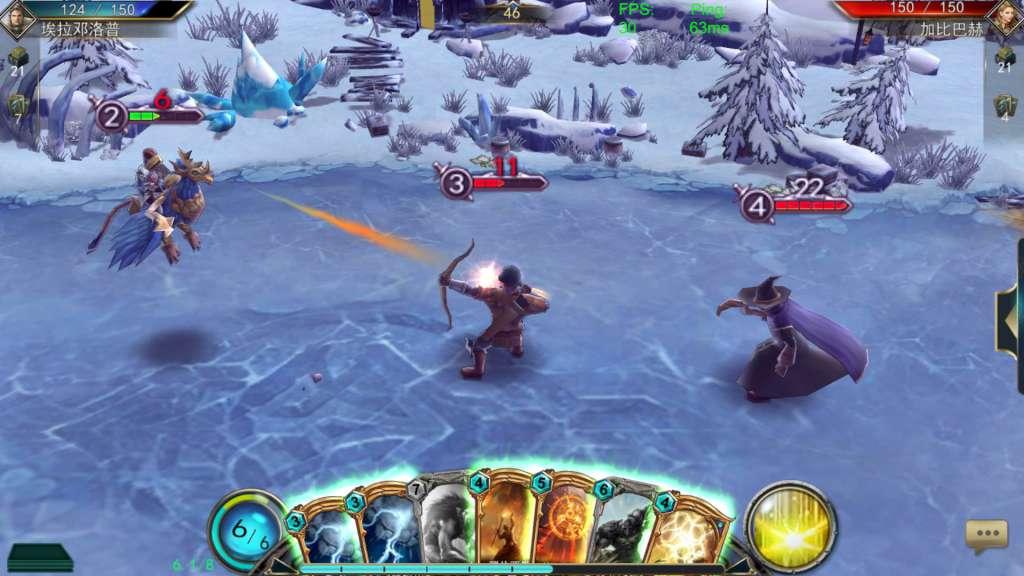
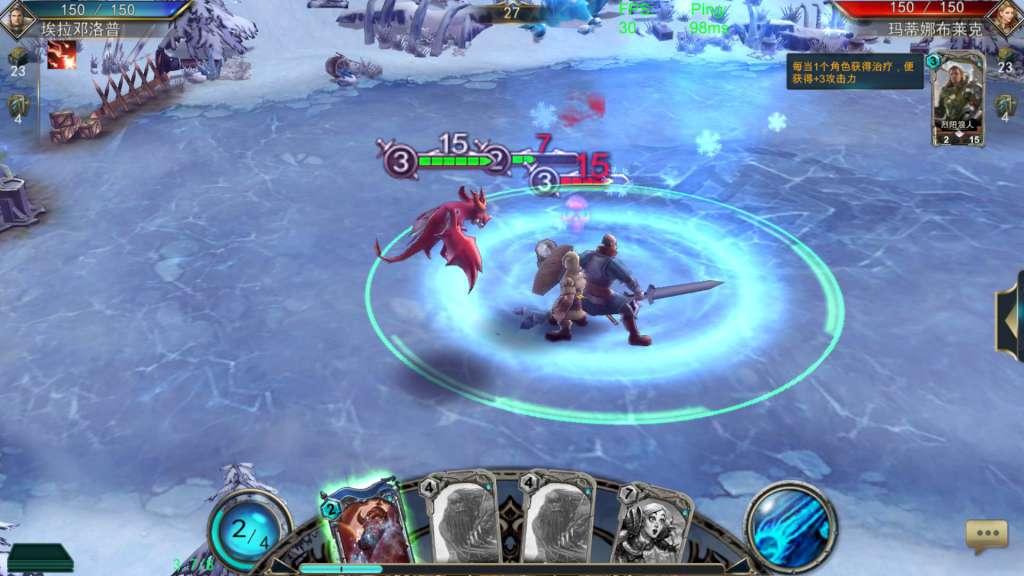
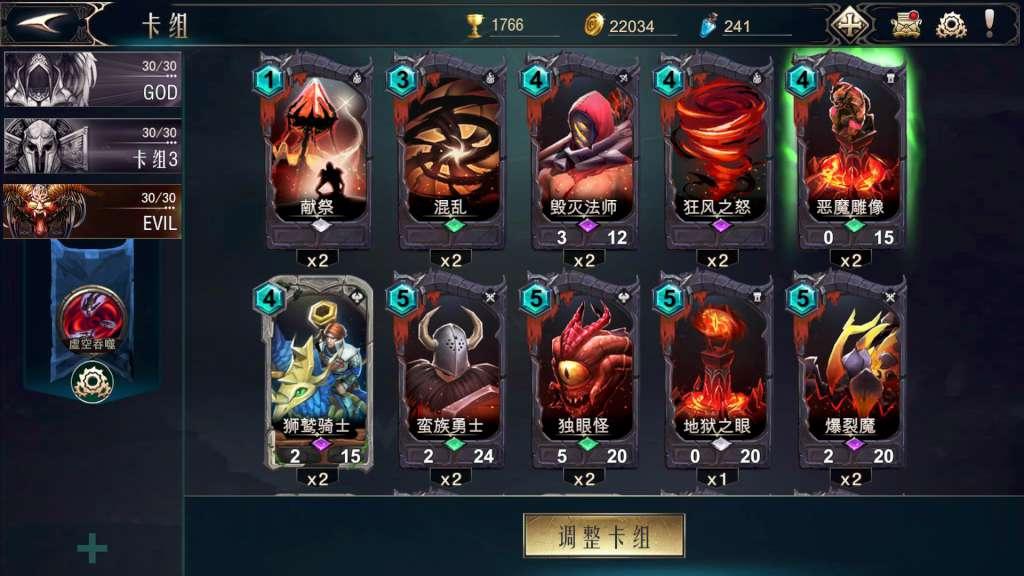
Lords Of War is a fast-paced strategic card game that supports real-time PvP battles. Although game design may resemble turn-based TCG/CCG games, game mechanics is more like a real-time 3D card-based roleplaying game – this combination provides an entirely new gaming experience. Features The game combines RTS and TCG gaming, bringing together strategy and excitement; A large variety of teams allows players to change tactics and strategies - anyone can become the Lord; You can compete with players from all over the world using a real-time matchmaking system; There is something for everyone: story mode, quick matches, ranked seasons, competitions, and a variety of playing styles and techniques; Multiple camera angles and perspectives, 360 degrees mode and epic visual effects; Different battlefields: hell, heaven, desert, glacier - that will take you to the heart of the most epic battles; Unique characters and models, rich skill system - command your troops and fight your way to victory; Every player can obtain all hero and troop cards in a fair competitive environment; Real-time matchmaking system - you will always be able to find a worthy opponent who is eager to challenge you! A well-established social system: chat, friends list, match replays, and dueling system to help you find friends in the game;