Get 10% back in Relic Coins on every order
Stories Untold cover

SteamGlobal· Key

Stories Untold

€0.54

+€0.05 cashback eligibility in Relic Coins

Check before you play

Platform
Steam
Region
Global
Product type
Key
Developer
No Code
Publisher
Devolver Digital
Supplier release date
2017-02-27
Genres
Action, Adventure, FPS, Horror

About this product

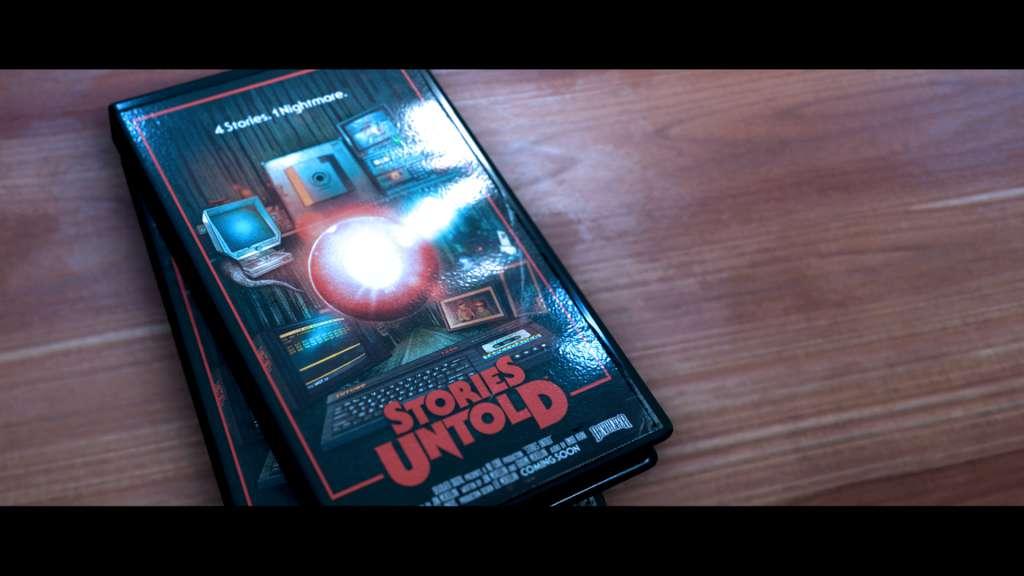
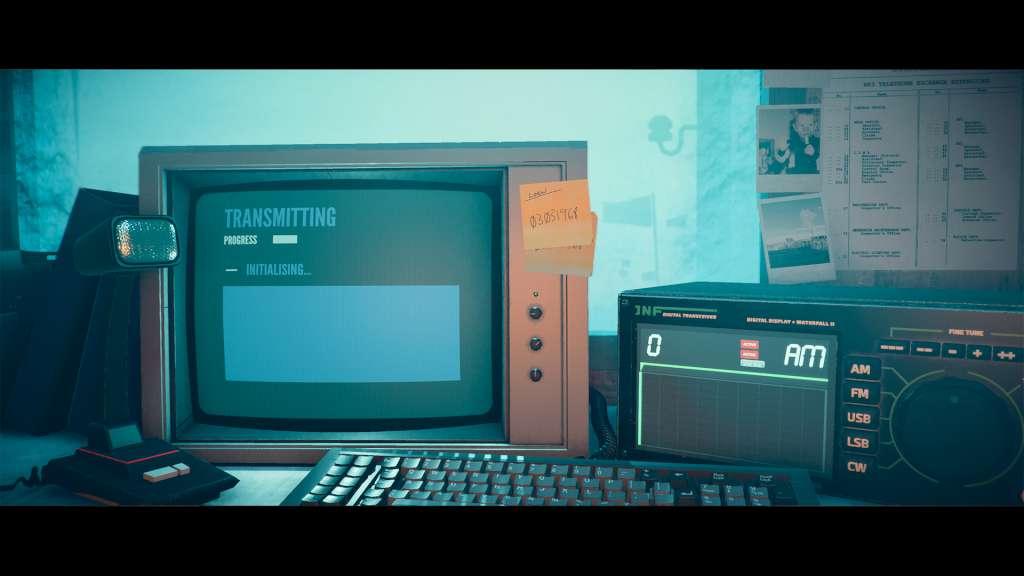
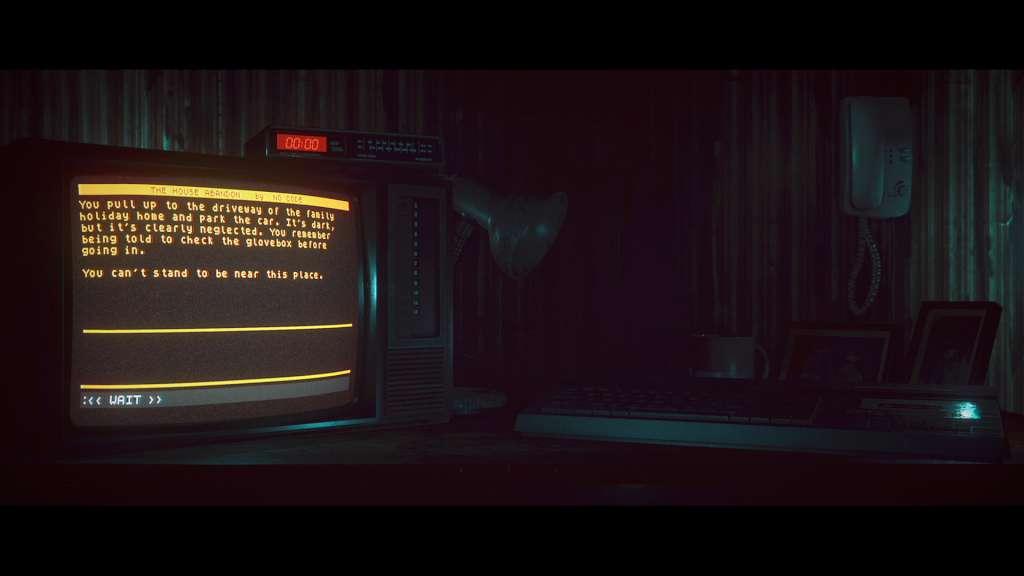
Stories Untold” is a narrative-driven experimental adventure game, that bends the genre into something completely unique. Combining a mix of classic text-adventure, point-and-click and more, 4 short stories are packaged together into a single mysterious anthology that has been described as “a fantastic, fascinating example of interactive visual storytelling” (Telegraph 5/5) and earning widespread critical acclaim since release.The game pulls together 80s retro nostalgia, innovative and experimental genre-defying gameplay, and tense, phycological horror to create “one of the most fascinating and unique tales you can play this year” (GameSpew 9/10). Features Four unique stories, with their own settings, gameplay and mechanics. Play mind-bending text adventures, process radio transmissions and conduct experiments on bizarre artifacts Gorgeous retro-aesthetic brings back vivid memories, or a glimpse into what was. Sublime synth-wave horror soundtrack, inspired by 80s horror soundtracks. Achievements to unlock, and narrative secrets to discover Genre-hopping: from psychological horror, to tense mystery and terrifying sci-fi; Stories Untold is truly “4 stories, 1 nightmare”.

Stories Untold screenshotStories Untold screenshotStories Untold screenshotStories Untold screenshotStories Untold screenshot

How to redeem

  1. 1Check your Steam account and the listed region before purchasing.
  2. 2Find your code and supplier activation instructions in your confirmed order.
  3. 3Open the redeem-code section on Steam, enter the code and follow the platform’s prompts.

Supplier instructions

Go to: http://store.steampowered.com/ and download STEAM client Click "Install Steam" (from the upper right corner) Install and start application, login with your Account name and Password (create one if you don't have). Please follow these instructions to activate a new retail purchase on Steam: Launch Steam and log into your Steam account. Click the Games Menu. Choose Activate a Product on Steam... Follow the onscreen instructions to complete the process. After successful code verification go to the "MY GAMES" tab and start downloading.

You might also like