

SteamGlobal· Key
Domain Defense
€178.20
+€17.82 cashback eligibility in Relic Coins
Check before you play
- Platform
- Steam
- Region
- Global
- Product type
- Key
- Supplier release date
- 2016-07-14
- Genres
- Strategy, Indie, Casual
SteamGlobal· Key
€178.20
+€17.82 cashback eligibility in Relic Coins
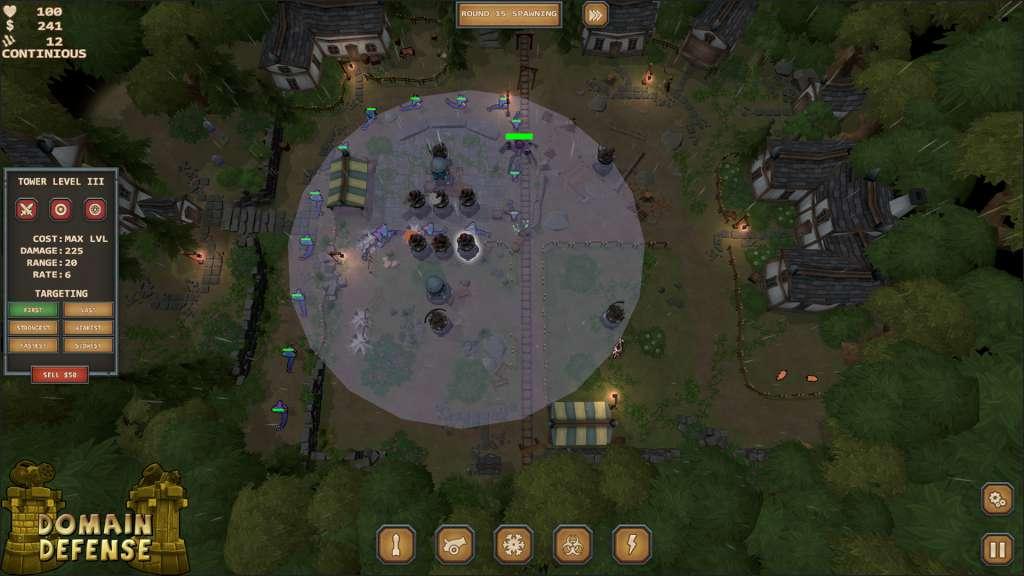
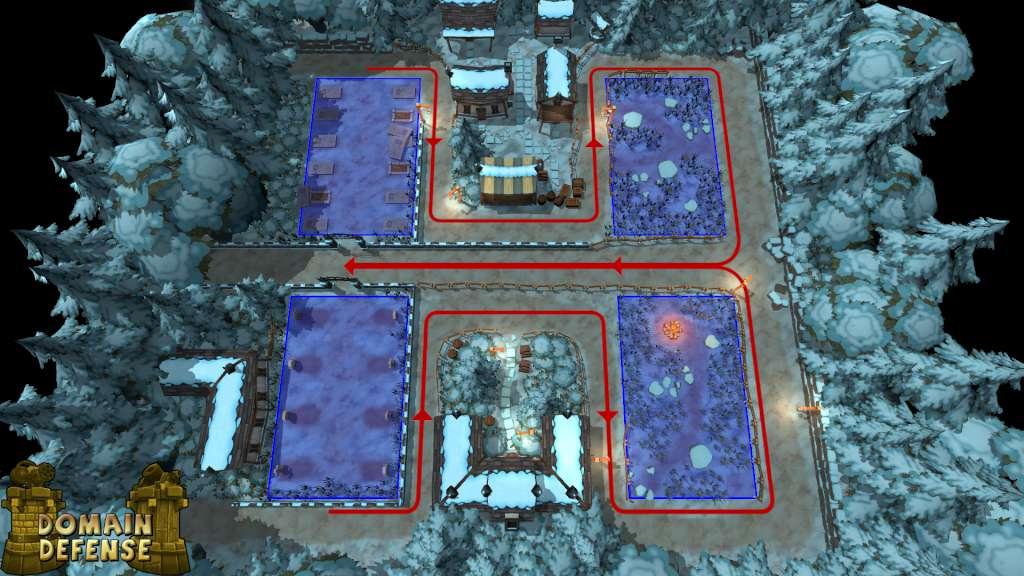
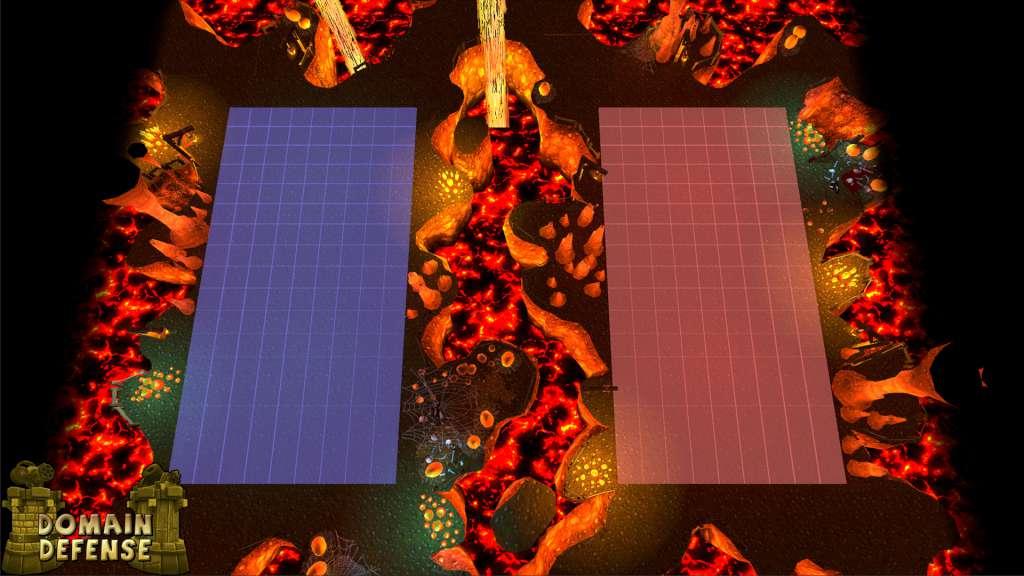
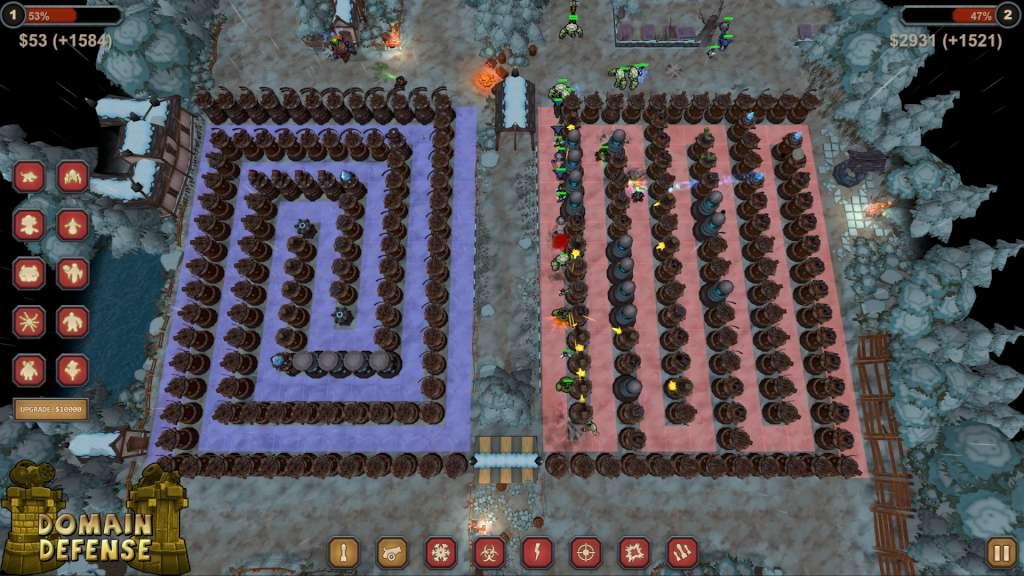
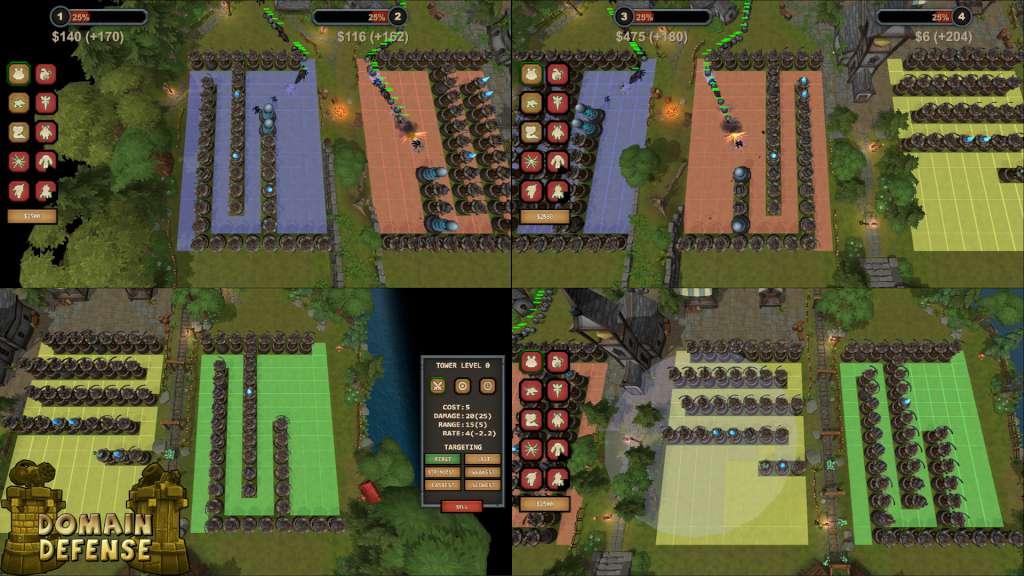
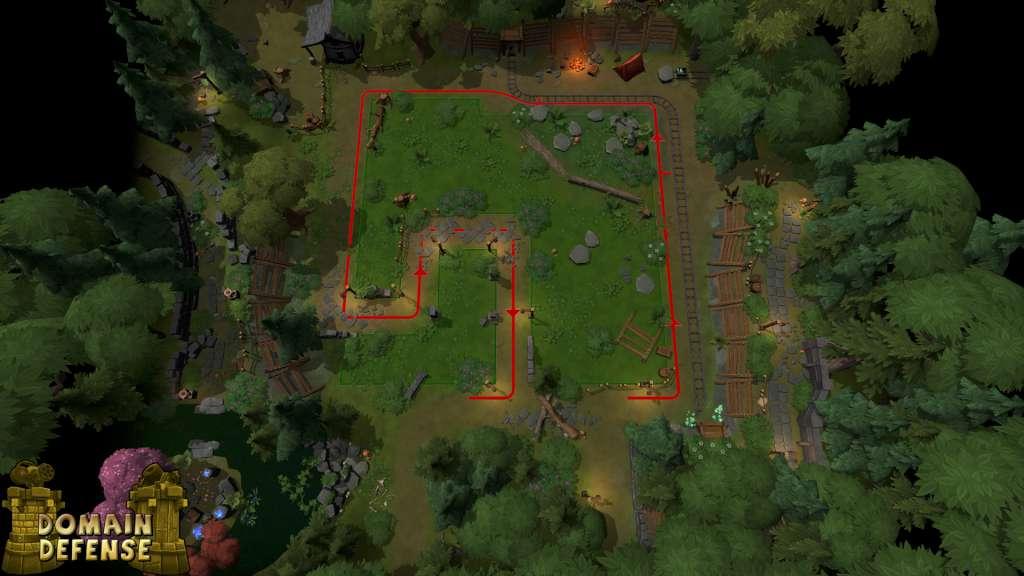
Domain Defense focuses on what makes Tower Defense games great. Each tower is essential to your success and to keep enemies from walking right through. Using modern, stylized graphics each level bring a purpose and looks great. Domain Defense also includes up to four player split screen mode but each player is required to have a non-mouse controller to play. Features Levels Classic Tower Defense Levels VS Mode With An AI Opponent Themes including Spring, Winter, and Caverns Challenge Modes Including Continuous, Hard Mode, and Tower Limit Dynamic Weather Hints at Stronger Enemies On Their Way Towers Each Tower is Unique In It's Abilities Splash Damage, Chain Lightning, Acid Poisoning and Ice For Example Each Tower Can Be Upgraded Three Times. Choose Wisely Between Damage, Range, and Rate of Fire Multiple Targeting Options Including First, Last, Strongest, Weakest, Fastest, and Slowest Enemies Enemies Are As Unique As Towers Mini-bosses and Bosses including Healers, Destroyers, and Multipliers Each Themed Level Has It's Own Themed Enemies Versus Multiplayer Play Solo Against Three AI Opponents With Mouse or Gamepad Up To Four Player Split Screen With AI Opponents Available Two Players and Up Require Gamepads for Each Player Cooperative Multiplayer Hardest Levels Domain Defense Has Creative Levels That Require Team Work Up To Four Player Split Screen Two Players and Up Require Gamepads for Each Player
Go to: http://store.steampowered.com/ and download STEAM client Click "Install Steam" (from the upper right corner) Install and start application, login with your Account name and Password (create one if you don't have). Please follow these instructions to activate a new retail purchase on Steam: Launch Steam and log into your Steam account. Click the Games Menu. Choose Activate a Product on Steam... Follow the onscreen instructions to complete the process. After successful code verification go to the "MY GAMES" tab and start downloading.