

Steam· Gift
PAYDAY 2 - Gage Weapon Pack Bundle
€4.80
+€0.48 cashback eligibility in Relic Coins
Check before you play
- Platform
- Steam
- Product type
- Gift
- Developer
- Overkill Software
- Publisher
- 505 Games
- Supplier release date
- 2013-12-05
- Genres
- Action
Steam· Gift
€4.80
+€0.48 cashback eligibility in Relic Coins
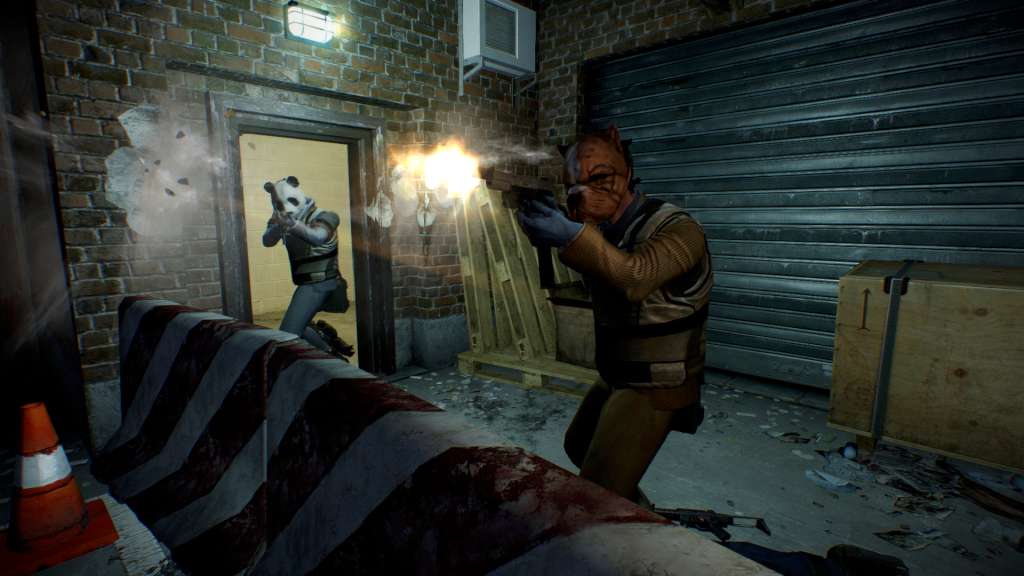
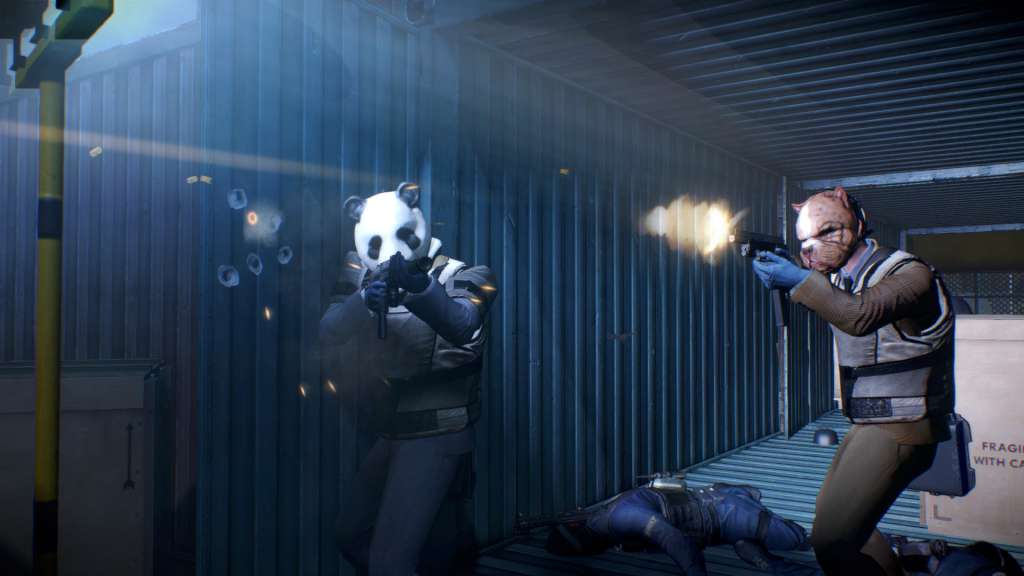
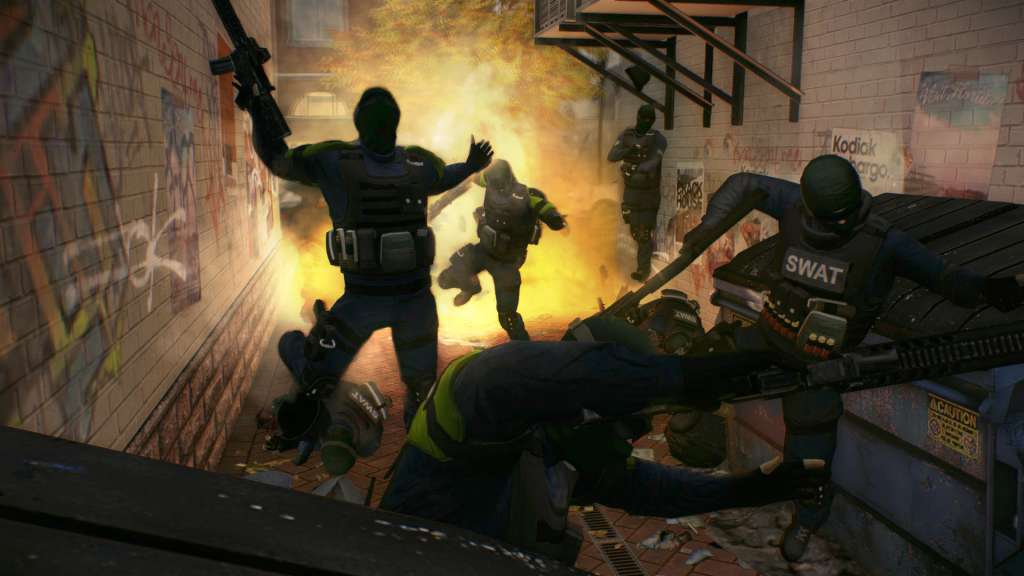
Includes 7 items: PAYDAY 2: Gage Assault Pack, PAYDAY 2: Gage Historical Pack, PAYDAY 2: Gage Mod Courier, PAYDAY 2: Gage Shotgun Pack, PAYDAY 2: Gage Sniper Pack, PAYDAY 2: Gage Weapon Pack #01, PAYDAY 2: Gage Weapon Pack #02 PAYDAY 2 is an action-packed, four-player co-op shooter that once again lets gamers don the masks of the original PAYDAY crew - Dallas, Hoxton, Wolf and Chains - as they descend on Washington DC for an epic crime spree. The new CRIMENET network offers a huge range of dynamic contracts, and players are free to choose anything from small-time convenience store hits or kidnappings, to big league cyber-crime or emptying out major bank vaults for that epic PAYDAY. While in DC, why not participate in the local community, and run a few political errands? Up to four friends co-operate on the hits, and as the crew progresses the jobs become bigger, better and more rewarding. Along with earning more money and becoming a legendary criminal comes a new character customization and crafting system that lets crews build and customize their own guns and gear.


"Please remember that we are NOT responsible for any problems that may arise from purchasing and using Steam Gifts. You are doing it at your own risk. "Please note, that due to recent Valve Steam Gift policy update Steam Gifts for games that are covered by VAC ban program can no longer be added to Inventory. Make sure that you are logged in to the proper account before entering the link as Steam Gifts can be only added to your library or rejected. How do I use a Steam gift given to me? If you do not already have Steam, download and install Steam here. Once you have Steam installed, you will be prompted to create an account or login to an existing Steam account. If you do not have an account, please create one. You will receive an e-mail containing a link that will open Steam allowing you to redeem your gift. After clicking the link, you will receive a notification at the top right corner in the Steam client informing that you have a new gift.