Get 10% back in Relic Coins on every order
Assassin's Creed Shadows - Collector’s Edition Digital Content + Pre-Order Bonus DLC cover

MS Store (PC)Europe· DLC

Assassin's Creed Shadows - Collector’s Edition Digital Content + Pre-Order Bonus DLC

€35.12

+€3.51 cashback eligibility in Relic Coins

Check before you play

Platform
MS Store (PC)
Region
Europe
Product type
DLC

Check the required base game and edition before purchasing this add-on.

Developer
Ubisoft
Publisher
Ubisoft
Supplier release date
2025-03-20
Genres
Action, Adventure

About this product

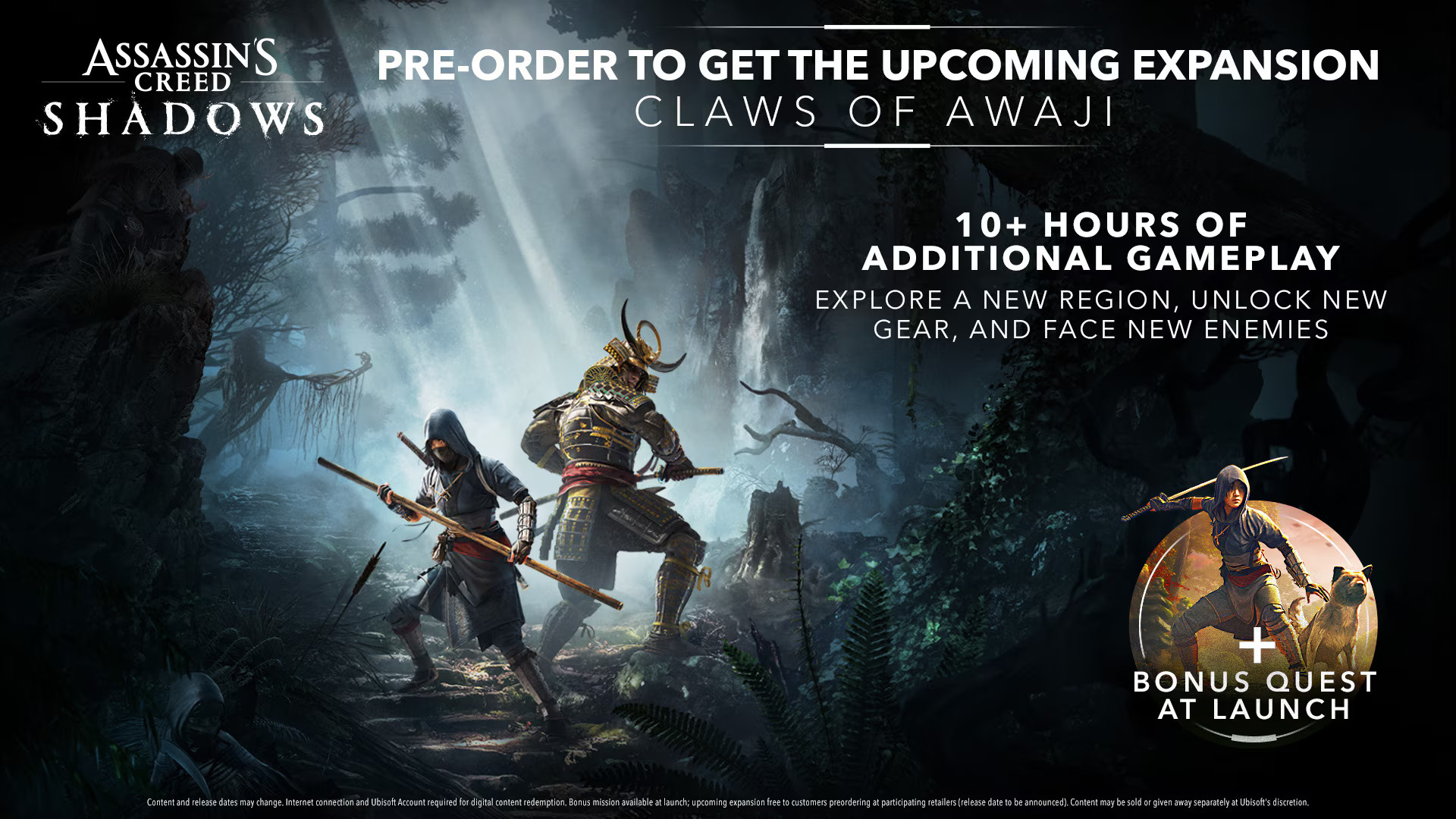
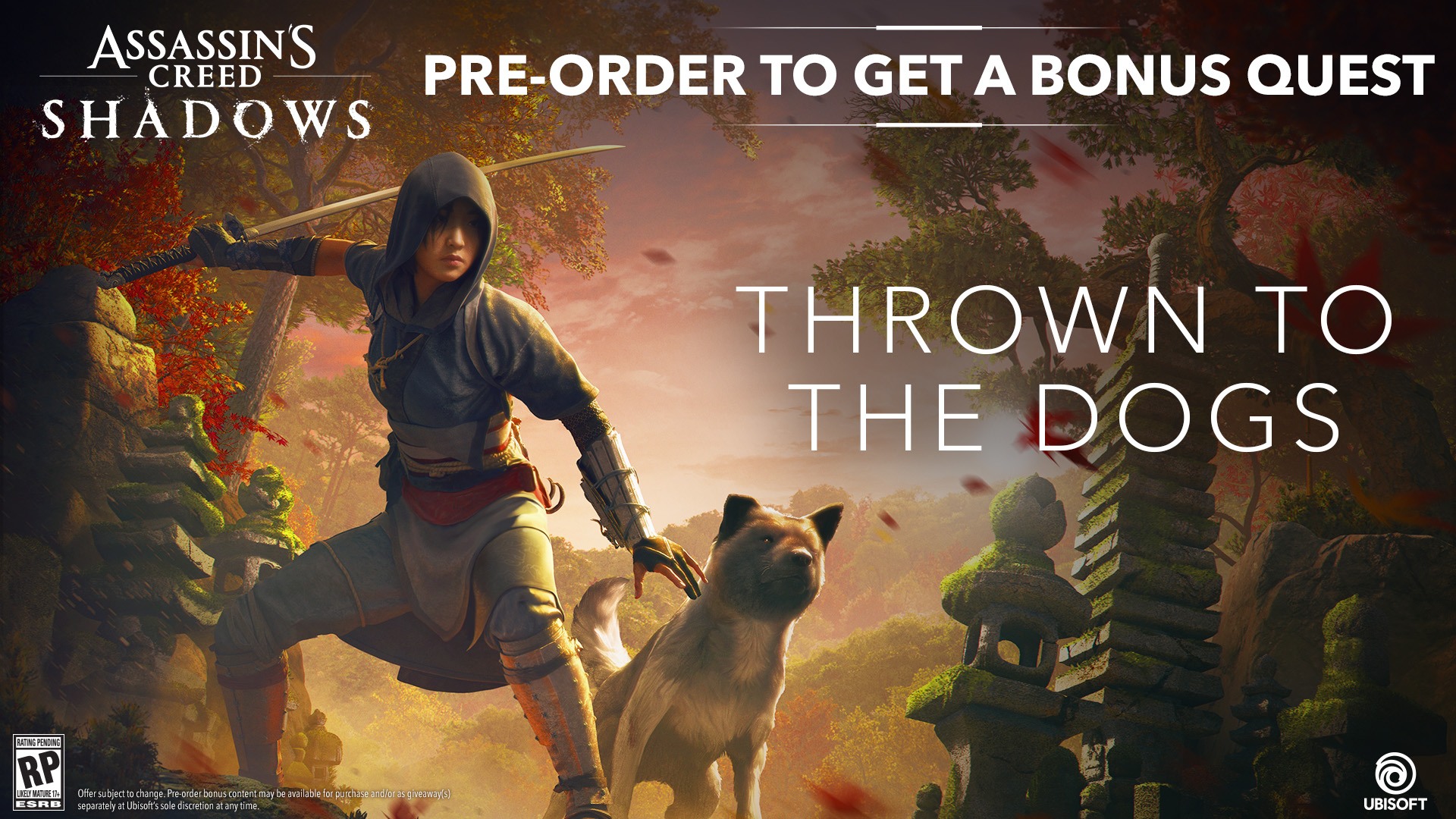
Includes: Thrown to the Dogs quest (available at launch) Claws of Awaji expansion (available later in 2025) Sekiryu Dual Pack Sekiryu Hideout Pack 5 mastery points Get the Thrown to the Dogs bonus quest available at launch, and the Claws of Awaji expansion, releasing later in 2025. Feel the fear of being hunted and under threat on a mysterious island. Reclaim a lost treasure while avoiding the traps and ambushes of deadly new foes. Master the Bō (a new weapon type), unlock new skills/gear/abilities, and get over 10 hours of additional content.

Assassin's Creed Shadows - Collector’s Edition Digital Content + Pre-Order Bonus DLC screenshotAssassin's Creed Shadows - Collector’s Edition Digital Content + Pre-Order Bonus DLC screenshotAssassin's Creed Shadows - Collector’s Edition Digital Content + Pre-Order Bonus DLC screenshotAssassin's Creed Shadows - Collector’s Edition Digital Content + Pre-Order Bonus DLC screenshot

How to redeem

  1. 1Check the required base game, platform and edition before purchasing.
  2. 2Find the code or supplier activation instructions in your confirmed order.
  3. 3Redeem on MS Store (PC) using the supplied instructions, then install the add-on with the compatible base game.

Supplier instructions

FROM A WEB BROWSER: Go to this website. Log into your Microsoft Account. Enter the key and click Next. Follow the prompts. IN THE MICROSOFT STORE ON WINDOWS: Press the Start button , and then enter store into the search bar. Choose Microsoft Store from the results to open the app. Select your account in the top-right corner of the screen, and then select Redeem code or gift cards. Enter the 25-character code, select Next, and then follow the prompts. ON XBOX ONE AND XBOX SERIES X|S: Press the Xbox button to open the guide, and then select Store. Press the View button to open the side menu, and then select Redeem. Enter the 25-character code, select Next, and then follow the prompts. ON XBOX 360: Press the Guide button on your controller. Select Games & Apps, and then select Redeem Code. Enter the 25-character code, and then follow the prompts to complete your redemption. Please note that Xbox 360 codes can ONLY be activated on the Xbox 360 console directly!

You might also like