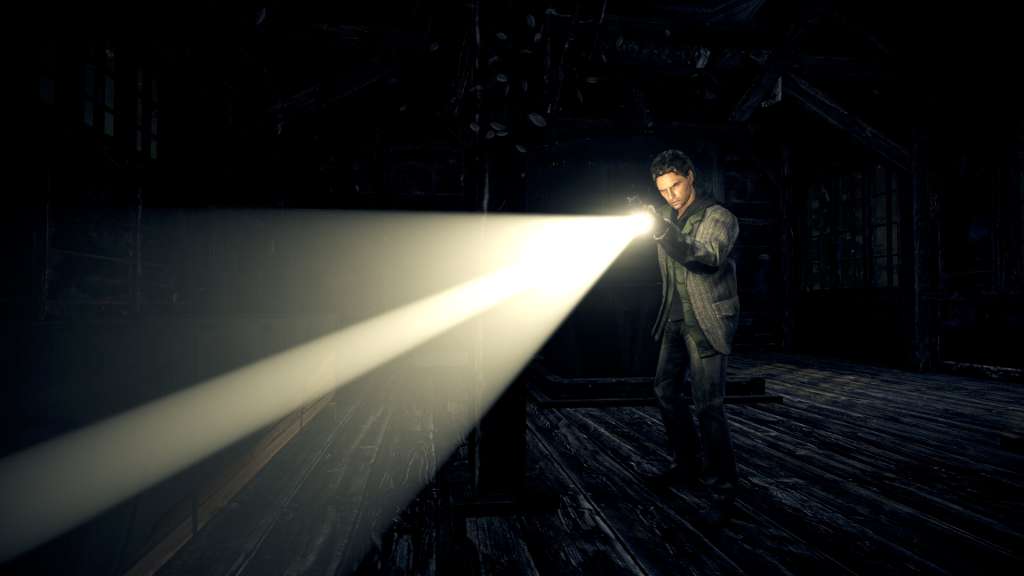
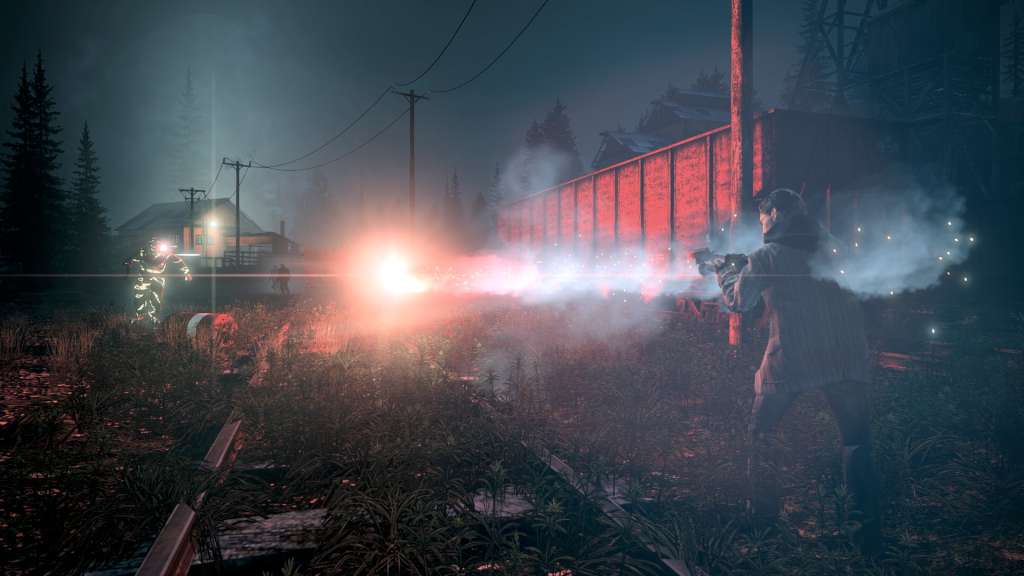
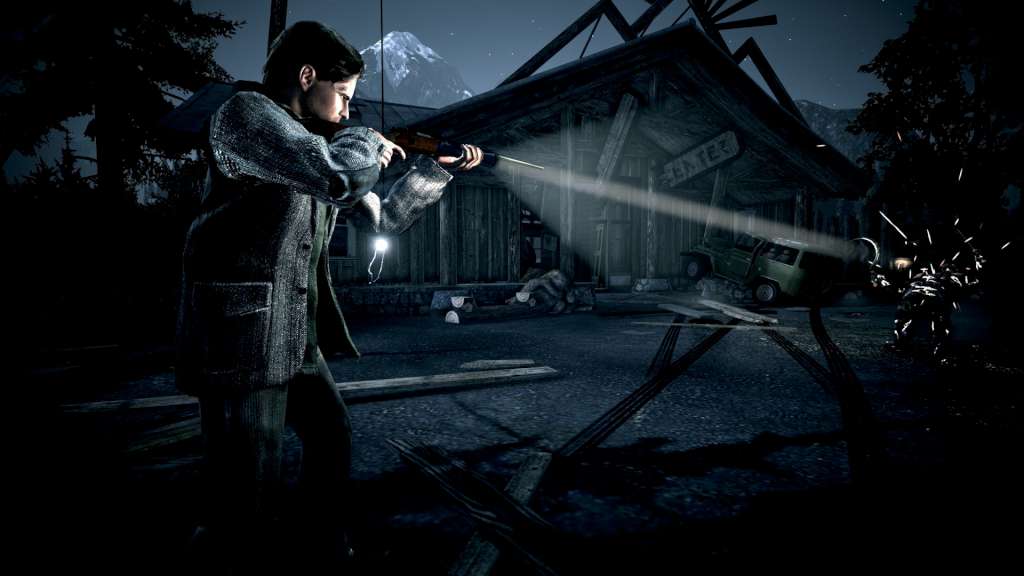
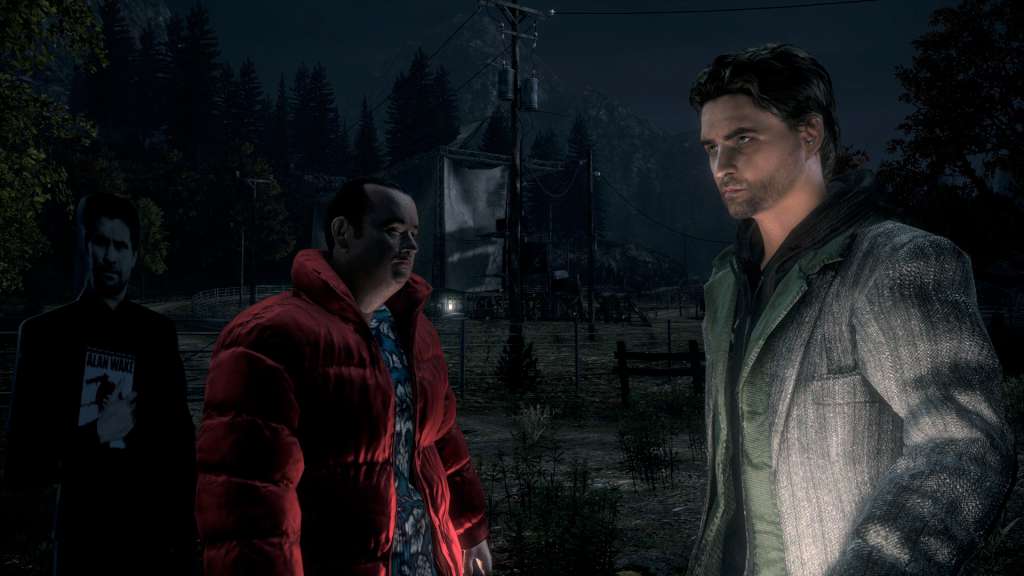
When the wife of the best-selling writer Alan Wake disappears on their vacation, his search turns up pages from a thriller he doesn’t even remember writing. A Dark Presence stalks the small town of Bright Falls, pushing Wake to the brink of sanity in his fight to unravel the mystery and save his love. Presented in the style of a TV series, Alan Wake features the trademark Remedy storytelling and pulse-pounding action sequences. As players dive deeper and deeper into the mystery, they’ll face overwhelming odds, plot twists, and cliffhangers. It’s only by mastering the Fight With Light combat mechanic that they can stay one step ahead of the darkness that spreads across Bright Falls. With the body of an action game and the mind of a psychological thriller, Alan Wake’s intense atmosphere, deep and multilayered story, and exceptionally tense combat sequences provide players with an entertaining and original gaming experience. Features Experience Alan Wake’s Pacific Northwest in higher resolutions and higher fidelity than the Xbox360 version. Fully configurable mouse and keyboard support, or if you prefer to play with the Microsoft gamepad connected to your PC, you can do that too! Lots of customizable graphics settings and support for 4:3, 16:9 and 16:10 aspect ratios! Multithreaded engine that takes advantage of quad core CPUs. Additional features our fans have sought after such as field of view adjustment as well as “hide HUD”. Works with AMD Eyefinity 3D 3-screen mode.