Get 10% back in Relic Coins on every order
inMomentum cover

SteamGlobal· Key

inMomentum

€1.24

+€0.12 cashback eligibility in Relic Coins

Check before you play

Platform
Steam
Region
Global
Product type
Key
Developer
Digital Arrow
Publisher
White Rabbit Interactive
Supplier release date
2011-10-31
Genres
Racing, Indie

About this product

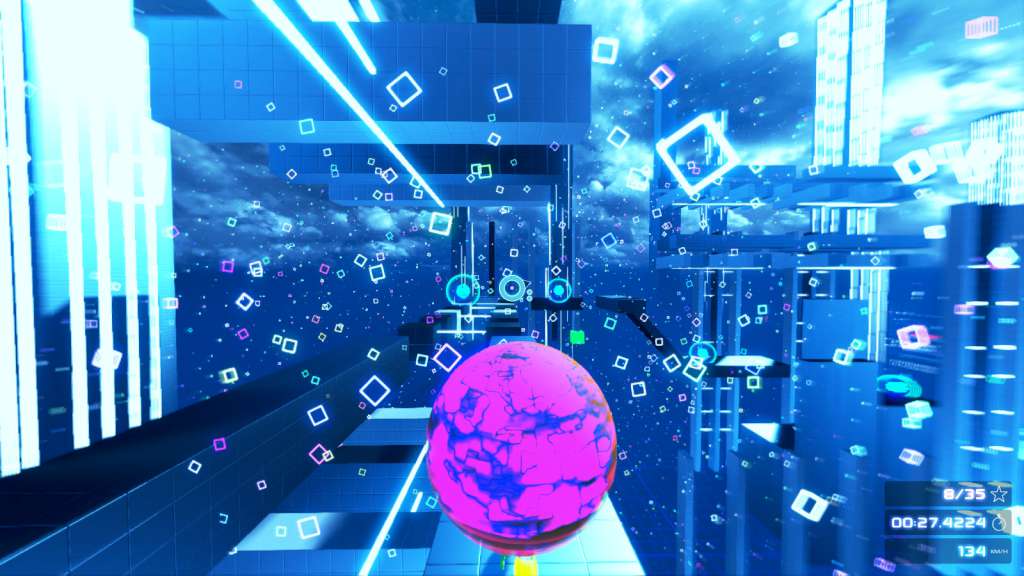
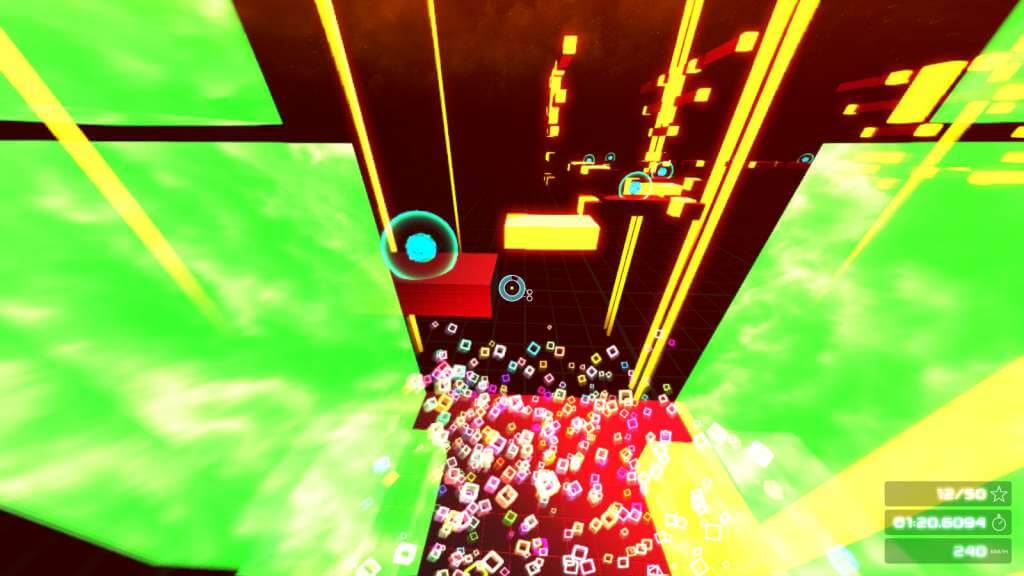
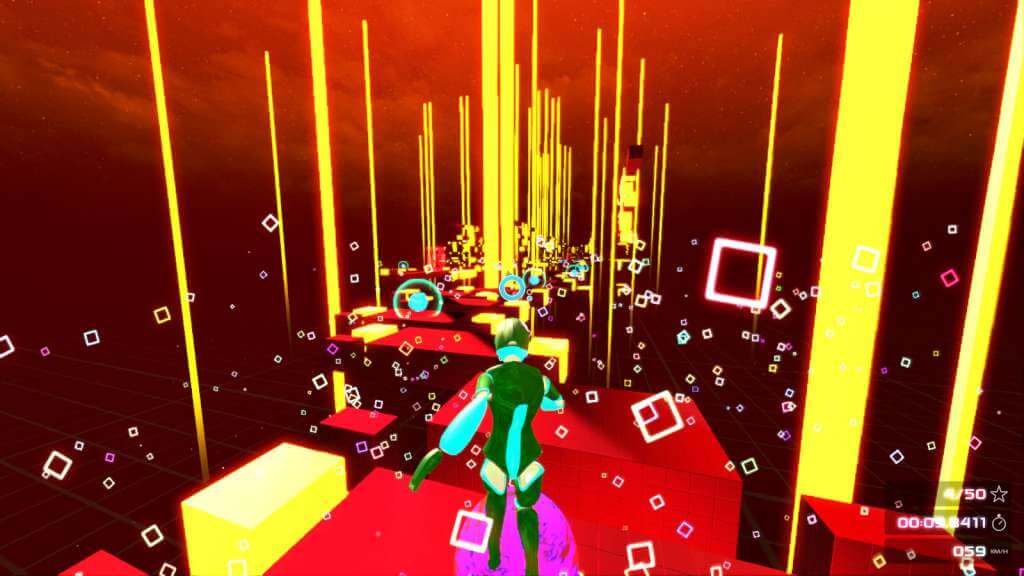
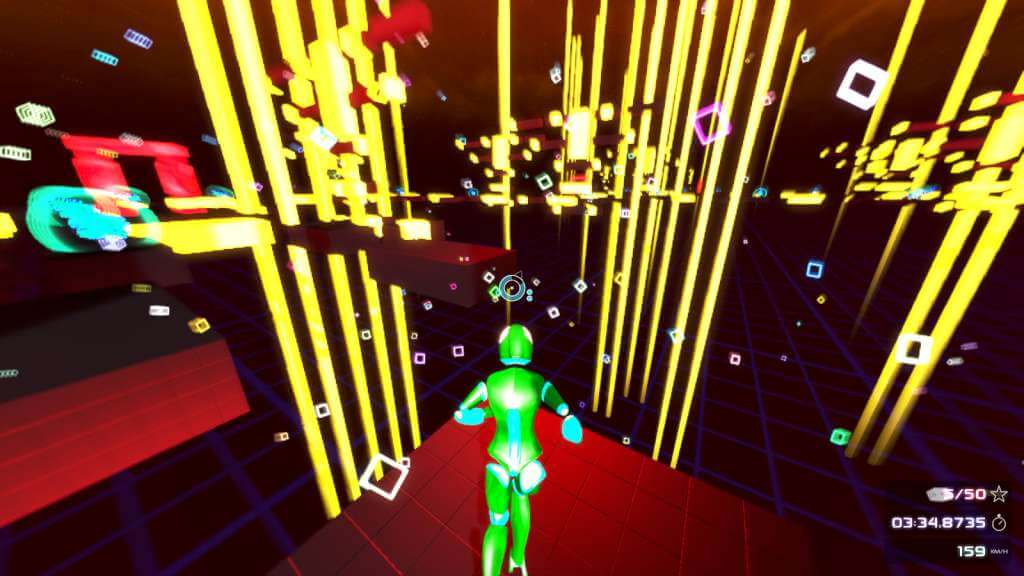
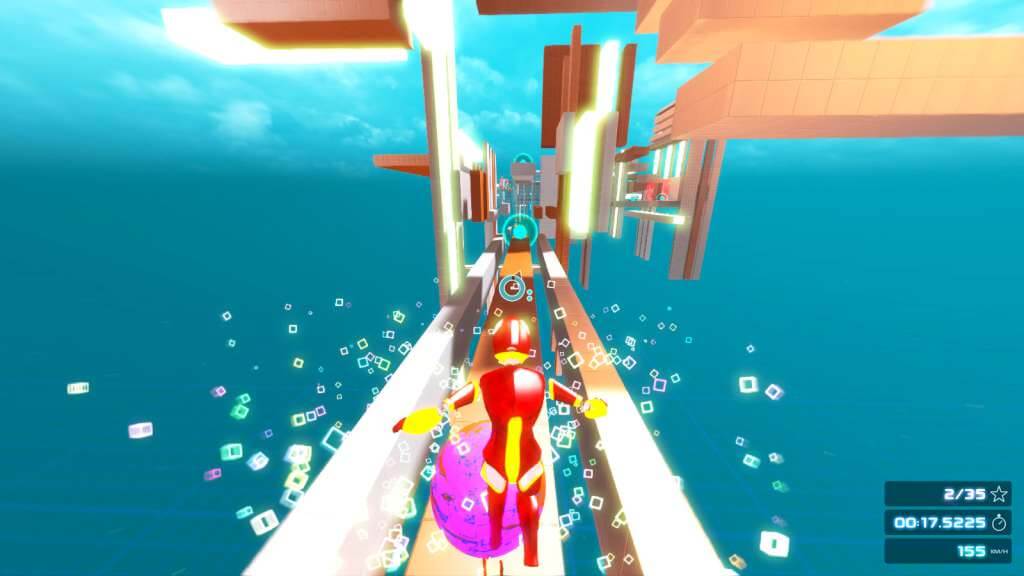
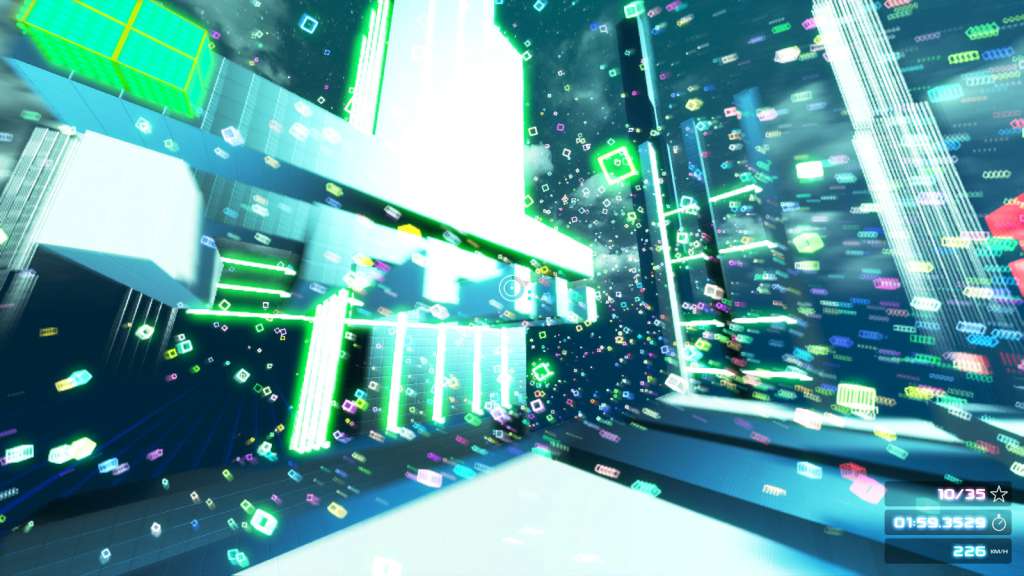
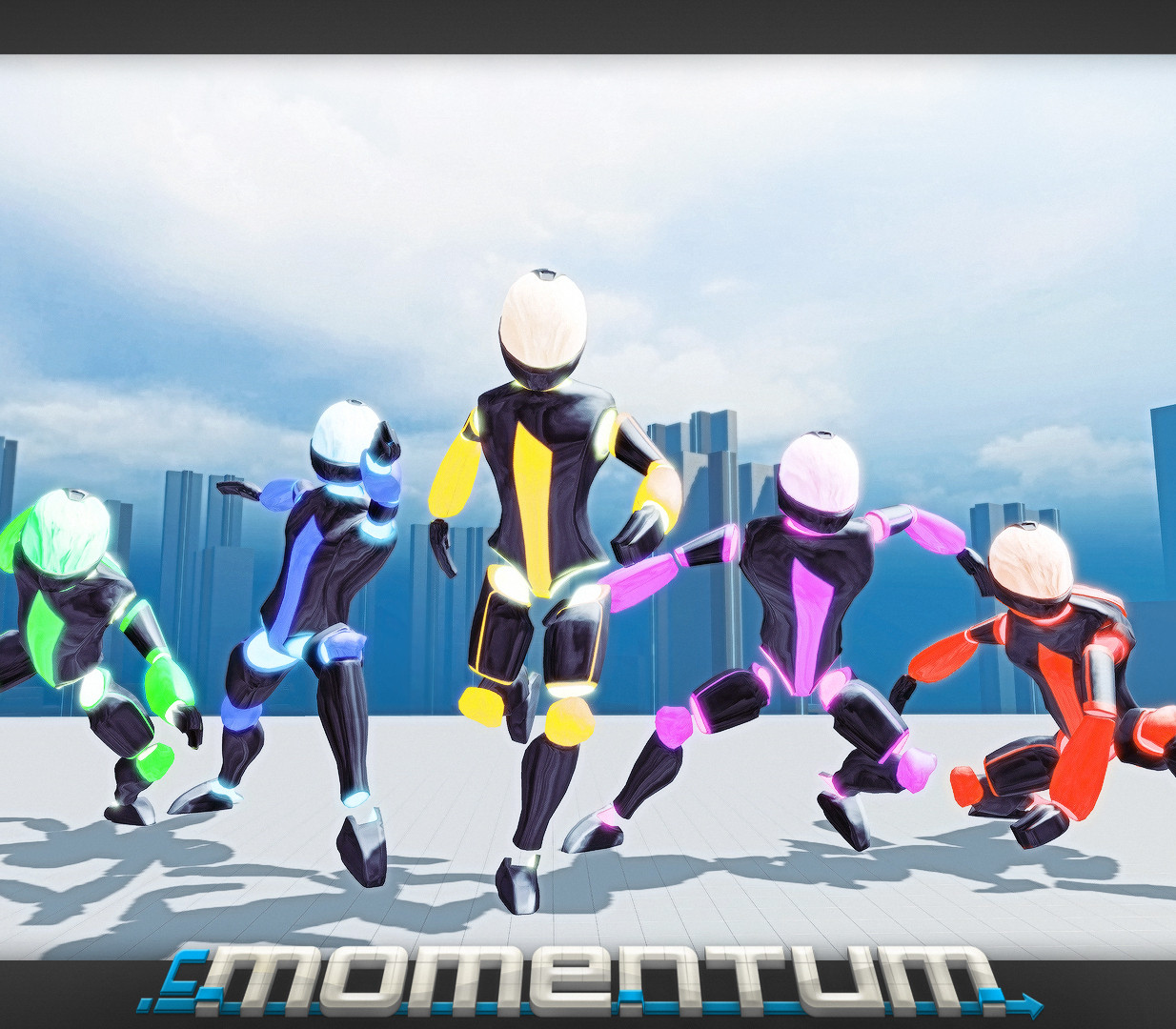
InMomentum is a minimalistic sci-fi platform racing game that challenges the players to think in both horizontal and vertical perspectives while racing against each other or against the clock in a puzzle-like environment. InMomentum gives the players the possibility to explore a visually unique world by having minimized object detail and a special focus on visual stimulation by the use of colors and shapes. The game’s style forges a strong bond between the visuals and the player, thus provides a very unique experience. Features Game Modes: Free run & Time trial for Single player Multiplayer Powerup Race & Race mode – Compete with your friends! 12 Levels which can be solved in many different ways 4 difficulty modes for each map and game mode Discover and use level modifiers and power-ups to get more momentum! Achievements to brag with at your friends Online Highscore list – Be the first in the worldwide rankings! Unreal® Engine 3 Powered Game

inMomentum screenshotinMomentum screenshotinMomentum screenshotinMomentum screenshotinMomentum screenshotinMomentum screenshot

How to redeem

  1. 1Check your Steam account and the listed region before purchasing.
  2. 2Find your code and supplier activation instructions in your confirmed order.
  3. 3Open the redeem-code section on Steam, enter the code and follow the platform’s prompts.

Supplier instructions

Go to: http://store.steampowered.com/ and download STEAM client Click "Install Steam" (from the upper right corner) Install and start application, login with your Account name and Password (create one if you don't have). Please follow these instructions to activate a new retail purchase on Steam: Launch Steam and log into your Steam account. Click the Games Menu. Choose Activate a Product on Steam... Follow the onscreen instructions to complete the process. After successful code verification go to the "MY GAMES" tab and start downloading.

You might also like