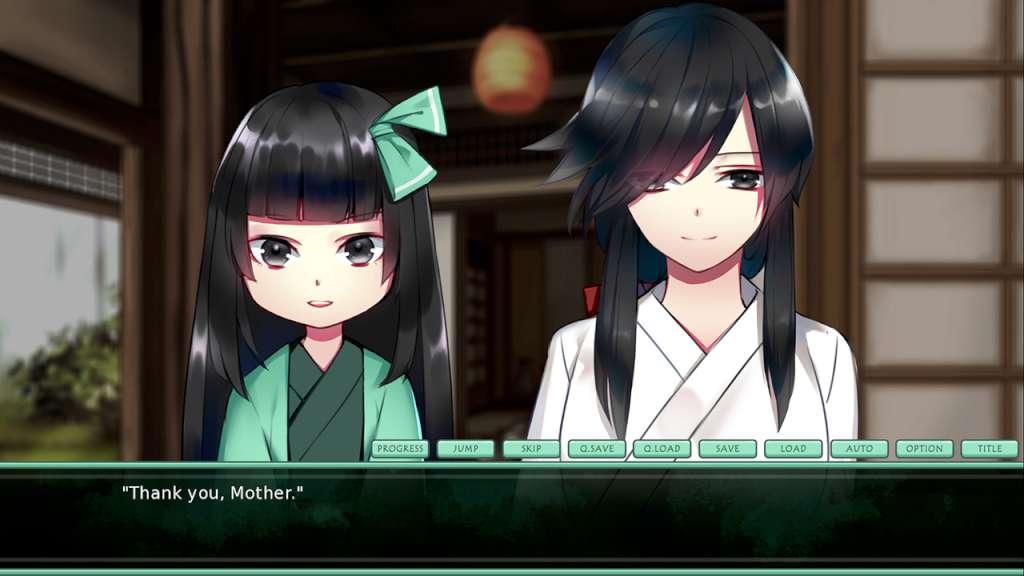
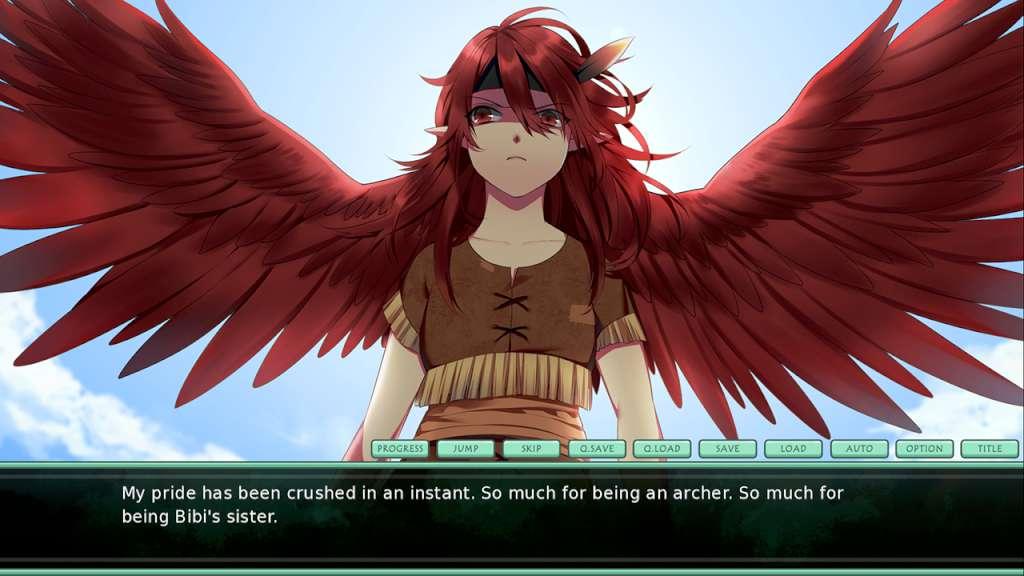
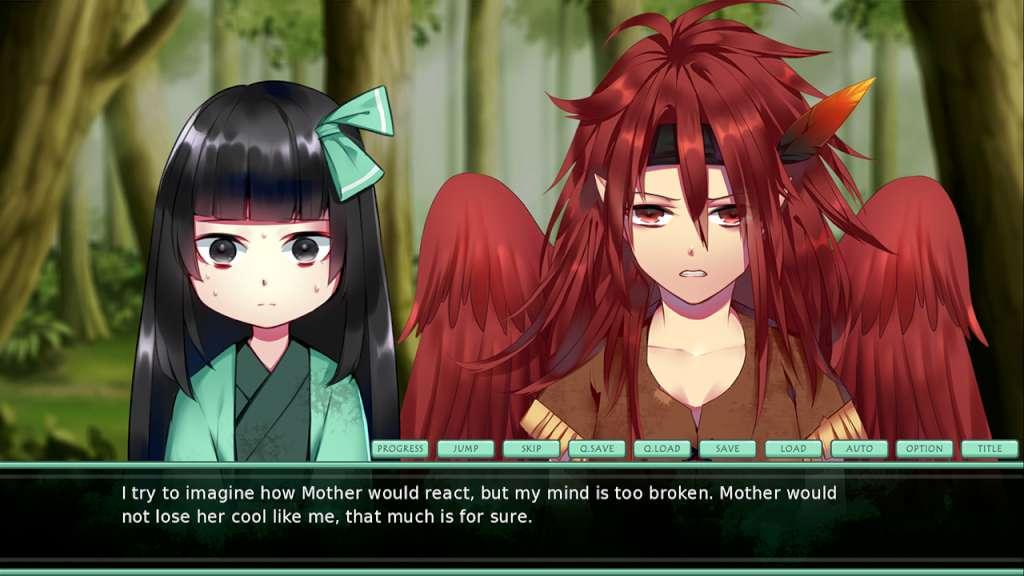
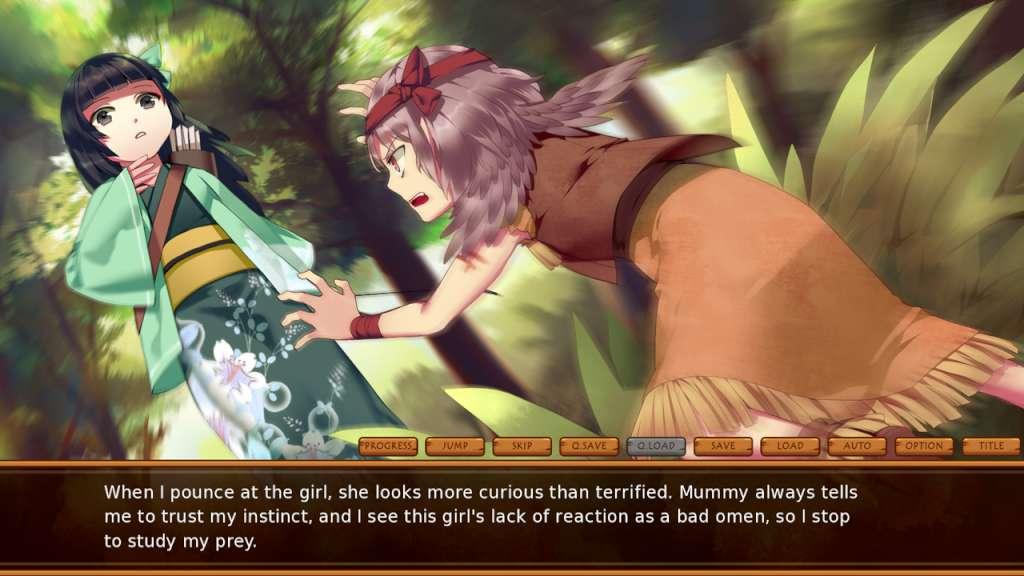
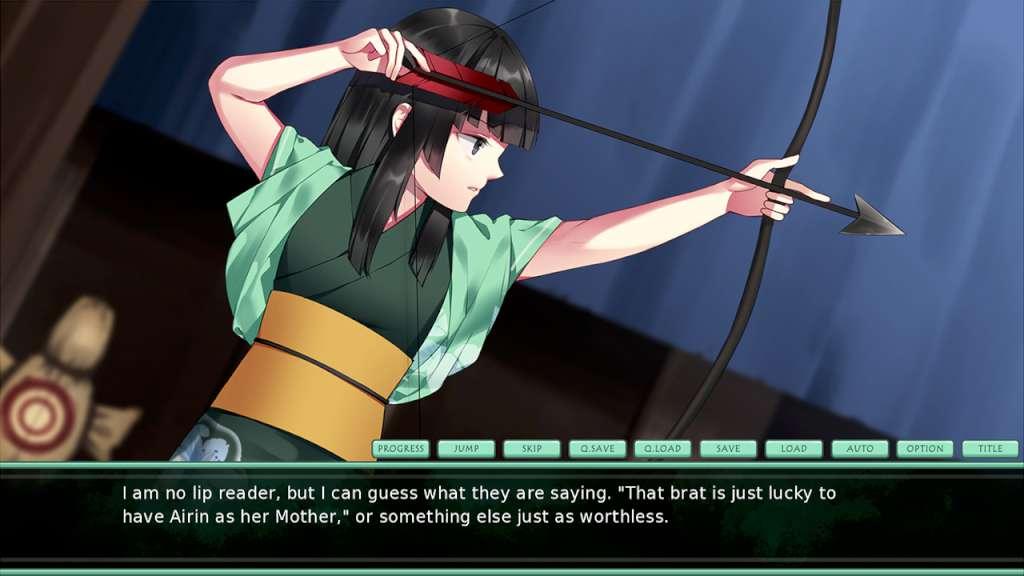
Bimonia is one of the last Birdlings alive on this earth. The Birdlings see humans as sworn enemies, and Bimonia has been taught to kill on sight. One day, Bimonia meets Tayo, a human child hunting in the forest. Bimonia fails to kill Tayo, and they instead become friends. Mother will be furious if she finds out, or worse, this relationship may cause tension between the two species to erupt. The Last Birdling explores Bimonia and Tayo's fight for their friendship as the world threatens to tear them apart. Unhack, the first game created under the InvertMouse name, was produced in 2012. That means The Last Birdling happens to be my fifth anniversary project. This game is a culmination of all the lessons I have learned through the past five years. Features Dual perspectives:The Last Birdling alternates between Bimonia and Tayo's perspectives. Follow their journeys from childhood to adolescence as they struggle to maintain their friendship against all odds. Multiple endings:There are 21 decisions to make throughout Bimonia and Tayo's journeys. Depending on their resolve, this story will conclude in one of five ways. Use the progress tracker to determine how to obtain every ending. Glossary:Dive into The Last Birdling's lore through the glossary page. Throughout your journey, you will find links that take you to relevant entries.