Get 10% back in Relic Coins on every order
Medieval Halloween VR cover

SteamGlobal· Key

Medieval Halloween VR

€3.66

+€0.37 cashback eligibility in Relic Coins

Check before you play

Platform
Steam
Region
Global
Product type
Key
Developer
Eternal Drift Studio LLC
Publisher
Eternal Drift Studio LLC
Supplier release date
2025-10-31
Genres
Action, Adventure, Casual, Indie, VR Games

About this product

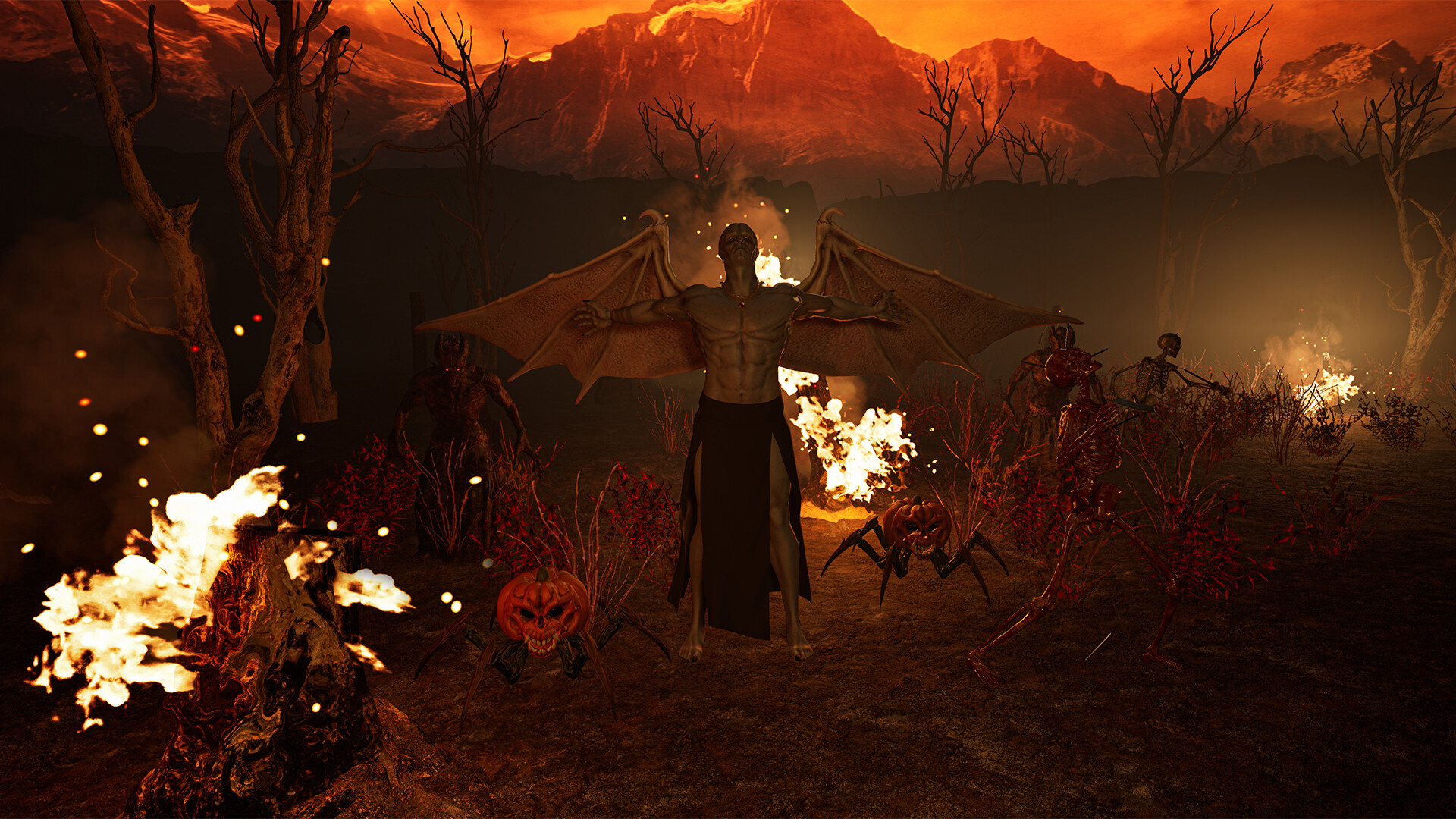
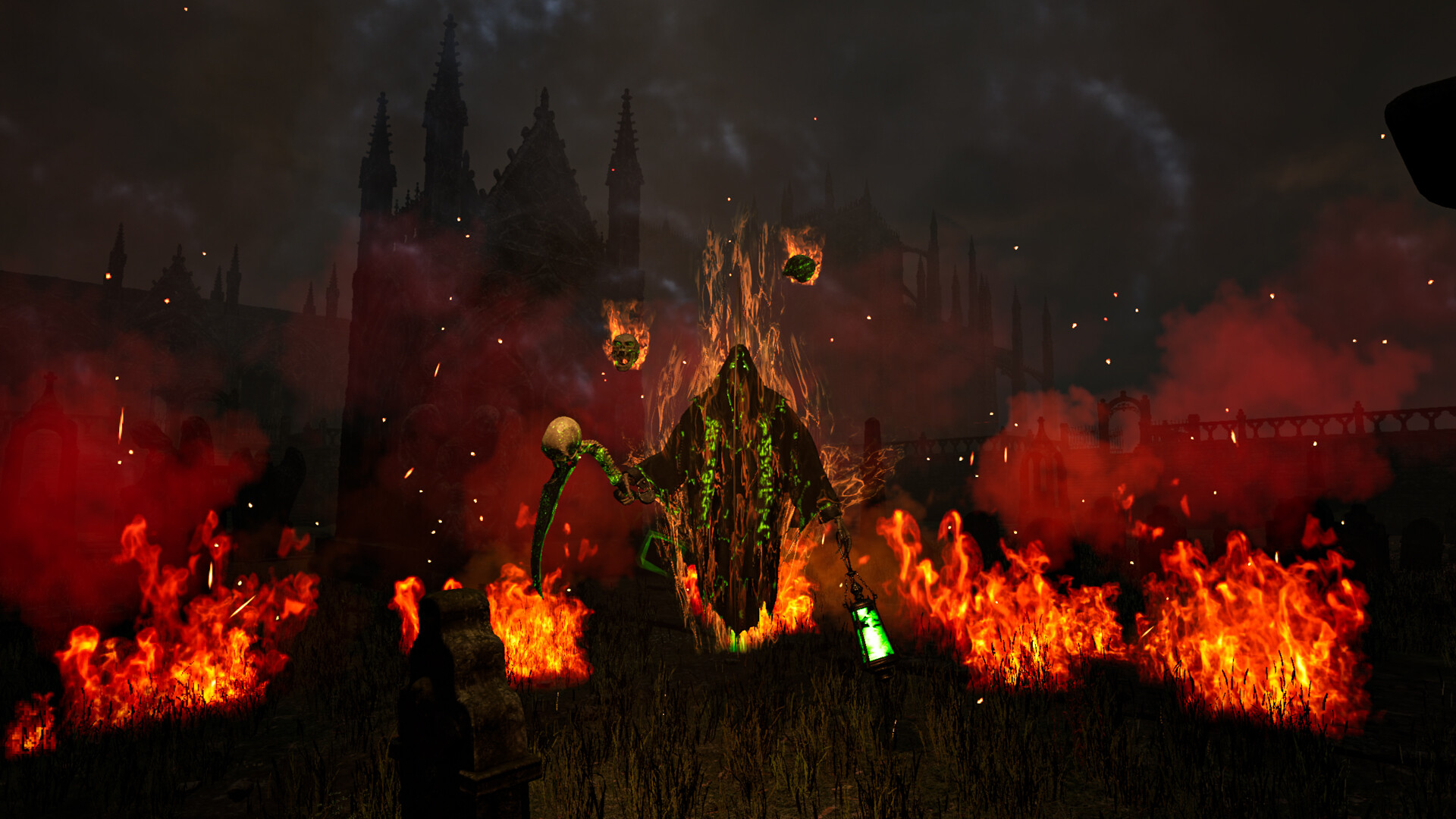
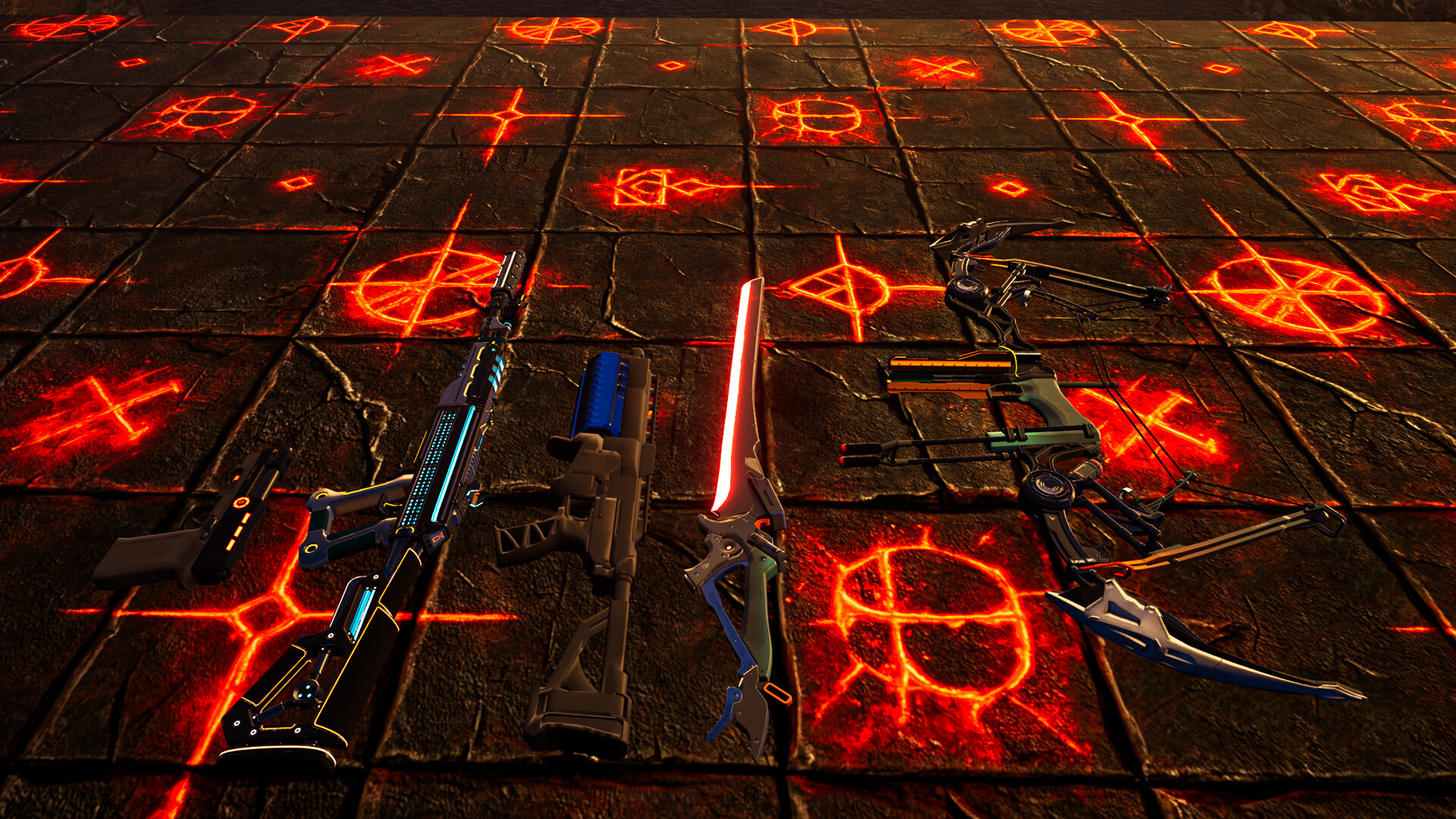
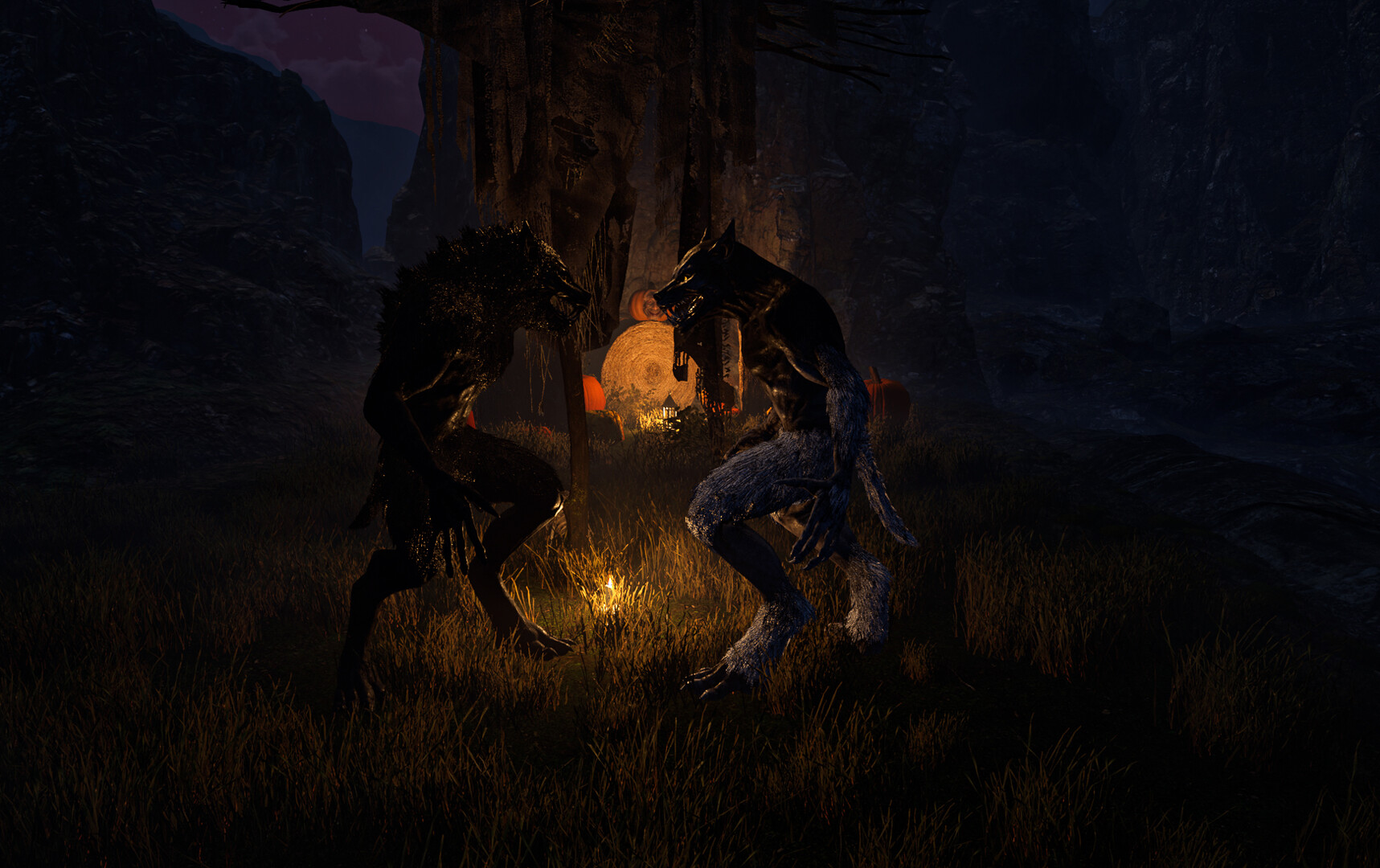
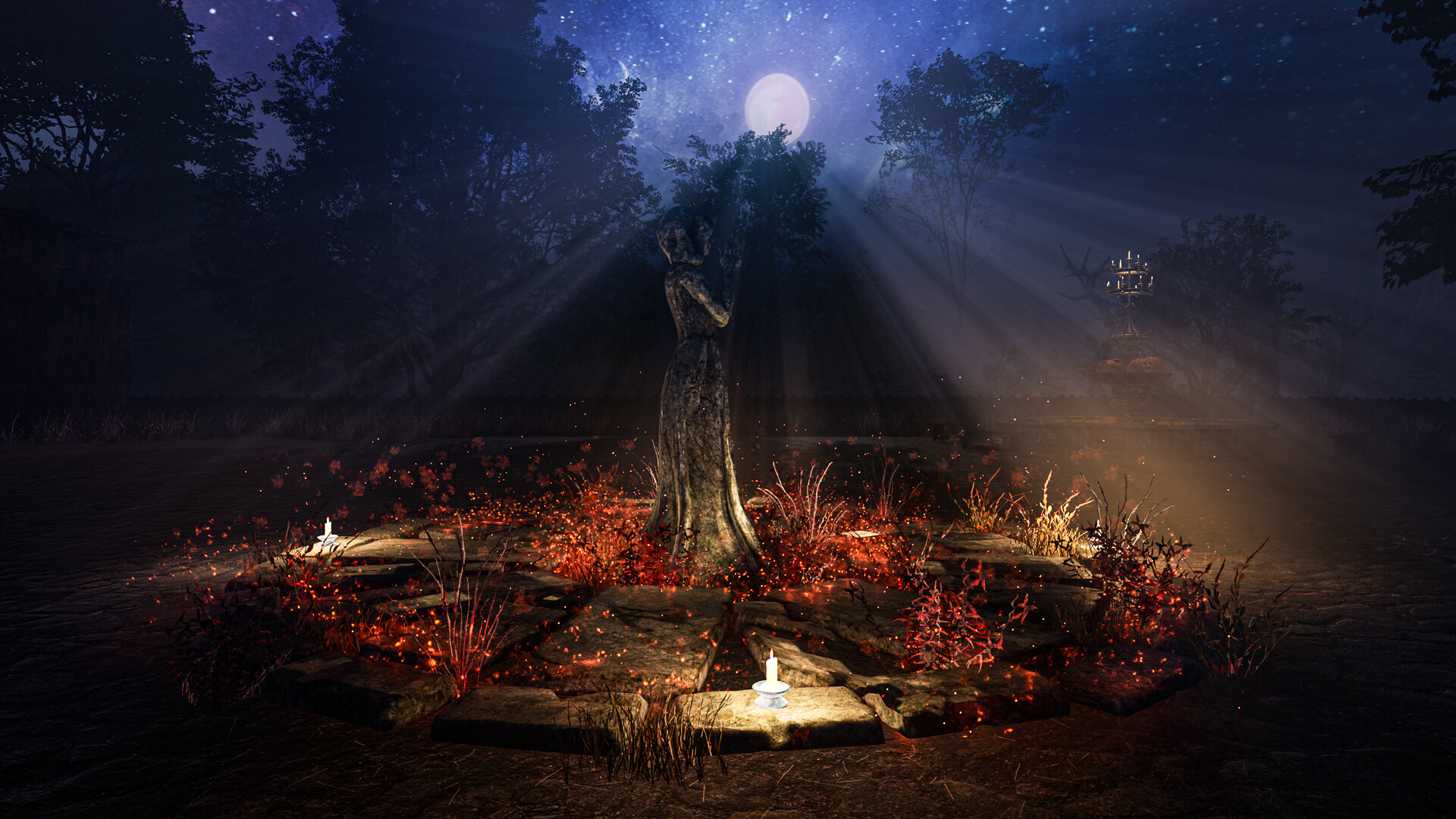
Halloween themed semi open world Monster Shooter Game with a Medieval Setting. You play as a Monster Hunter sent to cleans a Medieval World from all things that go bump in the night. Clear out monsters in different areas, collect artifacts and solve puzzles to summon boss fights. Play minigames to unlock new weapons. Collect loot drops to increase your abilities in battle. Combat varies from slow to intense depending on the area of the map. There is no story, no cutscenes just shoot 'em up chaos and good fun. Features: Abilities: Speed Boost - Invincibility Shield - Time Dilation Pick up ability loot drops to enhance your combat abilities. Speed boost increases your max run speed for a limited time. Shield protects you from damage for a limited time. Use Time Dilation to slow time which also gives you the ability to steal fallen enemy weapons. Weapons: Pistol, Shotgun, Rifle, Sword, Bow Enemies: Pumpkin Spider - Freddy Pumpkin - Mutants - Zombie - Vampires - Skeletons Bosses: Mushroom Monster - Mutant - Reaper - Spyder Queen - Ancient One

Medieval Halloween VR screenshotMedieval Halloween VR screenshotMedieval Halloween VR screenshotMedieval Halloween VR screenshotMedieval Halloween VR screenshotMedieval Halloween VR screenshot

How to redeem

  1. 1Check your Steam account and the listed region before purchasing.
  2. 2Find your code and supplier activation instructions in your confirmed order.
  3. 3Open the redeem-code section on Steam, enter the code and follow the platform’s prompts.

Supplier instructions

Go to: http://store.steampowered.com/ and download STEAM client Click "Install Steam" (from the upper right corner) Install and start application, login with your Account name and Password (create one if you don't have). Please follow these instructions to activate a new retail purchase on Steam: Launch Steam and log into your Steam account. Click the Games Menu. Choose Activate a Product on Steam... Follow the onscreen instructions to complete the process. After successful code verification go to the "LIBRARY" tab and start downloading.

You might also like