

OtherGlobal· Key
Leawo Blu-ray Creator for Windows (Lifetime / 1 )
€27.32
+€2.73 cashback eligibility in Relic Coins
Check before you play
- Region
- Global
- Product type
- Key
- Genres
- Software
OtherGlobal· Key
€27.32
+€2.73 cashback eligibility in Relic Coins
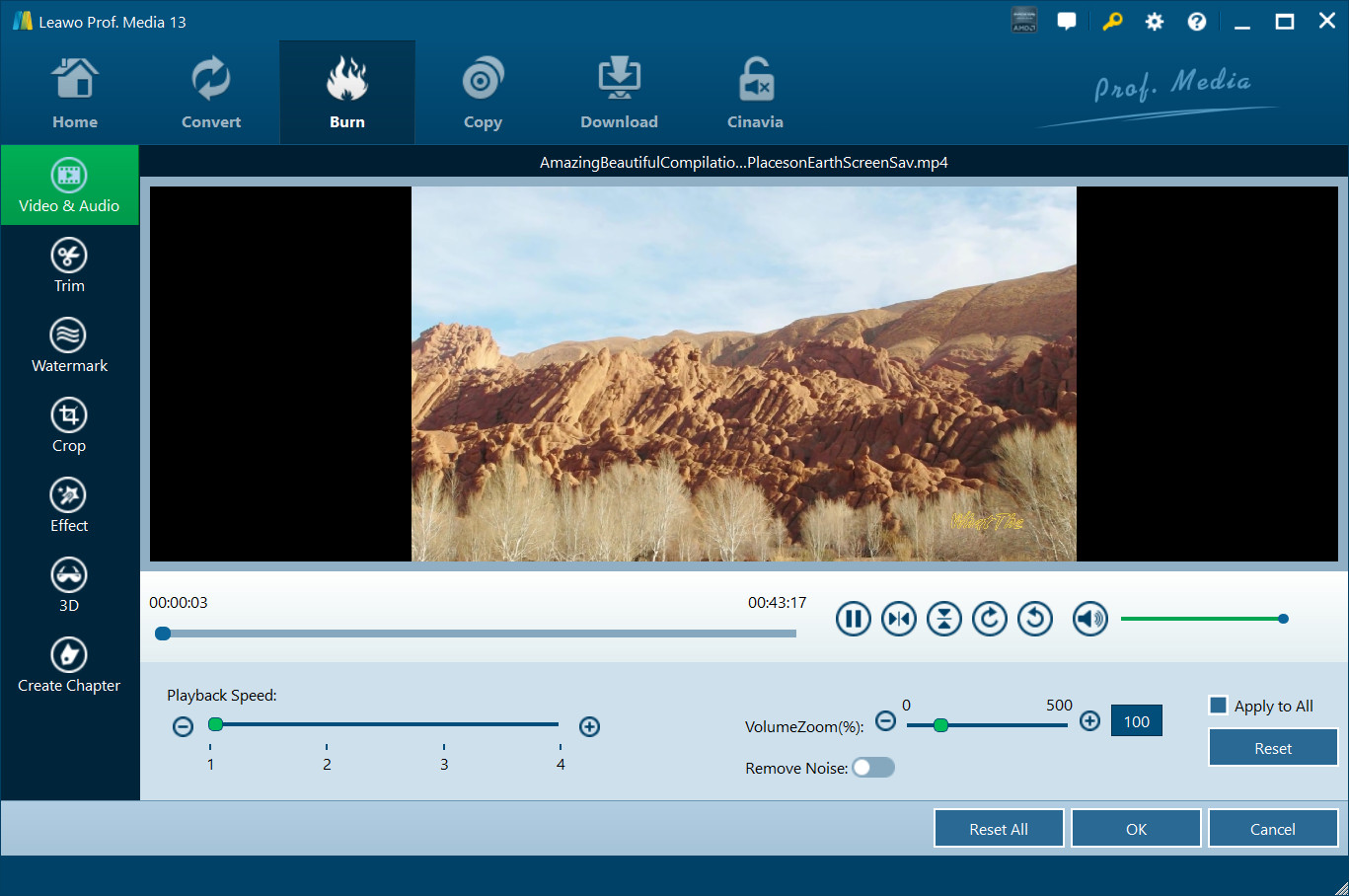
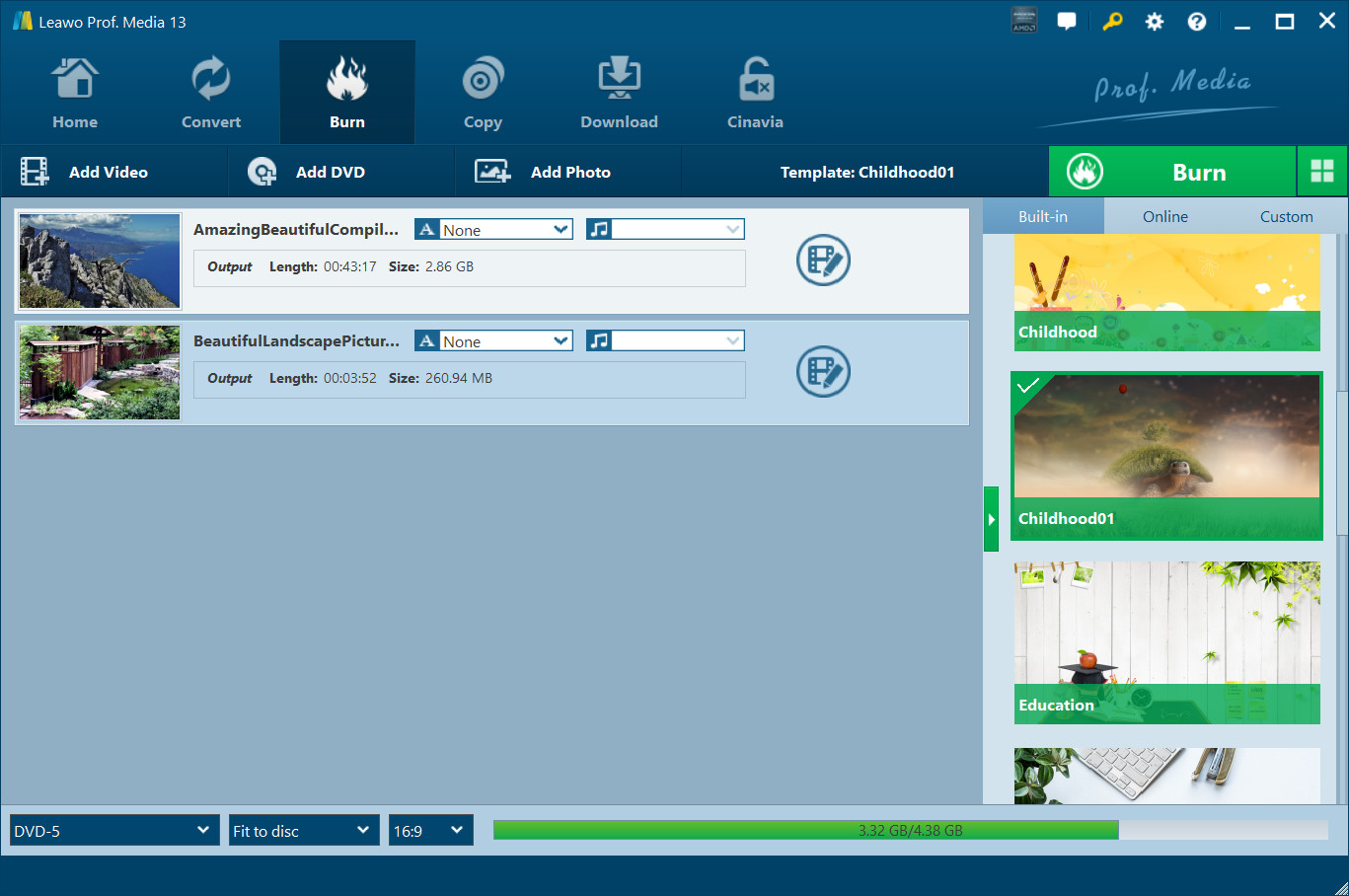
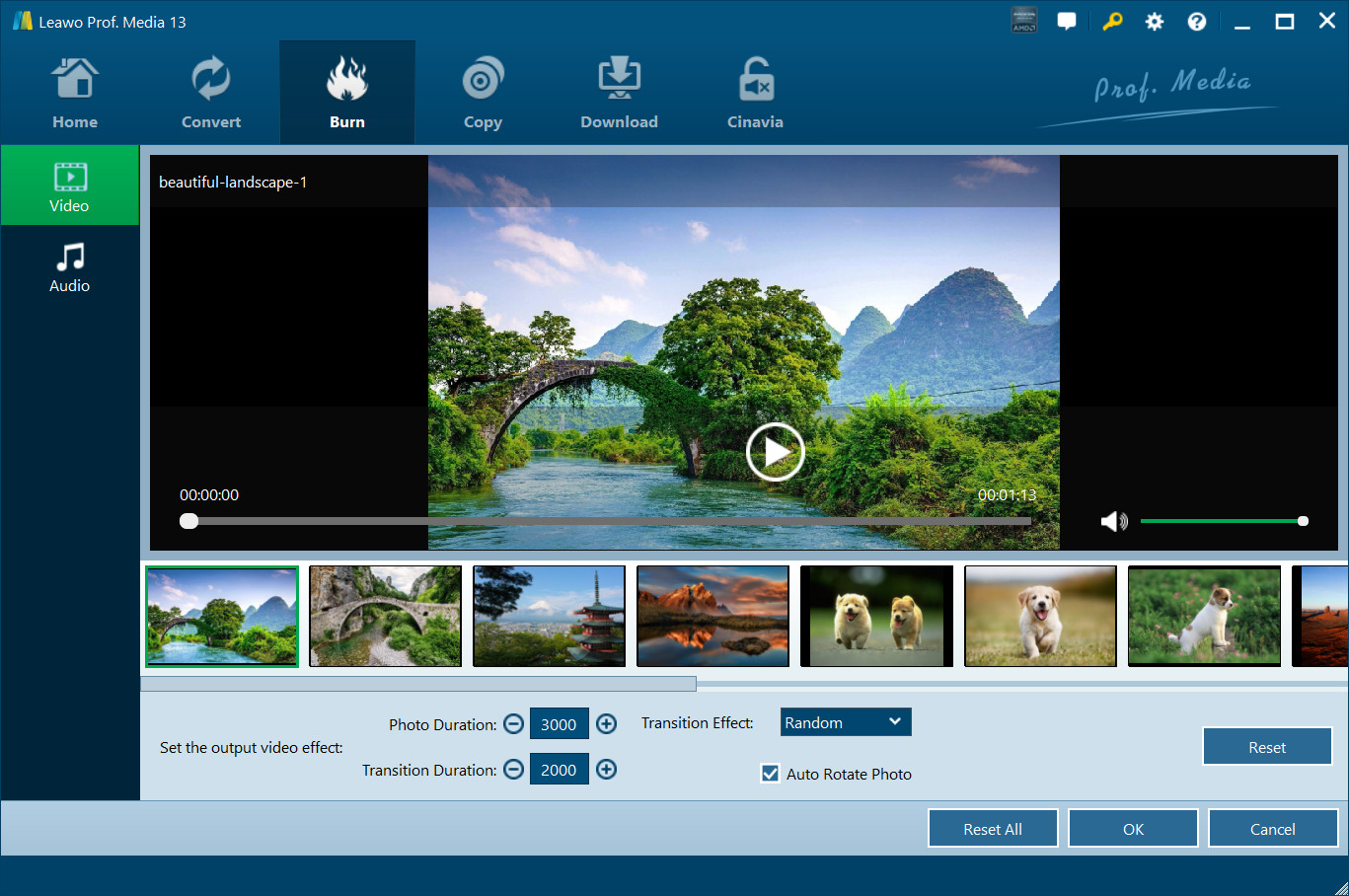
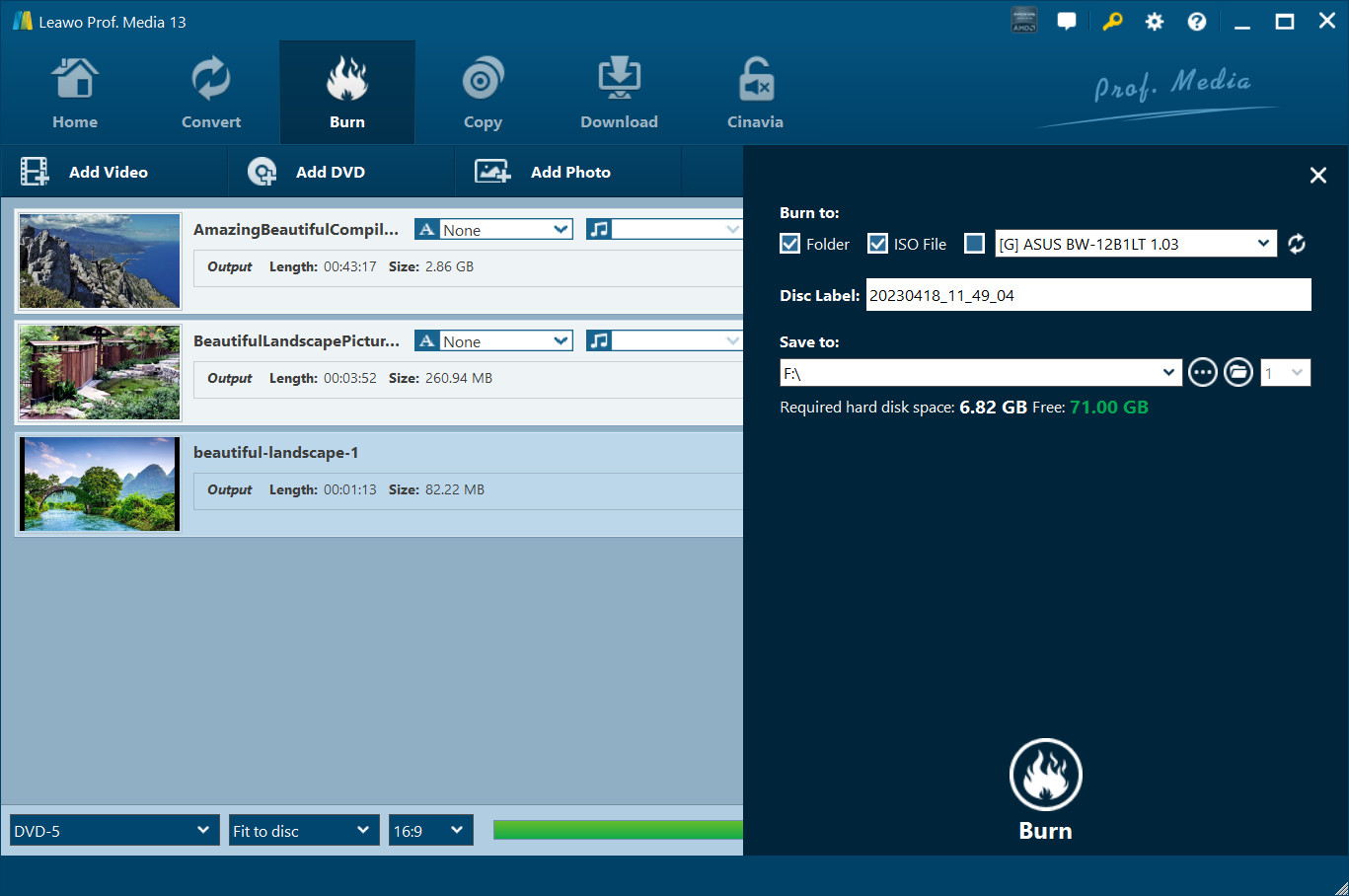
Burn Videos and Photos in 180+ Formats to Blu-ray/DVD Movies with 40+ Selectable Disc Menu Templates Easily. The most comprehensive but easiest to use Blu-ray burner that could convert and burn video to Blu-ray/DVD disc, folder and/or ISO Image file, along with practical video editor, 3D Blu-ray maker and various other functions. Features Built-in playerBuilt-in media player enables you to play loaded videos and generated photo slideshow. It could play up to 4K videos without quality loss. Instant previewerThe Blu-ray burner software offers instant preview during video editing, 3D movie applying, photo slideshow editing, disc menu selecting and designing. Screenshot snapperWith a built-in camera, during playing back loaded video, this Blu-ray DVD burner could take screenshots and save in JPG, BMP, or PNG format. Batch burningThis Blu-ray burner software supports importing multiple media files at the same time and then burning to one Blu-ray/DVD file in batch. Source Chapters KeepingThis burning program also enables users to save the chapters from MP4, MKV and Blu-ray source movies before the burning process and get better content organization in the output. User-friendly InterfaceLeawo Blu-ray Creator is designed with easy-to-use interface. Simple steps to import source, set directory and start the burning process. This comprehensive software is very friendly even for green hands.
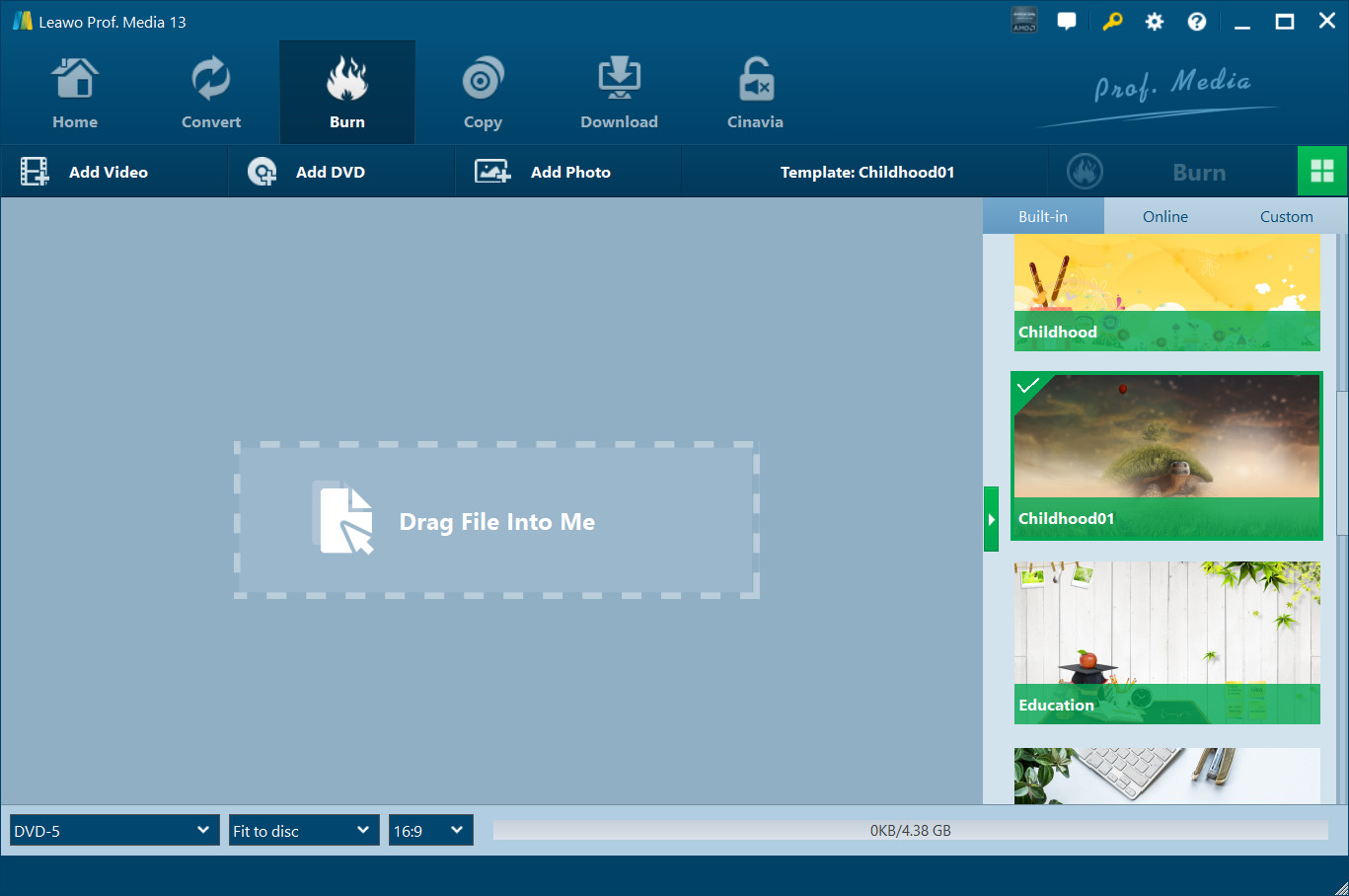
Download the software from here: https://www.leawo.org/blu-ray-creator/ Install the software Click on the key icon located at the top right corner to access the activation center Enter the code provided into the designated box, and click on the activation button to enable all related functions