Get 10% back in Relic Coins on every order
Aura: Fate of the Ages cover

SteamEurope· Key

Aura: Fate of the Ages

€1.54

+€0.15 cashback eligibility in Relic Coins

Check before you play

Platform
Steam
Region
Europe
Product type
Key
Developer
Streko Graphics
Publisher
Nordic Games Publishing
Supplier release date
2010-10-04
Genres
Adventure

About this product

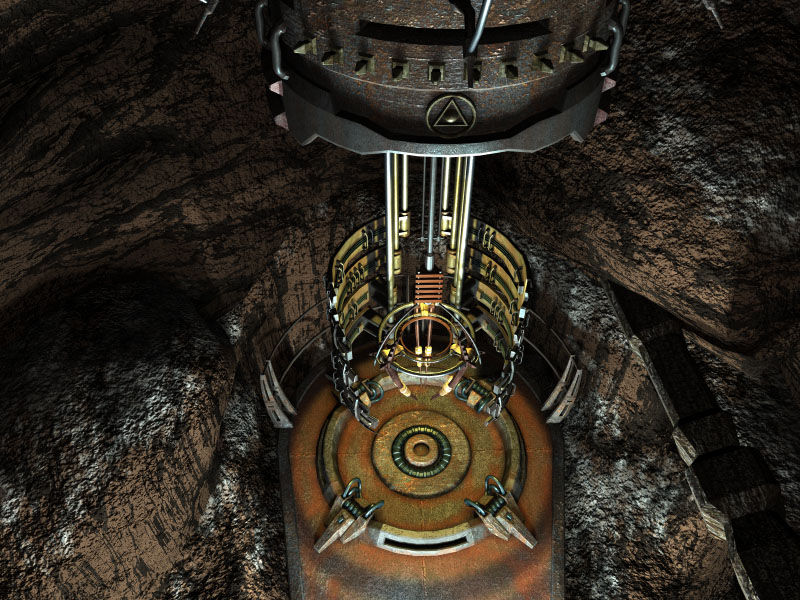
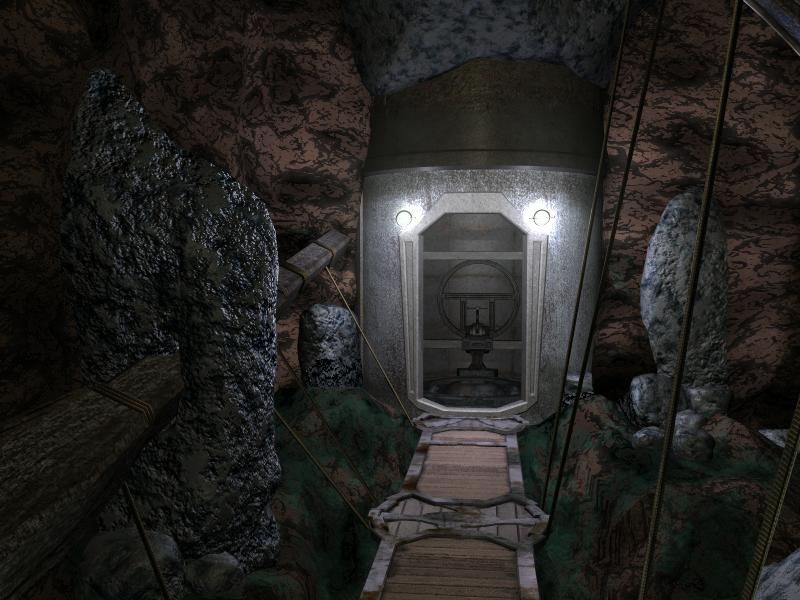
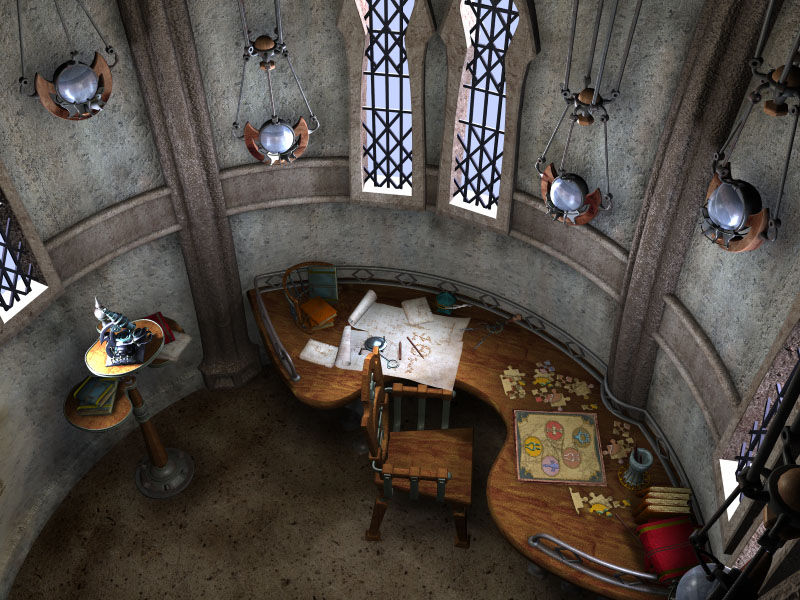
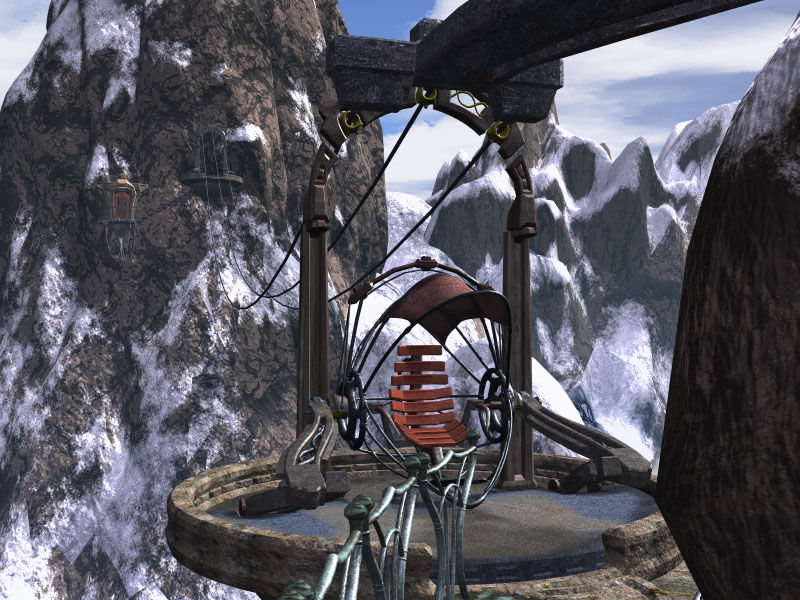
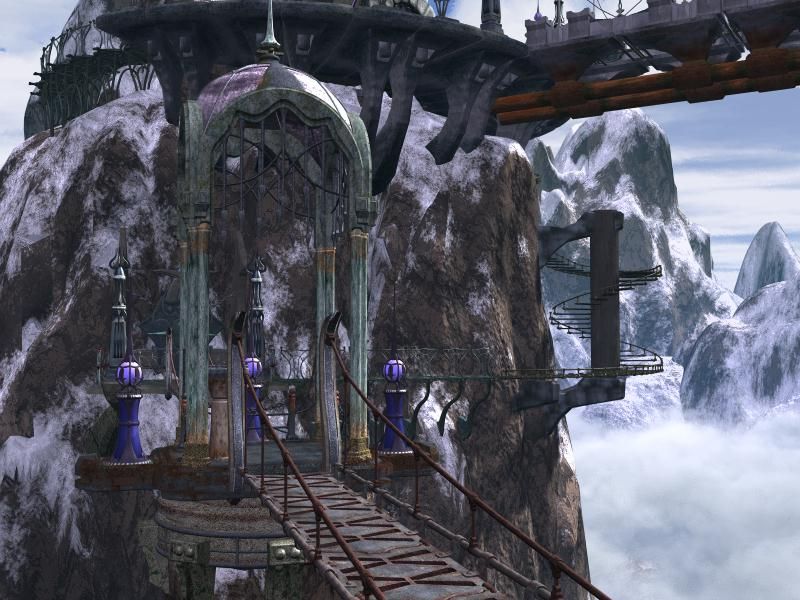
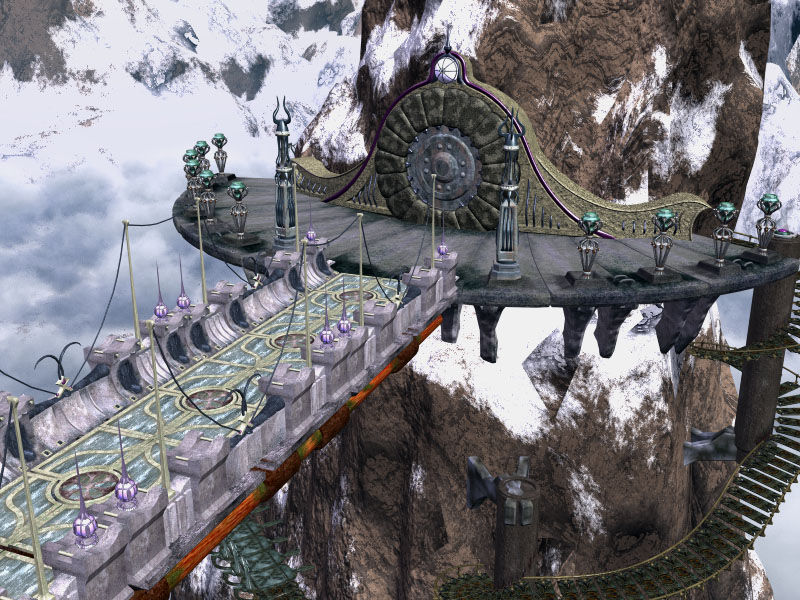
'In the hallways of the ancients, the Keepers have existed forever.' The legend also claims that whoever unites these rings with the artifacts of the parallel worlds will achieve great power and immortality. In unique worlds of dreams and reality, magical, mechanical and ethereal lands, take on the quest to find the artifacts cleverly concealed throughout the lands. Four parallel worlds await you on your journey: The Ademika Valley, The Mechanical World, The Isoteric World, and lastly, the Island of Unity, each with different environments to explore, challenges to encounter and a variety of indigenous puzzles to solve. Lose yourself in this fantastic and rich adventure, uncover the smallest details, collect information, solve the enigmas and unravel the saga of intrigue, exploration and treachery that is AURA: Fate of the Ages. Key features: First-person puzzle exploration game An original fantasy-based mass appeal, unique and original storyline. Mouse driven, with an intuitive point-and-click interface Unbelievably realistic and beautiful pre-rendered graphics and environments Original orchestral musical score and immersive ambient soundtrack Inventive and original puzzles

Aura: Fate of the Ages screenshotAura: Fate of the Ages screenshotAura: Fate of the Ages screenshotAura: Fate of the Ages screenshotAura: Fate of the Ages screenshotAura: Fate of the Ages screenshot

How to redeem

  1. 1Check your Steam account and the listed region before purchasing.
  2. 2Find your code and supplier activation instructions in your confirmed order.
  3. 3Open the redeem-code section on Steam, enter the code and follow the platform’s prompts.

Supplier instructions

1. Go to: http://store.steampowered.com/ and download STEAM client. 2. Click "Install Steam" (from the upper right corner) http://cdn.steampowered.com/download/SteamInstall.msi 3. Install and start application, login with your Account name and Password (create one if you don't have). 4. Please follow these instructions to activate a new retail purchase on Steam: Launch Steam and log into your Steam account. Click the Games Menu. Choose Activate a Product on Steam... Follow the onscreen instructions to complete the process.

You might also like