Get 10% back in Relic Coins on every order
BACK TO THE EGG! cover

SteamGlobal· Key

BACK TO THE EGG!

€1.20

+€0.12 cashback eligibility in Relic Coins

Check before you play

Platform
Steam
Region
Global
Product type
Key
Developer
JaudaLabs
Publisher
JaudaLabs
Supplier release date
2017-09-11
Genres
Action, Strategy, RPG

About this product

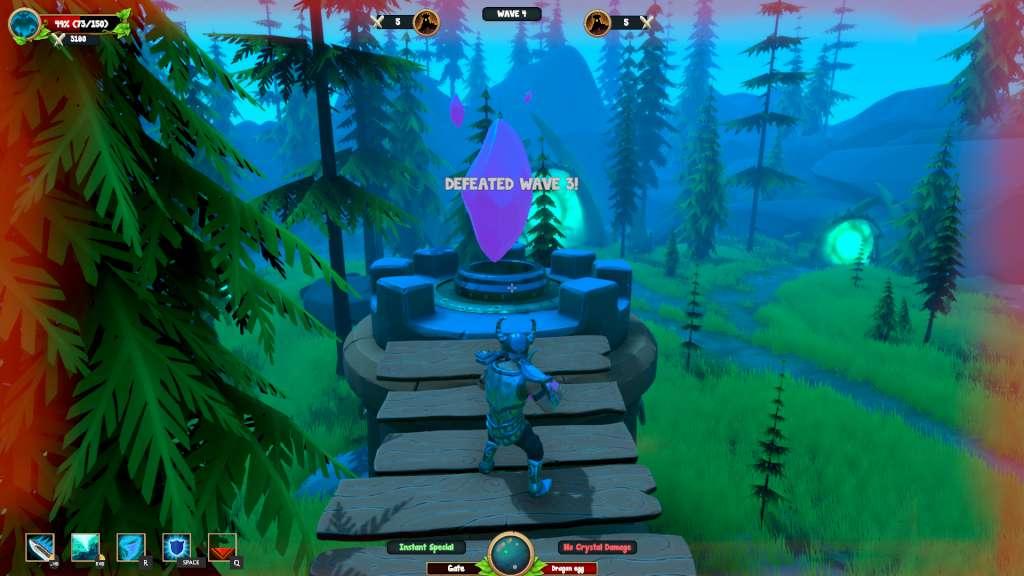
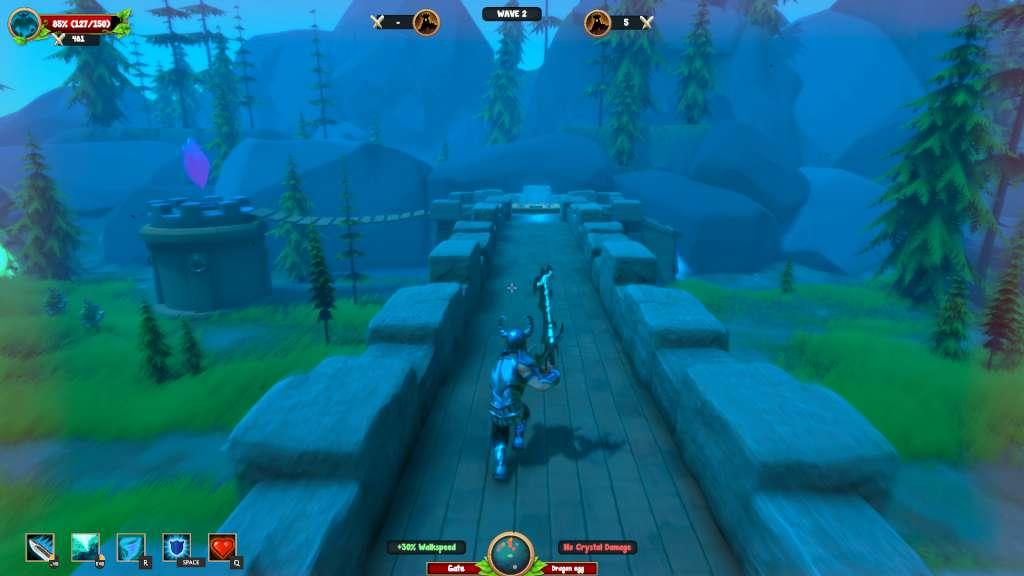
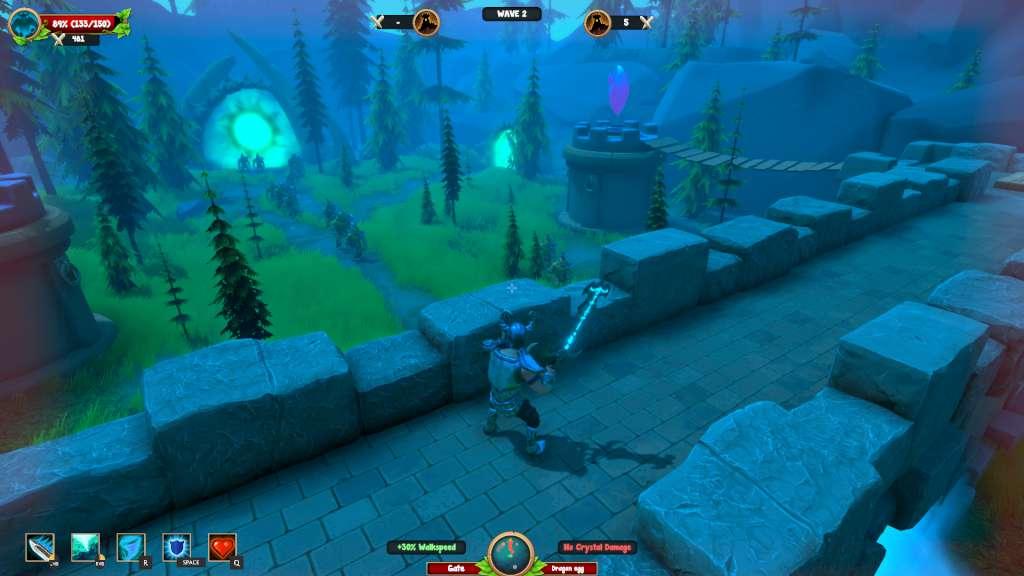
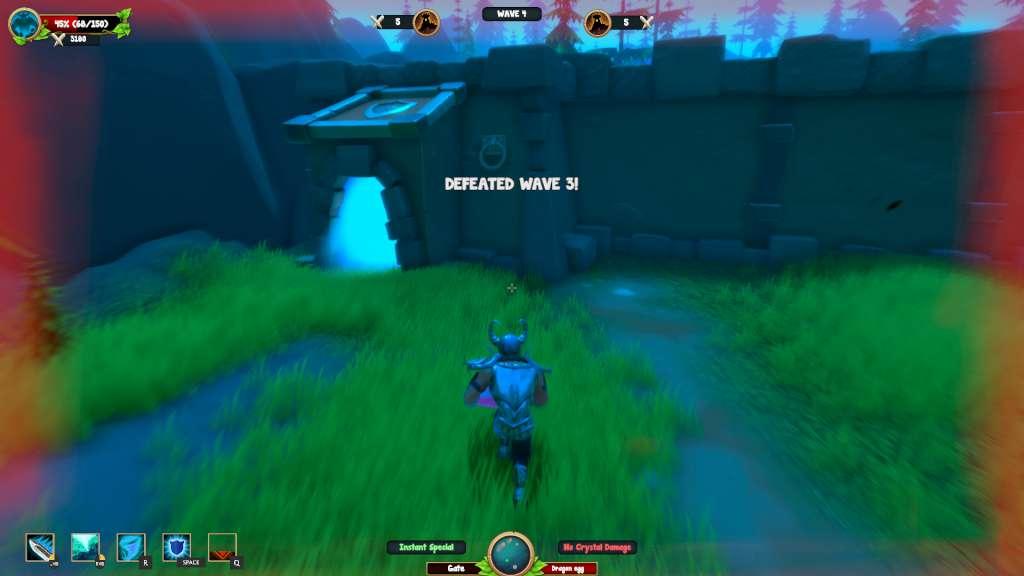
BACK TO THE EGG! is a wild couch co-op base defense game for one to two players. Working as a team, you and your fellow dragonguard have to build a defense and fight a variety of angry monsters before they destroy the last found dragon egg. Every dragonguard weapon has got a variety of different skills which deal the most damage when they are combined correctly with your fellow's skills.The Dragon Hachery Valles is in danger and only the strongest dragonguard can save it! In BACK TO THE EGG! players must work together to survive as many monster waves as possible.Play solo or engage in wild, chaotic couch co-op for up to two players for an extra challenge. You’ll have to survie as long as possible to become the most effective and ultimate team! A DRAGONGUARDS QUESTThe Dragon Order got called to protect the last found dragon egg! Orcs and other creatures try to concuer the Dragon Hachery Valley and destroy it's egg. CHALLENGINGBACK TO THE EGG! is built up to be a hard challenge. You need to prepare each wave carefully and use your skills at the correct time. If you don't pay enough attention the monsters will definitely find a way to destroy the egg. If you think you are smart enough and that you can stand the monster waves, become a part of the Dragon Order.


BACK TO THE EGG! screenshotBACK TO THE EGG! screenshotBACK TO THE EGG! screenshotBACK TO THE EGG! screenshotBACK TO THE EGG! screenshot

How to redeem

  1. 1Check your Steam account and the listed region before purchasing.
  2. 2Find your code and supplier activation instructions in your confirmed order.
  3. 3Open the redeem-code section on Steam, enter the code and follow the platform’s prompts.

Supplier instructions

Go to: http://store.steampowered.com/ and download STEAM client Click "Install Steam" (from the upper right corner) Install and start application, login with your Account name and Password (create one if you don't have). Please follow these instructions to activate a new retail purchase on Steam: Launch Steam and log into your Steam account. Click the Games Menu. Choose Activate a Product on Steam... Follow the onscreen instructions to complete the process. After successful code verification go to the "MY GAMES" tab and start downloading.

You might also like