MS Store (PC)Global· Key
Brews & Bastards
€8.26
+€0.83 cashback eligibility in Relic Coins
Check before you play
- Platform
- MS Store (PC)
- Region
- Global
- Product type
- Key
- Supplier release date
- 2025-09-22
- Genres
- Action, Indie, RPG
MS Store (PC)Global· Key
€8.26
+€0.83 cashback eligibility in Relic Coins
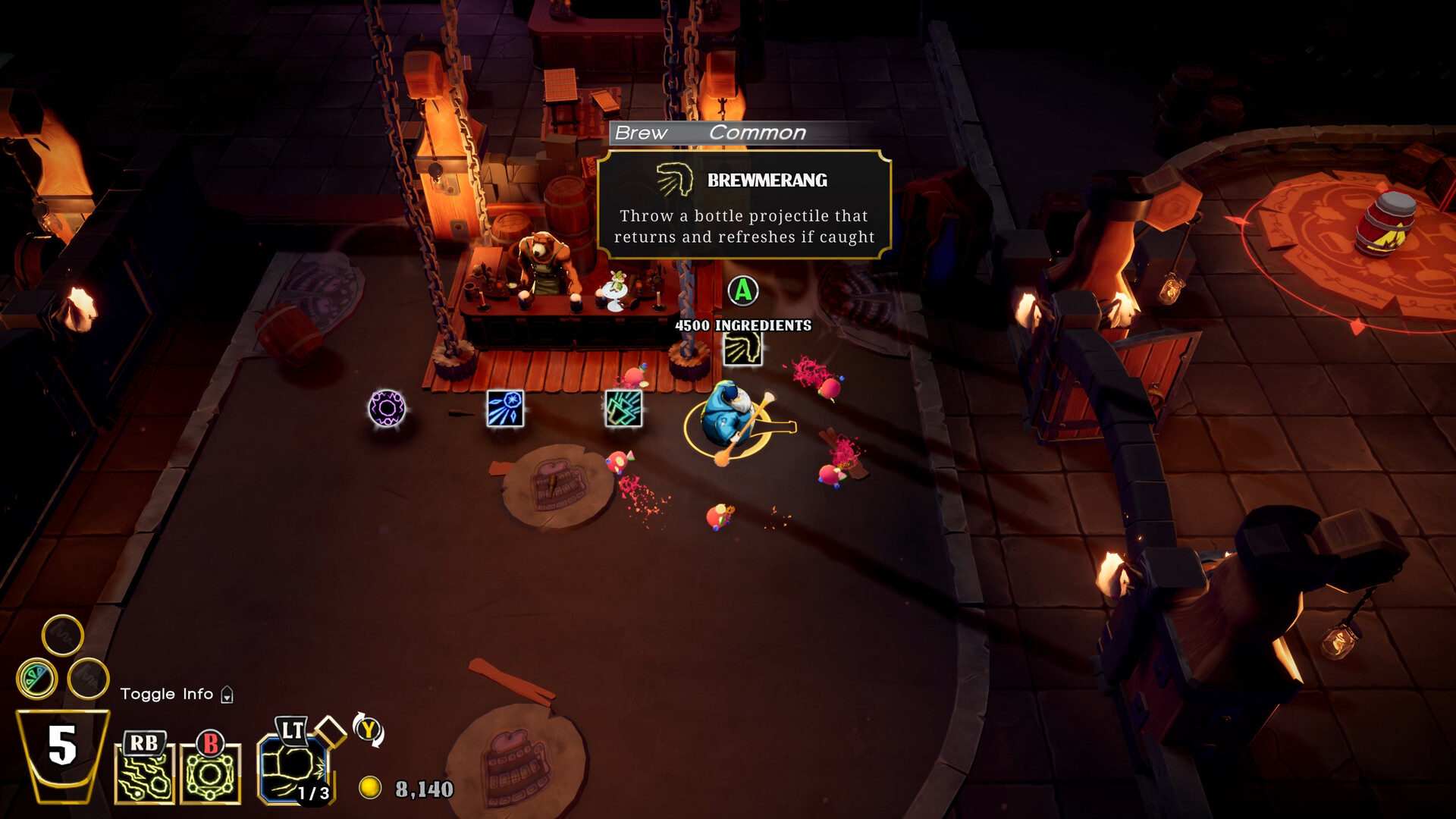
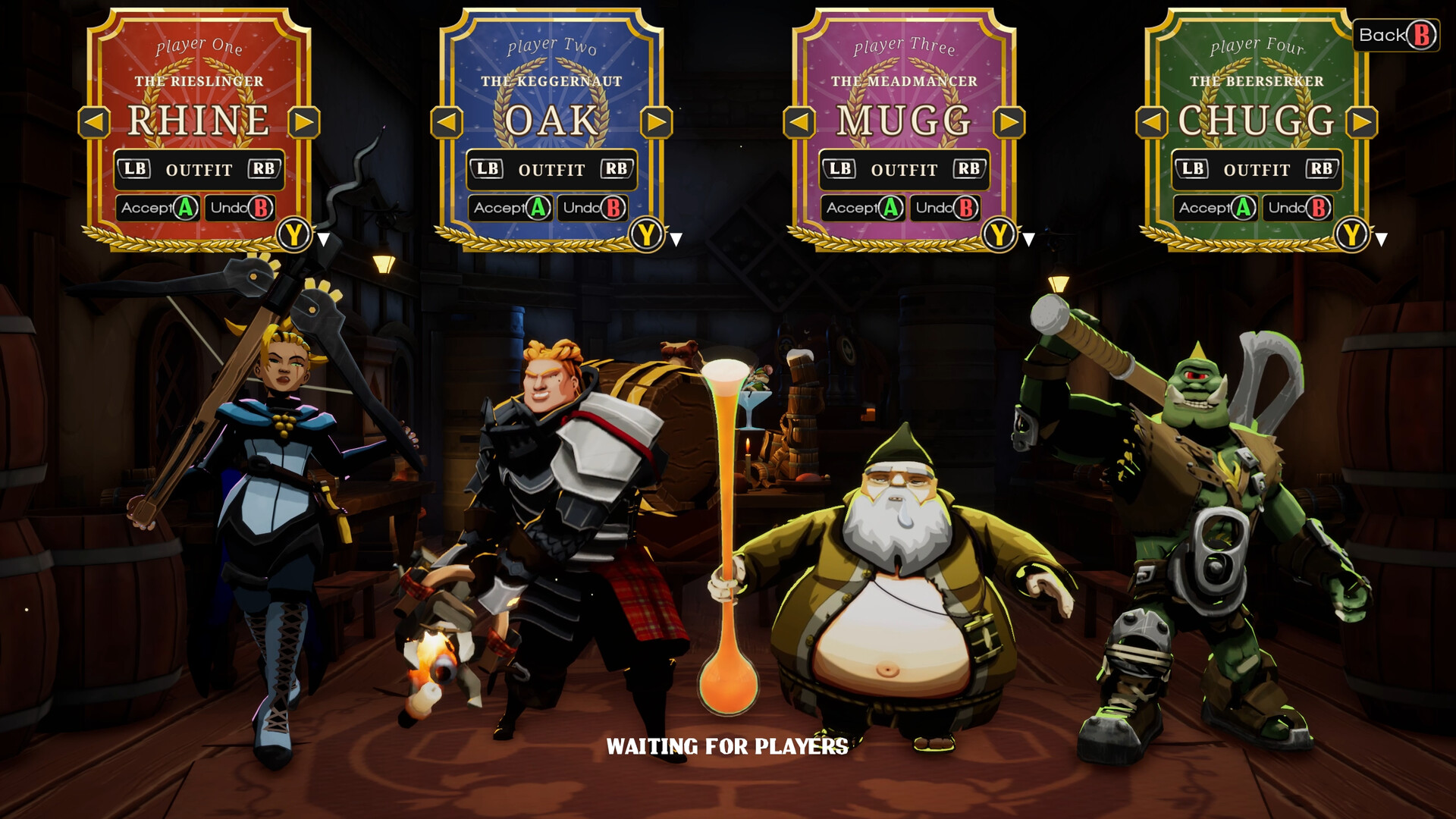
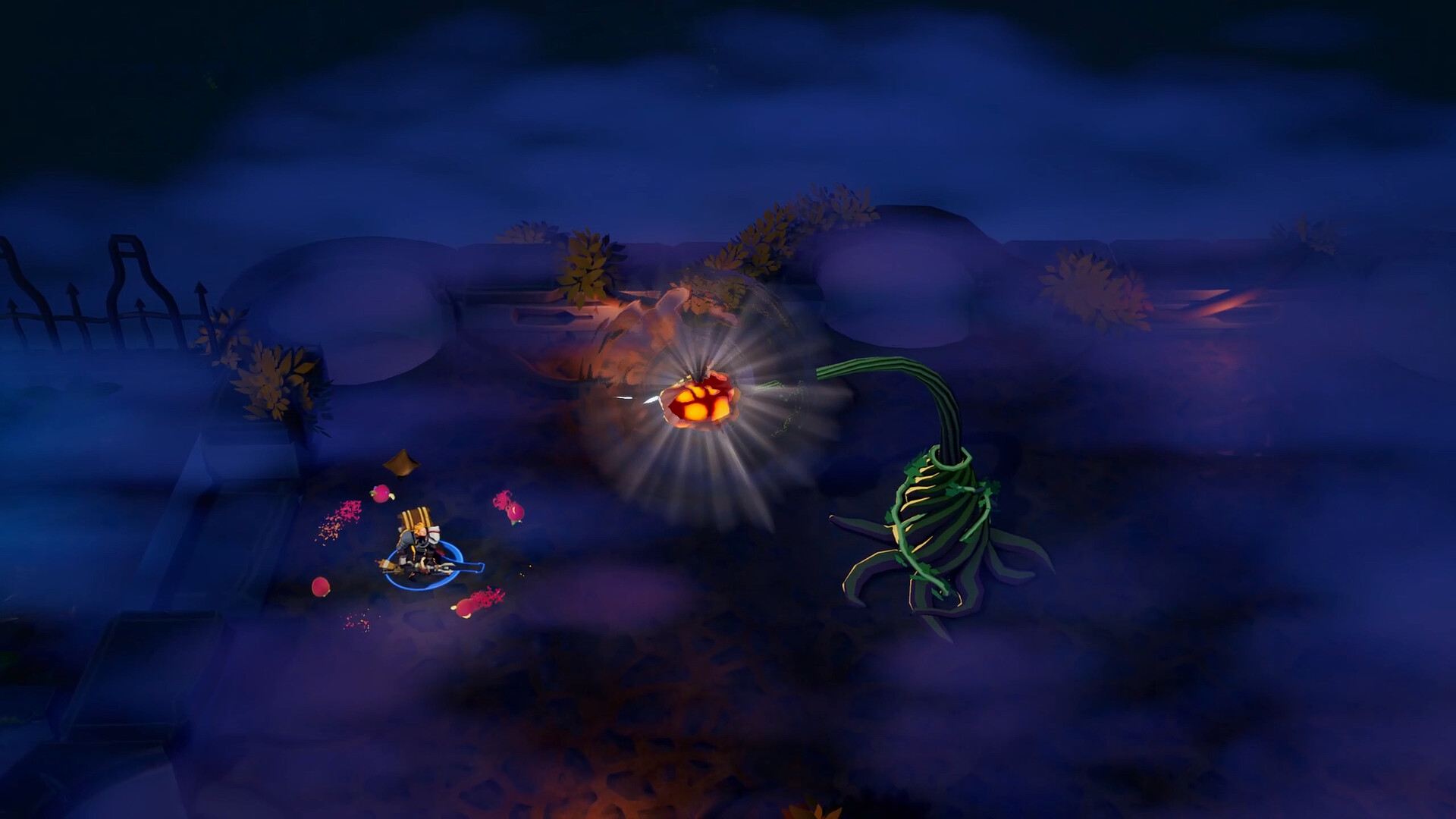
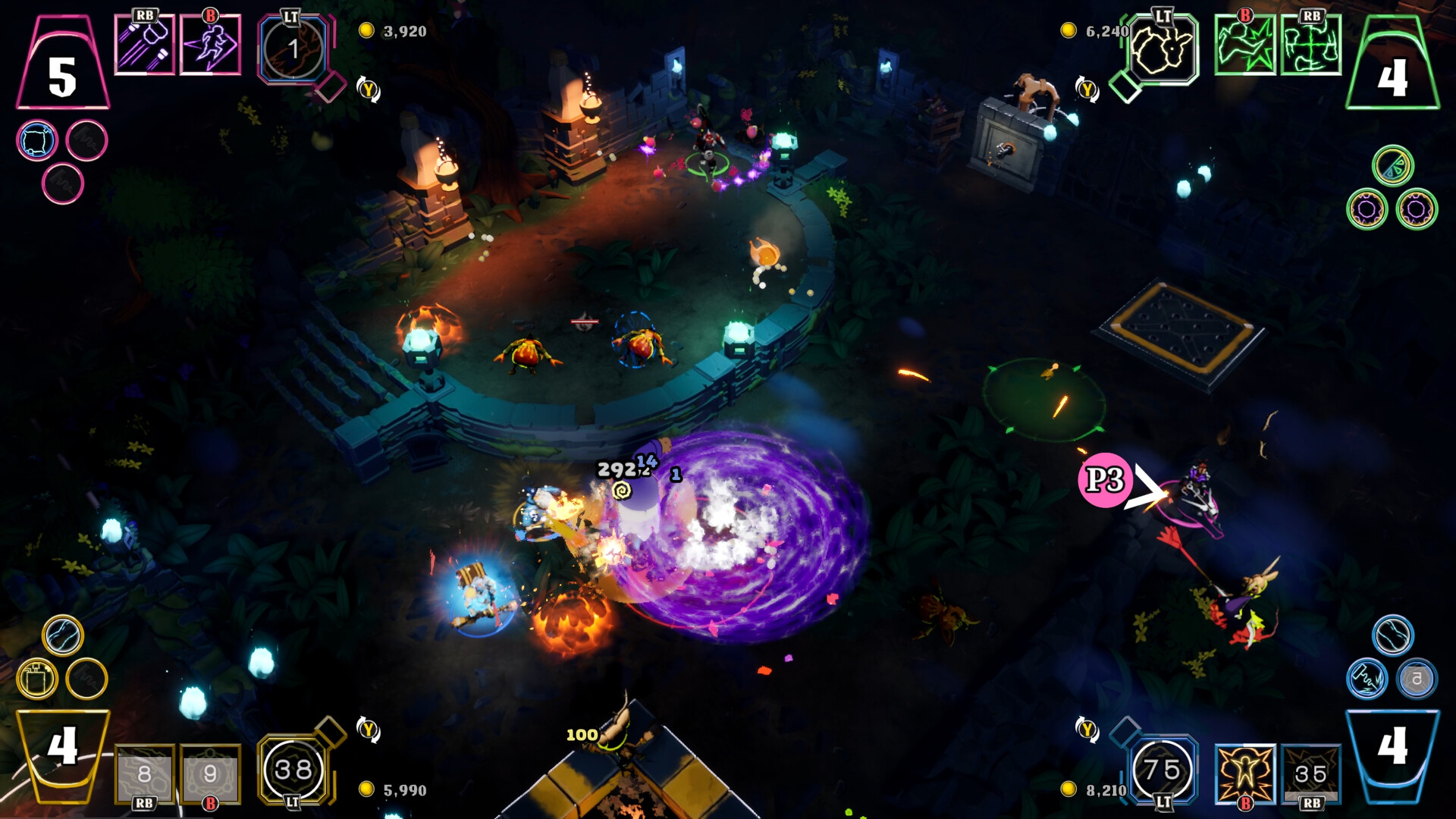
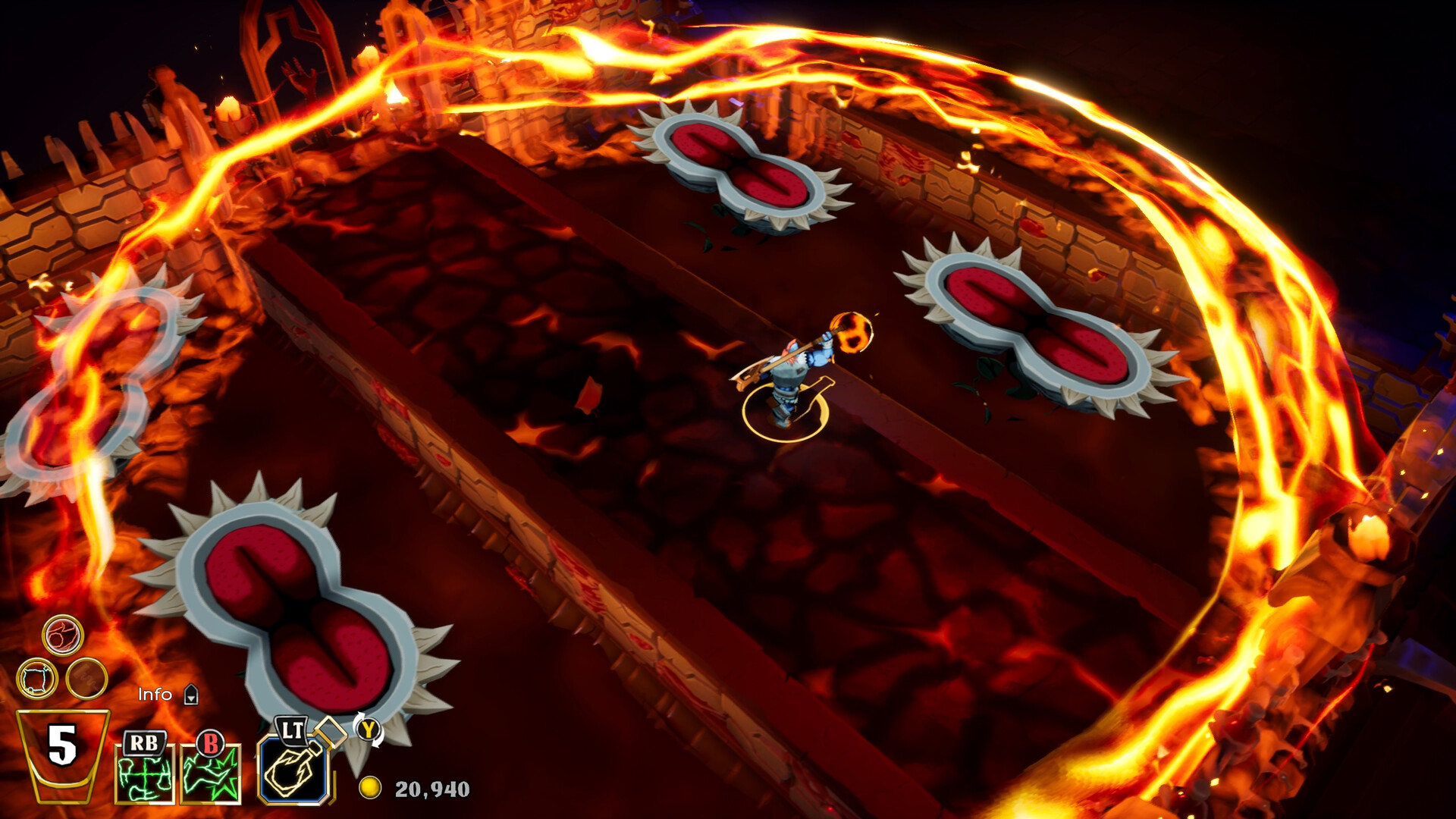
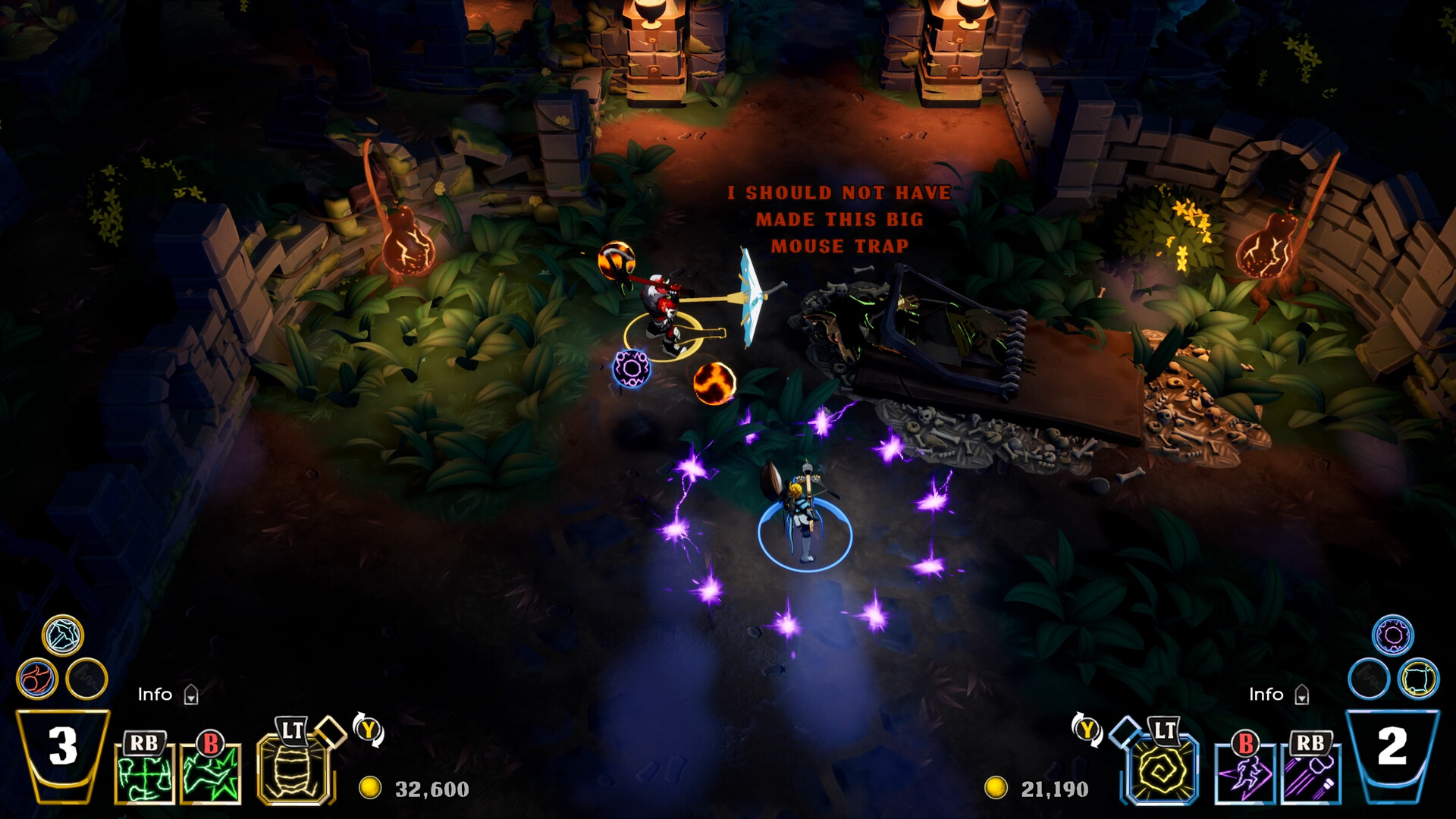
Travel down into the depths of the Muneshine Tavern and battle against the drunken hoards in this intoxicating, twin-stick dungeon crawler! The Brew Stone has been snatched and all of your magical booze is gone. The only way you're going to get your stash back is through ice-cold combat. DESCEND: Choose an inebriated hero and travel deep under the tavern, alone or together in 2 to 4 player couch co-op. Traverse the labyrinths of corrupted cellars, desolate distilleries and other strange tavern-themed environments in search of the stolen Brew Stone. Chaotic combat rooms, devious traps and powerful brews await you below. Each playthrough generates new enemies, items and stores for you to test your strength against! DRINK: Crack open a can of destruction with your chosen champion, then power them up with a wide variety of magical brews and artifacts that alter gameplay in unexpected ways. Explosive Moscow Mules, high caliber champagne bottles and hard hitting fruity punches will help you cull the corrupted creatures of the brewery. DESTROY: At the end of each level you'll be tasked with taking down big boozy bosses, each with their own amplified pub game arena. Giant beer pong, massive dart boards and possessed pool tables will stand in the way of retrieving the precious Brew Stone. Make sure you've leveled up your hero and collected the strongest brews before challenging the toughest and drunkest combatants the tavern has to offer. Note: Local co-op or co-op through Steam Remote Play requires other players to have a gamepad.