Get 10% back in Relic Coins on every order
Phoenix Point - Expansion Pass DLC cover

SteamEurope· DLC

Phoenix Point - Expansion Pass DLC

€15.59

+€1.56 cashback eligibility in Relic Coins

Check before you play

Platform
Steam
Region
Europe
Product type
DLC

Check the required base game and edition before purchasing this add-on.

Developer
Snapshot Games Inc.
Publisher
Snapshot Games Inc.
Supplier release date
2021-05-20
Genres
RPG, Strategy

About this product

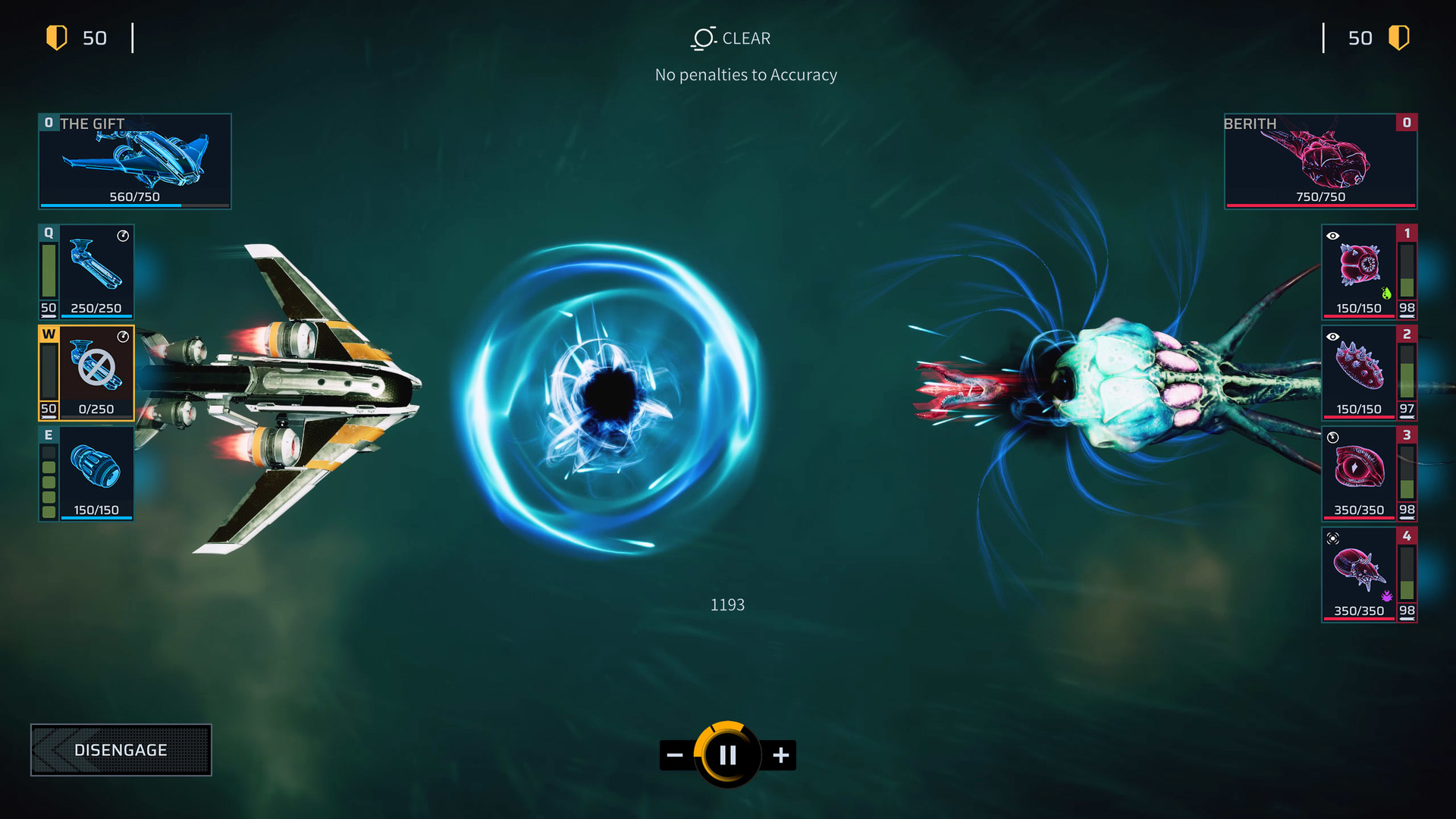
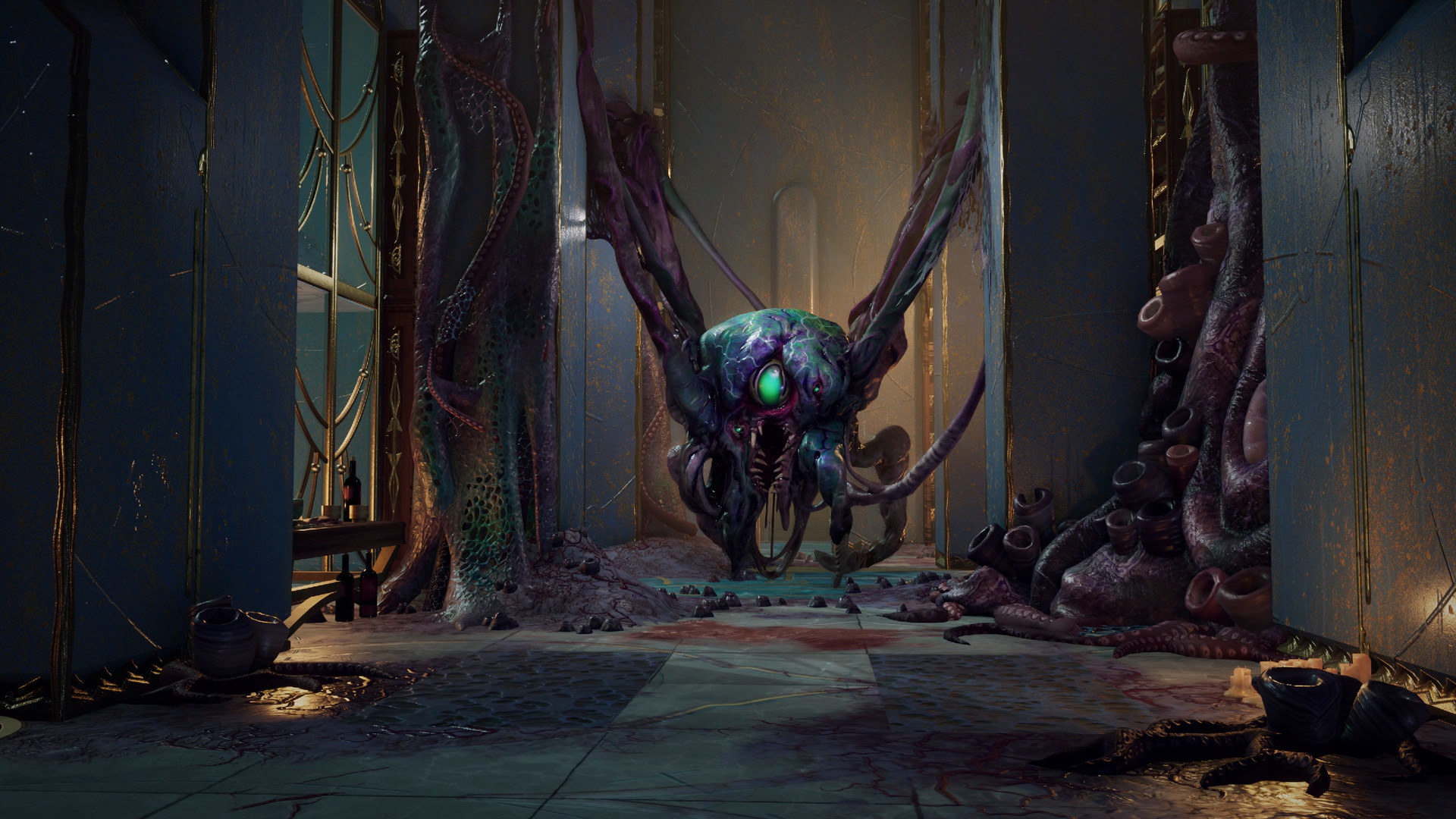
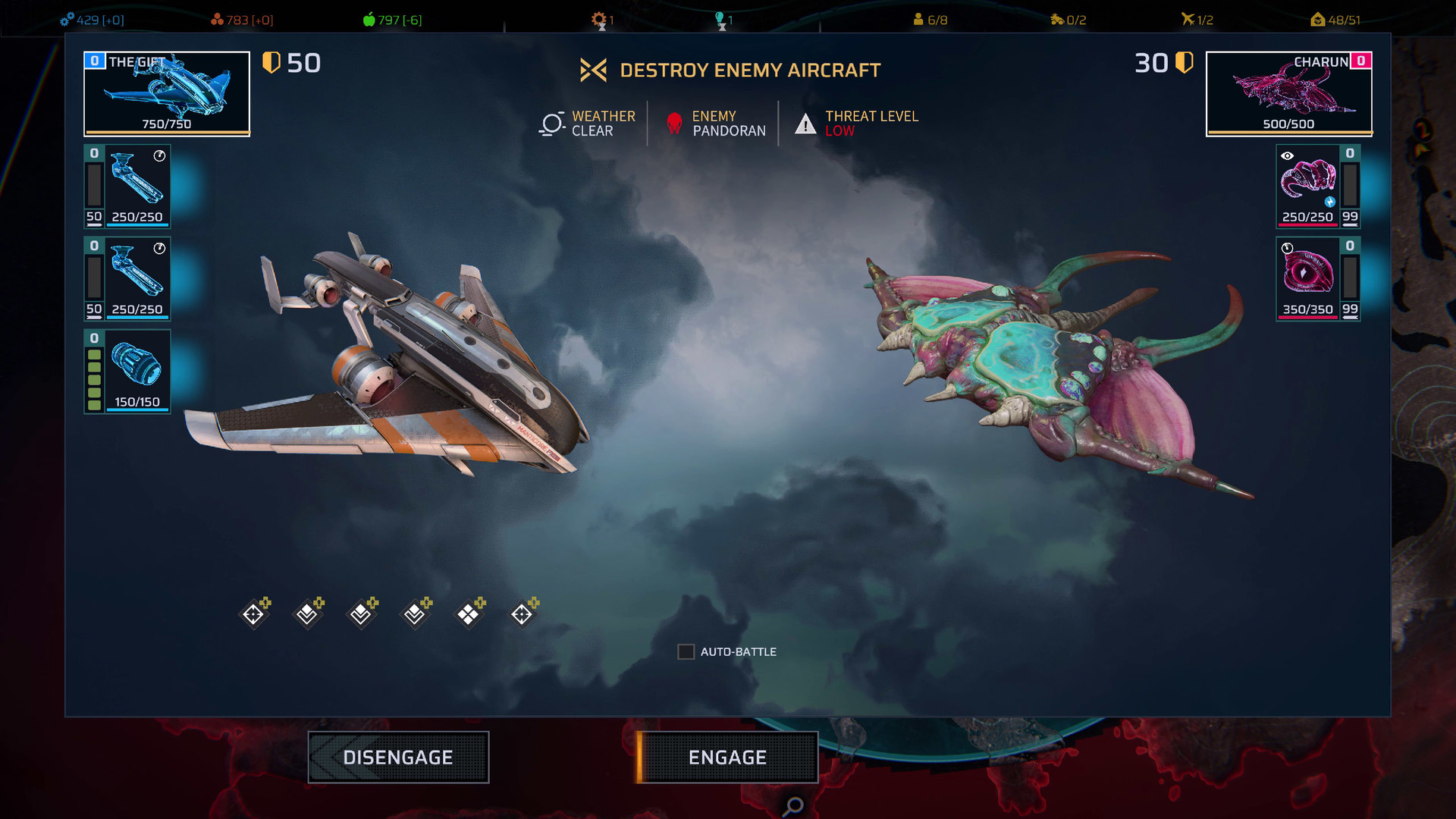
The Phoenix Point Expansion Pass includes three new campaign expansions, bundled at a discount. Experience all-new gameplay modes, mysterious new enemies, powerful new weapons, and tons of additional content for Phoenix Point: Year One Edition. Includes: DLC 3 - Festering Skies: Take the fight to the air! Festering Skies features a new interception mode, new missions, a new mission type, an original campaign story, and much more. DLC 4 - Corrupted Horizons: A new deadly strain of the Pandoravirus appears that saps the will from every being it touches! This is a deadly threat to Phoenix, but can they make use of it against the Pandorans, as well? New enemies, a new soldier type, and new campaign missions. DLC 5 - Chaos Engines: Get behind the wheel of new vehicles, customize your ride, and blast through an all-new mini-campaign in this exciting DLC pack! A copy of Phoenix Point: Year One Edition on the same platform is required to play expansion pass content.


Phoenix Point - Expansion Pass DLC screenshotPhoenix Point - Expansion Pass DLC screenshotPhoenix Point - Expansion Pass DLC screenshotPhoenix Point - Expansion Pass DLC screenshot

How to redeem

  1. 1Check the required base game, platform and edition before purchasing.
  2. 2Find the code or supplier activation instructions in your confirmed order.
  3. 3Redeem on Steam using the supplied instructions, then install the add-on with the compatible base game.

Supplier instructions

Go to: http://store.steampowered.com/ and download STEAM client Click "Install Steam" (from the upper right corner) Install and start application, login with your Account name and Password (create one if you don't have). Please follow these instructions to activate a new retail purchase on Steam: Launch Steam and log into your Steam account. Click the Games Menu. Choose Activate a Product on Steam... Follow the onscreen instructions to complete the process. After successful code verification go to the "LIBRARY" tab and start downloading.

You might also like