Get 10% back in Relic Coins on every order
Age of Wonders: Planetfall - Season Pass DLC cover

GOG.comGlobal· DLC

Age of Wonders: Planetfall - Season Pass DLC

€16.38

+€1.64 cashback eligibility in Relic Coins

Check before you play

Platform
GOG.com
Region
Global
Product type
DLC

Check the required base game and edition before purchasing this add-on.

Developer
Triumph Studios
Publisher
Paradox Interactive
Supplier release date
2019-08-06
Genres
Strategy

About this product

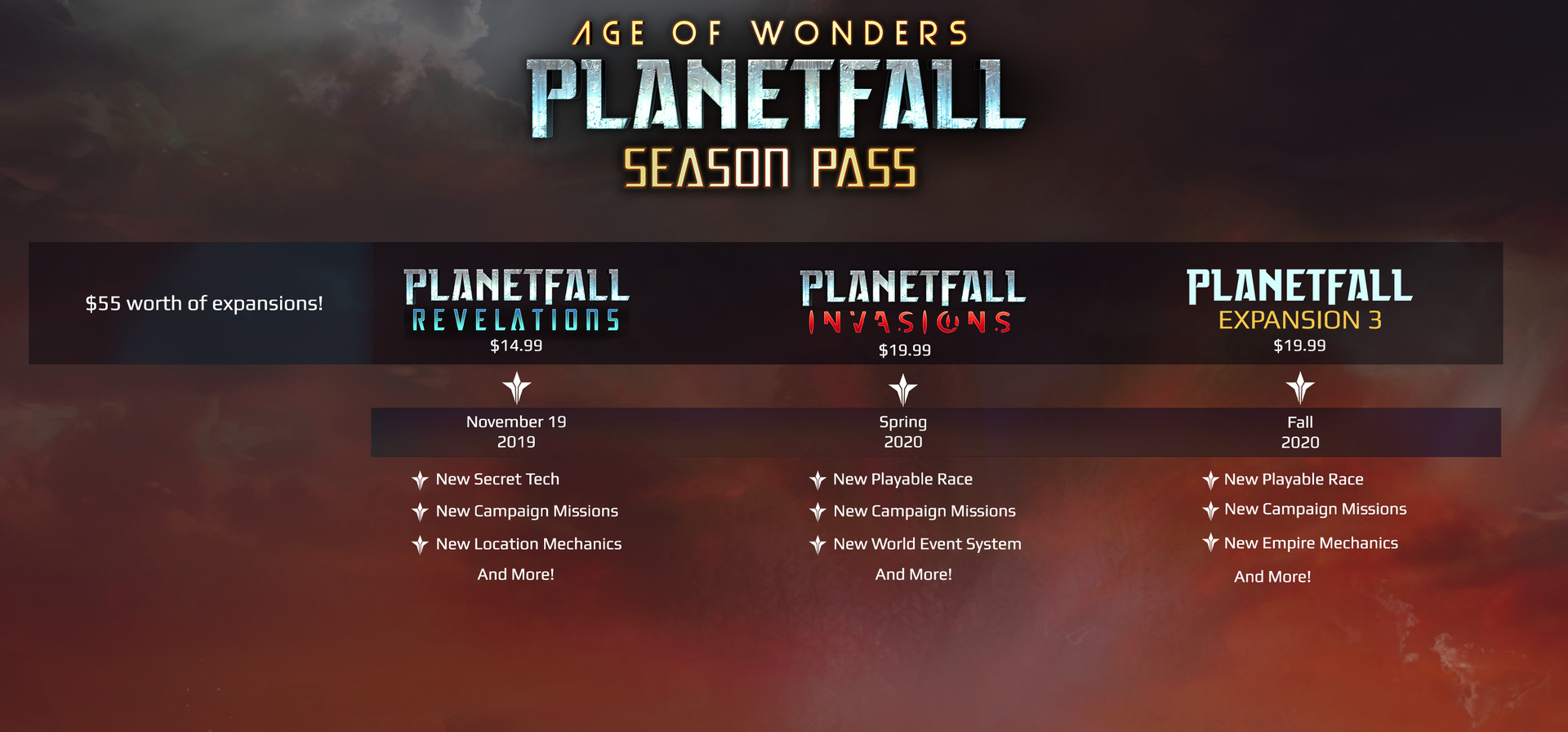
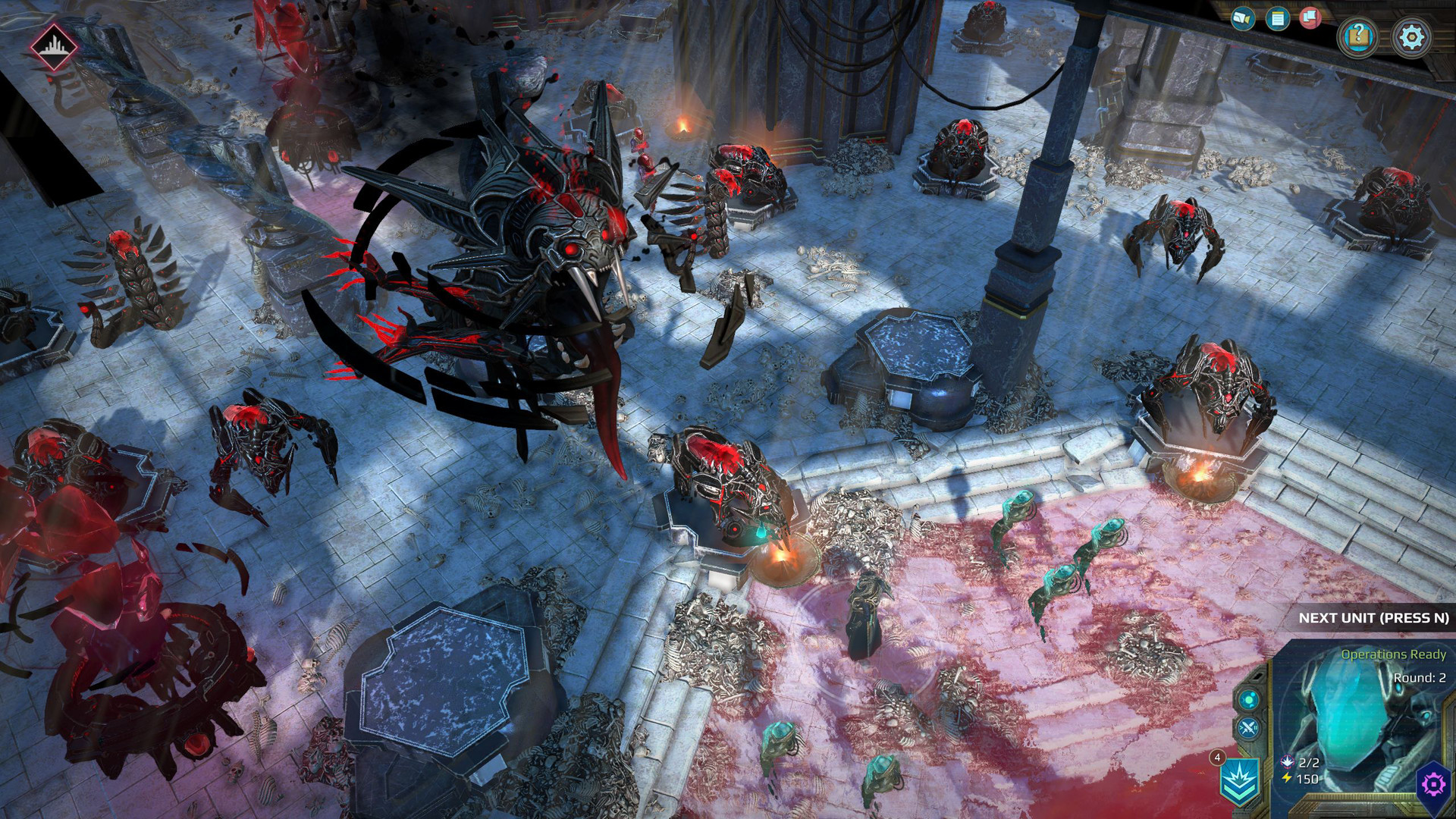
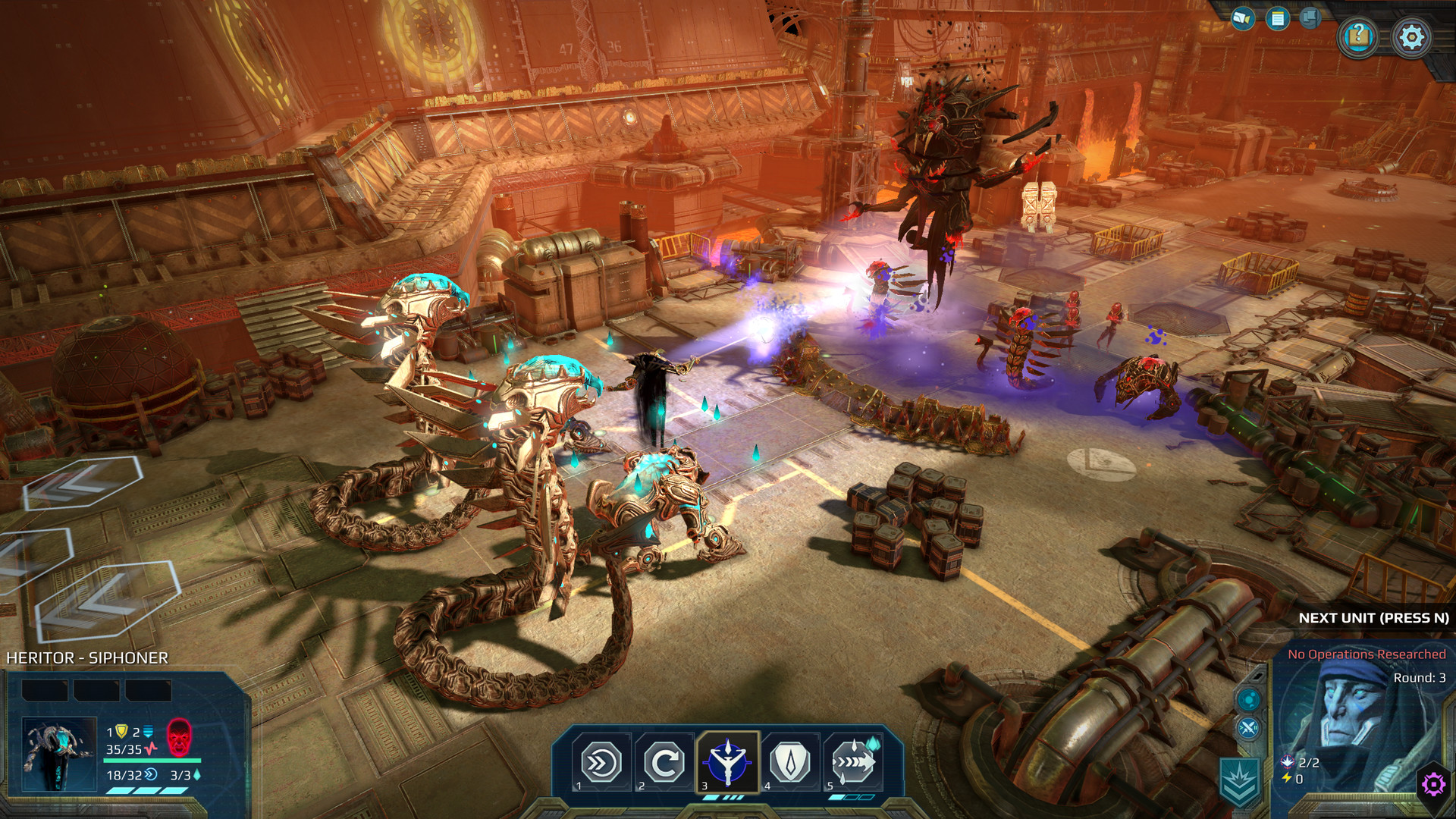
Build upon your existing empire with the Age of Wonders: Planetfall Season Pass. The Season Pass includes three upcoming expansions and an instant reward!Receive exclusive wallpapers and forum icons when you purchase the Season Pass REVELATIONS Uncover long-lost secrets of the Star Union’s history and witness the reemergence of an ancient religious group. Revelations is the first expansion from Triumph Studios for Age of Wonders: Planetfall, the turn-based strategy game with in-depth empire building.INVASIONS In the stardust and disunity of the collapsed Star Union, an insidious new race of conquerors has come to lay claim to the galaxy. Deploy and destroy as the merciless Shakarn, a vicious race of conniving lizardmen with holographic disguises ready to deceive, disrupt and disintegrate the last strongholds of human power. Contend with new environmental catastrophes and brutal late-game invasions. Just be careful nothing followed you through the void…STAR KINGS Unite the shattered Star Union and bring peace to the galaxy once and for all! Suit up in giant battle mechs and take on this sacred charge as the noble Paladins of the new Oathbound faction.


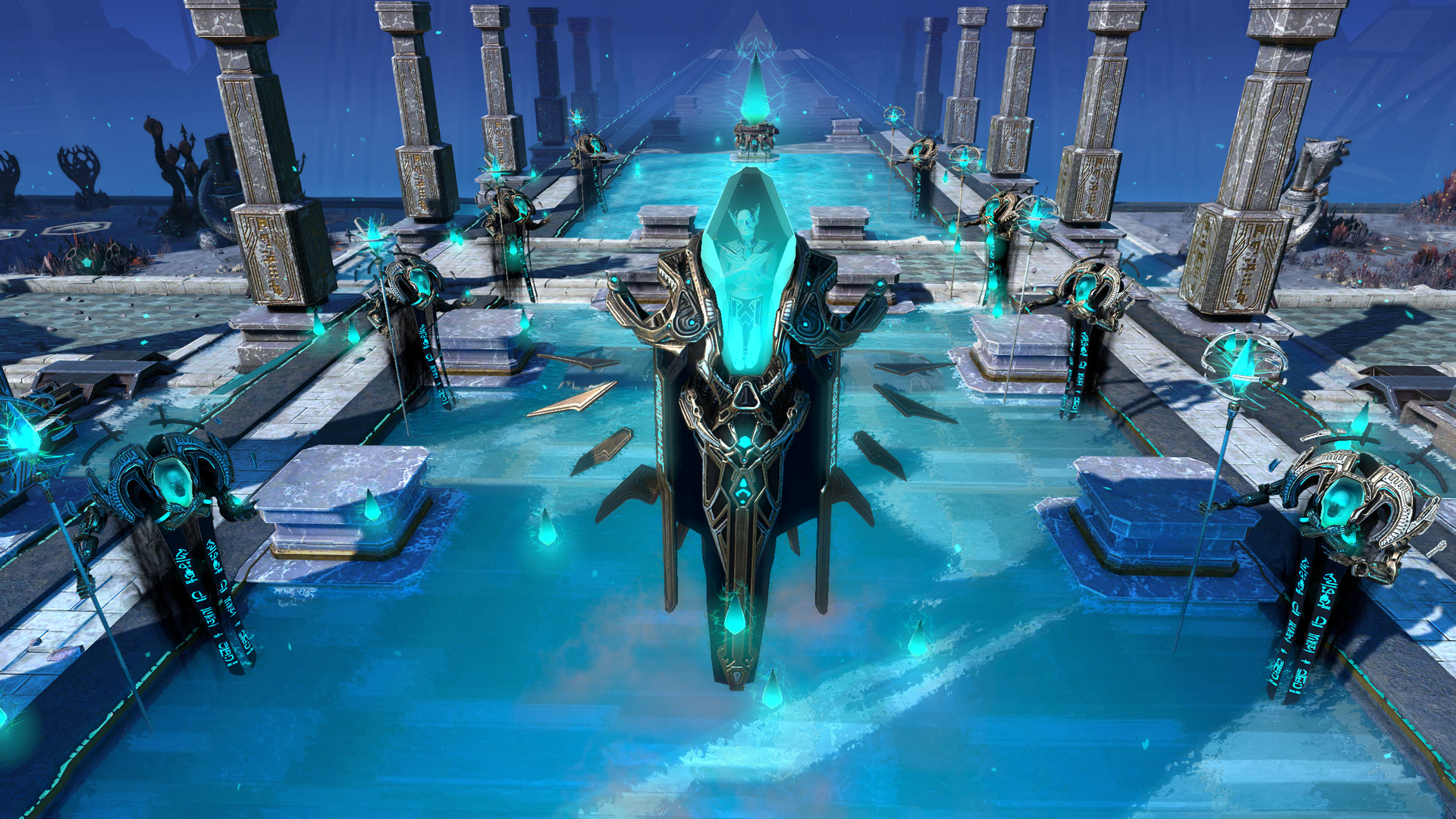
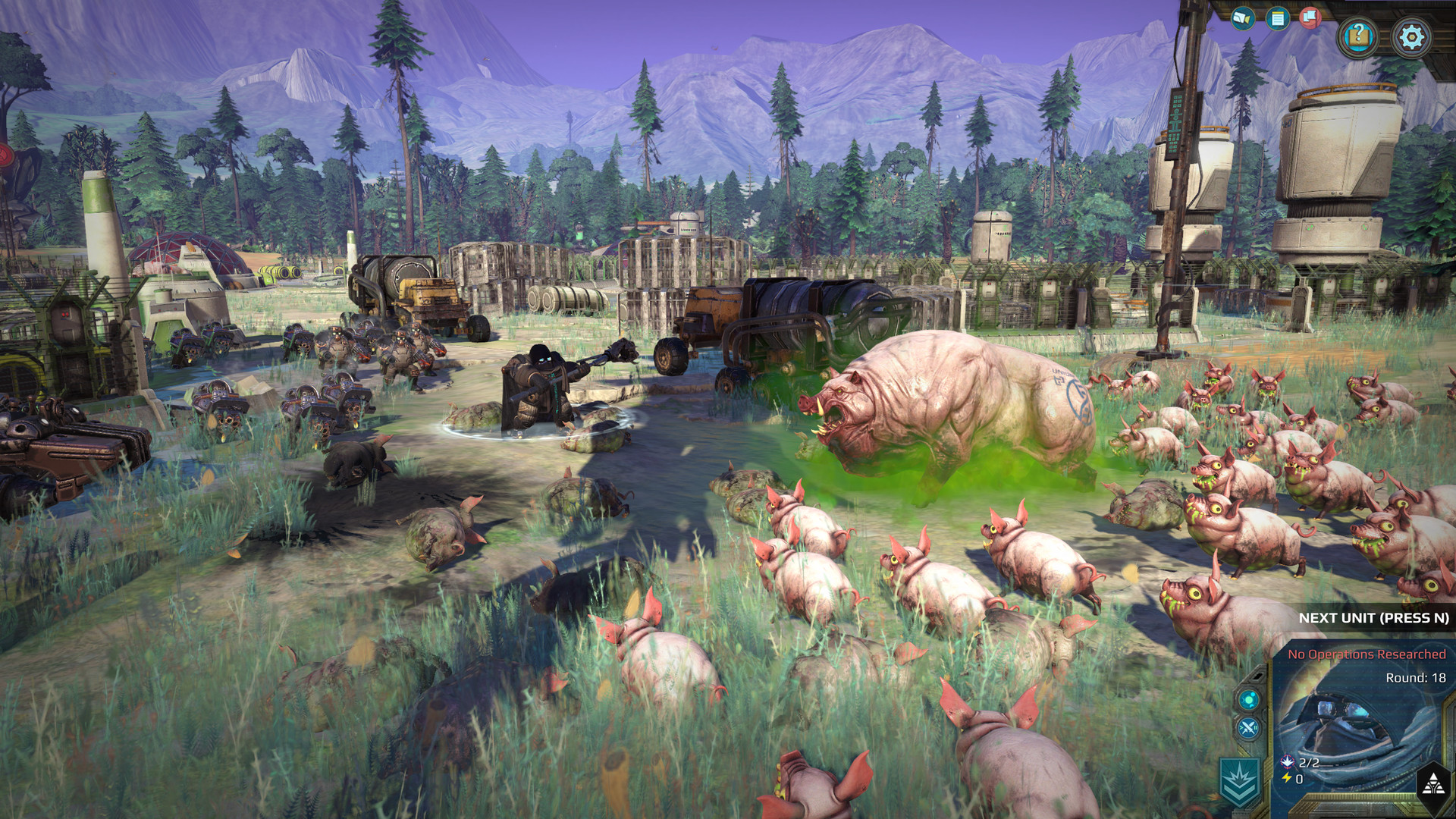
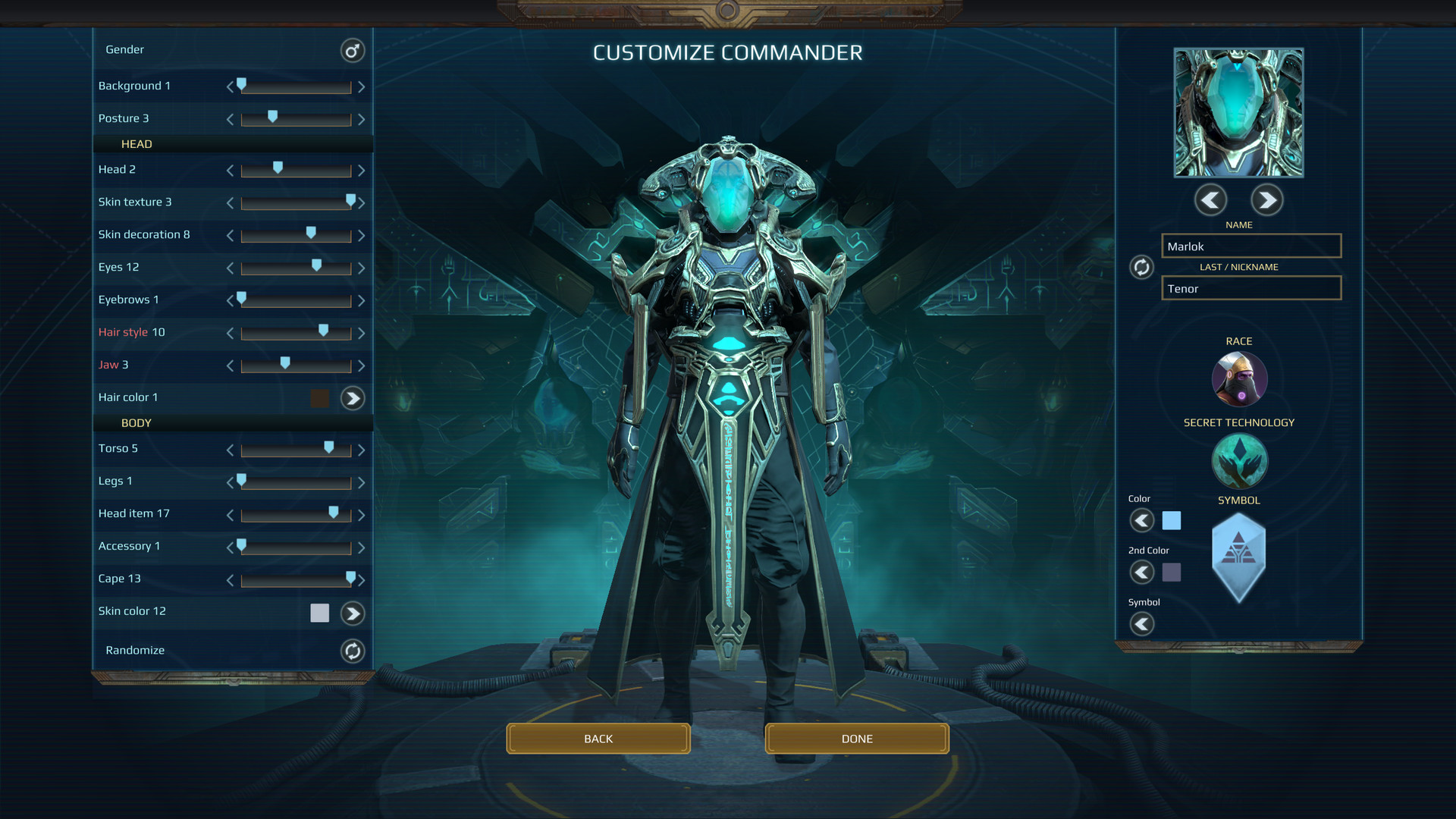
Age of Wonders: Planetfall - Season Pass DLC screenshotAge of Wonders: Planetfall - Season Pass DLC screenshotAge of Wonders: Planetfall - Season Pass DLC screenshotAge of Wonders: Planetfall - Season Pass DLC screenshotAge of Wonders: Planetfall - Season Pass DLC screenshotAge of Wonders: Planetfall - Season Pass DLC screenshot

How to redeem

  1. 1Check the required base game, platform and edition before purchasing.
  2. 2Find the code or supplier activation instructions in your confirmed order.
  3. 3Redeem on GOG.com using the supplied instructions, then install the add-on with the compatible base game.

Supplier instructions

Go to: http://store.steampowered.com/ and download STEAM client Click "Install Steam" (from the upper right corner) Install and start application, login with your Account name and Password (create one if you don't have). Please follow these instructions to activate a new retail purchase on Steam: Launch Steam and log into your Steam account. Click the Games Menu. Choose Activate a Product on Steam... Follow the onscreen instructions to complete the process. After successful code verification go to the "MY GAMES" tab and start downloading.

You might also like