Get 10% back in Relic Coins on every order
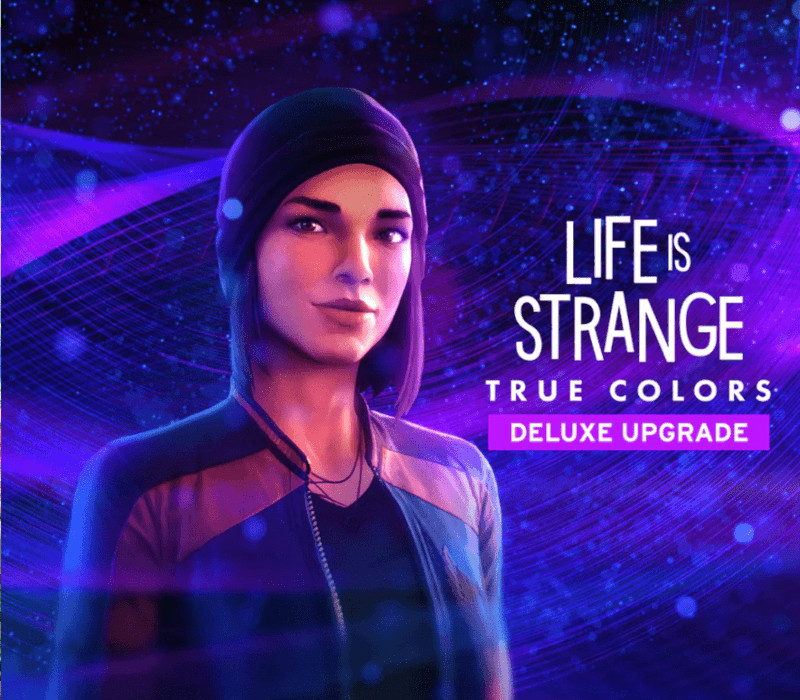
Life is Strange: True Colors - Deluxe Upgrade DLC cover

SteamGlobal· DLC

Life is Strange: True Colors - Deluxe Upgrade DLC

€7.04

+€0.70 cashback eligibility in Relic Coins

Check before you play

Platform
Steam
Region
Global
Product type
DLC

Check the required base game and edition before purchasing this add-on.

Developer
Deck Nine
Publisher
Square Enix
Supplier release date
2021-09-09
Genres
Action, Adventure, Story rich

About this product

Includes: Exclusive Bonus Story: ‘Wavelengths’: play as Steph in the year before Alex came to Haven Springs, in a standalone story set in the iconic Rocky Mountain Record Traders store and KRCT radio station. Exclusive Life is Strange Hero Outfit Pack: change up Alex's look with 4 new outfits inspired by past protagonists. The pack includes clothing inspired by Chloe’s Misfit Skull, Sean’s Wolf Squad, Daniel’s Space Mission, and Max’s Jane Doe outfits, with one outfit available for Alex to wear in each chapter of the main game. Upgrade to the Deluxe Edition to get ‘Wavelengths’, an all-new story. Play as Steph in the year before Alex came to Haven Springs: spin records, host a radio show, and face your future. Plus: get 4 new Alex outfits inspired by past Life is Strange heroes.

Life is Strange: True Colors - Deluxe Upgrade DLC screenshotLife is Strange: True Colors - Deluxe Upgrade DLC screenshotLife is Strange: True Colors - Deluxe Upgrade DLC screenshotLife is Strange: True Colors - Deluxe Upgrade DLC screenshotLife is Strange: True Colors - Deluxe Upgrade DLC screenshotLife is Strange: True Colors - Deluxe Upgrade DLC screenshot

How to redeem

  1. 1Check the required base game, platform and edition before purchasing.
  2. 2Find the code or supplier activation instructions in your confirmed order.
  3. 3Redeem on Steam using the supplied instructions, then install the add-on with the compatible base game.

Supplier instructions

Go to: http://store.steampowered.com/ and download STEAM client Click "Install Steam" (from the upper right corner) Install and start application, login with your Account name and Password (create one if you don't have). Please follow these instructions to activate a new retail purchase on Steam: Launch Steam and log into your Steam account. Click the Games Menu. Choose Activate a Product on Steam... Follow the onscreen instructions to complete the process. After successful code verification go to the "LIBRARY" tab and start downloading.

You might also like