Get 10% back in Relic Coins on every order
Kingdom Two Crowns - Archon's Royal Wardrobe DLC cover

SteamEurope· DLC

Kingdom Two Crowns - Archon's Royal Wardrobe DLC

€6.26

+€0.63 cashback eligibility in Relic Coins

Check before you play

Platform
Steam
Region
Europe
Product type
DLC

Check the required base game and edition before purchasing this add-on.

Developer
Fury Studios
Publisher
Raw Fury
Supplier release date
2024-10-08
Genres
Adventure, Indie, Simulation, Strategy

About this product

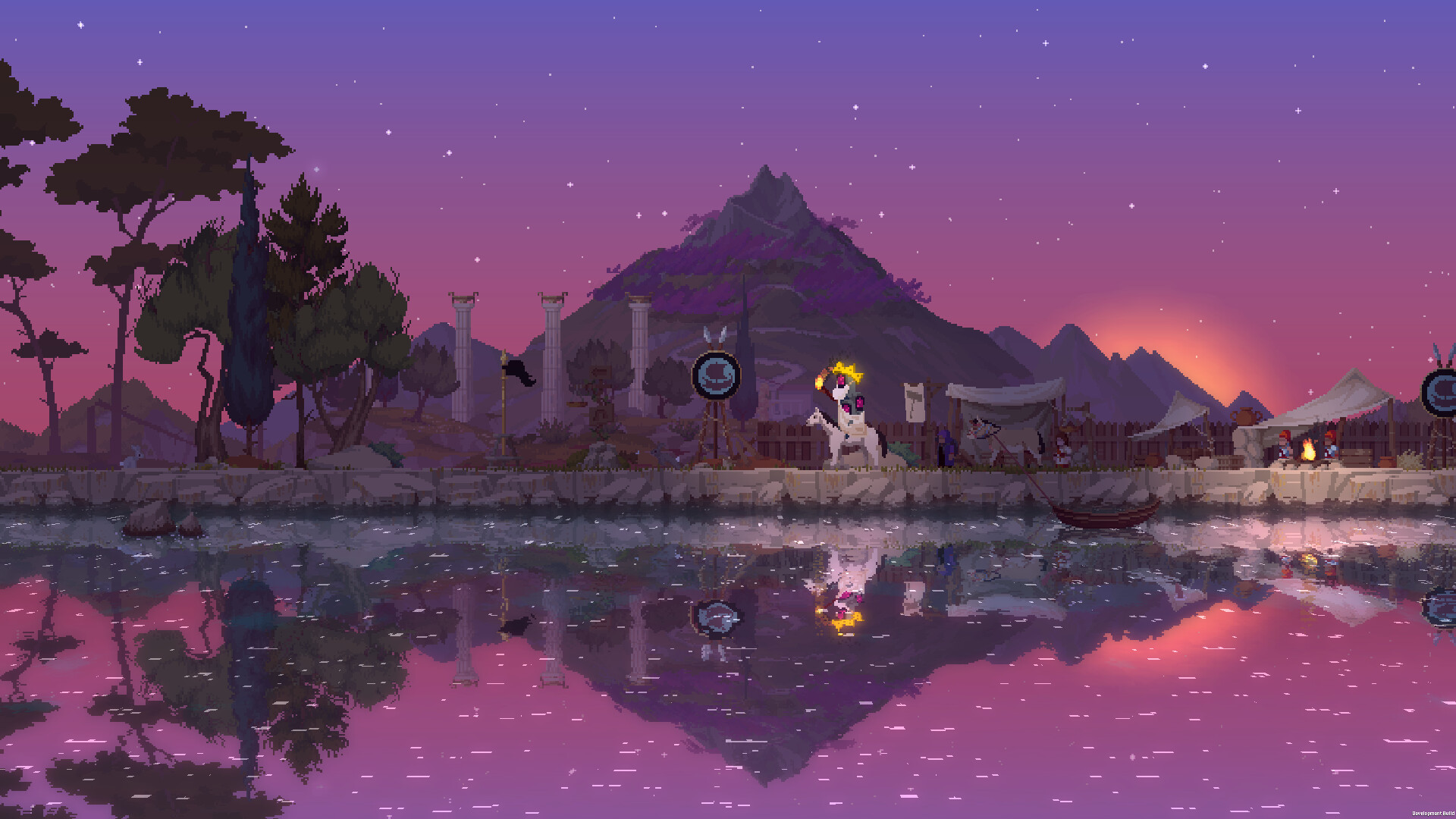
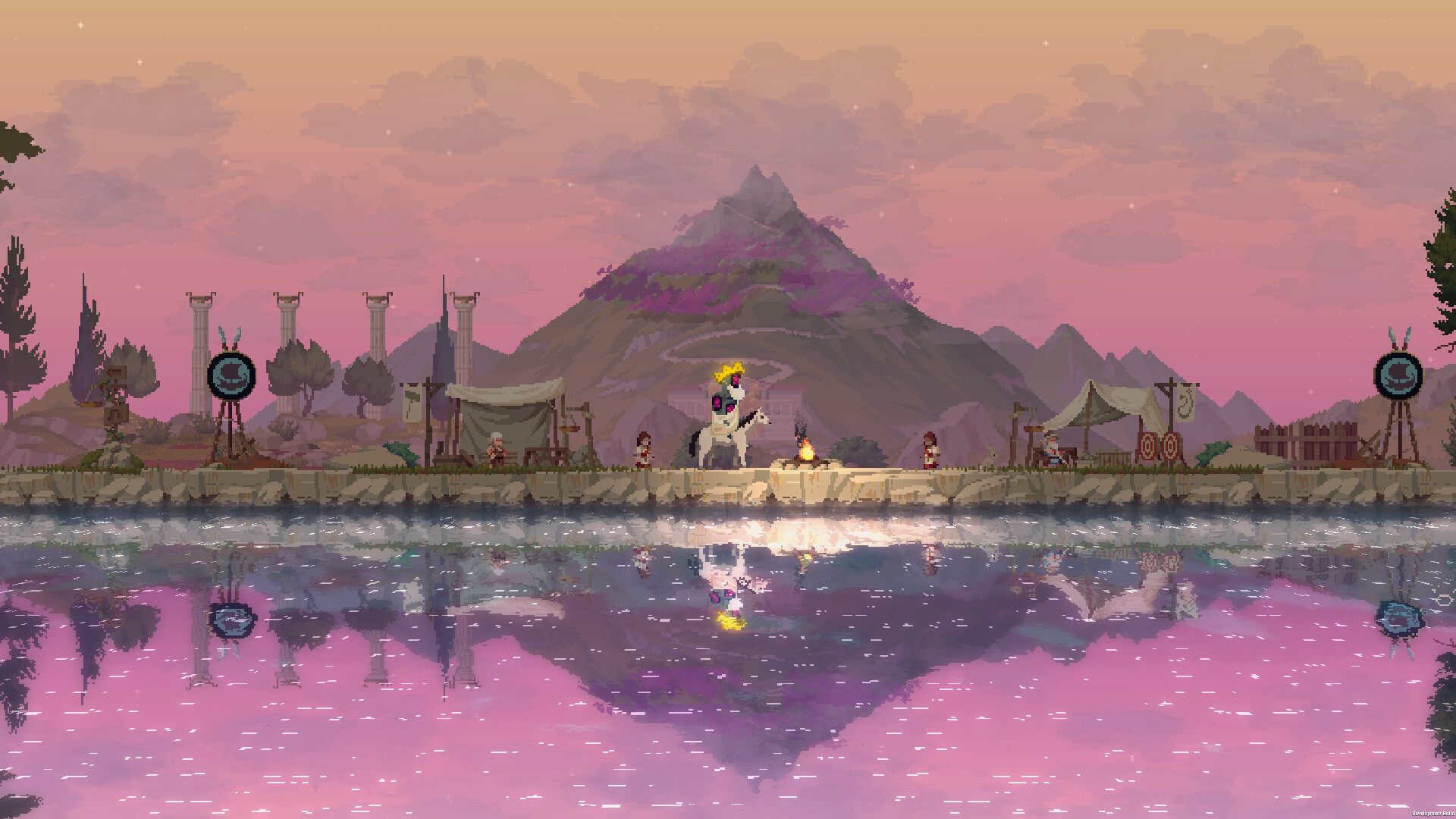
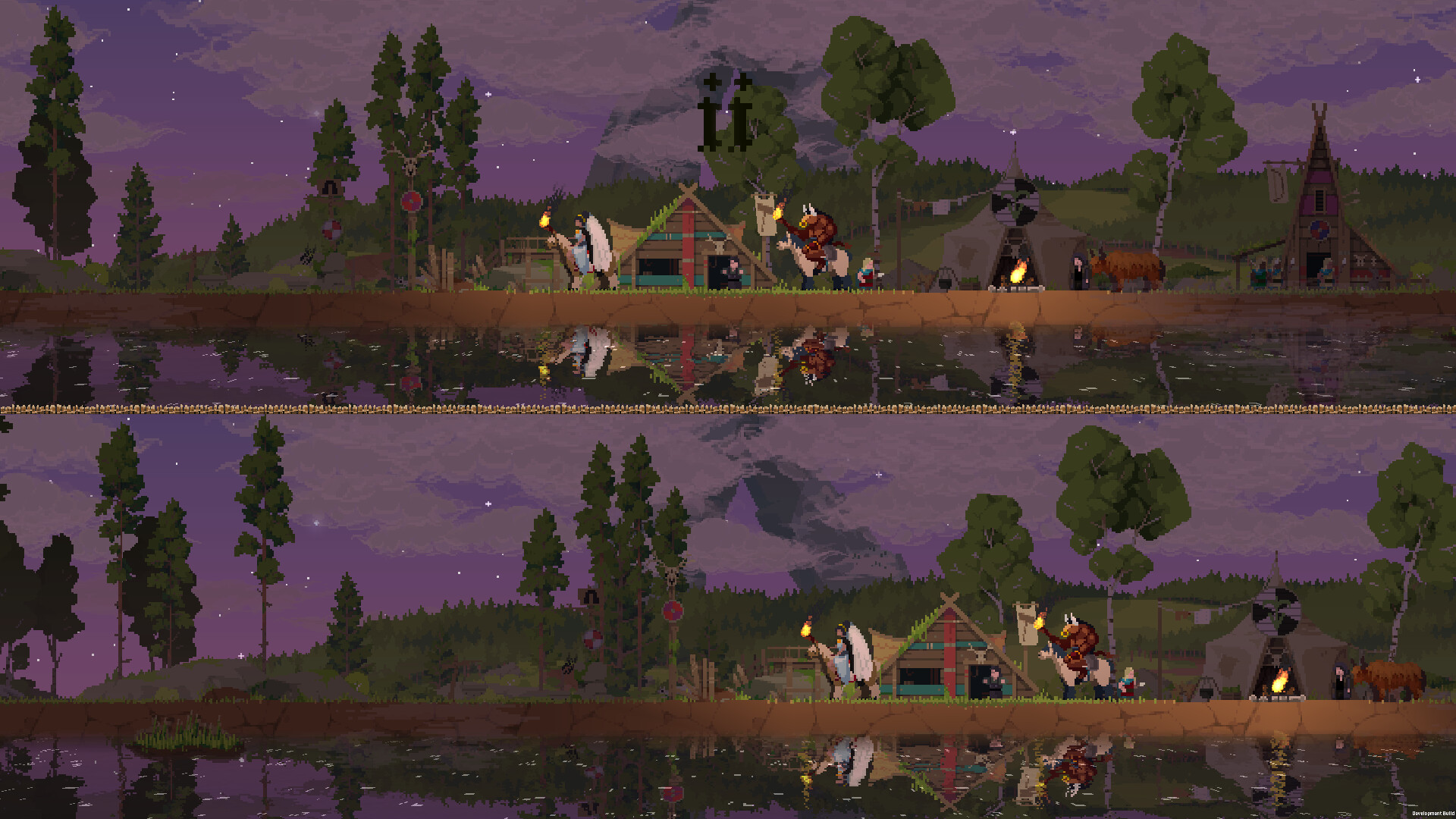
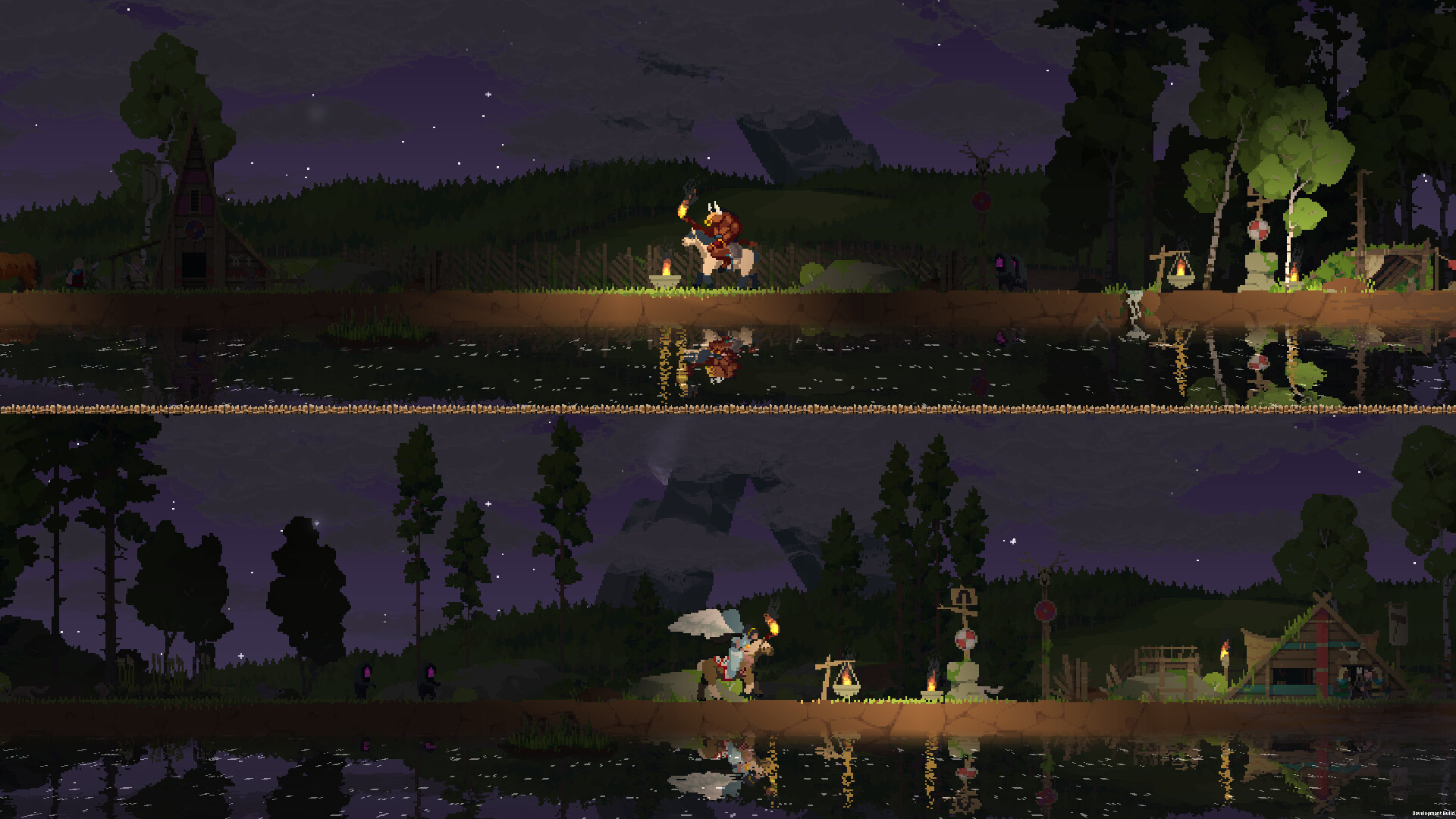
Kingdom Two Crowns: Royal Wardrobe is a series of supporter pack DLCs with new appearances for your Monarchs, inspired by the world of Kingdom. These DLCs provide no additional gameplay features as they are completely optional and are designed to provide a different yet royal experience for your campaign. When you purchase these packs, you are giving us additional support to work on cool new things for the Kingdom series. We celebrate you, our royal hero, as we embark on great journeys in expressive new ways together! In the Kingdom Two Crowns: Archon’s Royal Wardrobe you’ll get access to three new looks for your Monarch: Celestial Queen, the Minotaur King and the Trojan Monarch visuals. These looks will unlock on all campaign settings except Dead Lands. They are only visible when you play on Steam. Transferring your save to a different platform will disable them while you play on that platform.

Kingdom Two Crowns - Archon's Royal Wardrobe DLC screenshotKingdom Two Crowns - Archon's Royal Wardrobe DLC screenshotKingdom Two Crowns - Archon's Royal Wardrobe DLC screenshotKingdom Two Crowns - Archon's Royal Wardrobe DLC screenshotKingdom Two Crowns - Archon's Royal Wardrobe DLC screenshot

How to redeem

  1. 1Check the required base game, platform and edition before purchasing.
  2. 2Find the code or supplier activation instructions in your confirmed order.
  3. 3Redeem on Steam using the supplied instructions, then install the add-on with the compatible base game.

Supplier instructions

Go to: http://store.steampowered.com/ and download STEAM client Click "Install Steam" (from the upper right corner) Install and start application, login with your Account name and Password (create one if you don't have). Please follow these instructions to activate a new retail purchase on Steam: Launch Steam and log into your Steam account. Click the Games Menu. Choose Activate a Product on Steam... Follow the onscreen instructions to complete the process. After successful code verification go to the "LIBRARY" tab and start downloading.

You might also like