Get 10% back in Relic Coins on every order
Hikaru's Cube cover

SteamGlobal· Key

Hikaru's Cube

€4.31

+€0.43 cashback eligibility in Relic Coins

Check before you play

Platform
Steam
Region
Global
Product type
Key
Developer
Studio Nightpager
Publisher
Studio Nightpager
Supplier release date
2017-09-16
Genres
Action, Indie, Casual

About this product

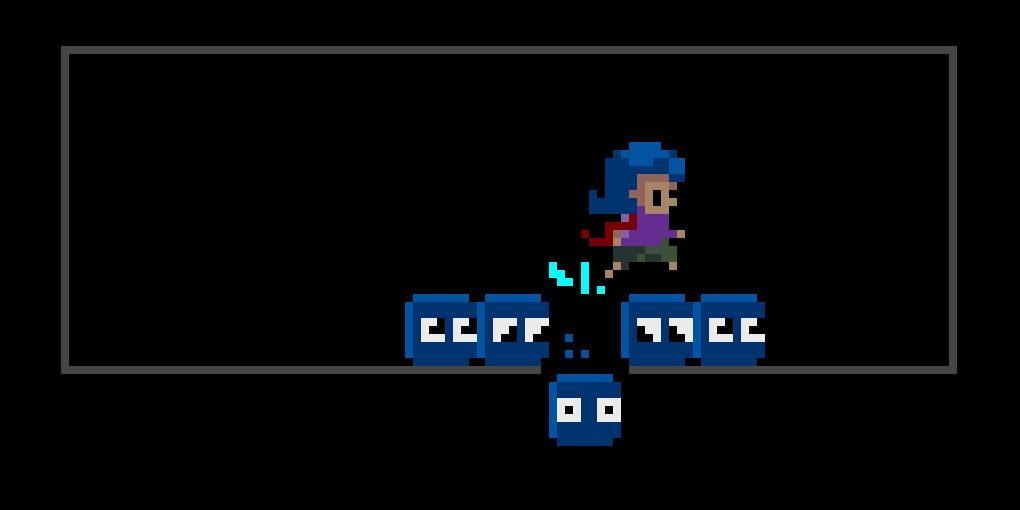
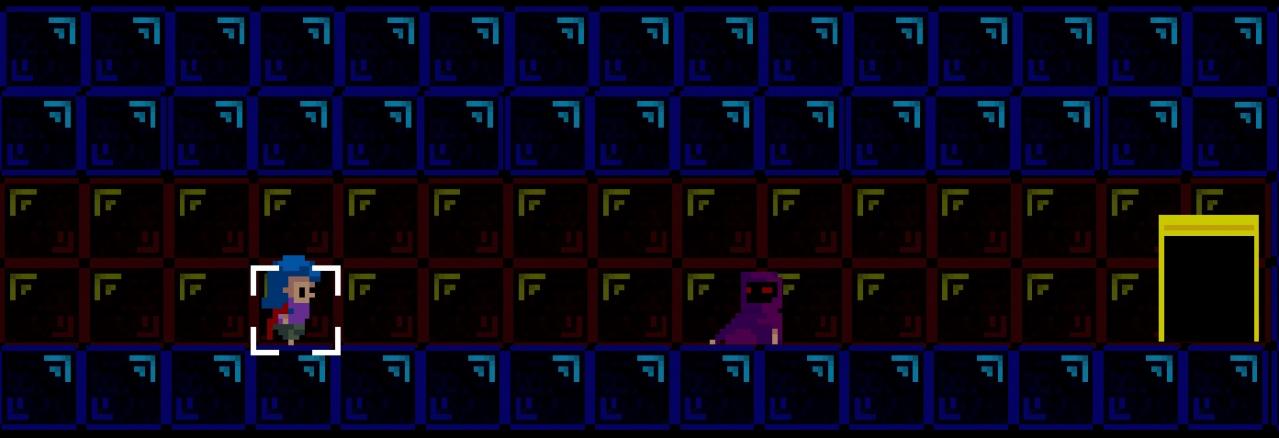
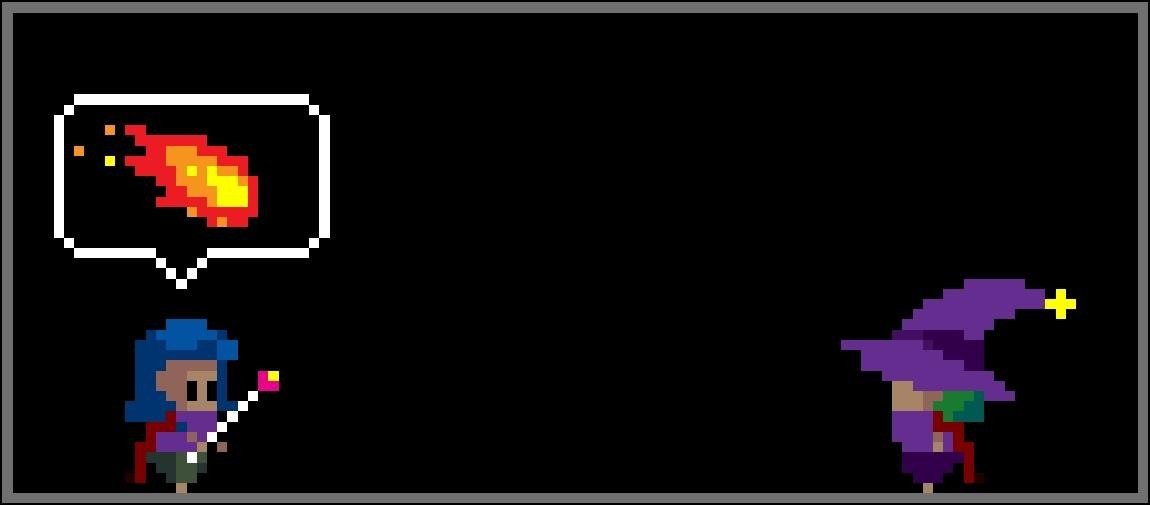
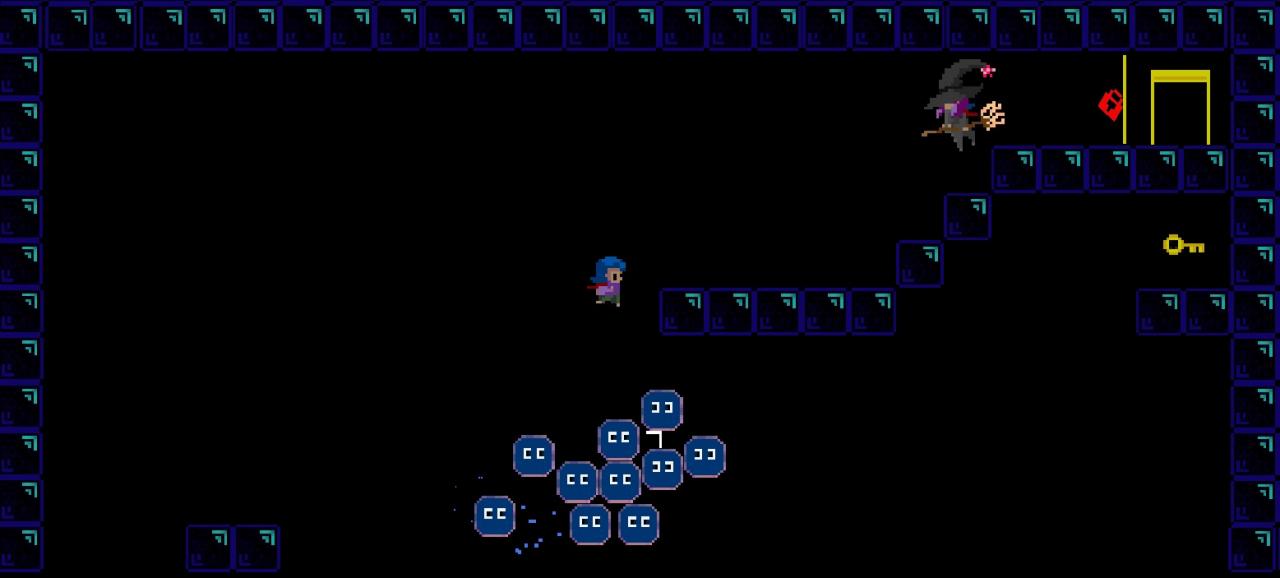
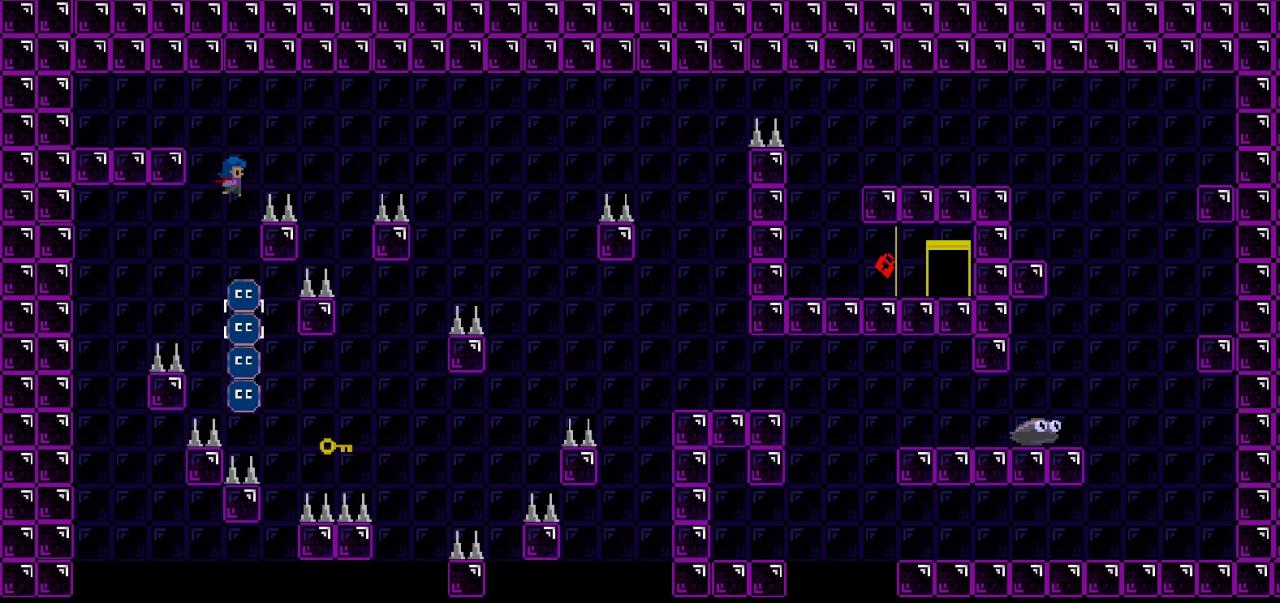
An old-school difficult single screen 8-bit 2D platformer where the main objective is to cast a block in front of your player to use in creative ways to get through levels - make bridges, stairs, use it to fall safely from heights and block enemy projectiles. Hikaru's Cube offers classic arcade gameplay that mixes elements from Super Meat Boy and Bubble Bobble. You play as a Sorceress named Hikaru (that isn't very good at being one). Instead of being able to cast fireballs and lightning like others, the best you can do is cast a block that can be used in a variety of ways, but disappears after five seconds. To make things harder, Hikaru cannot kill any enemies in the game! Hikaru is searching for a missing Knight in a dungeon known as 'The Prism'. The game as it is currently is available to play the first 35 levels! The first few are an introduction to the mechanics whereas the last few levels will test even the most die-hard of platformer fans.

Hikaru's Cube screenshotHikaru's Cube screenshotHikaru's Cube screenshotHikaru's Cube screenshotHikaru's Cube screenshot

How to redeem

  1. 1Check your Steam account and the listed region before purchasing.
  2. 2Find your code and supplier activation instructions in your confirmed order.
  3. 3Open the redeem-code section on Steam, enter the code and follow the platform’s prompts.

Supplier instructions

Go to: http://store.steampowered.com/ and download STEAM client Click "Install Steam" (from the upper right corner) Install and start application, login with your Account name and Password (create one if you don't have). Please follow these instructions to activate a new retail purchase on Steam: Launch Steam and log into your Steam account. Click the Games Menu. Choose Activate a Product on Steam... Follow the onscreen instructions to complete the process. After successful code verification go to the "MY GAMES" tab and start downloading.

You might also like