Get 10% back in Relic Coins on every order
Project CARS 2 + Japanese Cars Bonus Pack DLC cover

SteamGlobal· DLC

Project CARS 2 + Japanese Cars Bonus Pack DLC

€71.39

+€7.14 cashback eligibility in Relic Coins

Check before you play

Platform
Steam
Region
Global
Product type
DLC

Check the required base game and edition before purchasing this add-on.

Developer
Slightly Mad Studios
Publisher
Bandai Namco Entertainment
Supplier release date
2017-09-22
Genres
Racing, Sport, Simulation

About this product

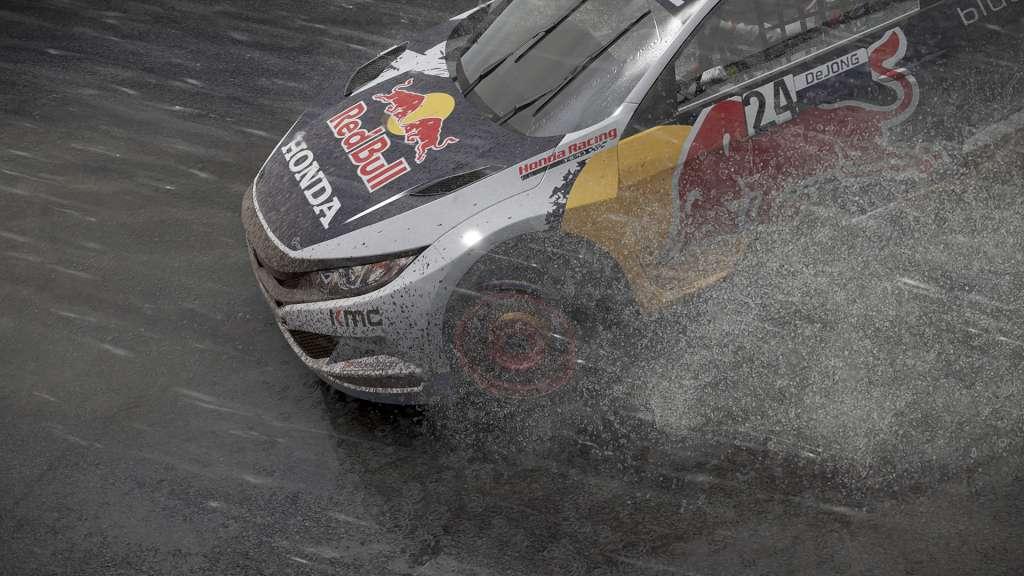
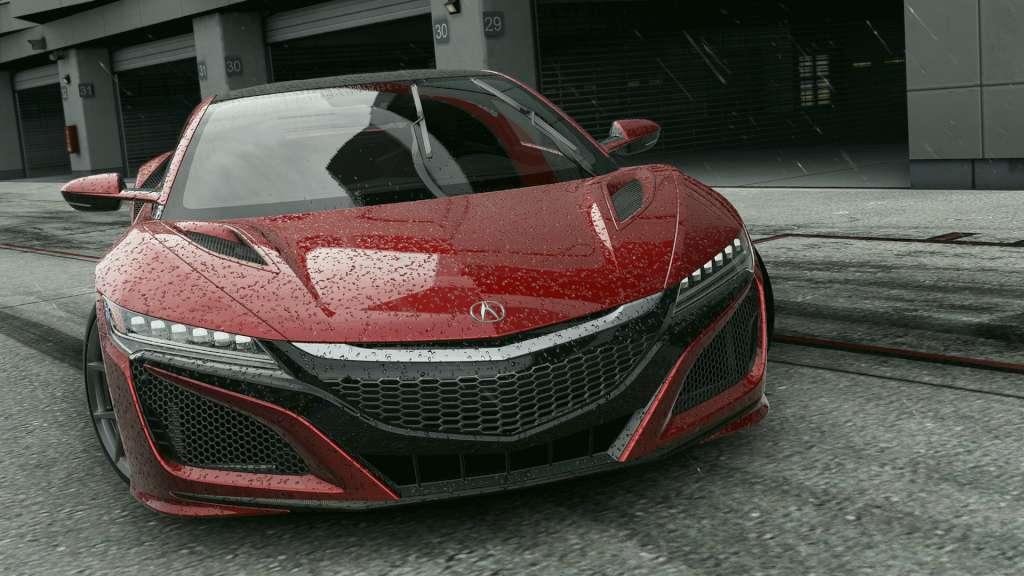
Includes: base game and the pre-purchase bonus DLC - Japanese Cars Pack containing 4 legendary racing machines from Nissan and Honda, plus unique racing liveries. THE ULTIMATE DRIVER JOURNEY! Project CARS 2 delivers the soul of motor racing in the world’s most beautiful, authentic, and technically-advanced racing game. Features 180+ licensed cars from iconic manufacturers Full 12K & VR Support Tested and tuned by pro racing drivers All-new motorsports (IndyCar, Oval Racing, Rallycross) join old favorites incl. GT3 LiveTrack 3.0: Dynamic surface & weather physics affect vehicle performance and handling in real-time New loose surface racing (ice, dirt, mud) Full 24-hour cycle featuring real-time atmospheric conditions and seasonal ambience State-of-the art physics model Revamped gamepad handling Class-leading Esport capabilities All-new Online Championships mode

Project CARS 2 + Japanese Cars Bonus Pack DLC screenshotProject CARS 2 + Japanese Cars Bonus Pack DLC screenshotProject CARS 2 + Japanese Cars Bonus Pack DLC screenshotProject CARS 2 + Japanese Cars Bonus Pack DLC screenshotProject CARS 2 + Japanese Cars Bonus Pack DLC screenshot

How to redeem

  1. 1Check the required base game, platform and edition before purchasing.
  2. 2Find the code or supplier activation instructions in your confirmed order.
  3. 3Redeem on Steam using the supplied instructions, then install the add-on with the compatible base game.

Supplier instructions

Go to: http://store.steampowered.com/ and download STEAM client Click "Install Steam" (from the upper right corner) Install and start application, login with your Account name and Password (create one if you don't have). Please follow these instructions to activate a new retail purchase on Steam: Launch Steam and log into your Steam account. Click the Games Menu. Choose Activate a Product on Steam... Follow the onscreen instructions to complete the process. After successful code verification go to the "MY GAMES" tab and start downloading.

You might also like