Get 10% back in Relic Coins on every order
Age of Gladiators II cover

SteamGlobal· Key

Age of Gladiators II

€8.51

+€0.85 cashback eligibility in Relic Coins

Check before you play

Platform
Steam
Region
Global
Product type
Key
Developer
Creative Storm Entertainment
Publisher
Creative Storm Entertainment
Supplier release date
2017-09-21
Genres
Strategy, RPG, Sport, Simulation, Indie

About this product

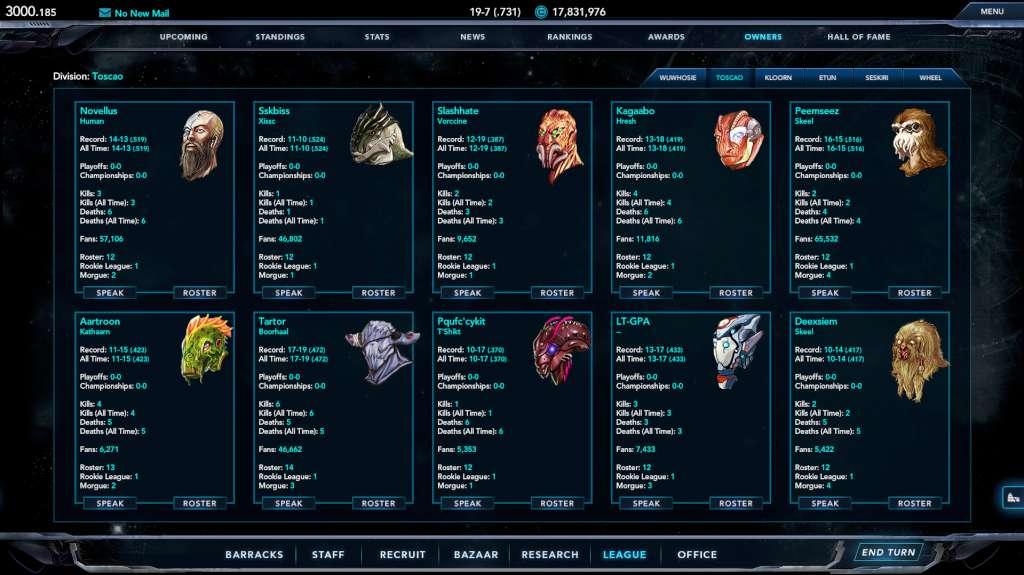
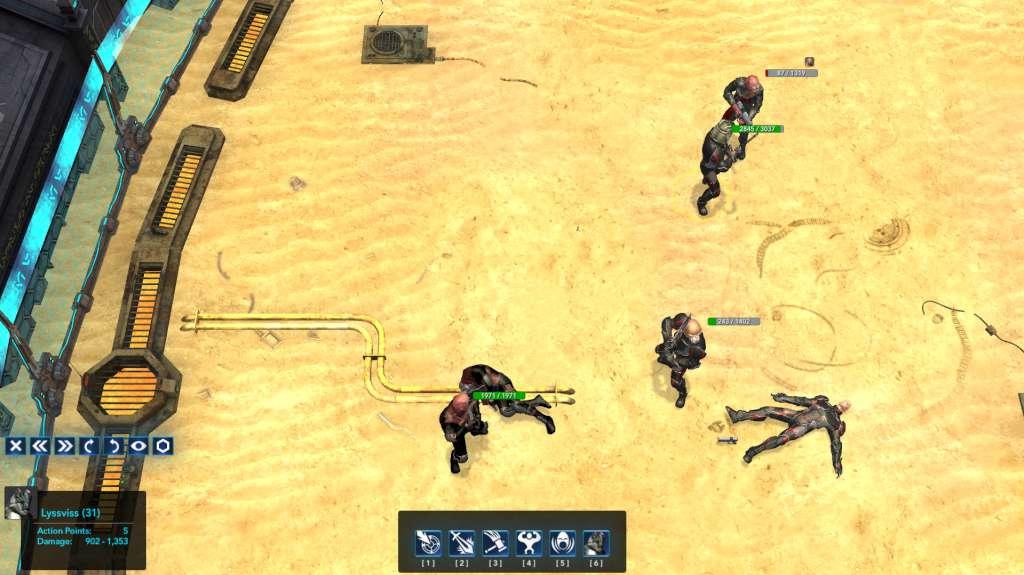
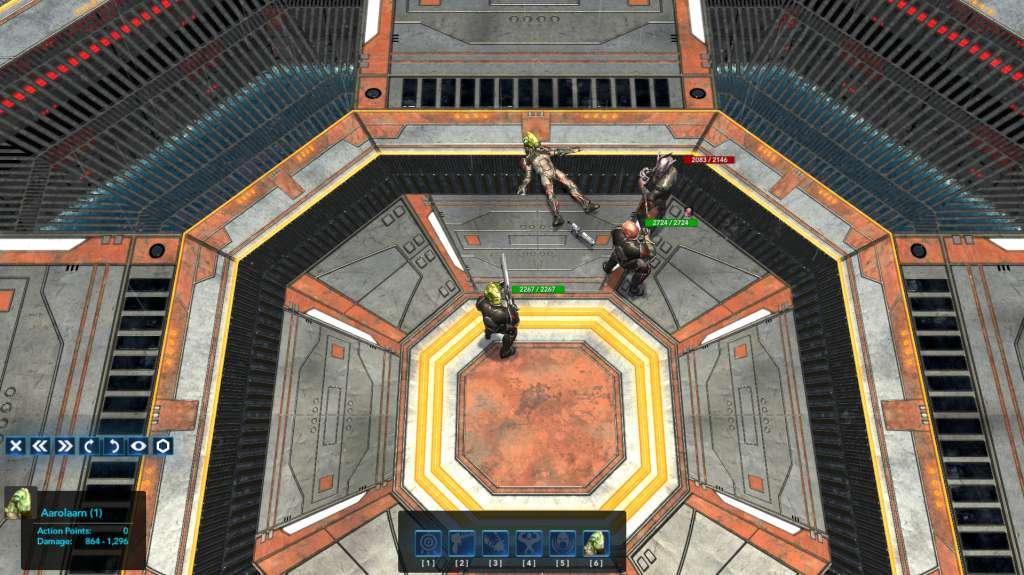
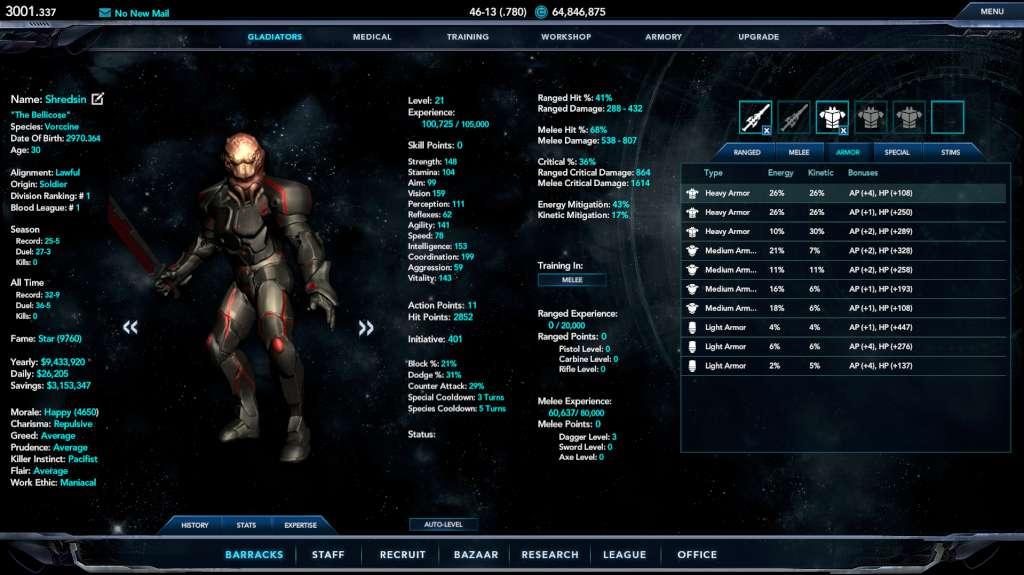
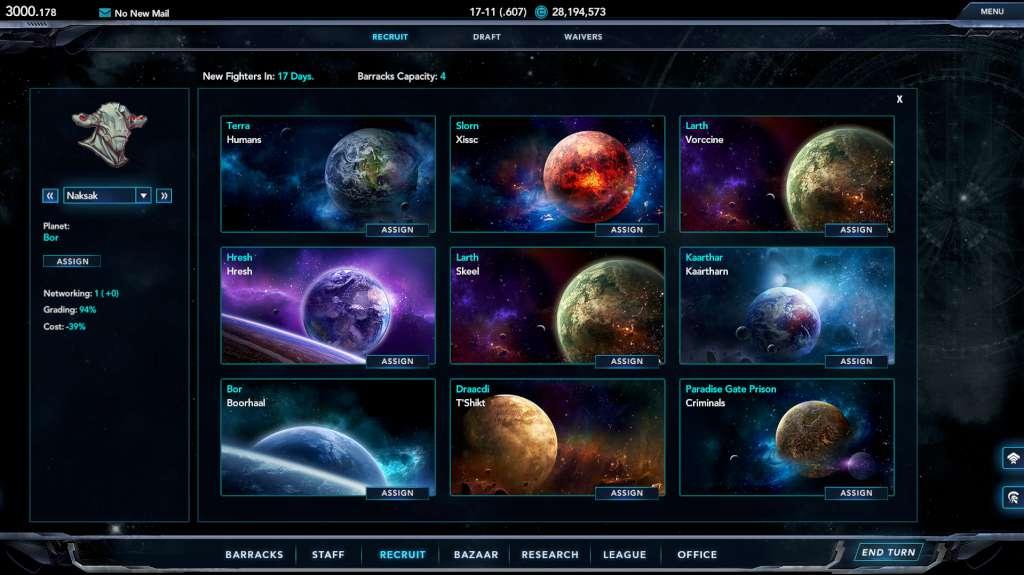
Age of Gladiators II is a single-player strategy game set in 3000AD; a violent and unpredictable future where the gladiatorial games have surged in popularity throughout the known galaxy. Hire scouts to scour the planets for potential prospects – once you have recruited your gladiators through the draft, scouting, missions, trades, or waiver wire acquisitions, you will need to manage their morale and personality while equipping them for battle on the harsh combat environments of various worlds. Recruit support staff, upgrade your headquarters, collect bounties, research technologies, build your headquarters, partake in side missions, and manage the wealth and reputation of your empire as it grows each day. As your fighters win battles and increase in level, it will be up to you to decide how to focus their abilities by spending attribute, weapons, and expertise points. Compete, trade, and interact with other in-game owners as you fight through fifty-nine grueling, regular season battles in order to reach the playoffs, vying for the chance to etch your name for all eternity on the coveted Blood League championship trophy. Build your story. Build your empire.


Age of Gladiators II screenshotAge of Gladiators II screenshotAge of Gladiators II screenshotAge of Gladiators II screenshotAge of Gladiators II screenshot

How to redeem

  1. 1Check your Steam account and the listed region before purchasing.
  2. 2Find your code and supplier activation instructions in your confirmed order.
  3. 3Open the redeem-code section on Steam, enter the code and follow the platform’s prompts.

Supplier instructions

Go to: http://store.steampowered.com/ and download STEAM client Click "Install Steam" (from the upper right corner) Install and start application, login with your Account name and Password (create one if you don't have). Please follow these instructions to activate a new retail purchase on Steam: Launch Steam and log into your Steam account. Click the Games Menu. Choose Activate a Product on Steam... Follow the onscreen instructions to complete the process. After successful code verification go to the "MY GAMES" tab and start downloading.

You might also like