Get 10% back in Relic Coins on every order
Cities in Motion - Metro Stations DLC cover

SteamGlobal· DLC

Cities in Motion - Metro Stations DLC

€2.51

+€0.25 cashback eligibility in Relic Coins

Check before you play

Platform
Steam
Region
Global
Product type
DLC

Check the required base game and edition before purchasing this add-on.

Developer
Colossal Order Ltd.
Publisher
Paradox Interactive
Supplier release date
2011-07-23
Genres
Strategy, Simulation

About this product

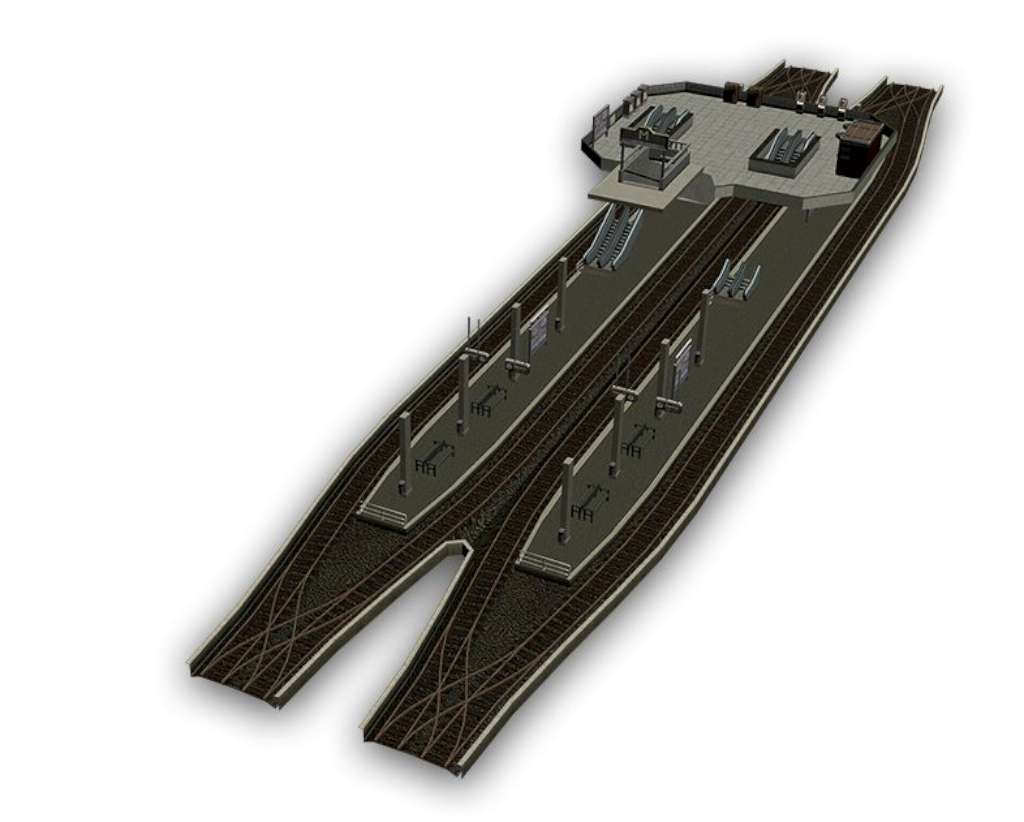
Some of the world’s favorite cities, rendered in rich detail, await a planner to manage and organize their transportation needs. Overseeing the changing needs of people from 1920 to 2020, it’s up to you to manage everything from buses, trams and subway trains to maximize profits while pleasing commuters. Features Crossed Platform Station - The crossed platform metro station gives you a chance to give passengers easy access to two lines. Two stations are built on top of each other allowing passengers to switch lines without visiting the street level to assure smooth and fast transition. The station connects two lines on different levels. Multiplatform Station - Multiplatform station has four platforms next to each other. Passengers can switch between lines without exiting the station. The station connects two lines on the same level.

Cities in Motion - Metro Stations DLC screenshotCities in Motion - Metro Stations DLC screenshotCities in Motion - Metro Stations DLC screenshotCities in Motion - Metro Stations DLC screenshotCities in Motion - Metro Stations DLC screenshotCities in Motion - Metro Stations DLC screenshot

How to redeem

  1. 1Check the required base game, platform and edition before purchasing.
  2. 2Find the code or supplier activation instructions in your confirmed order.
  3. 3Redeem on Steam using the supplied instructions, then install the add-on with the compatible base game.

Supplier instructions

Go to: http://store.steampowered.com/ and download STEAM client Click "Install Steam" (from the upper right corner) Install and start application, login with your Account name and Password (create one if you don't have). Please follow these instructions to activate a new retail purchase on Steam: Launch Steam and log into your Steam account. Click the Games Menu. Choose Activate a Product on Steam... Follow the onscreen instructions to complete the process. After successful code verification go to the "MY GAMES" tab and start downloading.

You might also like